
- Overview
- Scorecard
☯️ Precision colors for machines and people
This is a recolor for Obsidian based on Ethan Schoonover's Solarized color scheme. Works as of Obsidian v1.0.0[^1].
If anything is not working for you, please let me know here.
[^1]: Older versions of Obsidian might still be able to use the old obsidian.css, but there won't be any support going forward.
About Solarized
Some outtakes from Ethan Schoonover's full write-up:
Solarized reduces brightness contrast but, unlike many low contrast colorschemes, retains contrasting hues (based on colorwheel relations) for syntax highlighting readability.
Solarized retains the same selective contrast relationships and overall feel when switching between the light and dark background modes. A lot of thought, planning and testing has gone into making both modes feel like part of a unified colorscheme.
The monotones have symmetric CIELAB lightness differences, so switching from dark to light mode retains the same perceived contrast in brightness between each value. Each mode is equally readable. The accent colors are based off specific colorwheel relations and subsequently translated to CIELAB to ensure perceptual uniformity in terms of lightness.
Features
- This theme respects Obsidian's accent color setting, so you can set that to any of Solarized's accent colors. This is then used to color UI elements and checkboxes, among others.
- It also works with obsidian-dynamic-highlights.
- It colors the vim mode shown in the status bar by obsidian-vimrc-support. This works best if you set the display prompt in that plugin's settings to
NORMAL,INSERT, etc. instead of the traffic light emoji. - You can tweak any of the colors using obsidian-style-settings.
- Note that this does not override Obsidian's built-in accent color (see Appearance > Accent color)
Screenshots
Light
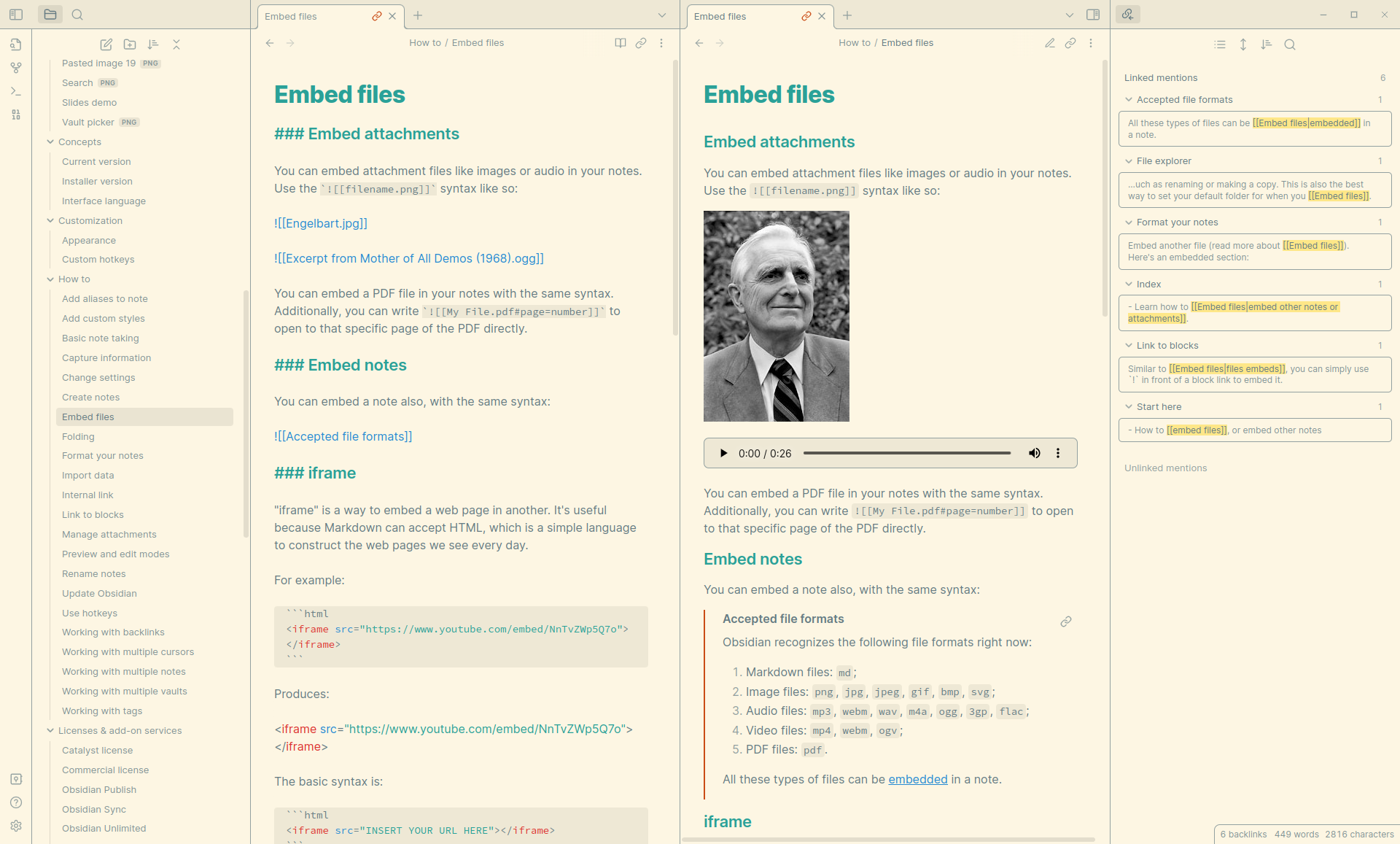
Dark
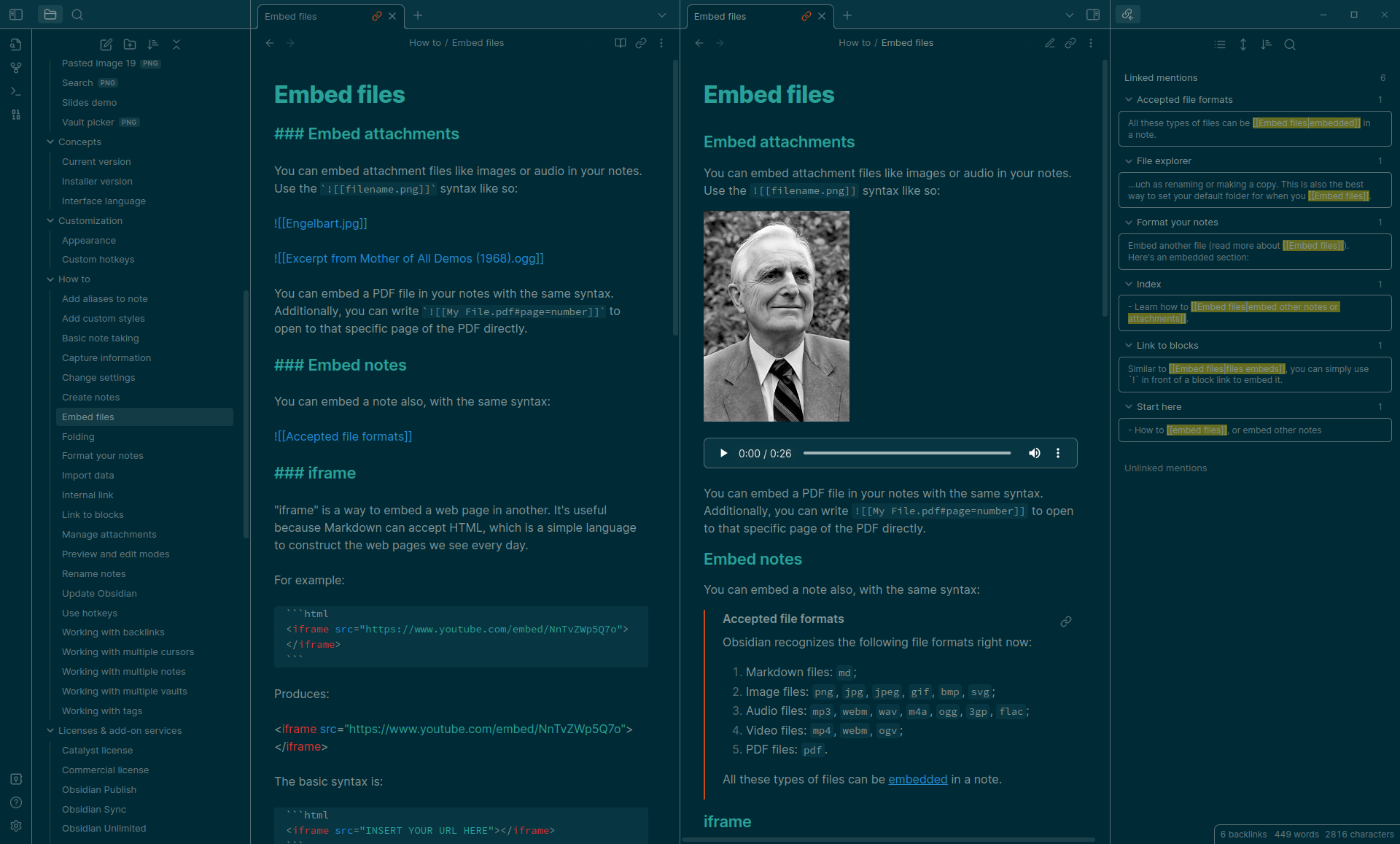
How to install
Find this theme in the Obsidian's community themes browser under Settings > Appearance > Themes. If that doesn't work, double-check if you are running the latest version of Obsidian.
How to develop
Make changes in the scss files (not the theme.css file) and compile theme.scss into theme.css using something like dart-sass:
sass theme.scss theme.css
Add --watch if you want.
I use the .vscode/tasks.json to compile with ctrl+shift+B in VSCodium.
Don't forget to update the version number in manifest.json.
You can add a tag to a commit with git tag v1.0.10. Then git push origin main --tags.