ITS Theme
 SlRvb435k downloads
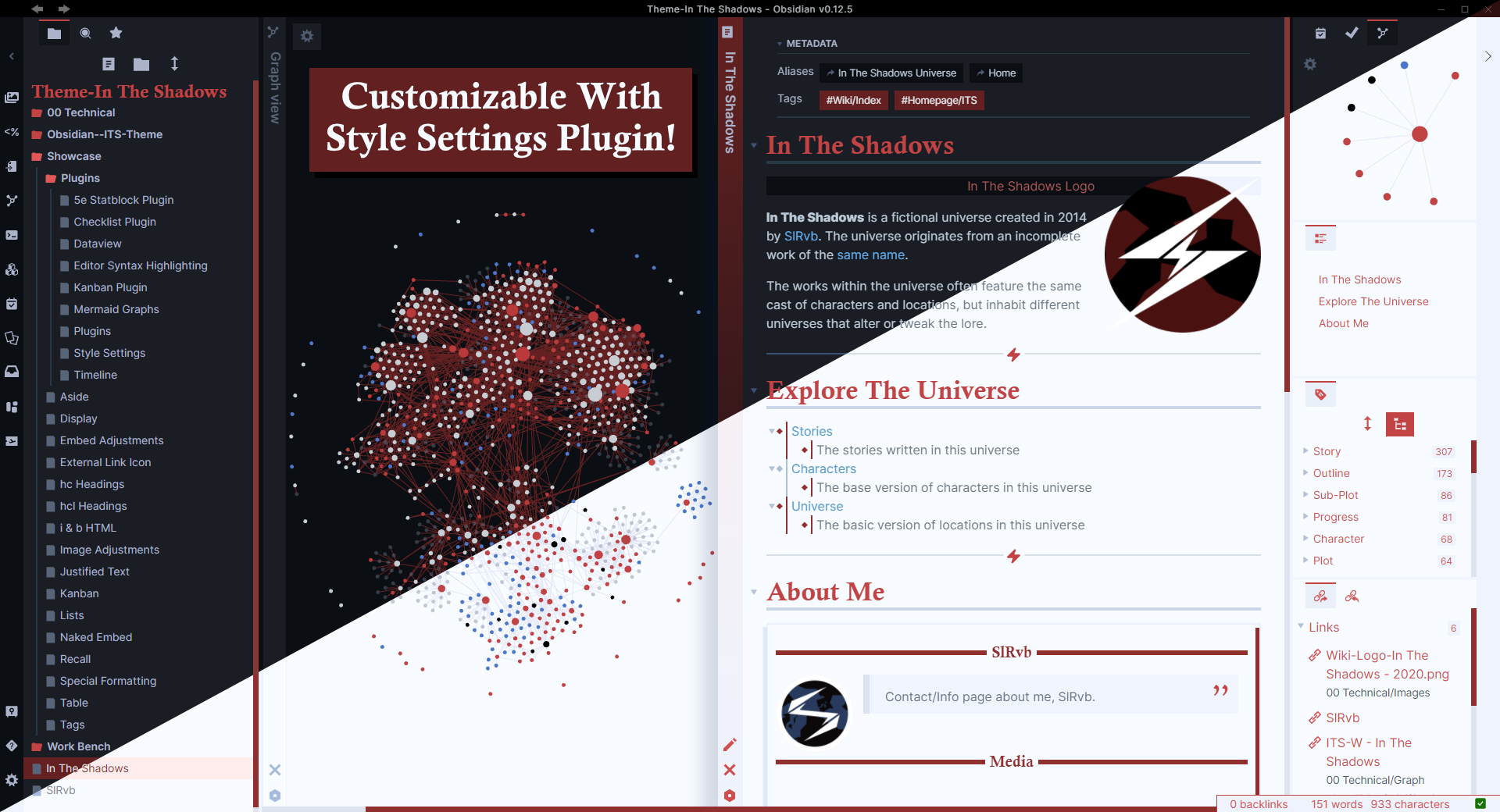
Theme designed with readability and customizability in mind. Change it easily to your liking with the Style Settings plugin installed.
- Overview
- Scorecard
Theme for my Obsidian Story Vault: In The Shadows.
Guide
Check out the ITS Theme Documentation hosted on Obsidian Publish!
Download
Download these for a better experience
Style Settings plugin
Allows you to customize the ITS Theme to your likingEncoded Icons Snippet and Encoded Fonts Snippet
Other icon fonts that are used in the Alternate Themes Snippet
Snippets Already Included
No need to download these snippets to your vault if you're using the ITS Theme, they work out of the box the moment you install ITS
- S - Checkboxes
- S - Callouts
- S - Image Adjustments
- S - Aside
- S - Embed Adjustments
- S - Kanban
- All Alternate Themes
Features
- Dark and Light mode
- Colored Graph
- Squared Edges
- Heading:
- Underline: spans across the page depending on the heading
- Embeded: Embedded files have smaller headers and are 1 color
- Custom Horizontal line
- Credit: TriDiamond
- Tag Pills (Rectangular)
- Metadata minimal style
- Checkboxes
- Credit: Kepano: Nicer Checkboxes
- Images:
- Images Centered
- Zoom: images enlarges upon clicking and holding it
- Image Positions: Move images to either left, right, center, change types, etc.
- Inspired by: Lithou's Image Flags
- If you use lithou's snippet, this feature does conflict with it.
- <i></i> for images or other files attributions
- Adds a different color to text within it to differentiate it from other text
- Centered to match image centering
- Adding:
alt="left"andalt="right"within it will push the attribute to left and right of the screen.
- Blockquotes
- Soft background
- Wider blockquote
- Quotation marks added top right corner
- Popover
- Larger Popover
- Images fit within the popover window
- Images are cropped in popover window
- Line Relationships
- Bullet Points
- Credit: Lizardmenfromspace
- Outline Pane
- Folder Navigation
- Tag Pane
- Bullet Points
- Folder Navigation Icons
- Credit: Deathau
- Text Wrapping
- Outline Pane
- Tag Pane
- File Explorer Sidebar
- Embed Titles
- Query Titles
- Embed Adjustments
- Aside for comments/etc
- Style Settings Plugin Suported
- Fonts: (Main ones are near the
listed:, alternates are below it)- Headings: Calisto MT
- Monospace: JetBrains Mono Medium
Preview
Darkmode
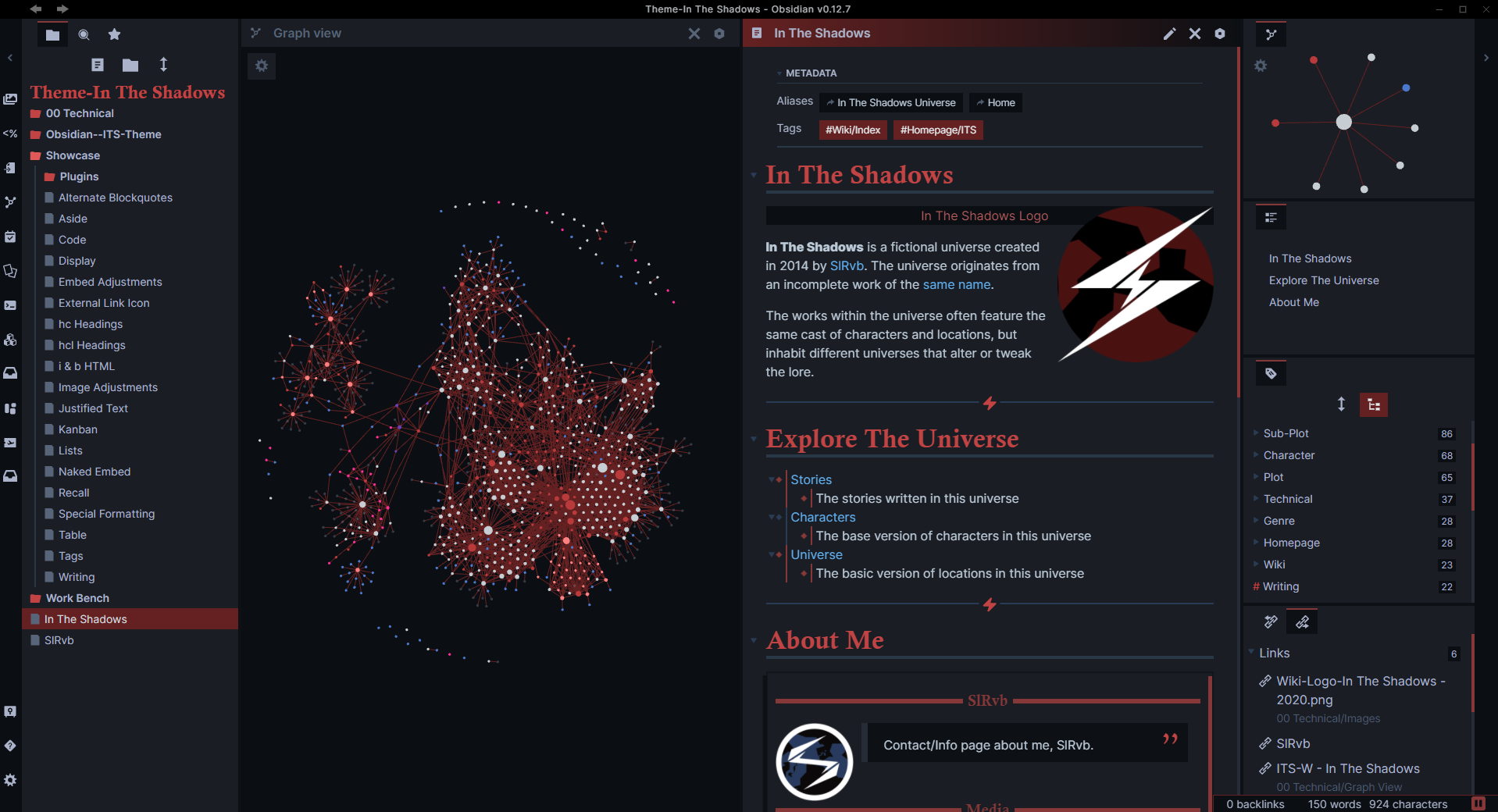
Features
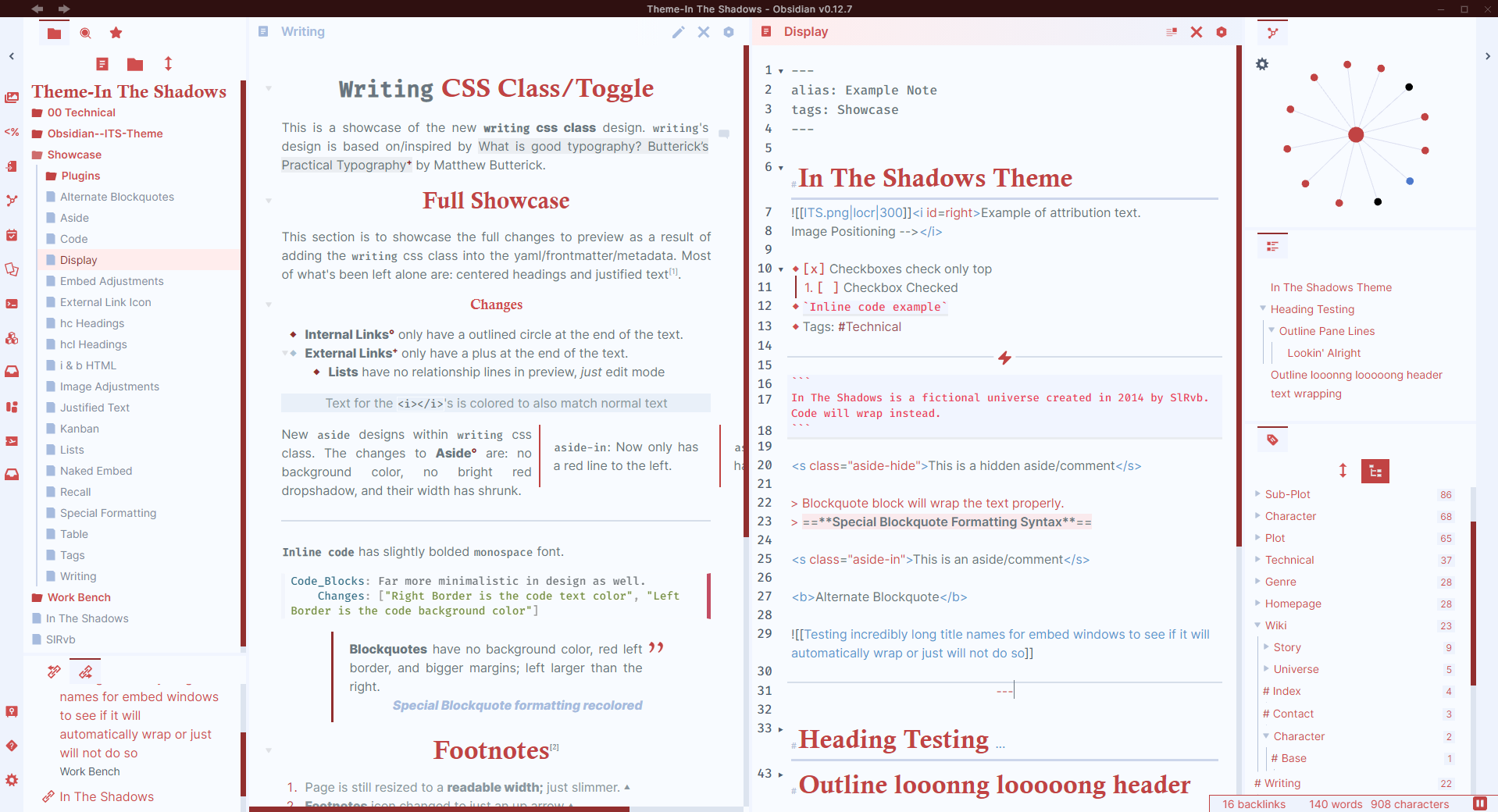
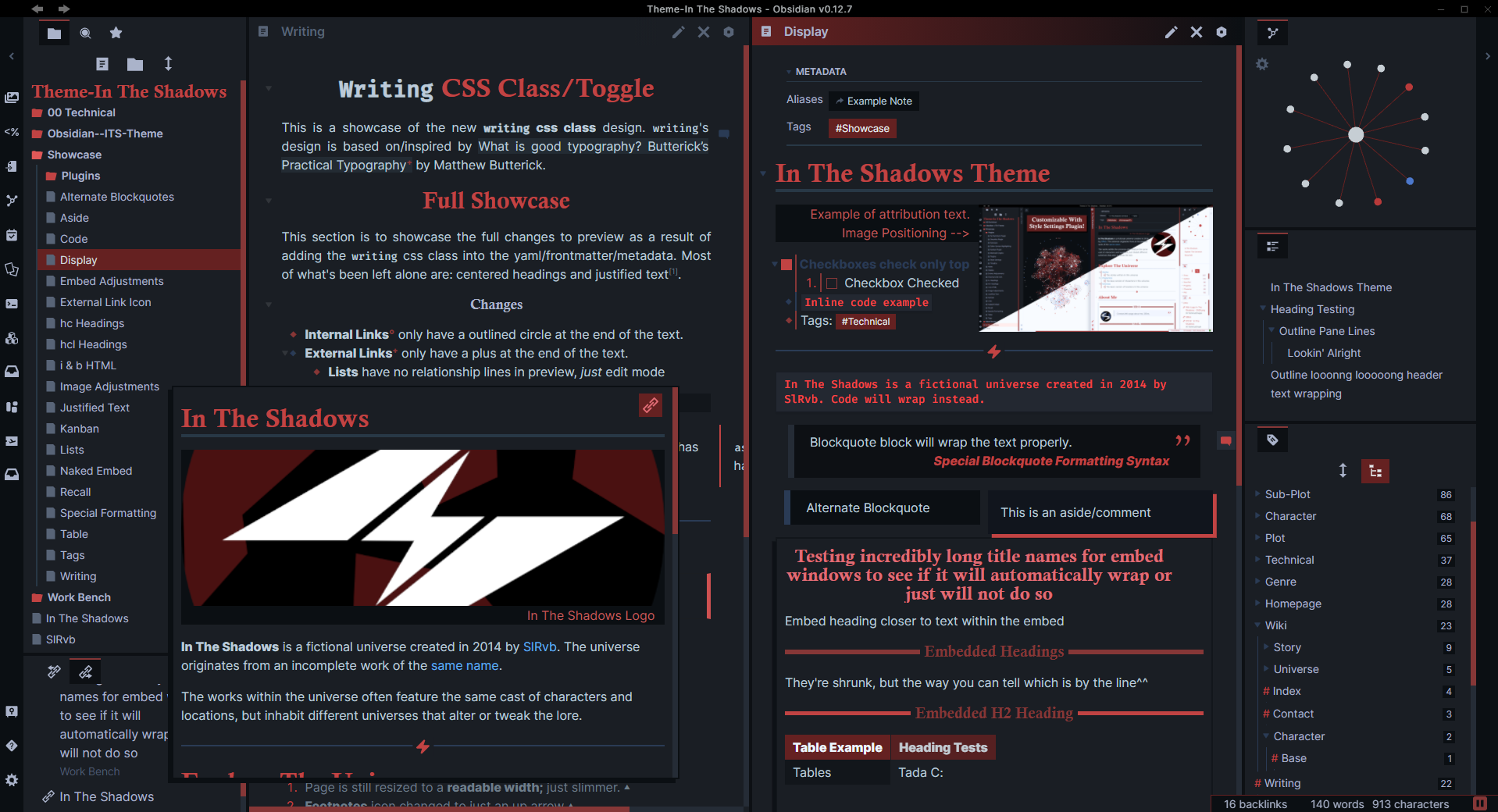 Edit Mode
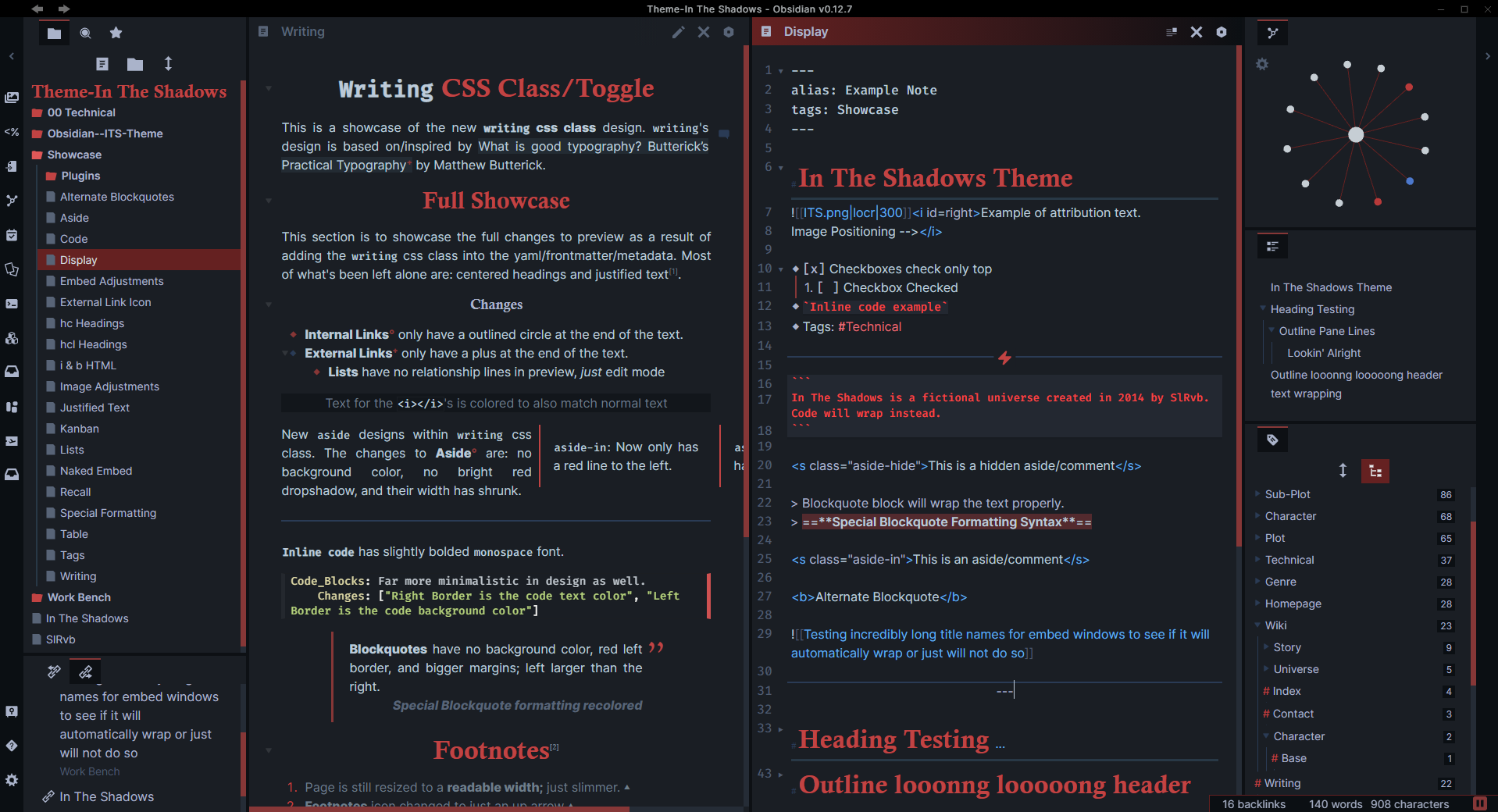
Lightmode
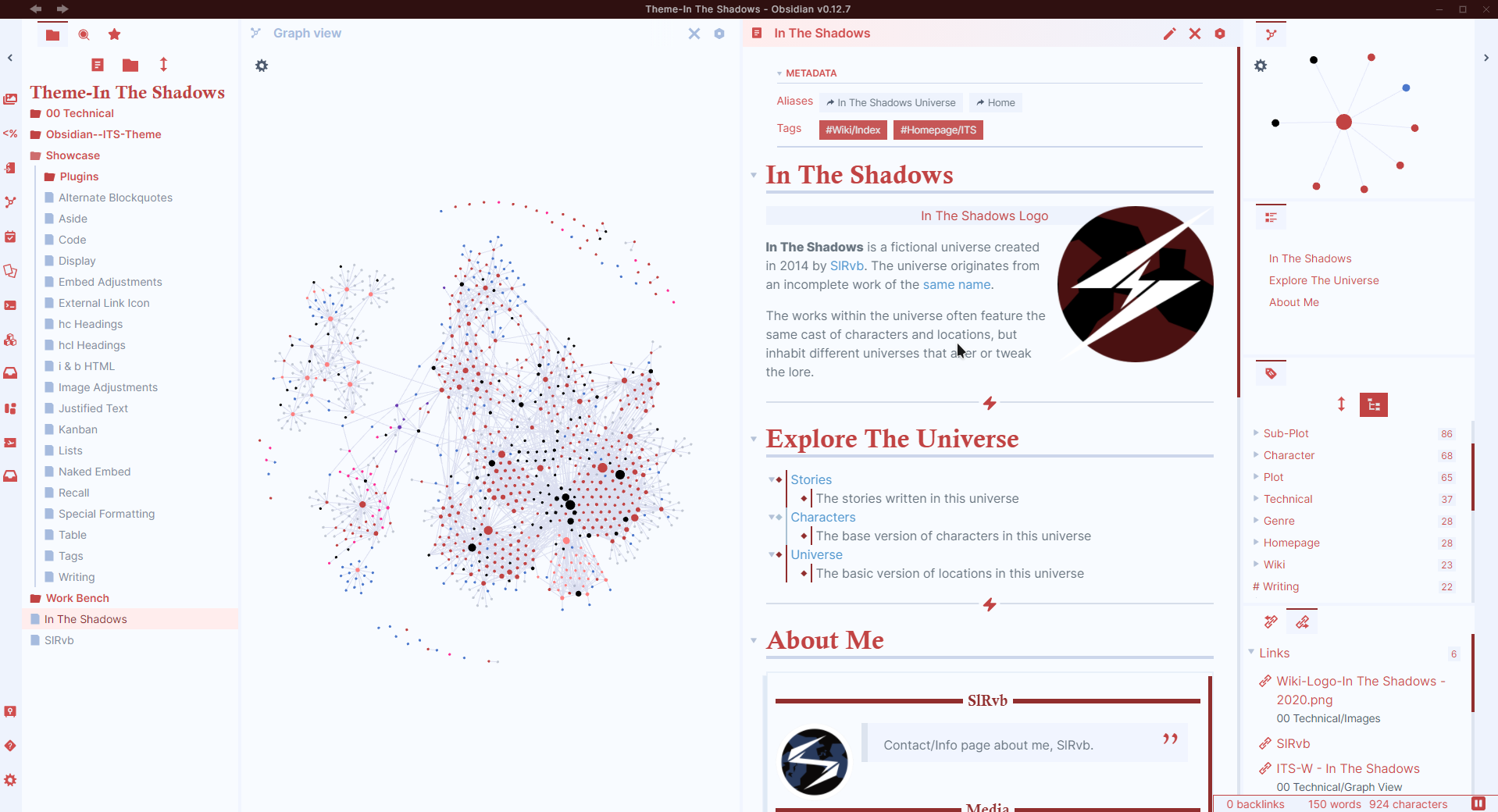
Features
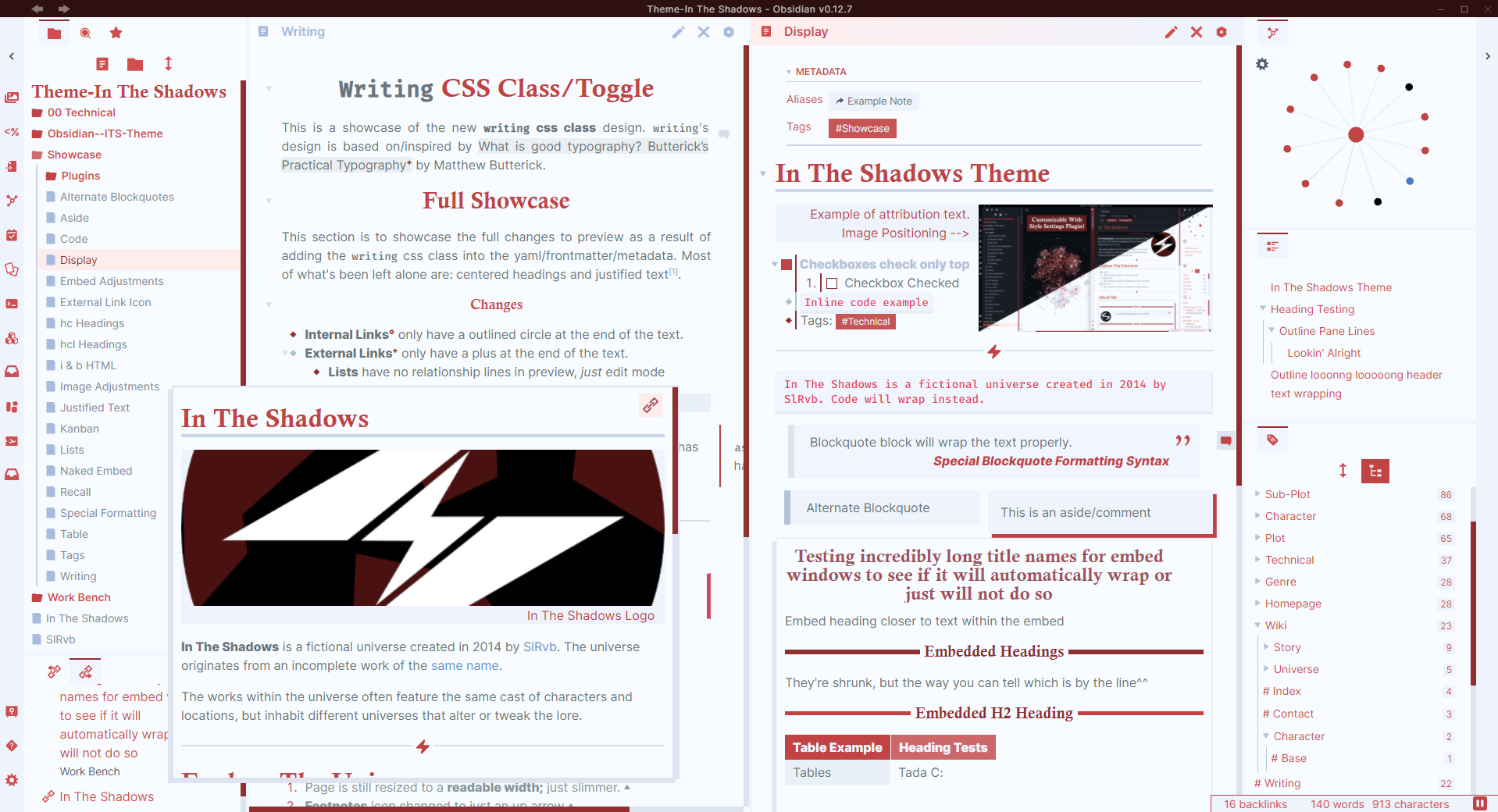 Edit Mode
HealthExcellent
ReviewPassed
About
Apply ITS Theme for a story-focused Obsidian with dark/light modes, colored graph, squared edges and underlined headings. Center and zoom images, style callouts and blockquotes, use rectangular tag pills, minimal metadata, nicer checkboxes and cleaner embeds.Details
Current version
1.4.07
Last updated
3 weeks ago
Created
6 years ago
Downloads
435k
License
GPL-2.0
Sponsor