Search...Search plugins and themes...
⌘K
Sign in
  • Get started
  • Download
  • Pricing
  • Enterprise
  • Account
  • Obsidian
  • Overview
  • Sync
  • Publish
  • Canvas
  • Mobile
  • Web Clipper
  • CLI
  • Learn
  • Help
  • Developers
  • Changelog
  • About
  • Roadmap
  • Blog
  • Resources
  • System status
  • License overview
  • Terms of service
  • Privacy policy
  • Security
  • Community
  • Plugins
  • Themes
  • Discord
  • Forum / 中文论坛
  • Merch store
  • Brand guidelines
Follow us
DiscordTwitterBlueskyThreadsMastodonYouTubeGitHub
© 2026 Obsidian

Palenight

nnnivnnniv219 downloads

Obsidian port of my *universal* theme.

Add to Obsidian
Palenight screenshot
  • Overview
  • Scorecard
  • Updates3
header

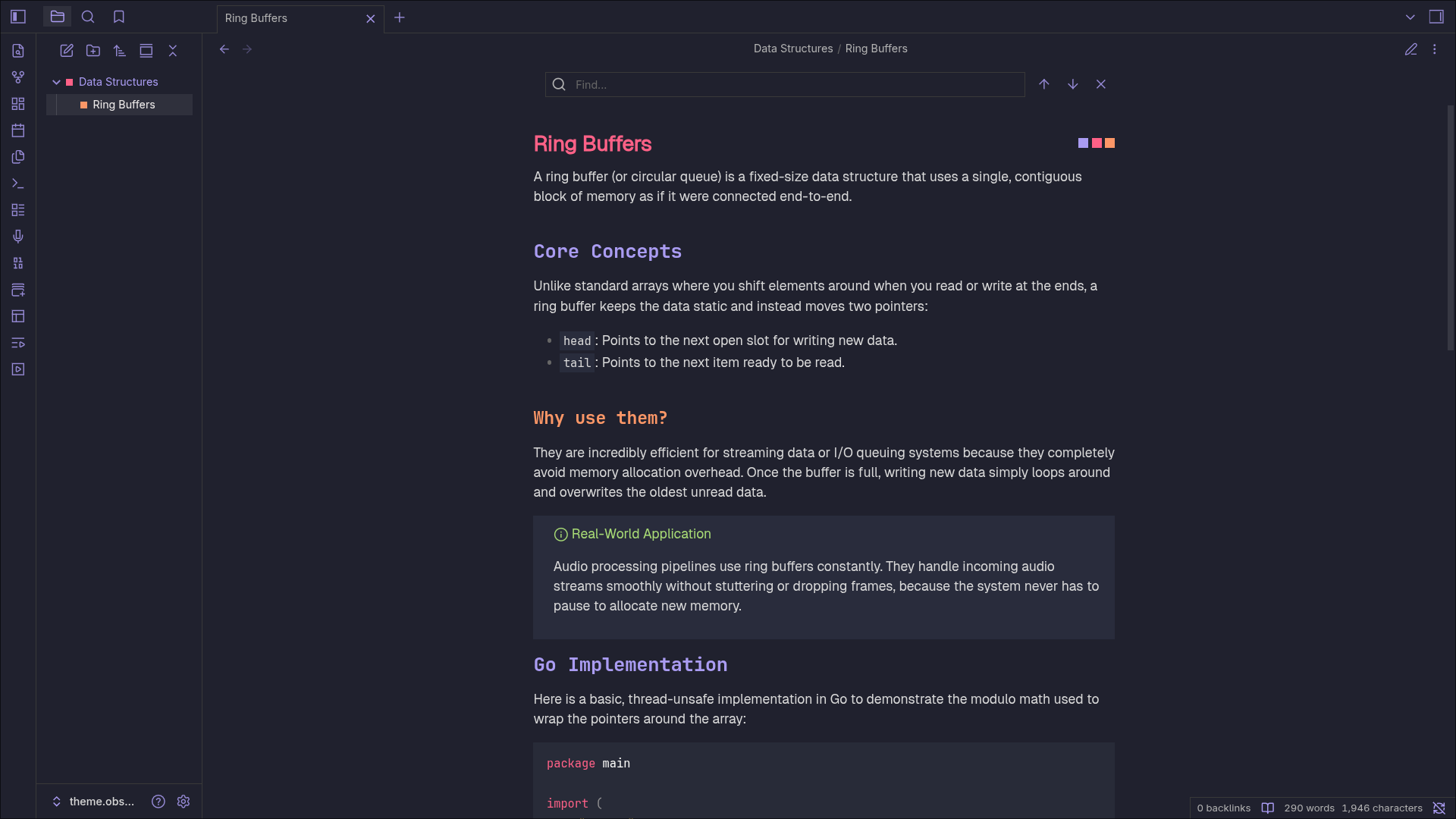
Obsidian port of my Monokai Palenight theme.
Installation

  1. Open Obsidian Settings → Appearance
  2. Under Themes, click Manage
  3. Search for "Palenight" and click Install (or copy the Palenight folder to .obsidian/themes/)
  4. Select Palenight from the Theme dropdown

[!NOTE]
This theme is actively work in progress.
Selectors for some CodeMirror6 classes are yet to be "discovered" by me lol.

HealthExcellent
ReviewSatisfactory
About
Apply a Monokai Palenight color scheme to Obsidian for a dark, high-contrast interface and editor. Expect ongoing updates as some CodeMirror 6 selectors remain unstyled while the theme is refined.
Details
Current version
1.0.2
Last updated
Last week
Created
3 months ago
Updates
3 releases
Downloads
219
License
MIT
Report bugRequest featureReport theme
Author
nnnivnnniv
GitHubnnniv
  1. Community
  2. Themes
  3. Palenight

Related themes

ITS Theme screenshot

ITS Theme

Minimal screenshot

Minimal

Things screenshot

Things

Shimmering Focus screenshot

Shimmering Focus

Cupertino screenshot

Cupertino

Wasp screenshot

Wasp

Prism screenshot

Prism

Baseline screenshot

Baseline

Flexoki screenshot

Flexoki

Reverie screenshot

Reverie