mistpine
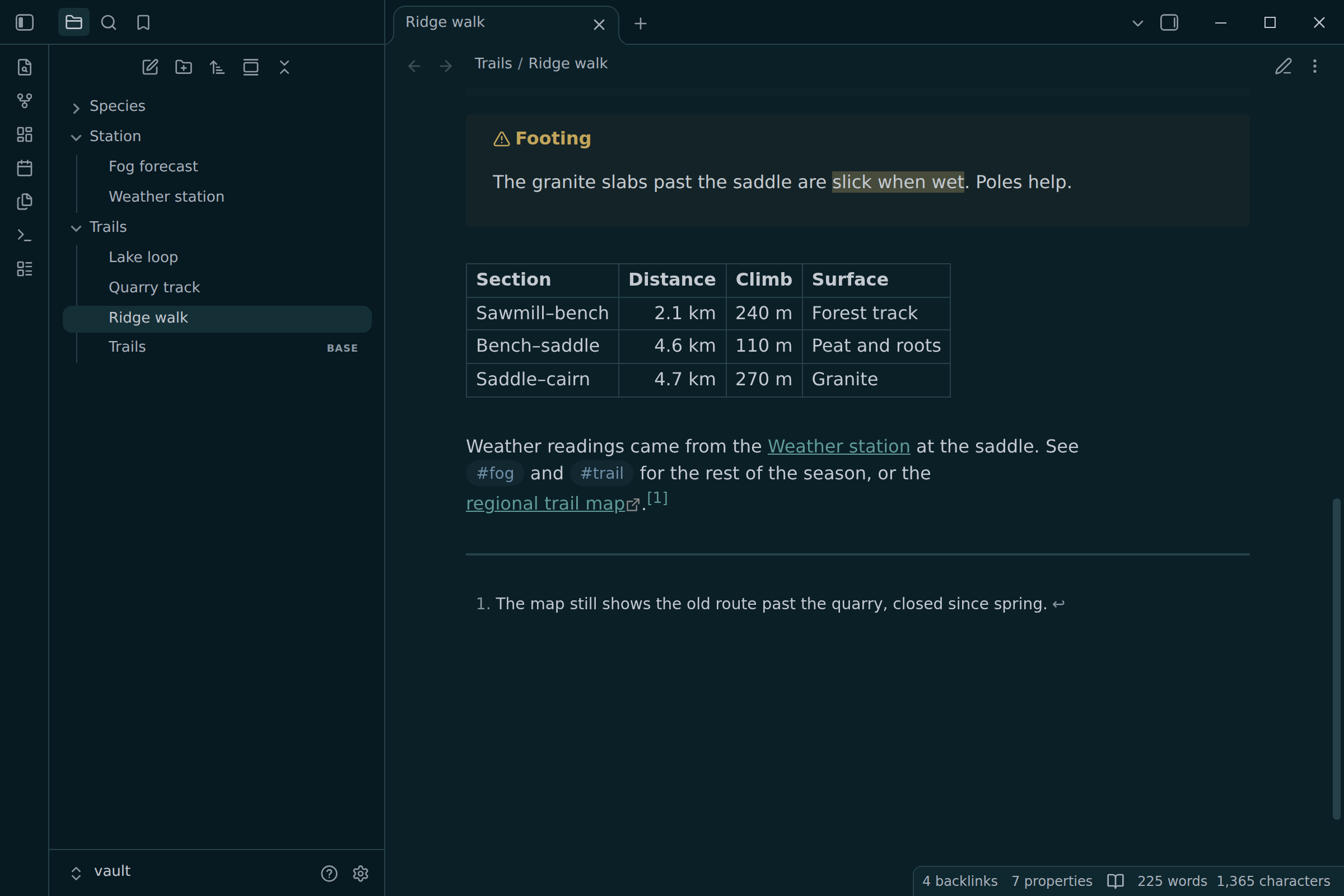
The mistpine color scheme for Obsidian: misty grays over a deep blue-green night, with muted, earthy accents.
- Overview
- Scorecard
- Updates1
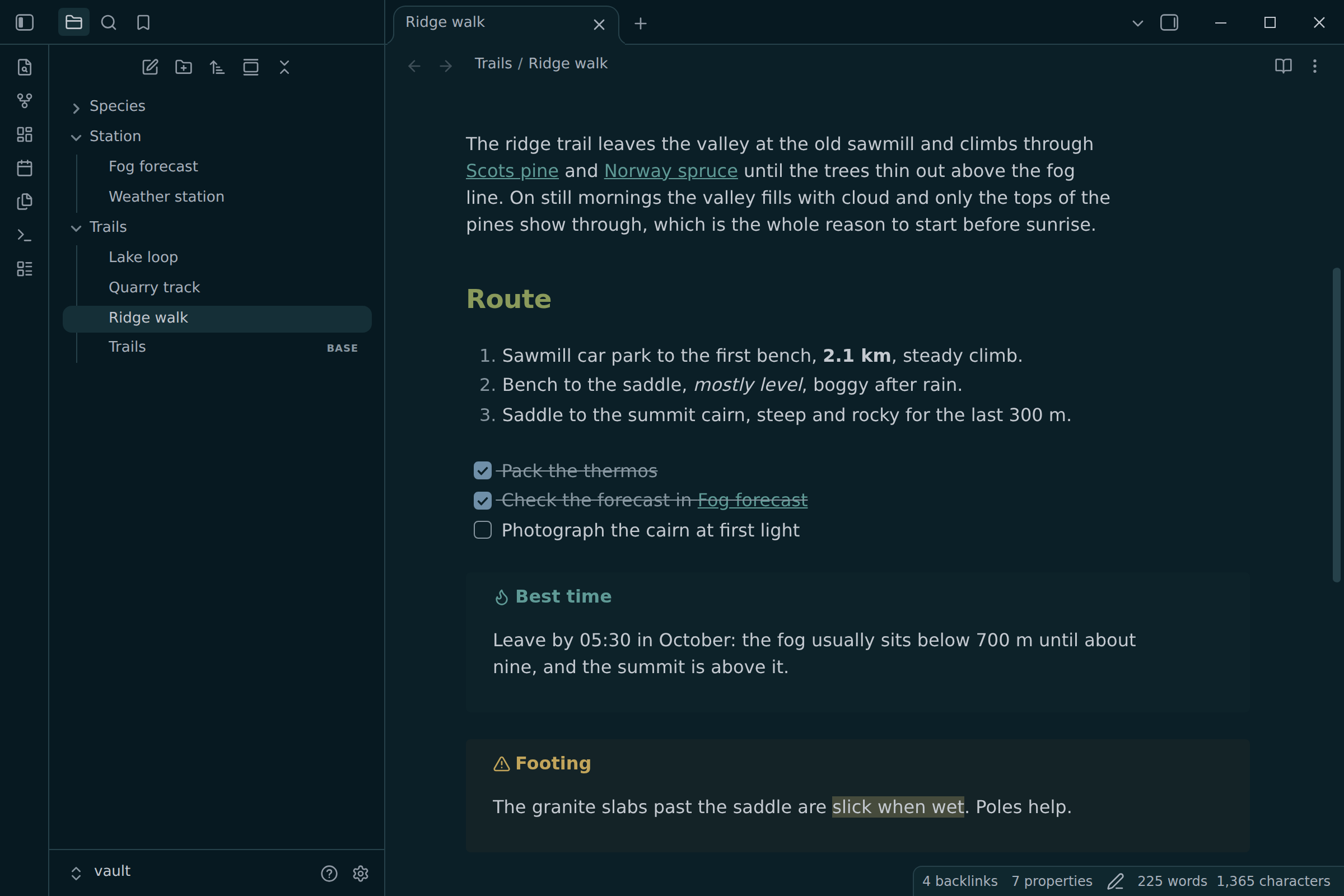
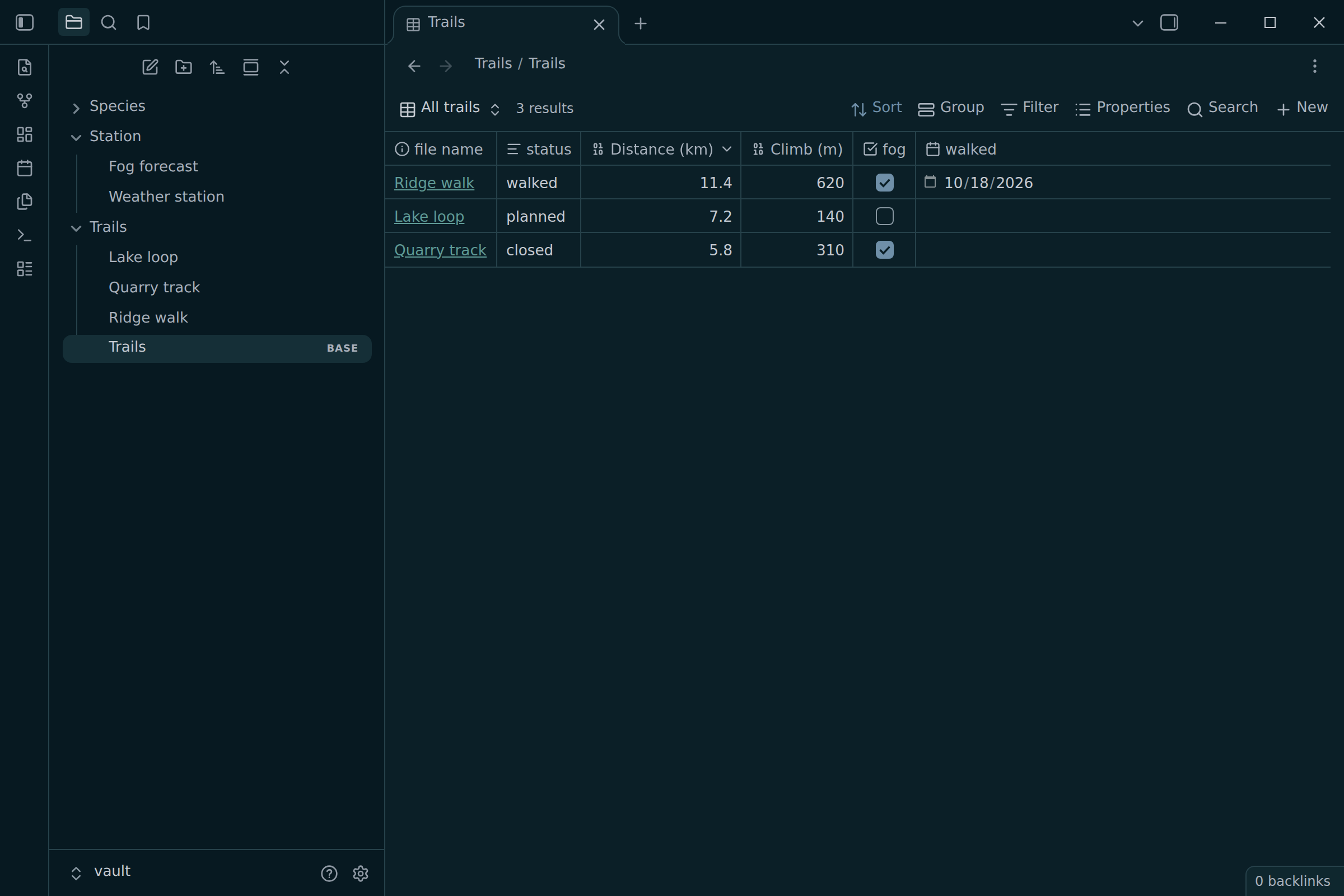
mistpine for Obsidian: cool, misty grays over a deep blue-green night, with muted, earthy accents. It is the Obsidian port of mistpine and follows the mistpine spec: every color is a palette color or one of the spec's blends, and every syntax color, callout title and tag clears 4.5:1 on the surface it sits on.
- Dark only: in light mode Obsidian keeps its default colors
- Sidebars, code blocks and callouts step down to the darkest surface; menus and the status bar step up
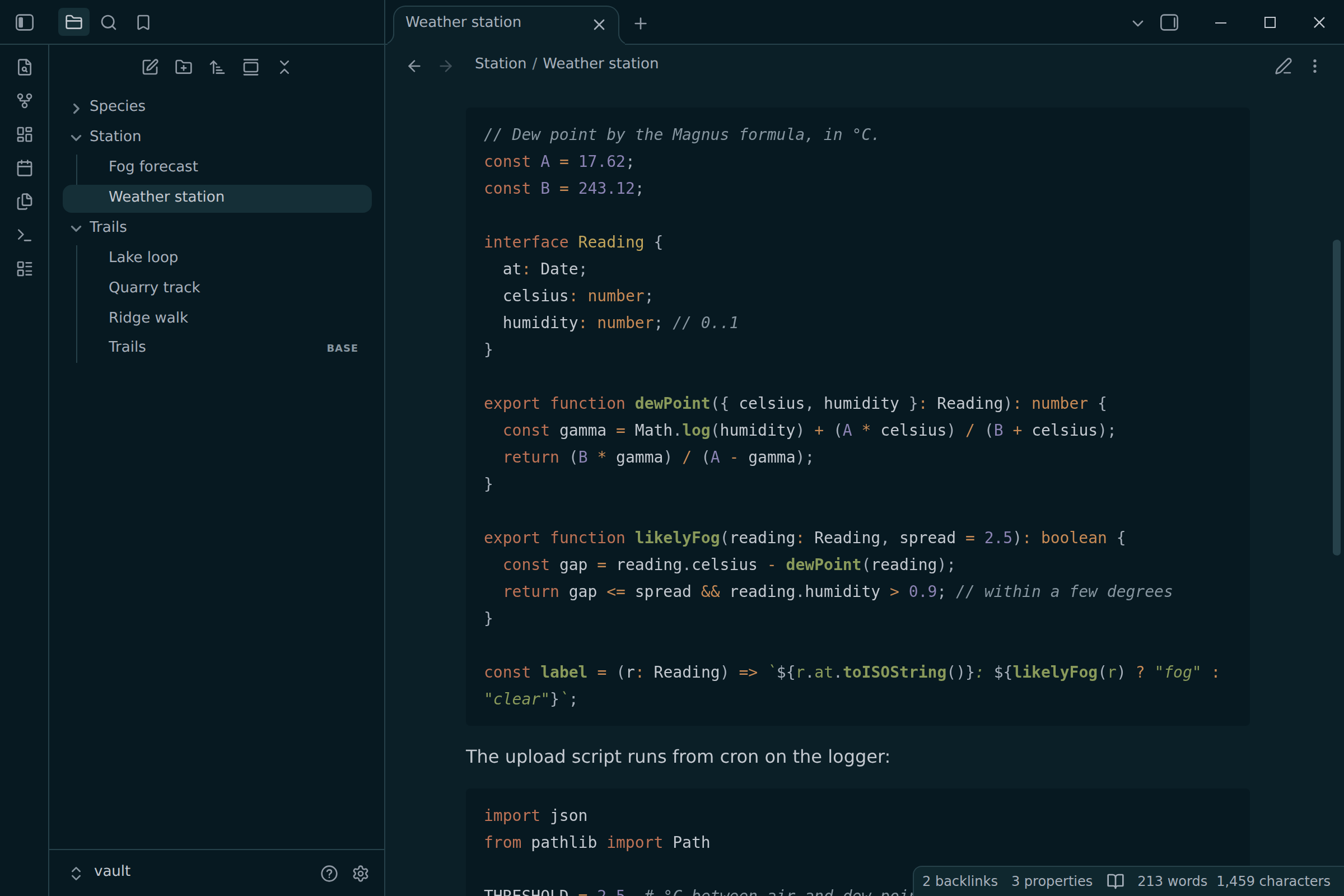
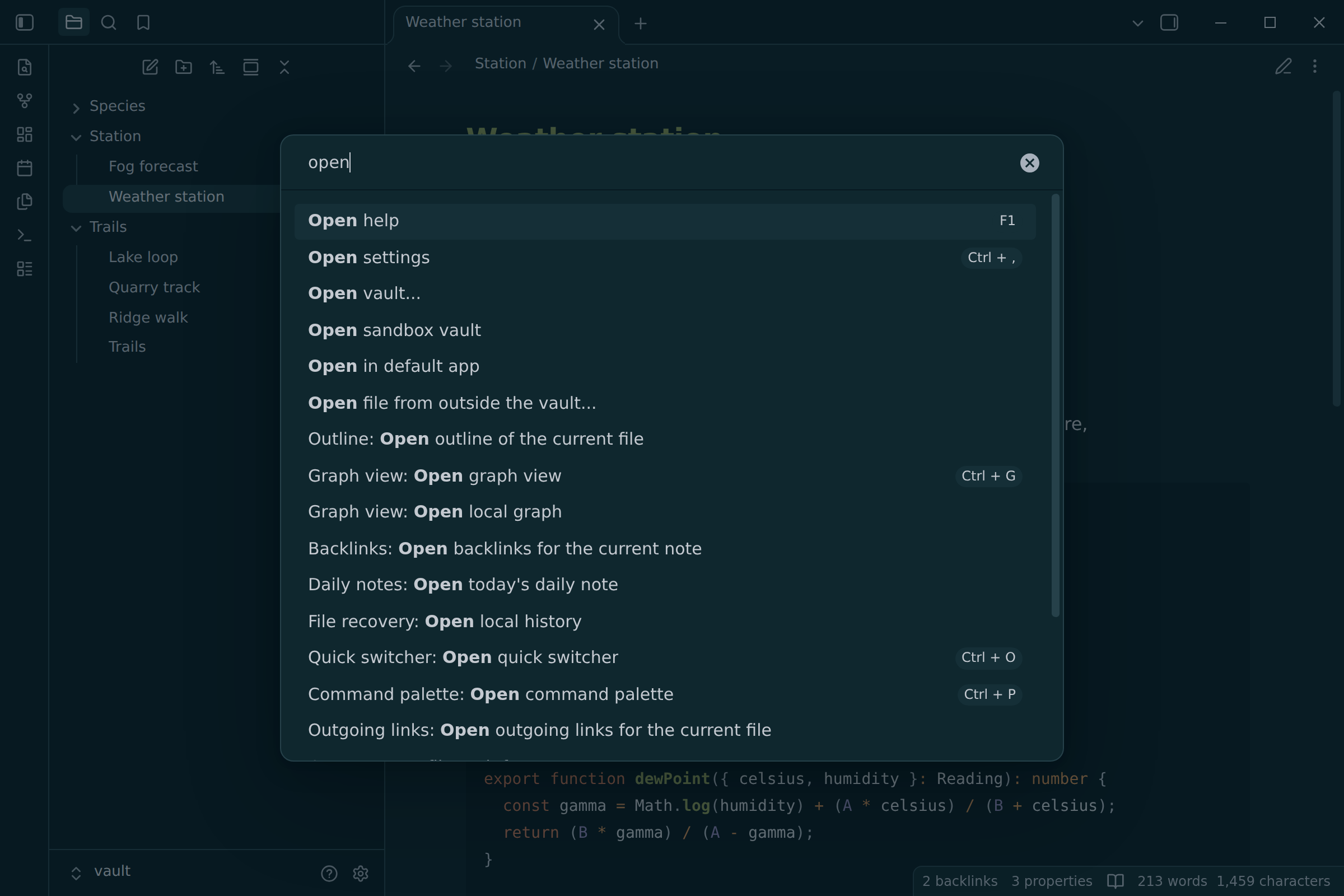
- Code highlighting by the spec in Reading view: bold functions, italic strings and comments, yellow types, orange builtins and operators
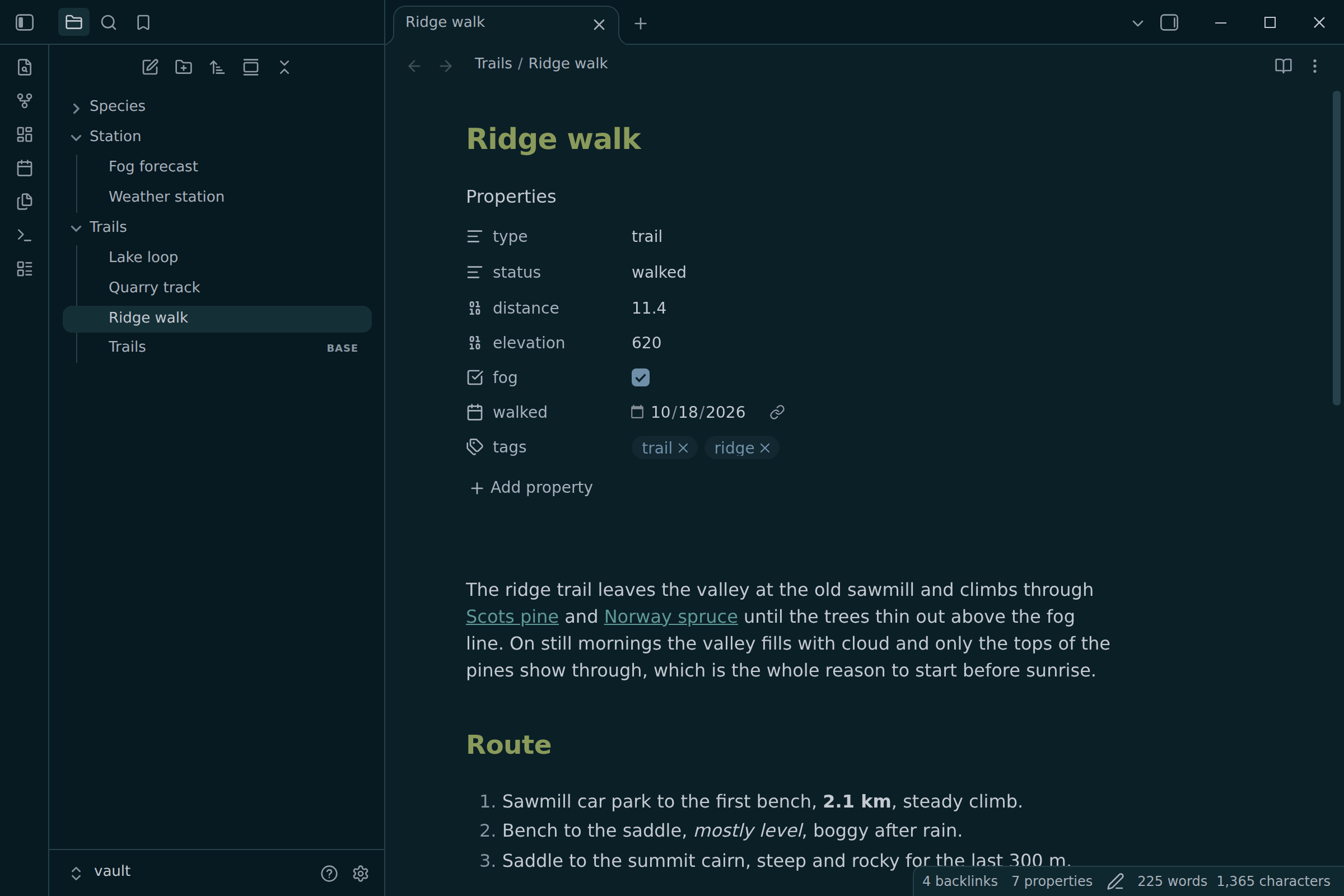
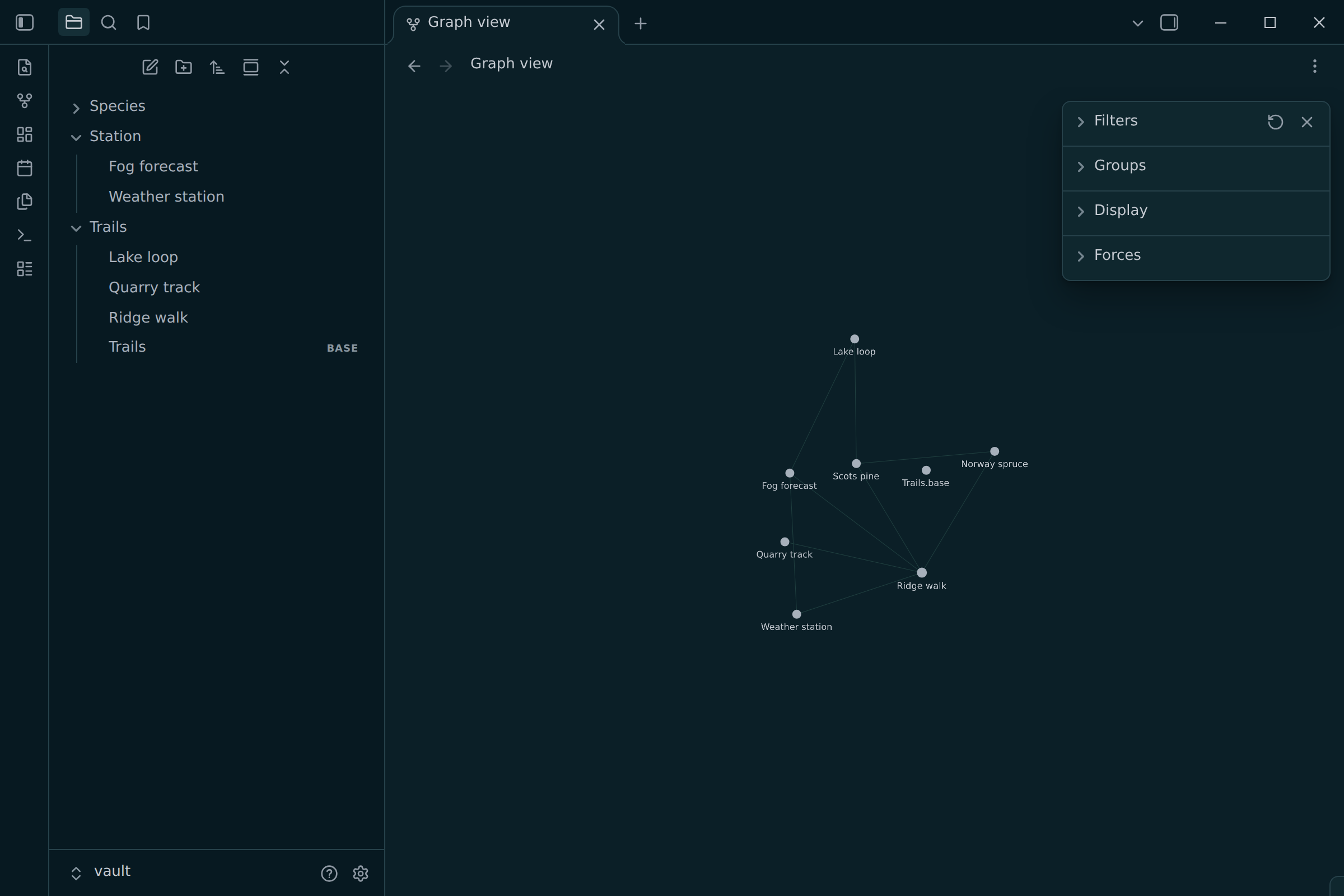
- Styled with Obsidian's CSS variables, so properties, Bases, canvas, graph, callouts and core plugins follow along
- Your accent color setting still applies
- No fonts, no network requests, no
!important
Install
In Obsidian, open Settings → Appearance → Themes → Manage, search for mistpine, then Install and use. It is listed in the community directory.
To install by hand, download theme.css and manifest.json from the
latest release
into <vault>/.obsidian/themes/mistpine/, then pick mistpine under
Settings → Appearance → Themes.
Customize
Override any variable in a CSS snippet. The theme's own variables cover the code colors Obsidian has none for:
.theme-dark {
  --mistpine-code-type: #c2a55b; /* also: builtin, parameter, attribute, */
  --mistpine-code-regex: #5f9a96; /* namespace, macro, link, inserted, deleted */
  --code-background: #0f272e; /* raise code blocks to bg2 */
}
In Live Preview, code blocks use CodeMirror's highlighter, which marks every definition the same way. There, function names, constants and parameters share the variable color; Reading view tells them apart.
Screenshots
 |
 |
 |
 |
 |
 |
Development
Requires Node 24+ and pnpm (corepack enable).
pnpm install
pnpm generate  # theme.css from src/theme.css and the mistpine spec
pnpm check     # fail if theme.css is out of date
pnpm banner    # assets/banner.svg and the social preview (Chromium)
pnpm render    # screenshots from the real app: OBSIDIAN=/path/to/obsidian
pnpm lint && pnpm typecheck
Edit src/theme.css, never theme.css. Its {{bg1}}, {{syntax.comment}} or
{{mix:bg1:blue:15}} tokens are filled in from
palette/mistpine.json
(read from $MISTPINE_DIR, ../mistpine or GitHub), so color changes happen
upstream. The screenshots come from Obsidian itself, running headless on the
sample vault in scripts/render/vault.
To release, bump version in manifest.json, commit, then push a tag with the
same version (git tag -a 1.0.1 -m 1.0.1 && git push --tags). The release
workflow attaches theme.css and manifest.json, which is where Obsidian
installs from.
Credits
- Designed in themes.utimura.io.
- Outfit and JetBrains Mono in the banner.
License
MIT. Outfit and JetBrains Mono (in scripts/fonts, for the banner) are under the
SIL Open Font License 1.1.