
- Overview
- Scorecard
- Updates2
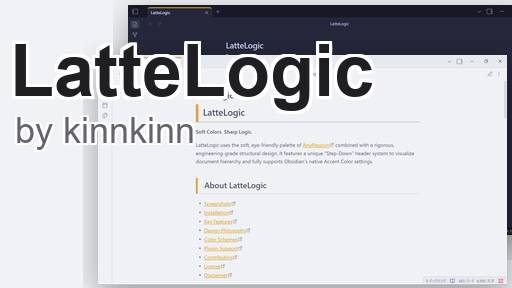
LatteLogic
Soft Colors. Sharp Logic.
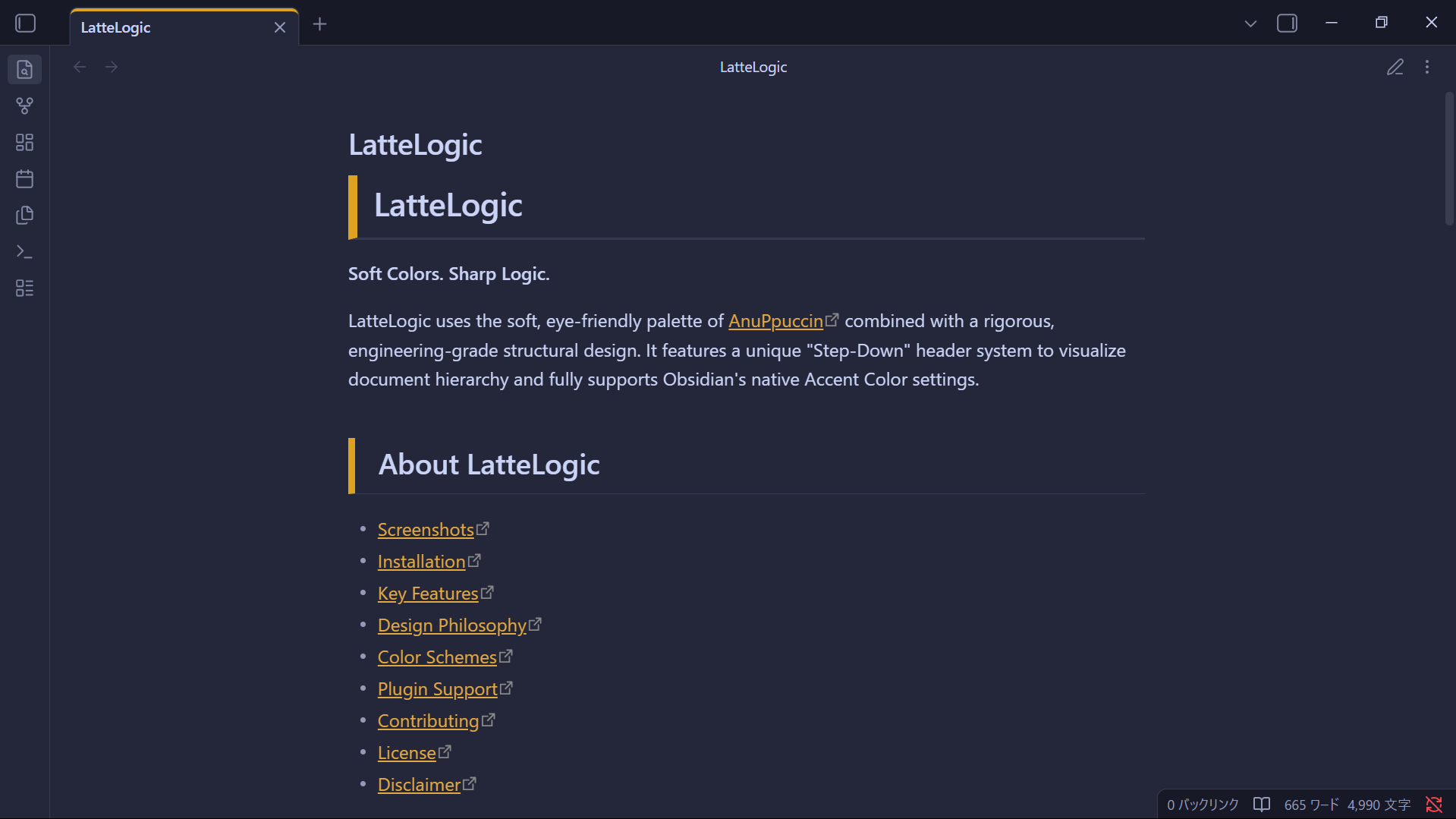
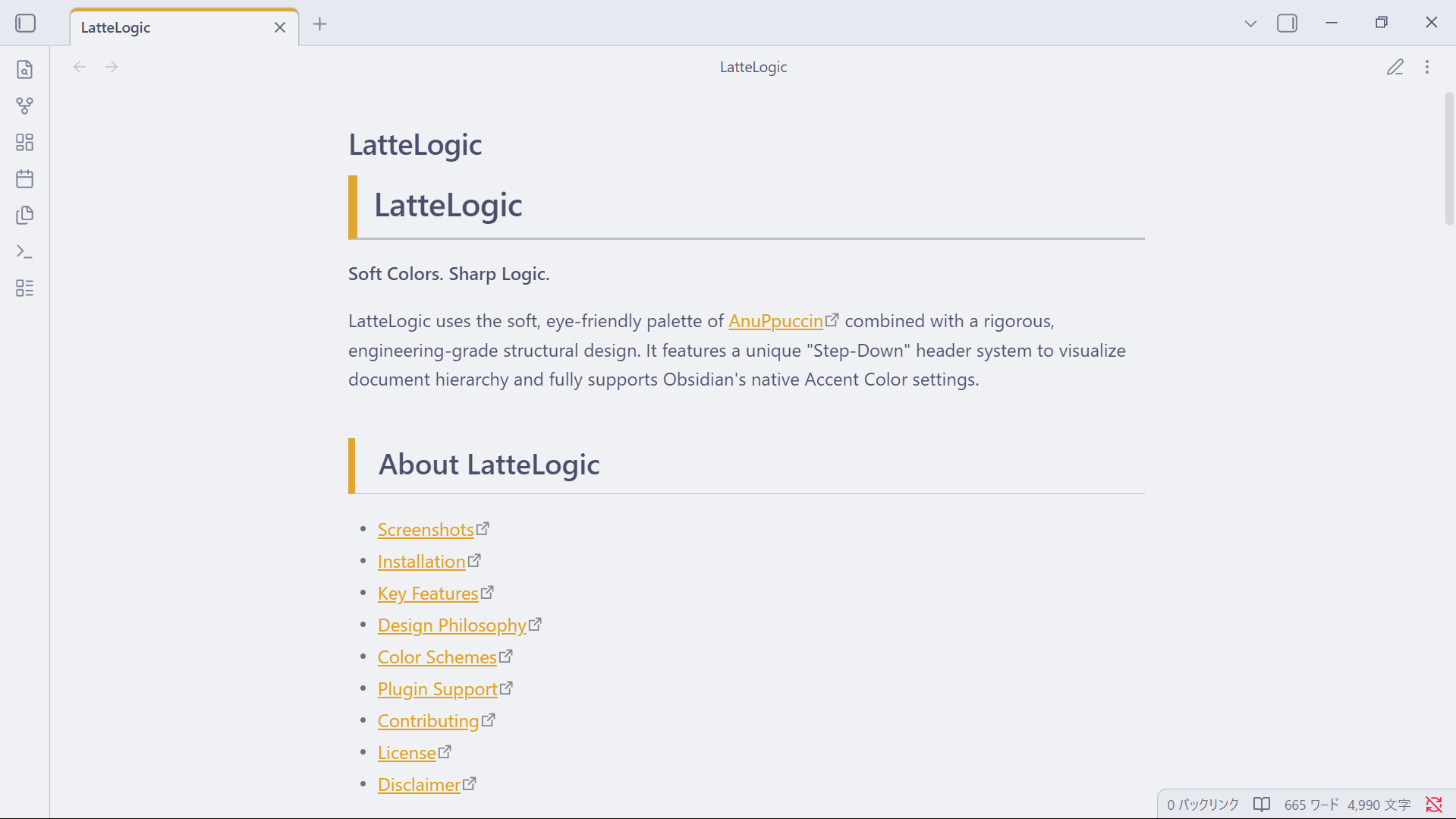
LatteLogic uses a soft, eye-friendly palette combined with a rigorous, engineering-grade structural design. It features a unique "Step-Down" header system to visualize document hierarchy and fully supports Obsidian's native Accent Color settings.
Installation
Manual Installation
- Download the
theme.cssfile from the releases. - Open your Obsidian vault folder.
- Navigate to
.obsidian/themes/. - Create a folder named
LatteLogicand place thetheme.cssfile inside. - Open Obsidian Settings > Appearance and select LatteLogic.
BRAT Plugin
You can also install via the BRAT plugin.
- Install Obsidian 42 - BRAT from the Community Plugins.
- Add the repository URL:
https://github.com/kinn00kinn/LatteLogic. - Enable the theme in Appearance settings.
Key Features
LatteLogic is designed for clarity and structure.
- Step-Down Hierarchy: H1 through H6 use specific indentation and border styles to create a visual "staircase," making the document structure instantly recognizable.
- Sharp Aesthetics: All UI elements (tabs, buttons, tags) feature 0px border-radius for a crisp, professional, and modern "Orthogonal" look.
- Native Accent Support: No external plugins required to change colors. The theme respects the
Accent Colordefined in Obsidian's Appearance settings. - Mobile Optimized: Indentation and spacing automatically adjust for smaller screens to maintain readability without wasting space.
- Data-Dense Tables: Styled table headers and striped rows make reading complex data easier.
Design Philosophy
The "Logic" in LatteLogic
Unlike themes that prioritize decoration, LatteLogic prioritizes structure.
- Source Mode First: We believe the plain text editor should be as beautiful as the preview. Headers in Source Mode are highlighted with subtle background colors and bold text.
- Consistent Lists: Bullet points use the text color rather than the accent color, keeping the focus on the content, not the markers.
- Contextual Visibility: Tab active states are clearly marked with a top border, reducing visual noise while maintaining context.
Color Schemes
LatteLogic automatically switches base palettes depending on your Obsidian mode:
- Light Mode: Based on Catppuccin Latte. A low-contrast, warm light theme that is easy on the eyes.
- Dark Mode: Based on Catppuccin Macchiato. A deep, rich dark theme that provides excellent contrast without being harsh.
Note: The primary accent color is controlled entirely by you in Obsidian Settings.
Plugin Support
LatteLogic is built to be lightweight and compatible with most plugins. It specifically includes tailored support for:
- Advanced Tables: Seamless integration with the striped row styling.
- Dataview: Lists and tables render cleanly.
- Kanban: tailored to match the sharp aesthetic.
- Calendar: UI elements match the 0px radius design.
Contributing
If you find a bug or have a suggestion to improve the "Logic," strictly feel free to open a pull request or issue.
Disclaimer
This theme is provided as is. It modifies significant parts of the Obsidian interface (specifically headers and margins) to achieve its structural look. It is designed to work best with the default Obsidian font settings or monospaced fonts like JetBrains Mono.