Fjord
 Josh Huntley86 downloads
Fjord colorscheme for Obsidian. Leaf green accents & crisp blues. Easy on the eyes for those long writing sessions.
- Overview
- Scorecard
- Updates1
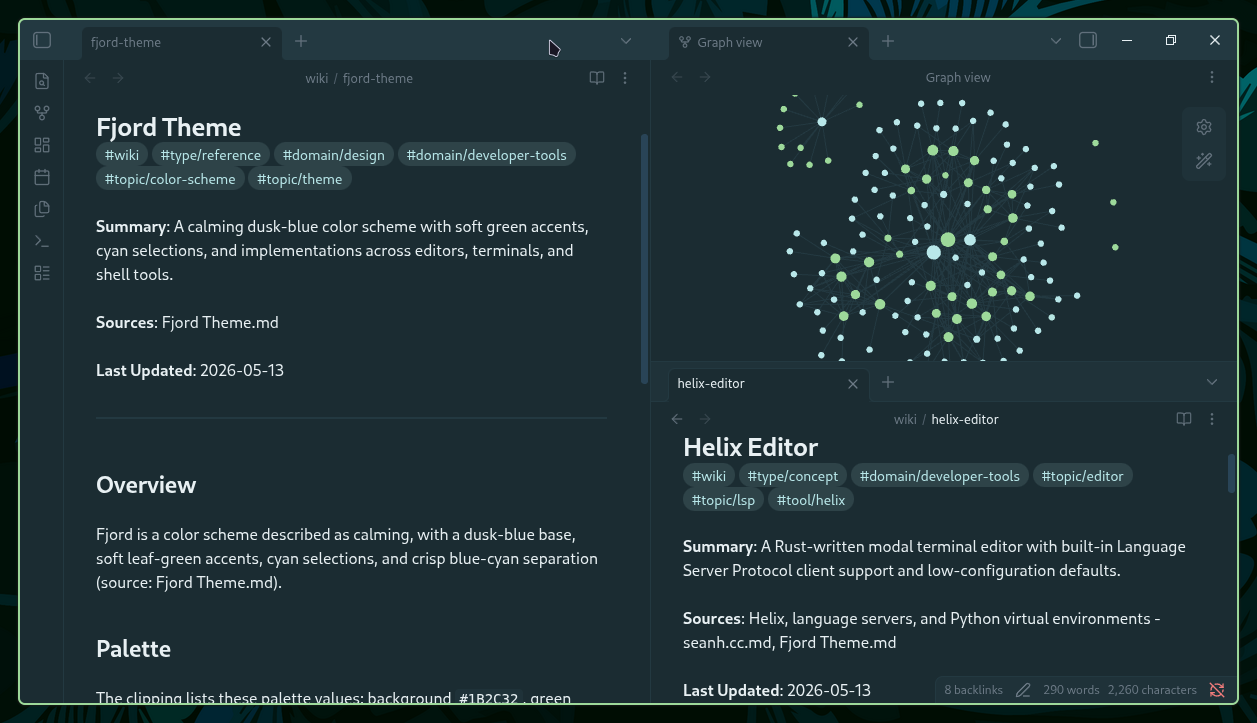
A dusk-blue base with primary leaf-green accents, cyan selections, and crisp blue/cyan separation for Obsidian.
🎨 Color Palette
Core Colors
| Color | Name |
|---|---|
| background | |
| backgroundAlt | |
| surface | |
| line | |
| foreground | |
| muted | |
| mutedDim |
Accent Colors
| Color | Name |
|---|---|
| green (primary accent) | |
| blue | |
| yellow | |
| purple | |
| red | |
| cyan |
📦 Installation
From Obsidian Marketplace
- Open Obsidian
- Go to Settings → Appearance → Themes → Manage
- Search for Fjord
- Click Install and use
Manual Installation
- Download
theme.cssandmanifest.jsonfrom the releases page (or clone the repo) - Create the theme folder in your vault:
mkdir -p "<your-vault>/.obsidian/themes/Fjord"
- Copy both files into that folder:
<your-vault>/.obsidian/themes/Fjord/theme.css
<your-vault>/.obsidian/themes/Fjord/manifest.json
- In Obsidian, go to Settings → Appearance, click Reload themes, then select Fjord from the theme list
🔄 Updates
This theme is automatically generated from fjord-core and deployed on every release. For an overview of all supported platforms and the full color palette, visit the Fjord GitHub page.
☕ Support My Work
If you enjoy the Fjord theme and find it useful, consider supporting my work:
📄 License
MIT License - see LICENSE file for details.
🤝 Contributing
For theme suggestions or issues, please open an issue on the Obsidian theme repository.
97%
HealthExcellent
ReviewSatisfactory
About
Apply a dusk-blue base with leaf-green accents and cyan selections to give Obsidian a calm, high-contrast interface. Use crisp blue/cyan separation, muted backgrounds, and balanced accents to boost readability and focus while editing notes.Details
Current version
0.2.0
Last updated
3 days ago
Created
3 days ago
Updates
1 release
Downloads
86
License
MIT
Sponsor