
- Overview
- Scorecard
A unique and visually striking theme for Obsidian that brings an exotic atmosphere to your note-taking experience. Designed with attention to detail and aesthetics, this theme enhances readability and visual appeal while maintaining focus on your thoughts.
✨ Features
- Monospace Typography: Entirely styled with "Source Code Pro" for both editor and preview.
- Glassmorphism UI: Semi-transparent modals, menus, and prompts with blur and brightness effects.
- Customizable Colors: All colors are defined as CSS variables for easy personalization.
- Enhanced Tables: Alternating row colors and hover effects for better readability.
- Inline & Block Code Styling: Distinct visual treatment for code snippets and blocks.
- Smooth Transitions: Hover animations for buttons, tables, and other interactive elements.
- Dark-Optimized Design: Carefully chosen contrast for long reading sessions.
🖼️ Screenshots
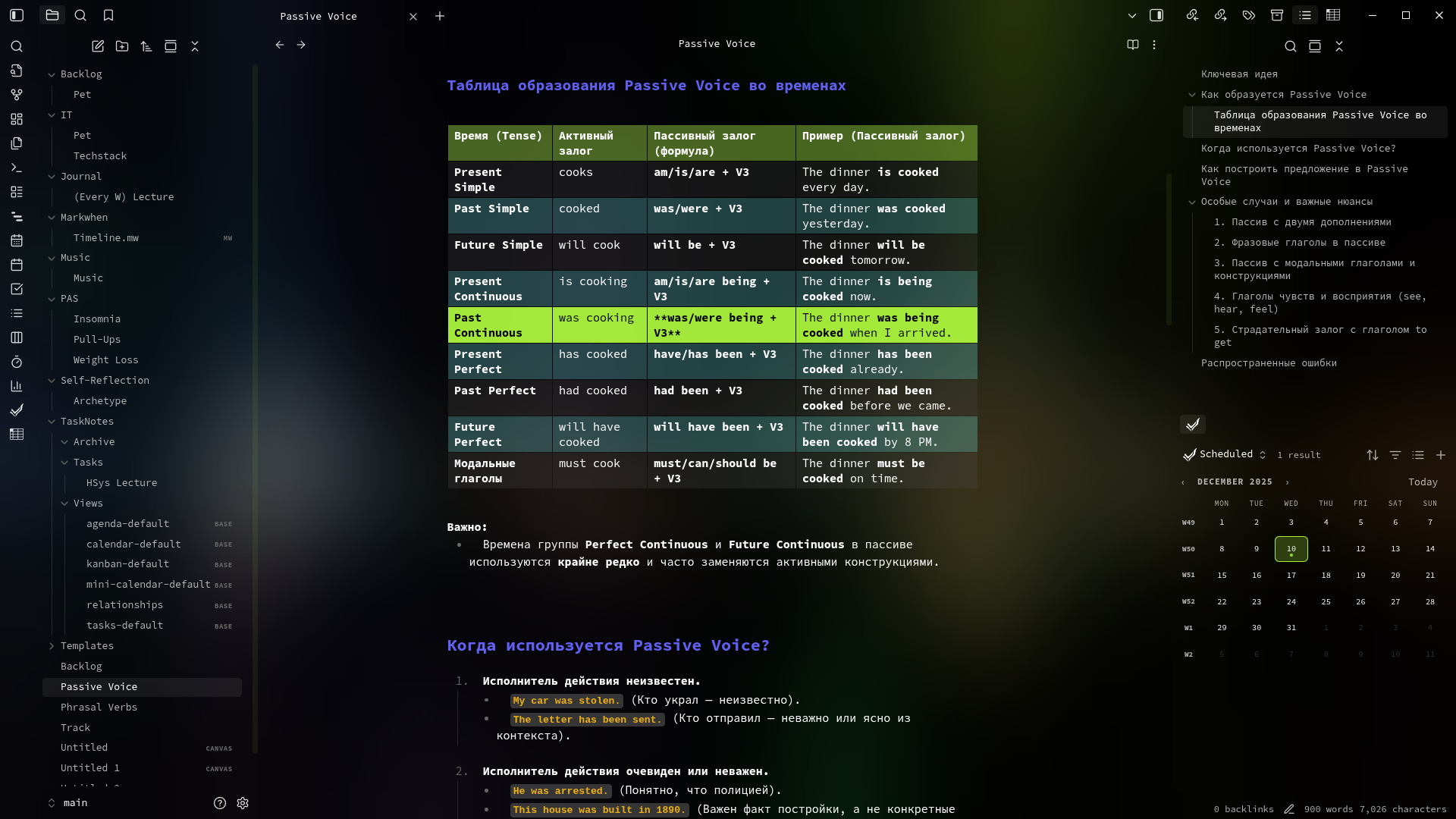 Editor mode with syntax highlighting
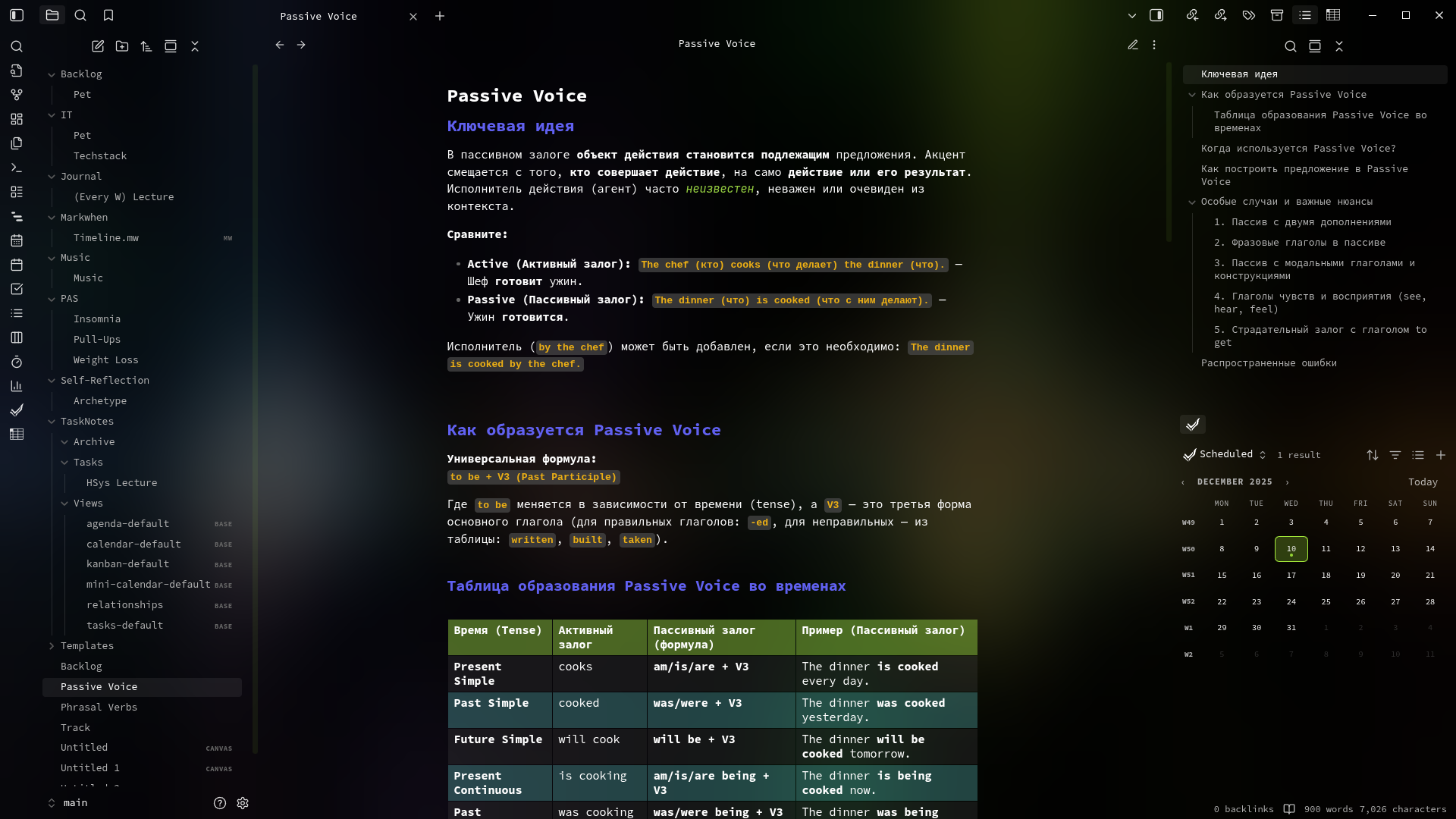 Preview mode showcasing typography and styling
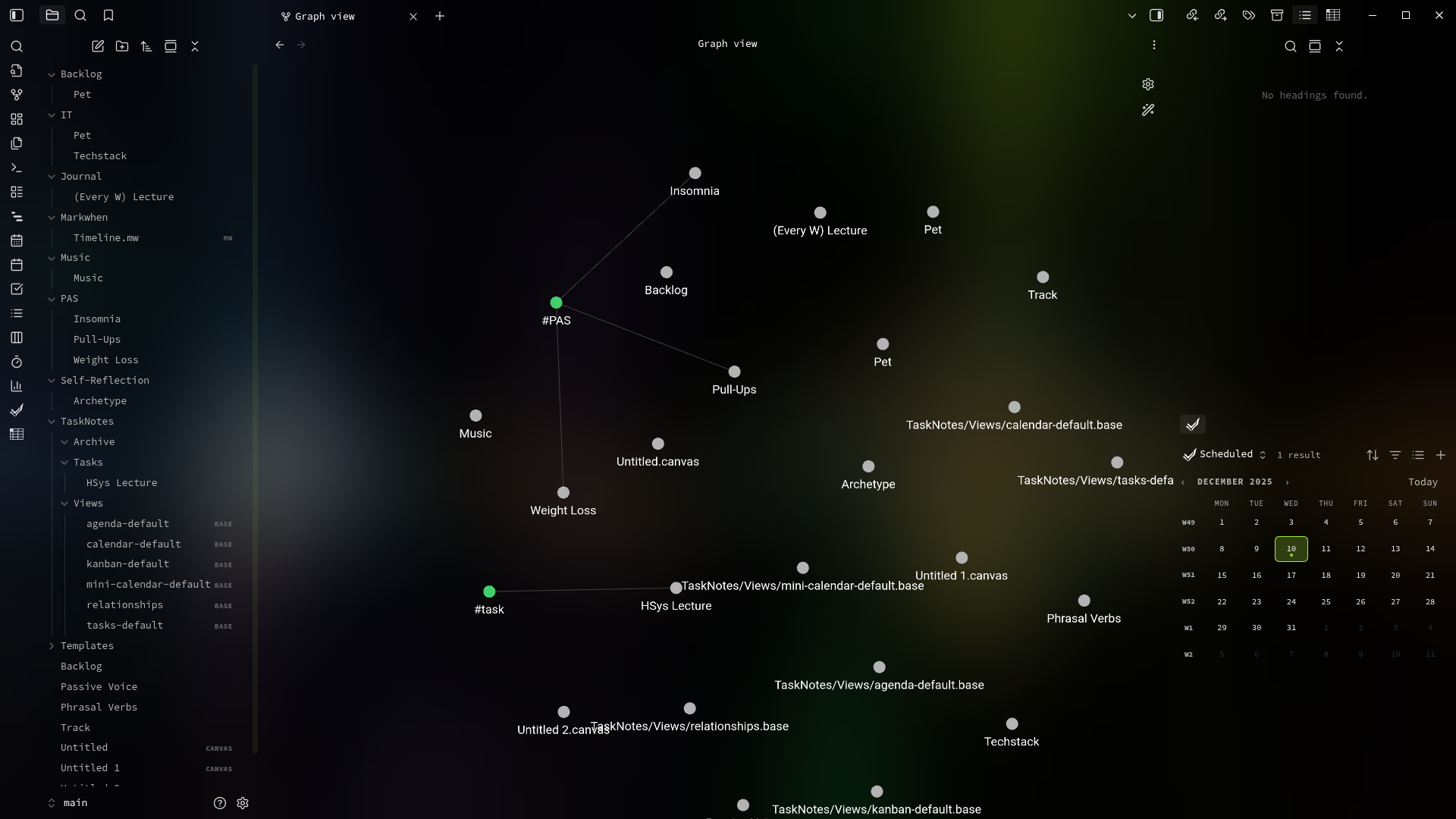 Graph view with custom node fonts
🛠️ Installation
Manual Installation
- Download the latest release from the Releases page.
- Extract the files into your vault’s themes folder:
<vault>/.obsidian/themes/Exotic/ - Open Obsidian Settings → Appearance → Themes.
- Select “Exotic” from the dropdown menu.
- Reload Obsidian or restart if prompted.
🎨 Customization
All colors and effects are defined via CSS variables in the :root section of the theme. You can easily modify them by editing the theme.css file:
:root {
  --default-font: "Source Code Pro", monospace;
  --brightness: 0.54;
  --blur: 100px;
  --color-theme-accent: #aef93eee;
  --color-header: #6666fff0;
  --color-italic: #99d542f6;
  --color-inline-code: #ebae14;
  --color-code-inline-bg: #4c4c4cb0;
  --color-code-block-bg: rgba(77, 77, 77, 0.25);
  --color-table-header-bg: #99d54277;
  --color-table-odd-bg: rgba(77, 77, 77, 0.25);
  --color-table-even-bg: rgba(128, 255, 255, 0.25);
  --color-handles-bg: #aef93e77;
  --color-handles-active-bg: var(--color-theme-accent);
}
Key Variables
--brightness/--blur: Control backdrop filter intensity.--color-theme-accent: Primary accent color used across UI elements.--color-header: Color for headings.--color-italic: Color for emphasized (italic) text.--color-inline-code: Color for inline code.--color-code-block-bg: Background for code blocks.
🧩 Compatibility
- Works best with Obsidian v1.10.6+
- Compatible with most core plugins
- May require adjustments with heavy UI customization plugins
🤝 Contributing
Feel free to open issues for bugs or suggestions. Pull requests are welcome!
📜 License
MIT License. See LICENSE for more details.
👨💻 Author
jzcurious GitHub Profile
83%
HealthExcellent
ReviewSatisfactory
About
Apply Exotic to give Obsidian a glassmorphism UI with Source Code Pro monospace typography, blurred translucent panels, and dark-optimized contrast. Customize colors via CSS variables and get alternating-row tables, distinct inline/block code styling, and smooth hover transitions.Details
Current version
1.0.0
Last updated
4 months ago
Created
5 months ago
License
MIT