
- Overview
- Scorecard
- Updates4
A neon cyberpunk theme for Obsidian.
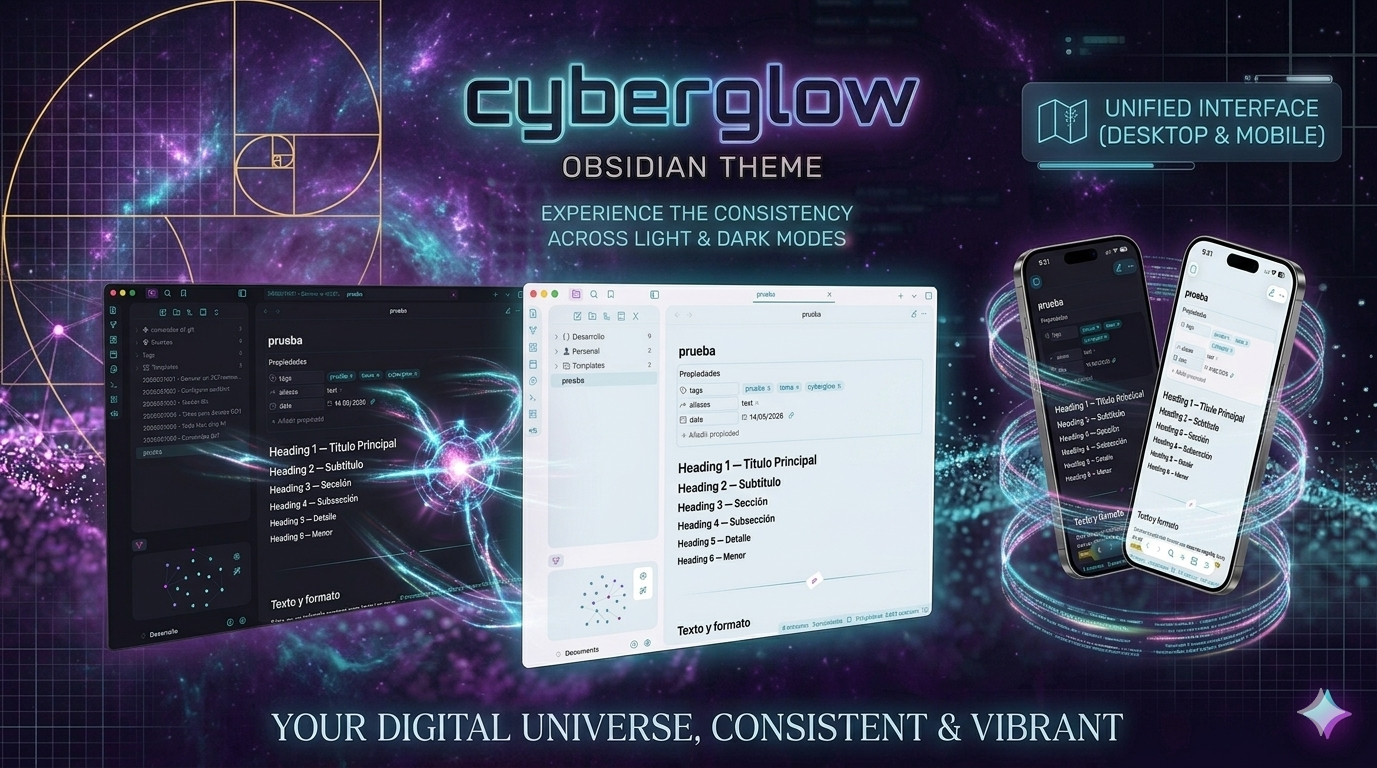
Dual-mode theme — dark and light — built around a cyan and magenta palette with Xcode Midnight syntax highlighting, card layout, and deep Style Settings integration.
Features
- Dark and light mode support — switch between cyberpunk dark and a clean, bright light variant
- Neon cyberpunk aesthetic with cyan (#00FFFF) and magenta (#FF00FF) accents
- Xcode Midnight color scheme for code blocks (CodeMirror 6 + Prism.js)
- Card layout with separate toggles for content, file browser, and actions panel
- 14 Style Settings options across three categories
- Compatible with the Code Styler plugin (dual selectors)
- Hidden borders, slim scrollbars, customizable tab gap
- Three background intensity presets: Abyss, Default, Elevated
Screenshots
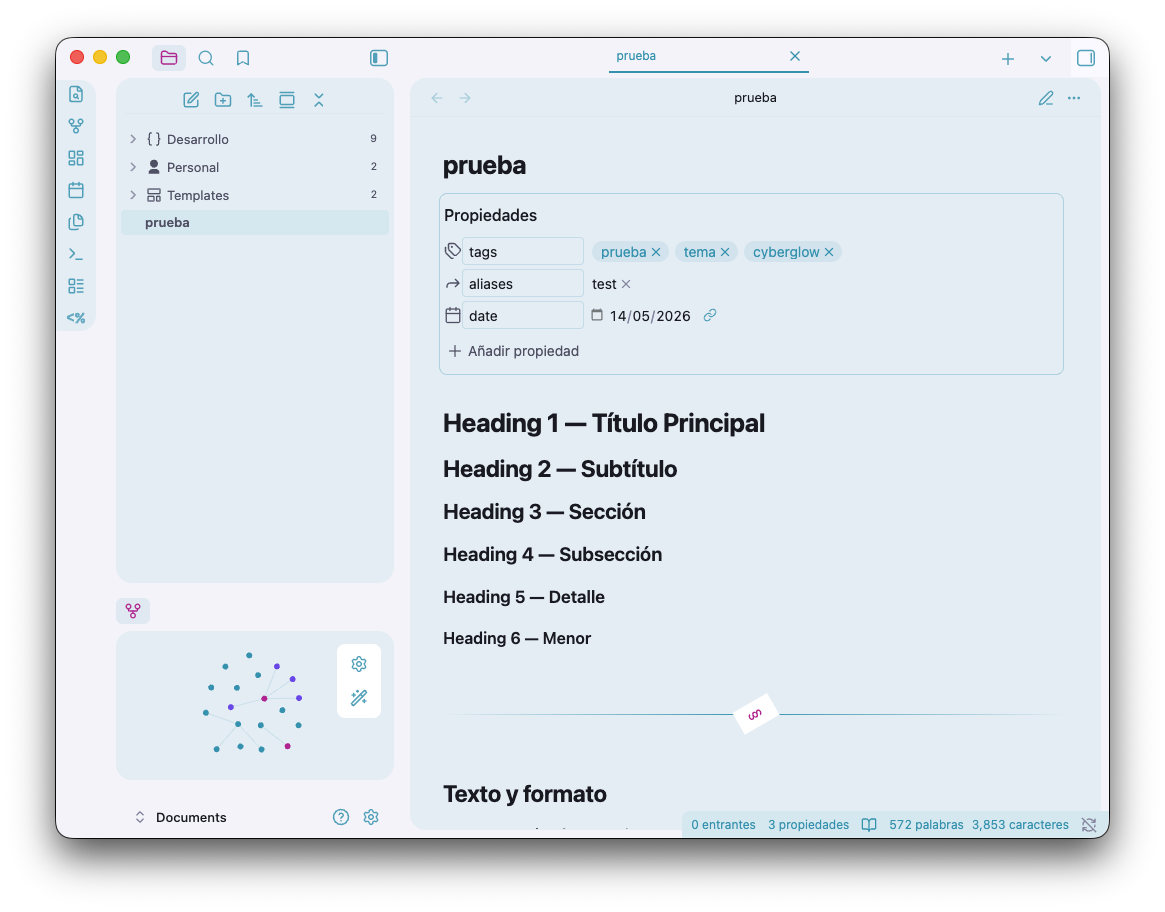
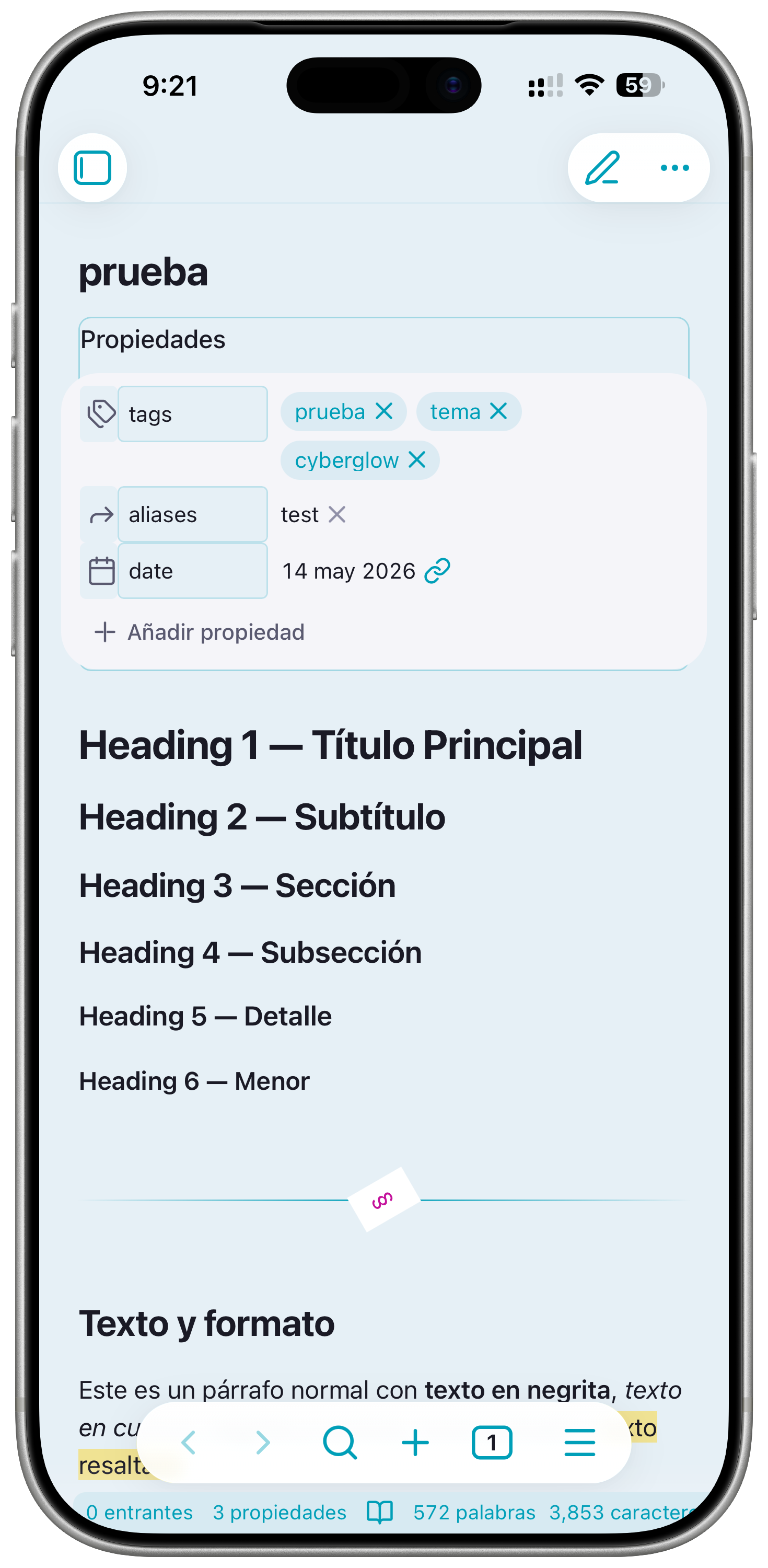
Light Mode
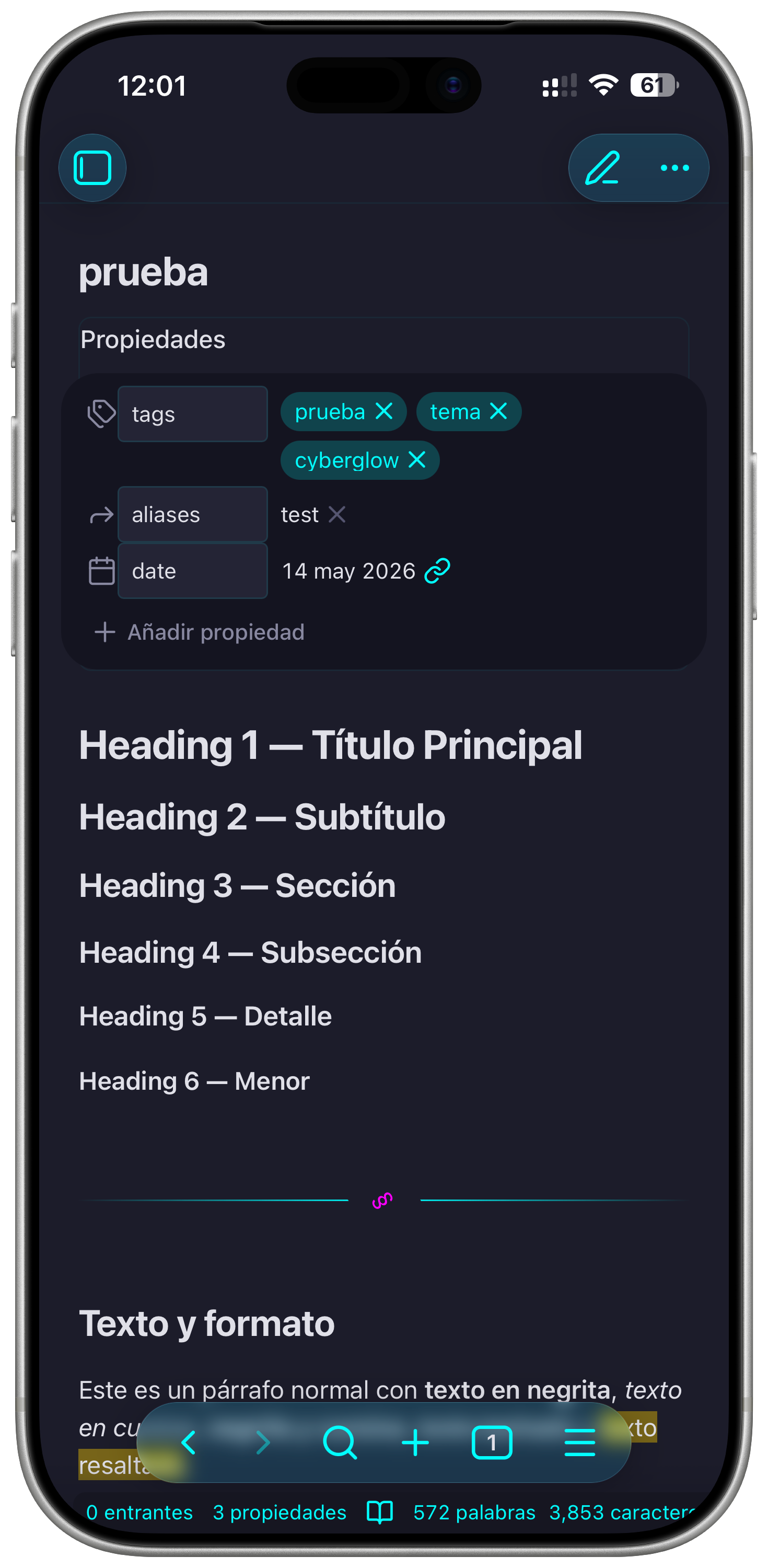
💻 Desktop
📱 mobile
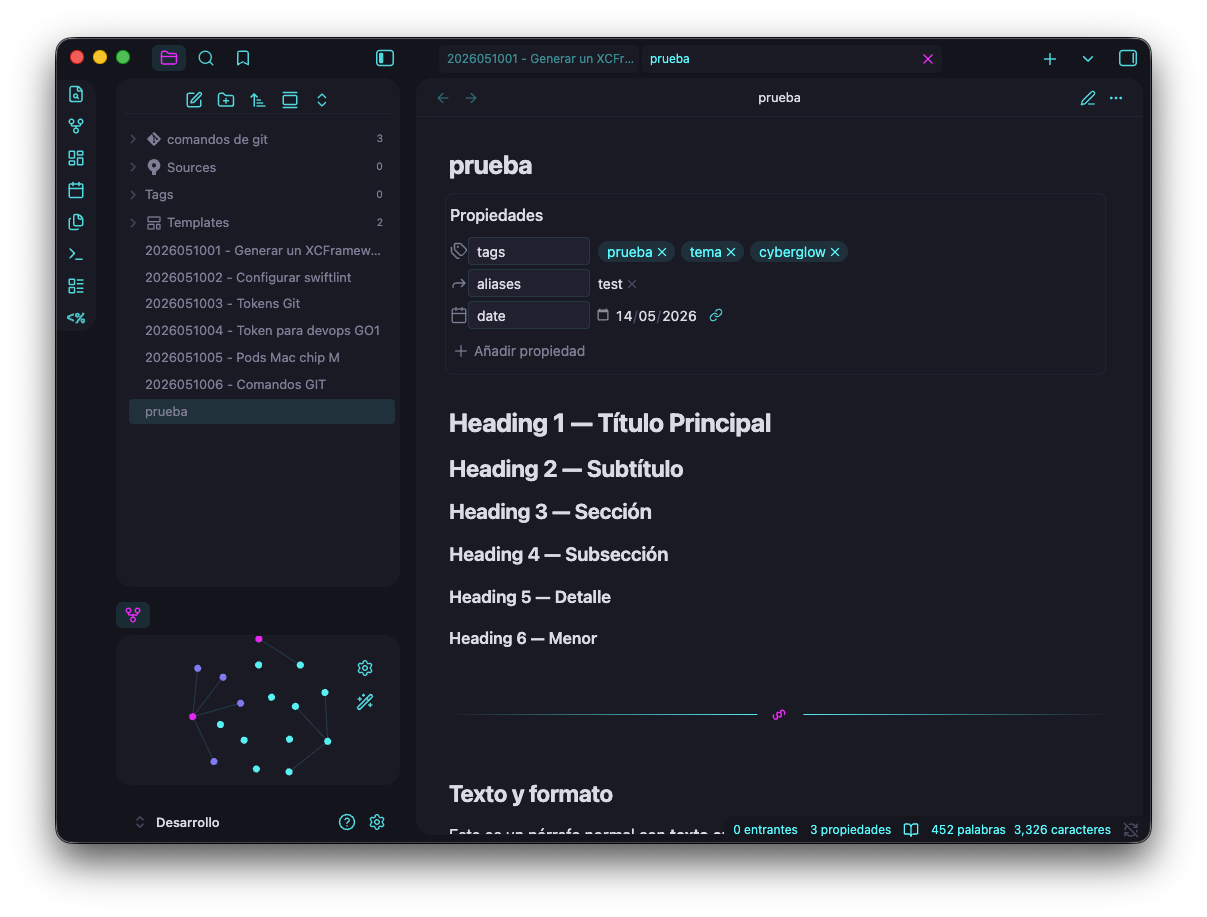
Dark Mode
💻 Desktop
📱 mobile
Color Palette
Dark Mode
| Role | Hex | Description |
|---|---|---|
| Primary | #00FFFF |
Cyan |
| Secondary | #FF00FF |
Magenta |
| Active | #B2F2F4 |
Light cyan accent |
| Background | #0a0a0f |
Near-black base |
| Card | #181825 |
Surface / card bg |
| Text | #e0e0e8 |
Default body text |
Light Mode
| Role | Hex | Description |
|---|---|---|
| Primary | #00CCCC |
Teal cyan |
| Secondary | #CC00CC |
Deep magenta |
| Background | #F5F5F5 |
Off-white base |
| Surface | #ECECEC |
Card / panel surface |
| Text | #1a1a2e |
Dark navy body text |
Style Settings
Requires the Style Settings plugin. 14 options organized into three categories:
Colors
- Primary color (default: cyan)
- Secondary color (default: magenta)
- Active color (default: light cyan)
- Background intensity (Abyss / Default / Elevated)
Editor
- Bold in primary color
- Italic in active color
- Headings with neon gradient
Workspace
- Auto-hide titlebar
- Slim scrollbars
- Hide borders
- Show / hide status bar
- Tab style (Floating / Minimal)
- Tab gap
- Custom tab height
- Workspace layout (Default / Cards)
- Card layout toggles (file browser, actions panel)
- Card shadows
Installation
Manual
- Download
theme.cssandmanifest.jsonfrom this repository. - In your vault, open
.obsidian/themes/(create the folder if it does not exist). - Create a folder named
CyberGlowinsidethemes/. - Place both files inside that folder.
- In Obsidian, go to Settings > Appearance > Themes and select CyberGlow.
Community Themes
Install directly from Obsidian: Settings > Appearance > Themes > Browse and search for CyberGlow.
Credits
Created by DevM0nk3y
Released under the GPL-3.0 License.
99%
HealthExcellent
ReviewPassed
About
Apply a neon cyberpunk dark theme with cyan and magenta accents and Xcode Midnight syntax highlighting for code. Customize colors, background intensity, tabs and a card-based workspace via deep Style Settings integration; enjoy hidden borders, slim scrollbars, three background presets, and Code Styler compatibility.Details
Current version
2.0.0
Last updated
6 days ago
Created
Last week
Updates
4 releases
Downloads
379
License
GPL-3.0