
- Overview
- Scorecard
- Updates5
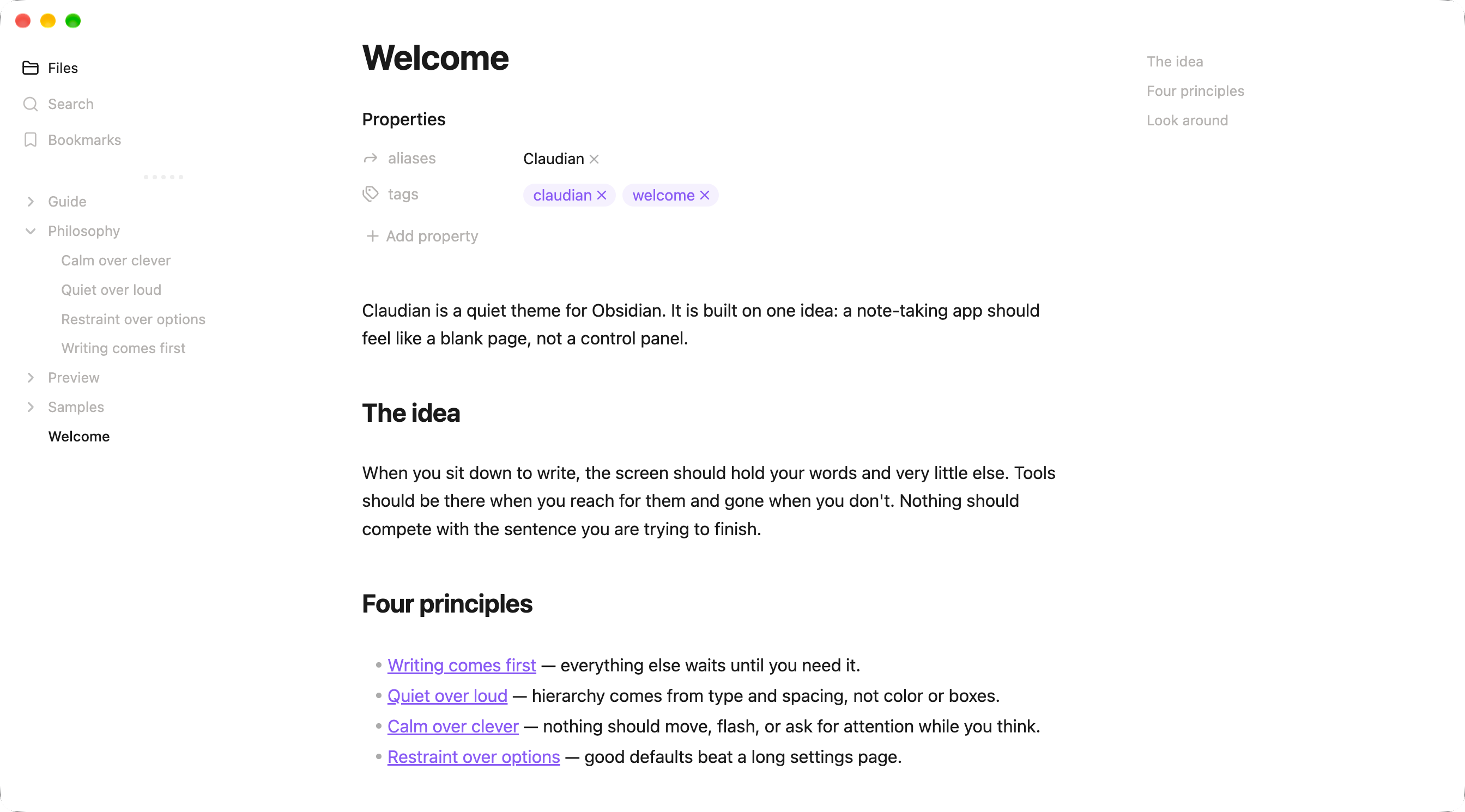
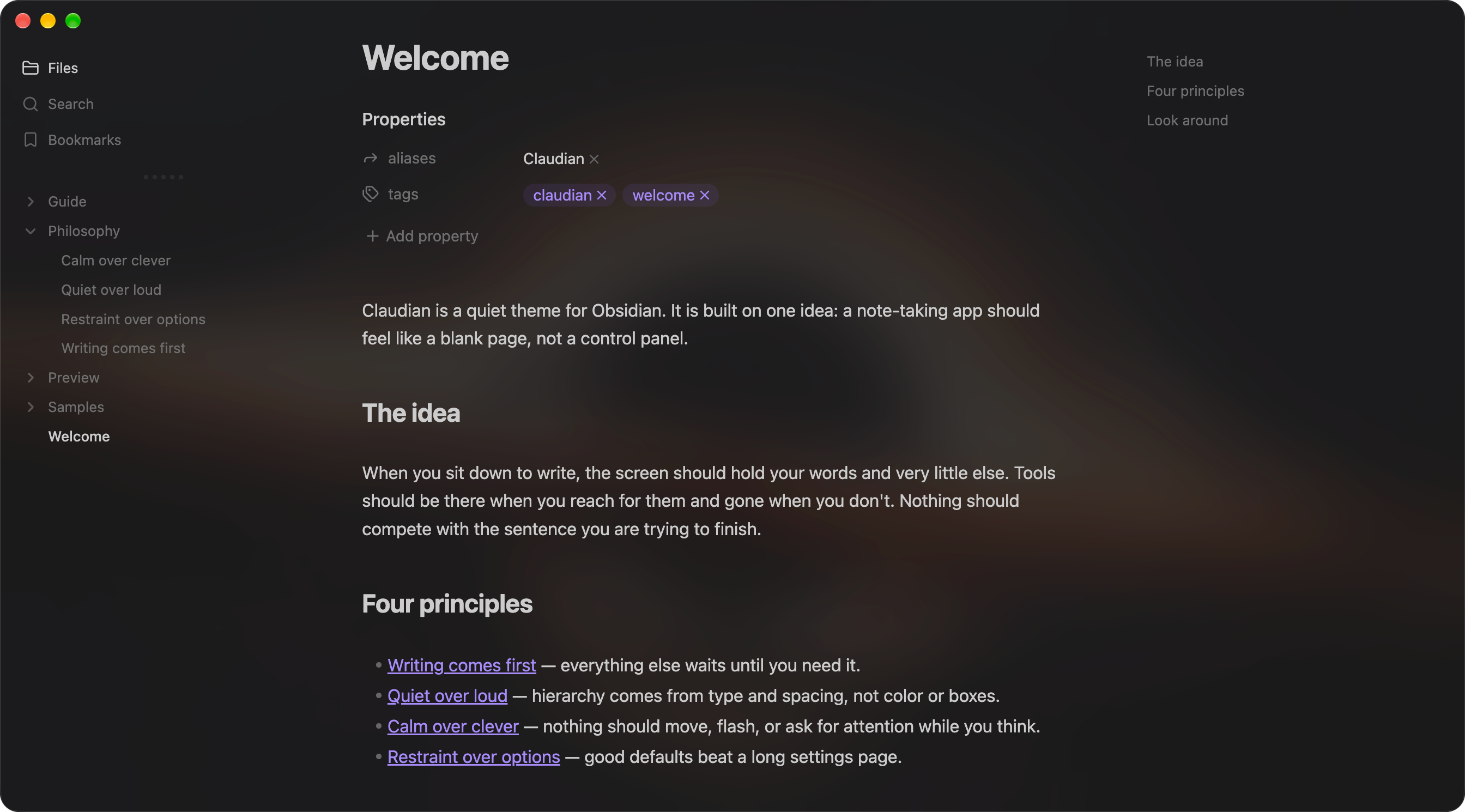
A quiet Obsidian theme where your writing comes first and the interface stays out of the way.
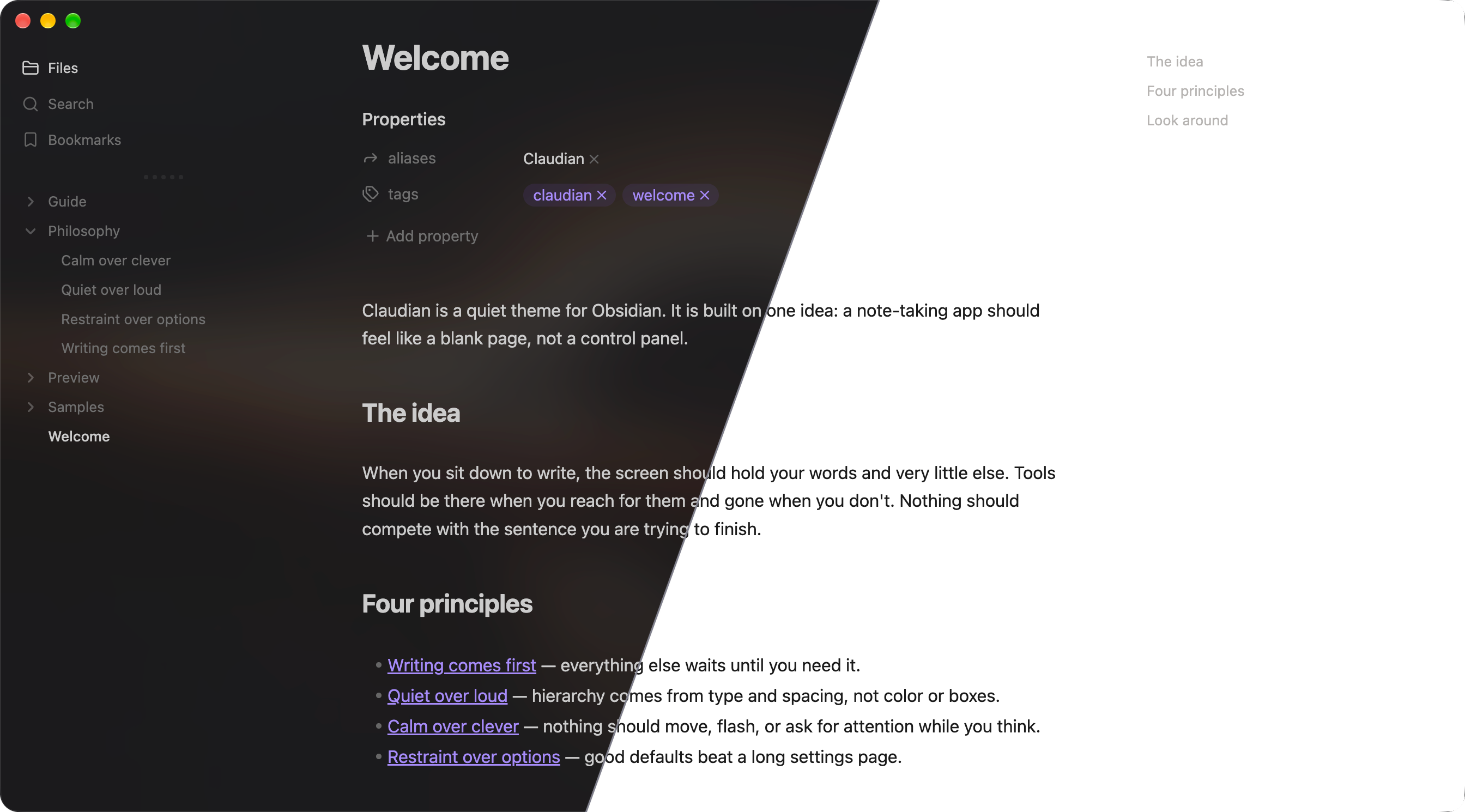
Full light and dark screenshots
Philosophy
A note-taking app should feel like a blank page, not a control panel.
- Writing comes first. Everything else waits until you need it.
- Quiet over loud. Hierarchy comes from type and spacing, not color or boxes.
- Calm over clever. Nothing should move, flash, or ask for attention while you think.
- Restraint over options. Good defaults beat a long settings page.
Install
From the Obsidian community
Open Claudian on the Obsidian community site, and install it from there. You can also open Settings → Appearance → Themes → Manage in Obsidian, search for Claudian, and select Install and use.
Manually
- Create a
Claudianfolder inside your vault's.obsidian/themes/directory. - Copy
theme.cssandmanifest.jsoninto it. - In Obsidian, open Settings → Appearance → Themes and select Claudian.
Requires Obsidian 1.13.7 or later. For translucent dark mode, turn on Settings → Appearance → Translucent window (macOS and Windows).
Settings
With the Style Settings plugin, open Style Settings → Claudian to adjust:
- Background Opacity: how translucent dark mode is (default 30%).
- Hide Tab Bar: Dynamic (default), Always, or Never.
- Heading level markers, header hashtags, image captions, and link underlines.
- De-emphasized file properties and embedded backlinks.
- Visibility of the right sidebar button.
Development
Edit src/claudian.css, then run npm run build (Node.js, no dependencies) to regenerate theme.css with the license header. The source has three sections: base styles, the left sidebar, and extras.
Releasing
- Update
versioninmanifest.jsonandpackage.json(formatx.y.z), then runnpm run build. - Commit, then push a tag with the same version, for example
git tag 0.1.0 && git push origin 0.1.0. - The release workflow checks the tag against
manifest.jsonand publishes a GitHub release withtheme.cssandmanifest.jsonattached.
License and credits
Claudian is released under the MIT License, © 2026 Yishen Tu.
Claudian builds on the work of two MIT-licensed Obsidian themes. Their copyright notices are kept in licenses/ and embedded in theme.css:
- Meridian by mvahaste (v1.19.1): the foundation for colors, typography, and the editor. Meridian is itself derived from Apex. License
- Baseline by svnaxis (v4.0.0): the left sidebar and tab layout. License
Thank you to both authors.