
- Overview
- Scorecard
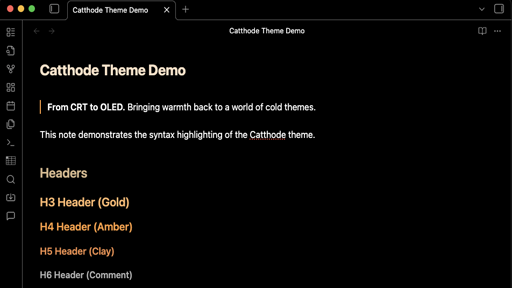
From CRT to OLED. Bringing warmth back to a world of cold themes. cattho.de
Catthode is a high-contrast, retro-futuristic theme designed for prolonged writing sessions. It blends the crushed blacks of modern OLED displays with the comforting, warm glow of analog tungsten filaments.
✨ Preview
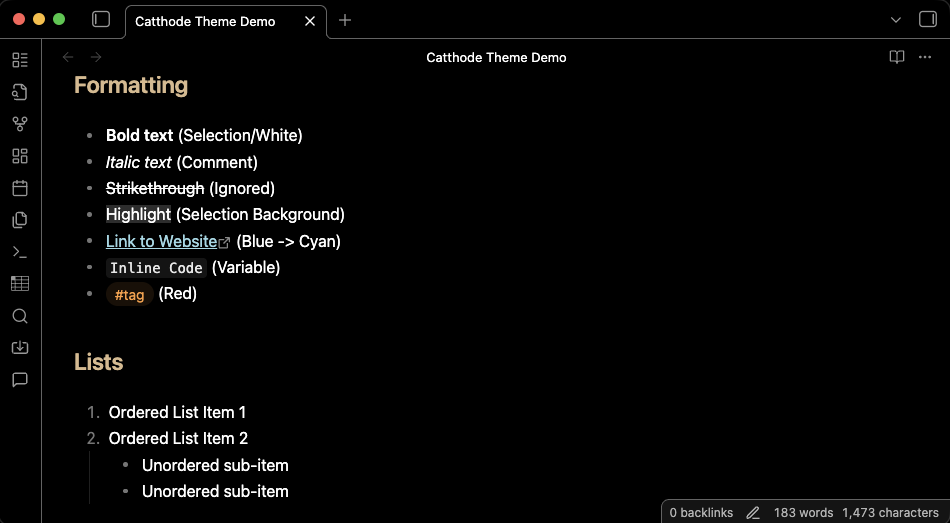
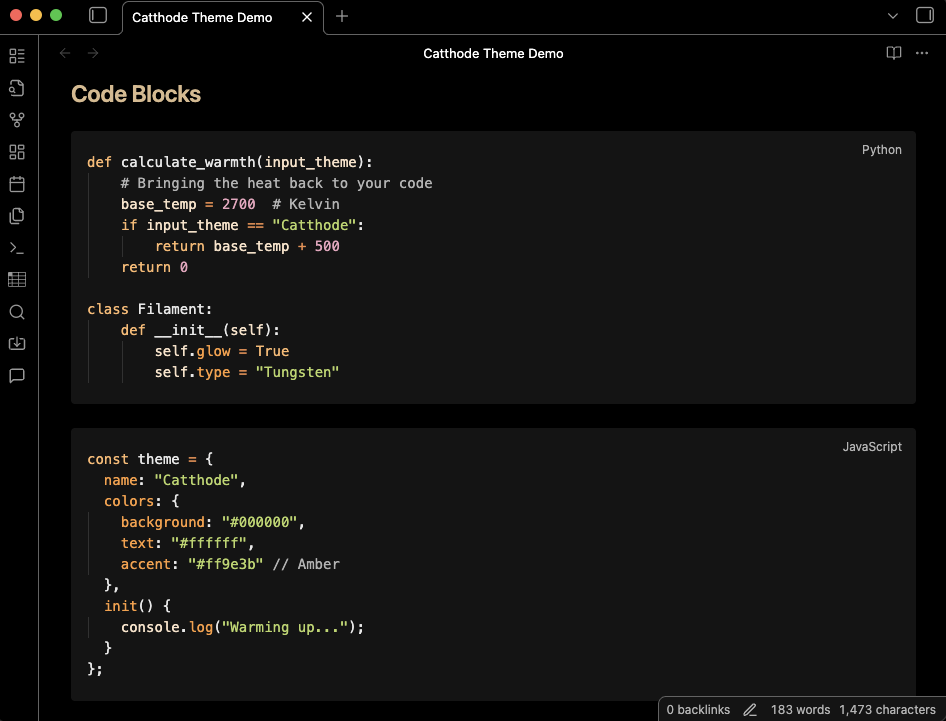
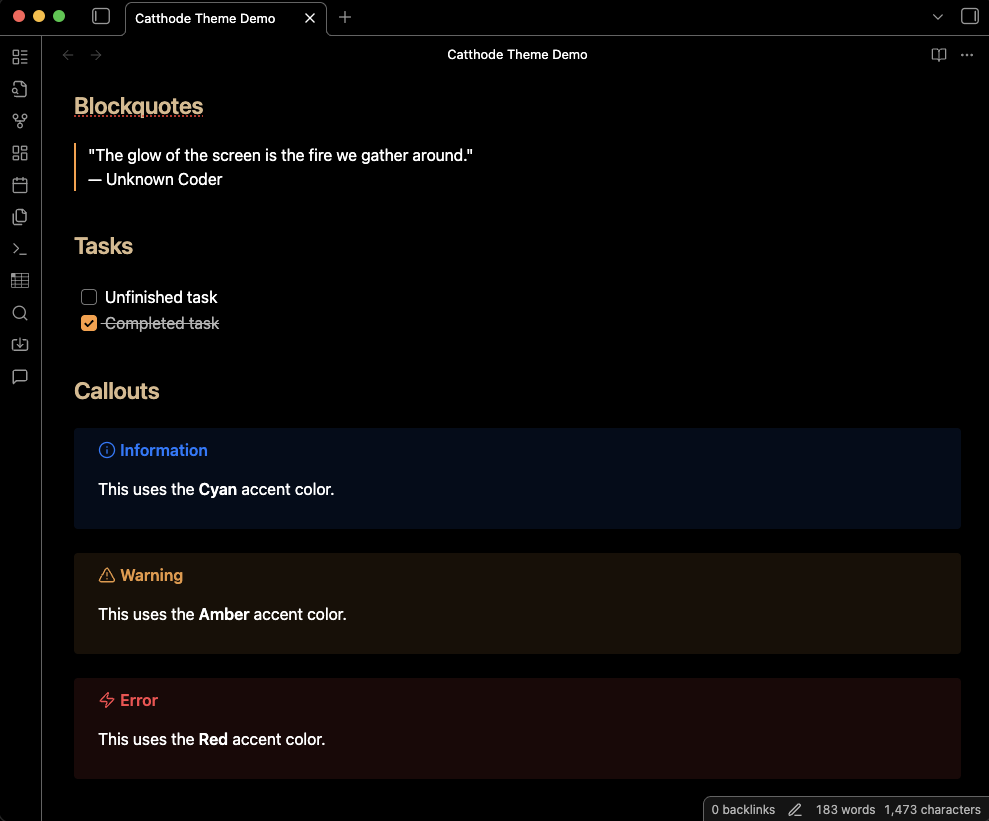
🎨 Color Palette
Surface
| Color | Hex | Role |
|---|---|---|
| Base | #000000 |
Editor background, pure void |
| Sidebar | #141414 |
Sidebars, panels, widgets |
| Selection | #2d2d2d |
Text selection, hover states, buttons |
| Border | #636363 |
Borders, subtle dividers |
Phosphor
| Color | Hex | Role |
|---|---|---|
| Text | #ffffff |
Standard text |
| Variable | #e8e8e8 |
Variables, identifiers |
| Comment | #b3b3b3 |
Comments, docstrings |
| Ignored | #757575 |
Ignored files, disabled elements |
Glow
| Color | Hex | Role |
|---|---|---|
| Wheat | #fae2c8 |
Types, classes, bright glow |
| Tan | #d9b98c |
Secondary glow |
| Gold | #ffb86c |
Keywords, storage, headers |
| Amber | #ff9e3b |
Functions, accents, active states |
| Clay | #f08d49 |
Operators, punctuation |
Accents
| Color | Hex | Role |
|---|---|---|
| Red | #ff6b6b |
Errors, deletions, dangerous actions |
| Green | #b9d665 |
Strings, insertions, success |
| Cyan | #aee6d6 |
Regex, escapes, information |
| Blue | #9cd9e6 |
Links, properties, secondary info |
| Purple | #eba4be |
Constants, numbers, booleans |
📦 Installation
Automatic Installation
- Open Obsidian.
- Go to Settings > Appearance.
- Click Manage under Themes.
- Search for
Catthode. - Click Install and then Use.
Manual Installation
To install manually, run the following commands from the root of your Obsidian Vault:
# Create the theme directory
mkdir -p .obsidian/themes/Catthode

# Download the theme files
curl -o .obsidian/themes/Catthode/theme.css https://raw.githubusercontent.com/catthode/obsidian/main/theme.css
curl -o .obsidian/themes/Catthode/manifest.json https://raw.githubusercontent.com/catthode/obsidian/main/manifest.json
After running these commands:
- Restart Obsidian (or reload).
- Go to Settings > Appearance.
- Select Catthode from the Themes dropdown.
89%
HealthExcellent
ReviewSatisfactory
About
Create a retro‑futuristic, high‑contrast workspace that pairs OLED‑deep blacks with a warm tungsten glow for long writing sessions. Apply clear, readable color accents and distinct syntax tones to sharpen focus and speed visual parsing.Details
Current version
1.0.0
Last updated
5 months ago
Created
5 months ago
License
MIT