Cassette Futurism
 eliot xu157 downloads
Warm amber accents, a charcoal dark mode, and a paper-toned light mode. CSS only, with no plugin dependency.
- Overview
- Scorecard
- Updates1
A retro-futuristic theme for Obsidian, inspired by 1970s and 1980s sci-fi interfaces, CRT monitors, NASA mission control consoles, and vintage computing aesthetics.
Supports both Dark and Light modes out of the box with zero plugins and zero configuration required.
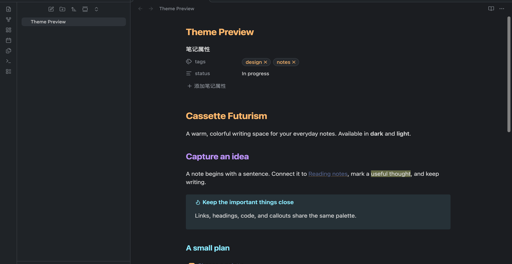
Modes
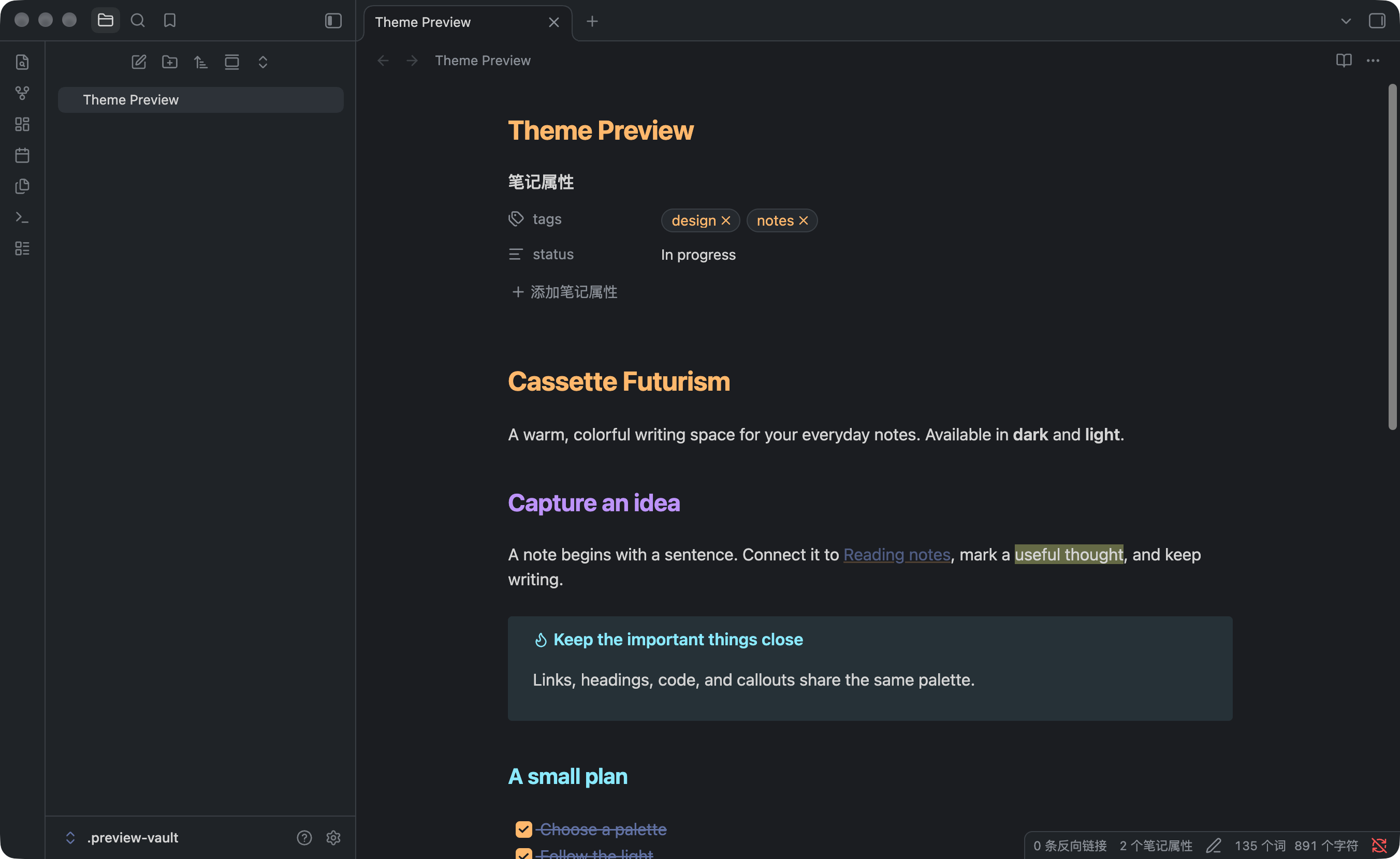
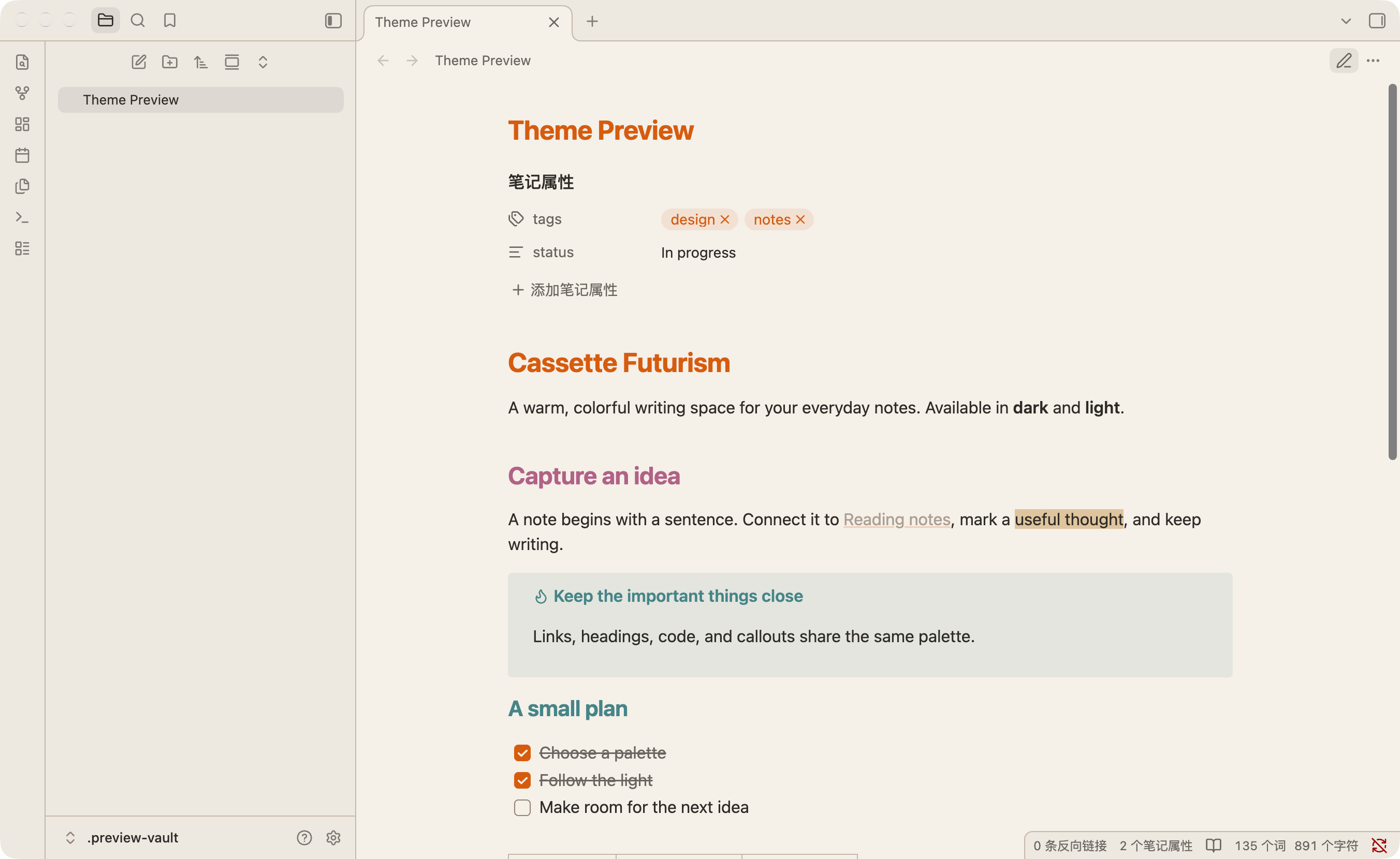
| Mode | Paradigm | Base | Accent Highlights |
|---|---|---|---|
| Dark ("Magnetic Night") | Analog CRT console | Deep steel-gray (#1a1d21) |
Amber glow, phosphor green, signal cyan |
| Light ("Beige Terminal") | Vintage workstation | Warm beige (#f5f0e8) |
Retro rainbow accents, deep crimson, high-contrast ink |
Features
- CSS only: No plugin dependency or JavaScript.
- Local assets: No remote fonts, images, or network requests.
- Native appearance modes: Follows Obsidian's dark and light settings.
- Full Markdown Coverage: Styled headings, code blocks, inline code, callouts, blockquotes, tables, tags, checkboxes, search results, and canvas cards.
- Syntax Highlighting: Dedicated token coloring for both Live Preview (CodeMirror) and Reading View (Prism).
Installation
Obsidian Community Themes
Available in the Obsidian Community directory. Use Add to Obsidian on that page, or install from within the app:
- Open Settings → Appearance.
- Under Themes, click Browse.
- Search for Cassette Futurism.
- Click Install and use.
Manual Installation
- Go to the Releases page.
- Download
manifest.jsonandtheme.css. - In your Obsidian vault, navigate to (or create)
.obsidian/themes/Cassette Futurism/. - Copy
manifest.jsonandtheme.cssinto that folder:<your-vault>/ └── .obsidian/ └── themes/ └── Cassette Futurism/ ├── manifest.json └── theme.css - Open Obsidian, go to Settings → Appearance → Themes, and select Cassette Futurism.
To toggle between dark and light modes, use Obsidian's standard setting (Settings → Appearance → Base color scheme) or the command palette (Switch between light and dark mode).
Building from Source
The stylesheet is deterministically generated from palette.toml using a Python standard-library generator (Python 3.11+ required for tomllib).
# Clone the repository
git clone https://github.com/taotao7/obsidian-cassette-futurism.git
cd obsidian-cassette-futurism

# Regenerate manifest.json and theme.css
python3 generate.py
Attribution & License
- Palette and design principles originated from
taotao7/theme-tapeandtaotao7/cassette-futurism. - Released under the MIT License.