Bordeaux
 Rito191 downloads
A dark wine red theme with gold headings and soft rosé links. Everything is flat, with no gradients and no glow, so you can write for hours without it getting loud.
- Overview
- Scorecard
- Updates3
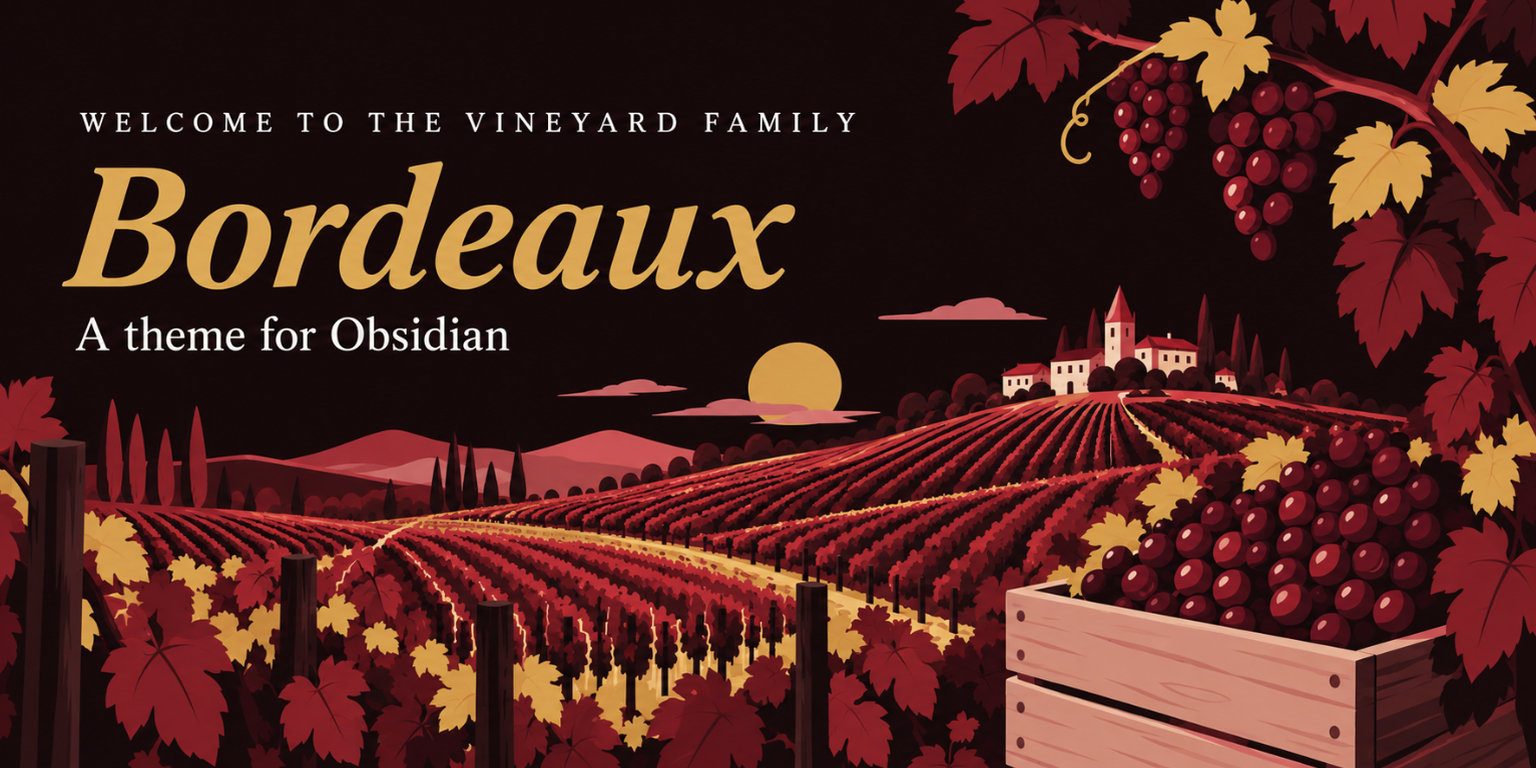
The Vineyard family
Vineyard is what I call the little Obsidian things I make and give away. So far that's this theme and a plugin, and they look best together.
| 💎 Obsidian | 🐙 GitHub | |
|---|---|---|
| 🍷 Bordeaux, the theme on this page | Theme page | Repository |
| 🍇 Grape Clusters, the plugin that groups the graph below by folder | Plugin page | Repository |
Bordeaux is a dark wine red theme for Obsidian. I wanted something I could write in for hours without it getting loud, so everything is flat, without gradients or glow. When you hover over something its color fades a little, and that's the only thing that moves.
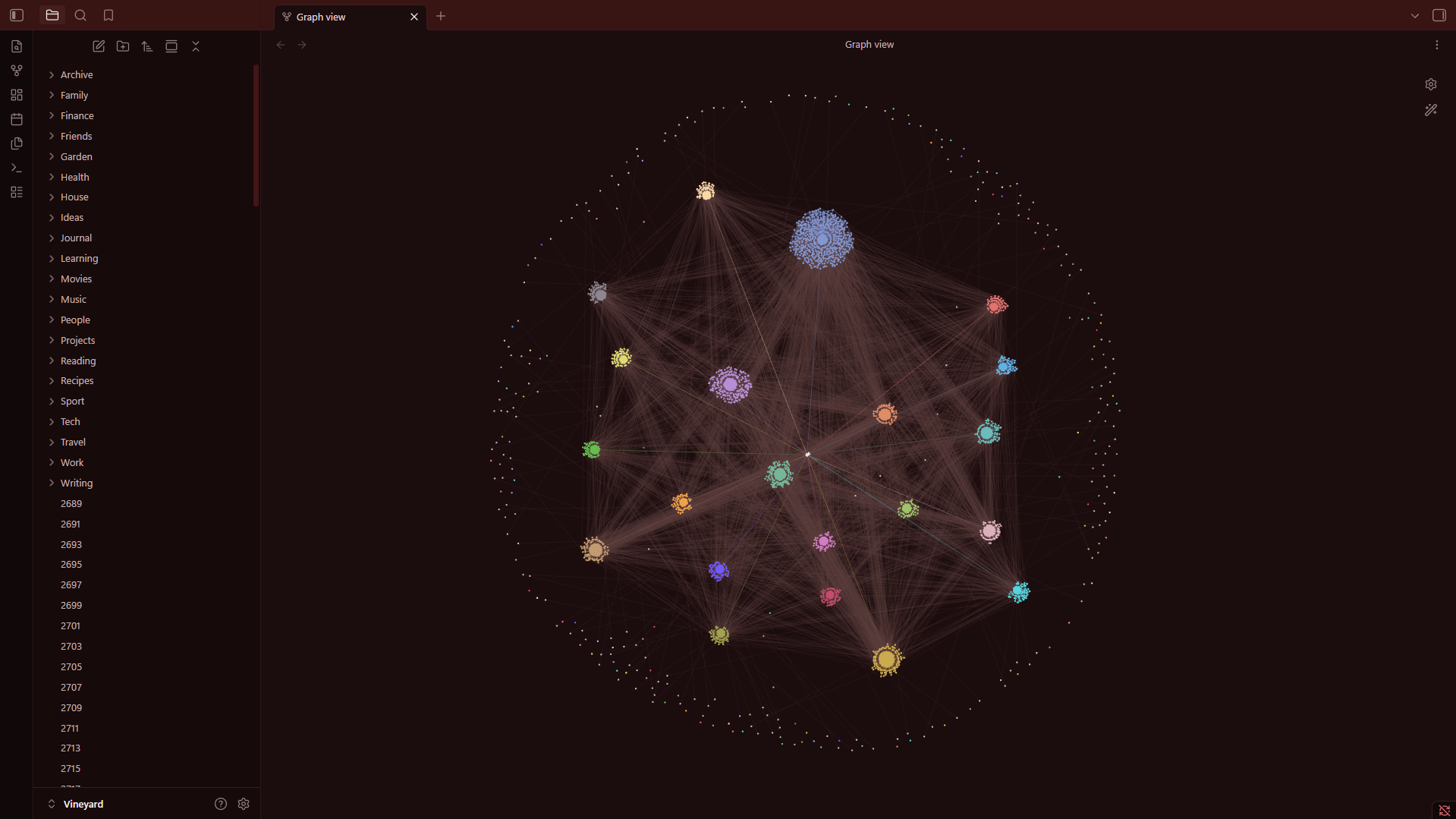
This is a test vault with 3,000 notes. The graph gets the same dark page and lines in a muted wine color. Grape Clusters pulls every folder into its own bunch, and the colors of the folders come from Groups in the graph settings.
Install
The easiest way is inside Obsidian. Open Settings → Appearance, click Manage next to Themes, search for Bordeaux and click Install and use.
You can also open the Bordeaux page on the Obsidian website and click Add to Obsidian. Obsidian opens on the theme, and you click Install and use there.
If you'd rather do it by hand, download theme.css and manifest.json from the latest release. Put them in a folder called Bordeaux inside .obsidian/themes/ in your vault, then pick Bordeaux under Settings → Appearance.
The colors
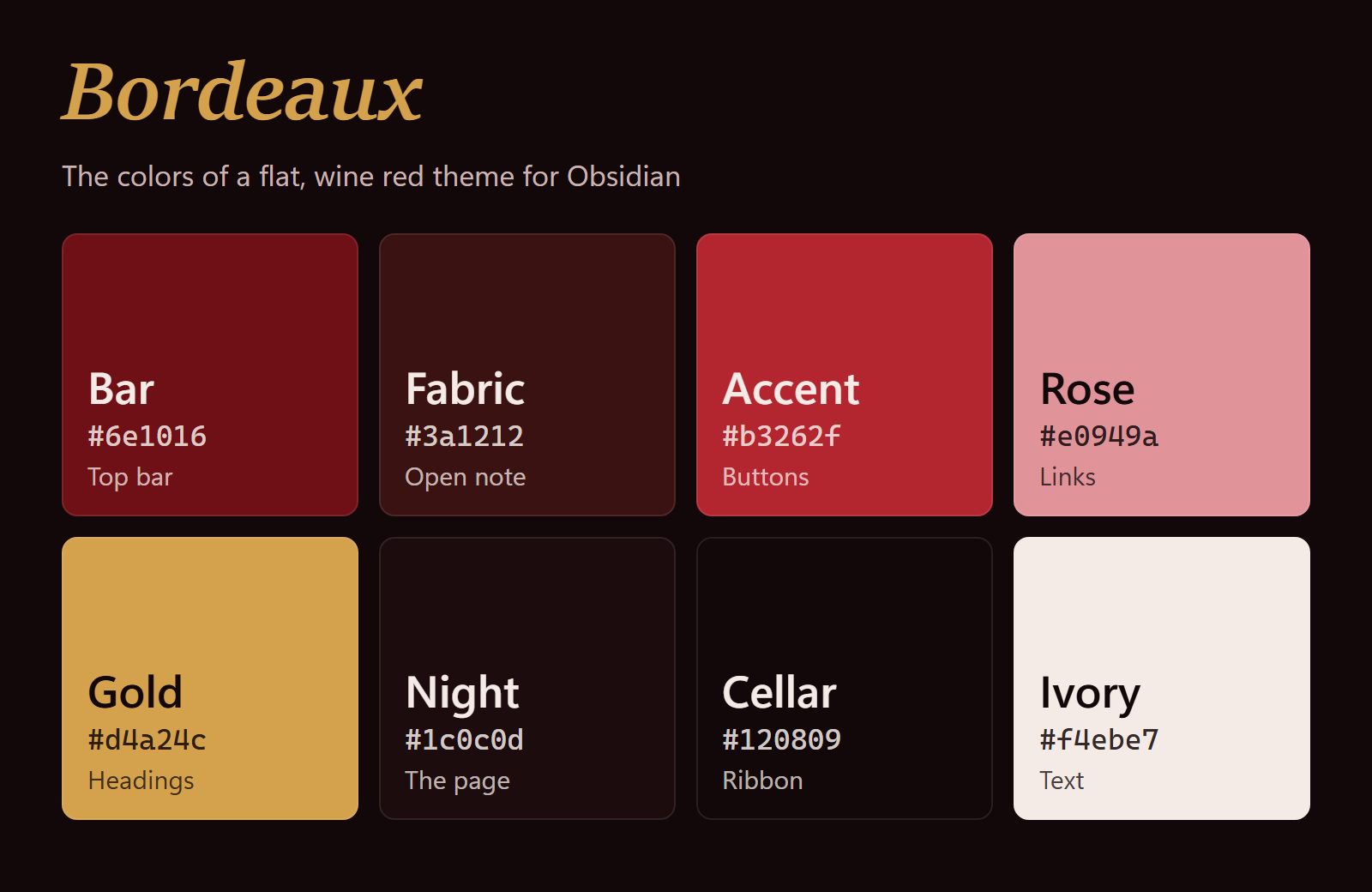
These are the eight colors you'll see the most.
Writing
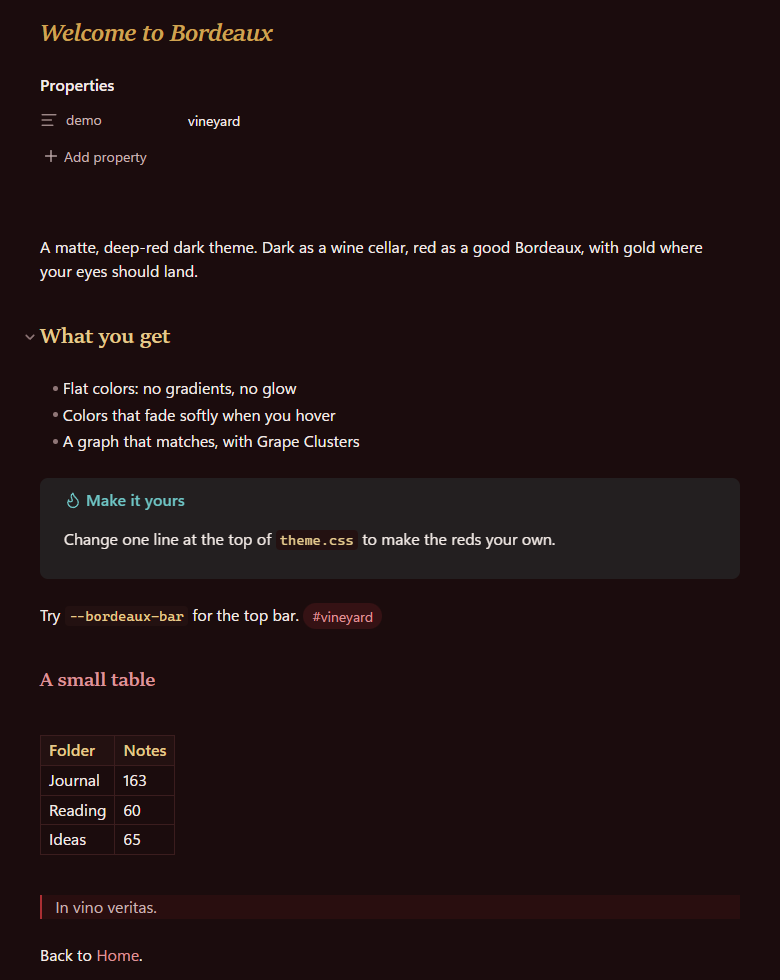
This is where you spend most of your time, so I kept it calm. The headings are gold and set in a serif, the links a soft rosé. Under all of it the page is nearly black, with a little red in it.
Good to know
Bordeaux only has a dark mode for now. It's plain CSS and doesn't load anything from the internet.
Made by
creativemindrito. Free to use under the MIT license. Something looks off? Open an issue and I'll take a look.