Search...Search plugins and themes...
⌘K
Sign in
  • Get started
  • Download
  • Pricing
  • Enterprise
  • Account
  • Obsidian
  • Overview
  • Sync
  • Publish
  • Canvas
  • Mobile
  • Web Clipper
  • CLI
  • Learn
  • Help
  • Developers
  • Changelog
  • About
  • Roadmap
  • Blog
  • Resources
  • System status
  • License overview
  • Terms of service
  • Privacy policy
  • Security
  • Community
  • Plugins
  • Themes
  • Discord
  • Forum / 中文论坛
  • Merch store
  • Brand guidelines
Follow us
DiscordTwitterBlueskyThreadsMastodonYouTubeGitHub
© 2026 Obsidian

Acovia

FovlinFovlin115 downloads

A simple theme for obsidian

Add to Obsidian
Acovia screenshot
  • Overview
  • Scorecard
  • Updates6

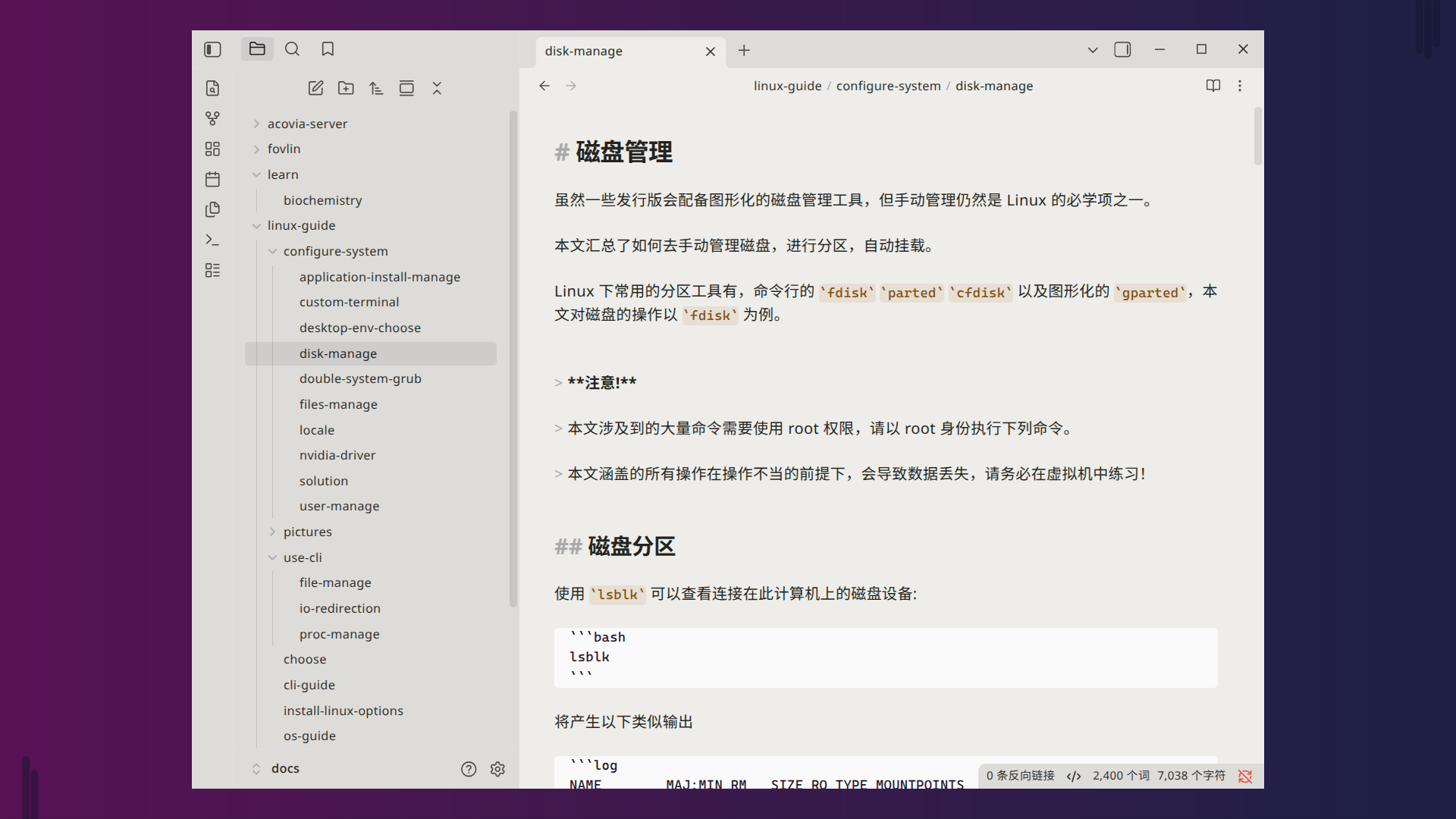
A warm-toned theme, gentle on the eyes — especially in dark mode.

Dark Example
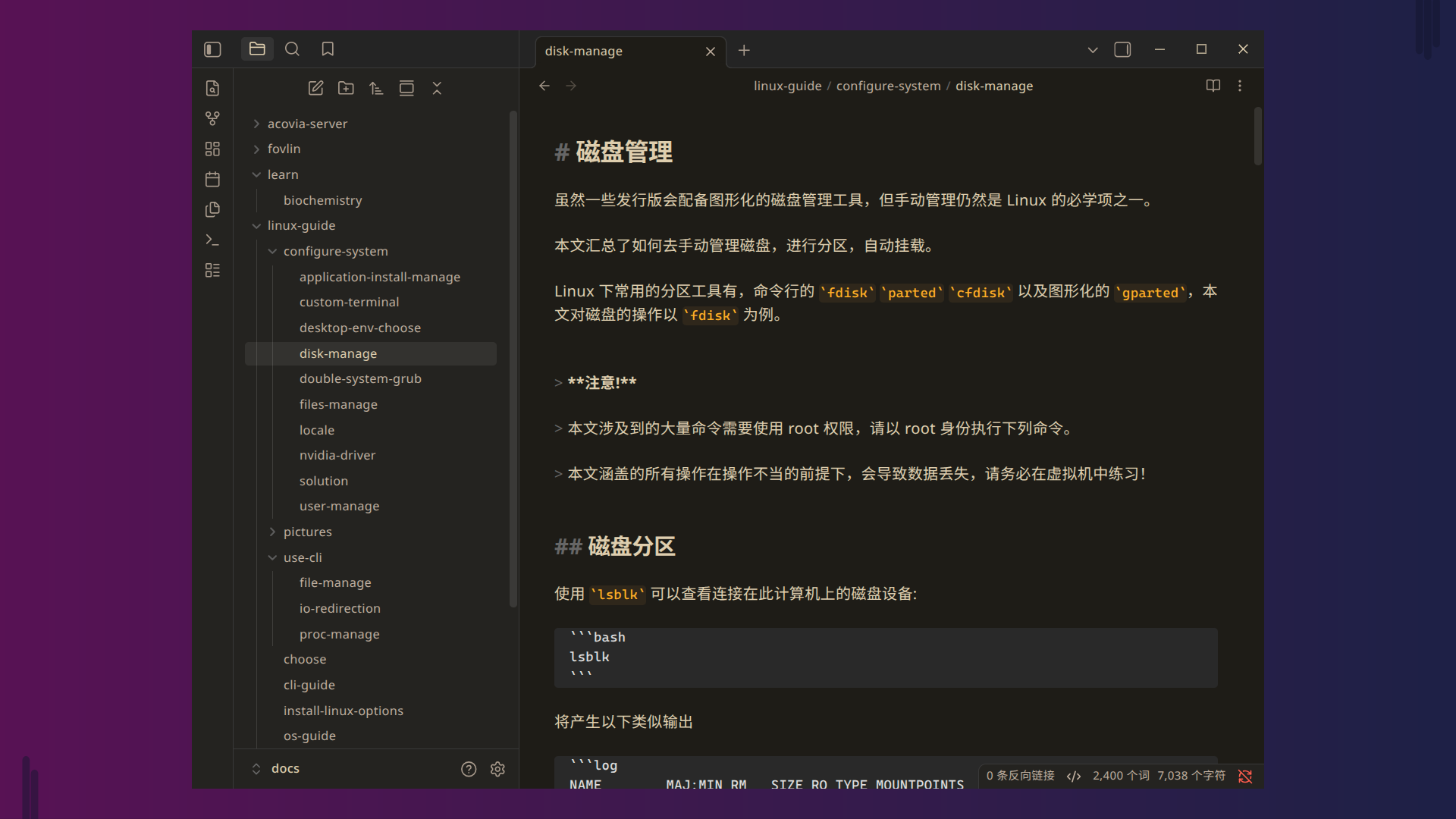
Acocia-dark

Light Example

Acovia-light

Installation

Via Community Themes Browser (Recommended)

  1. Open Obsidian and go to Settings → Appearance.
  2. Click the Manage button next to the theme dropdown.
  3. Search for Acovia in the community themes browser.
  4. Click Install and then Enable to apply the theme.

Via Git Clone (For Advanced Users)

cd /path/to/your/vault/.obsidian/themes
git clone https://github.com/fovlin/acovia-obsidian-theme.git

Then Enable to apply the theme.

HealthExcellent
ReviewSatisfactory
About
Apply warm-toned colors to soften the interface and reduce eye strain, especially in dark mode. Maintain comfortable contrast and readable typography across Obsidian.
Details
Current version
1.0.6
Last updated
2 days ago
Created
2 weeks ago
Updates
6 releases
Downloads
115
License
GPL-3.0
Report bugRequest featureReport theme
Author
FovlinFovlinfovlin
GitHubfovlin
  1. Community
  2. Themes
  3. Acovia

Related themes

ITS Theme screenshot

ITS Theme

Minimal screenshot

Minimal

Things screenshot

Things

Wasp screenshot

Wasp

Cupertino screenshot

Cupertino

Baseline screenshot

Baseline

Prism screenshot

Prism

Flexoki screenshot

Flexoki

Velocity screenshot

Velocity

Reverie screenshot

Reverie