Stellar Graph 3D
 thor040175355 downloads
Explore your notes as a glowing 3D galaxy: comets along links, time travel, spiral mode, routes, constellations and more.
- Overview
- Scorecard
- Updates7
A 3D graph view for Obsidian that looks like a galaxy. Notes are stars, links are comets' paths, folders are nebulae.
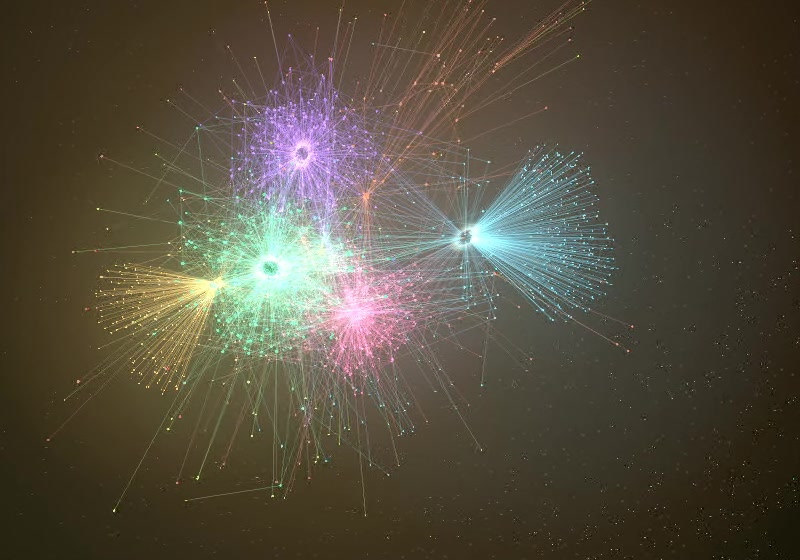
Time travel: watch the vault grow note by note, from the first note to today.
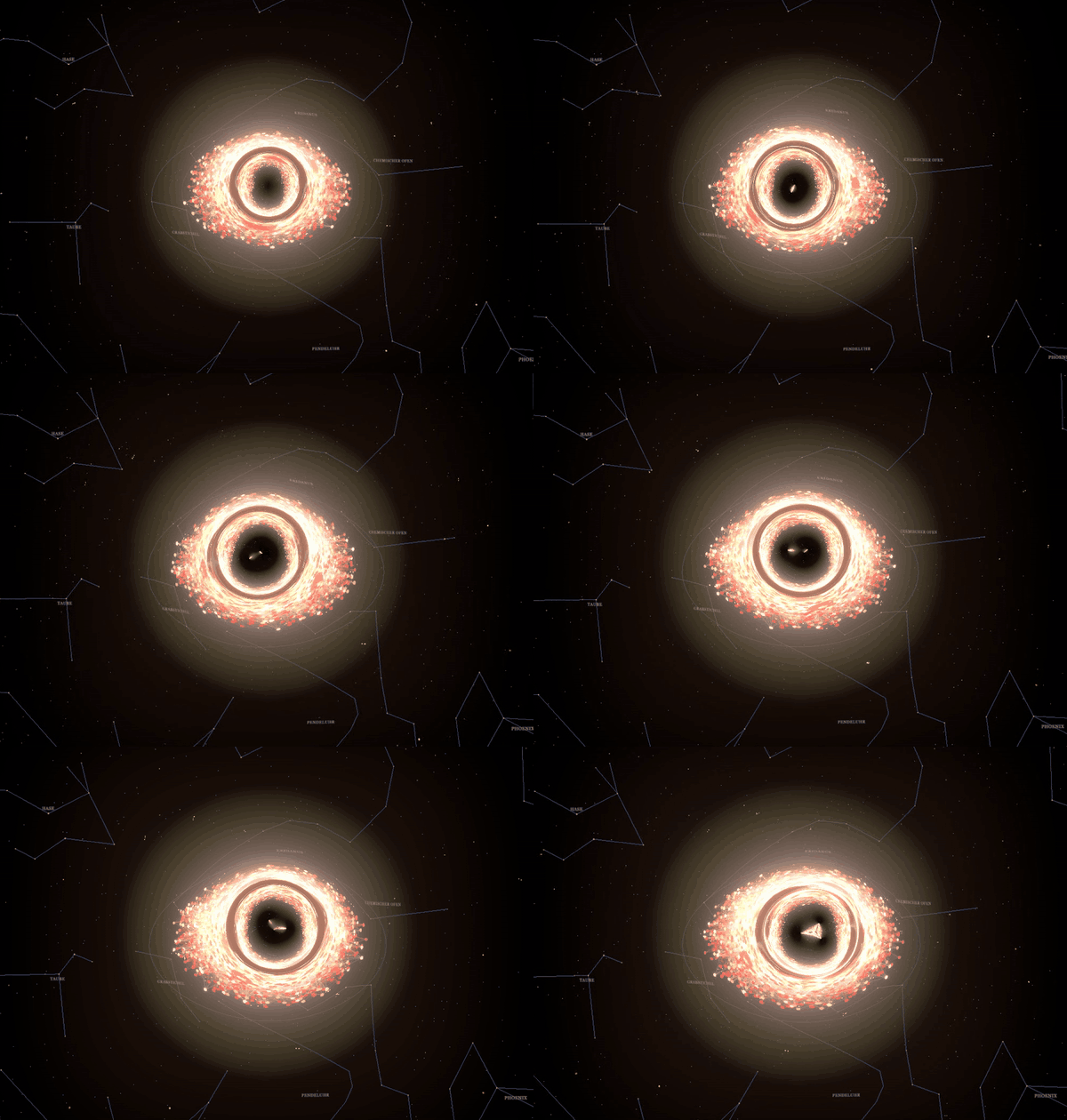
The biggest hubs turn into black holes with an accretion disk and gravitational lensing. Folders appear as nebulae in their own colors.
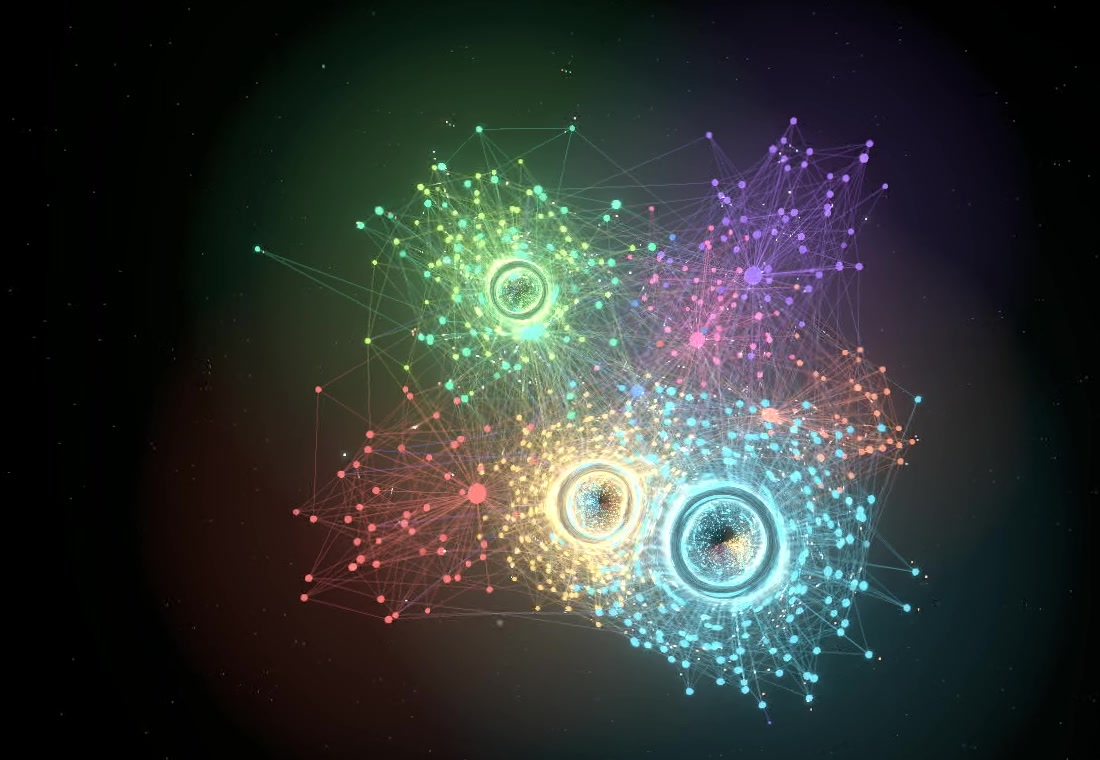
Galaxy mode (expansion layout with age colors): the oldest notes sit outside in red, the freshest ones glow in the core.
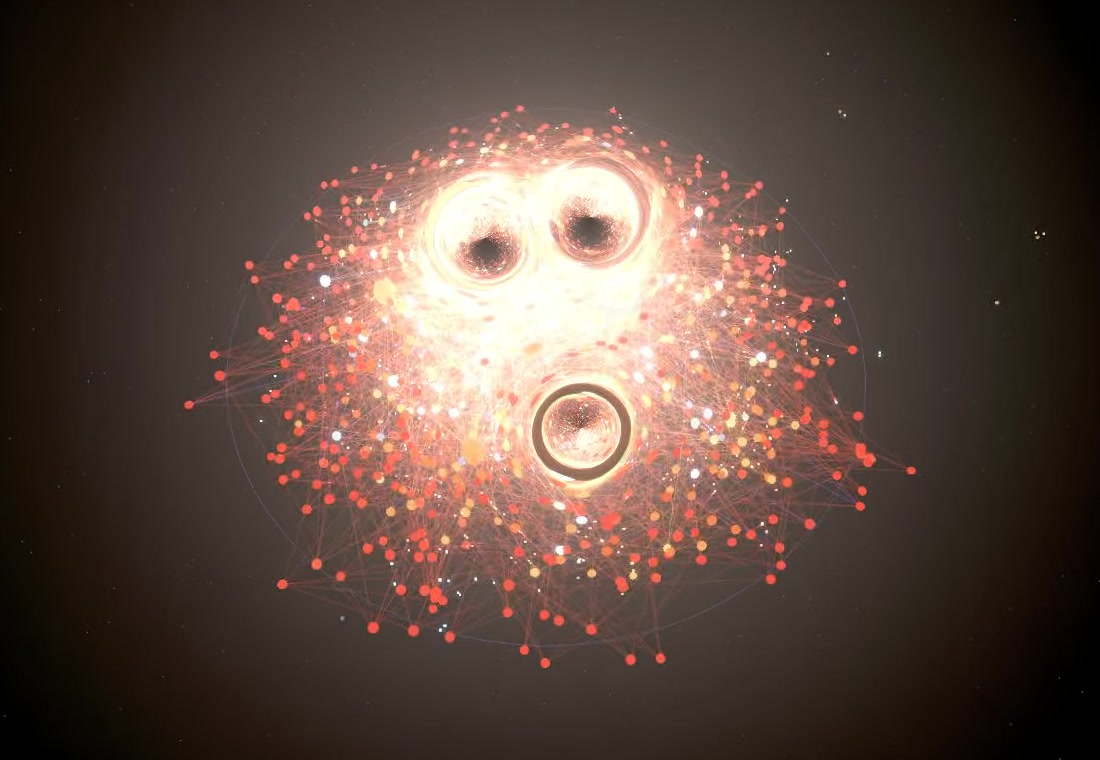
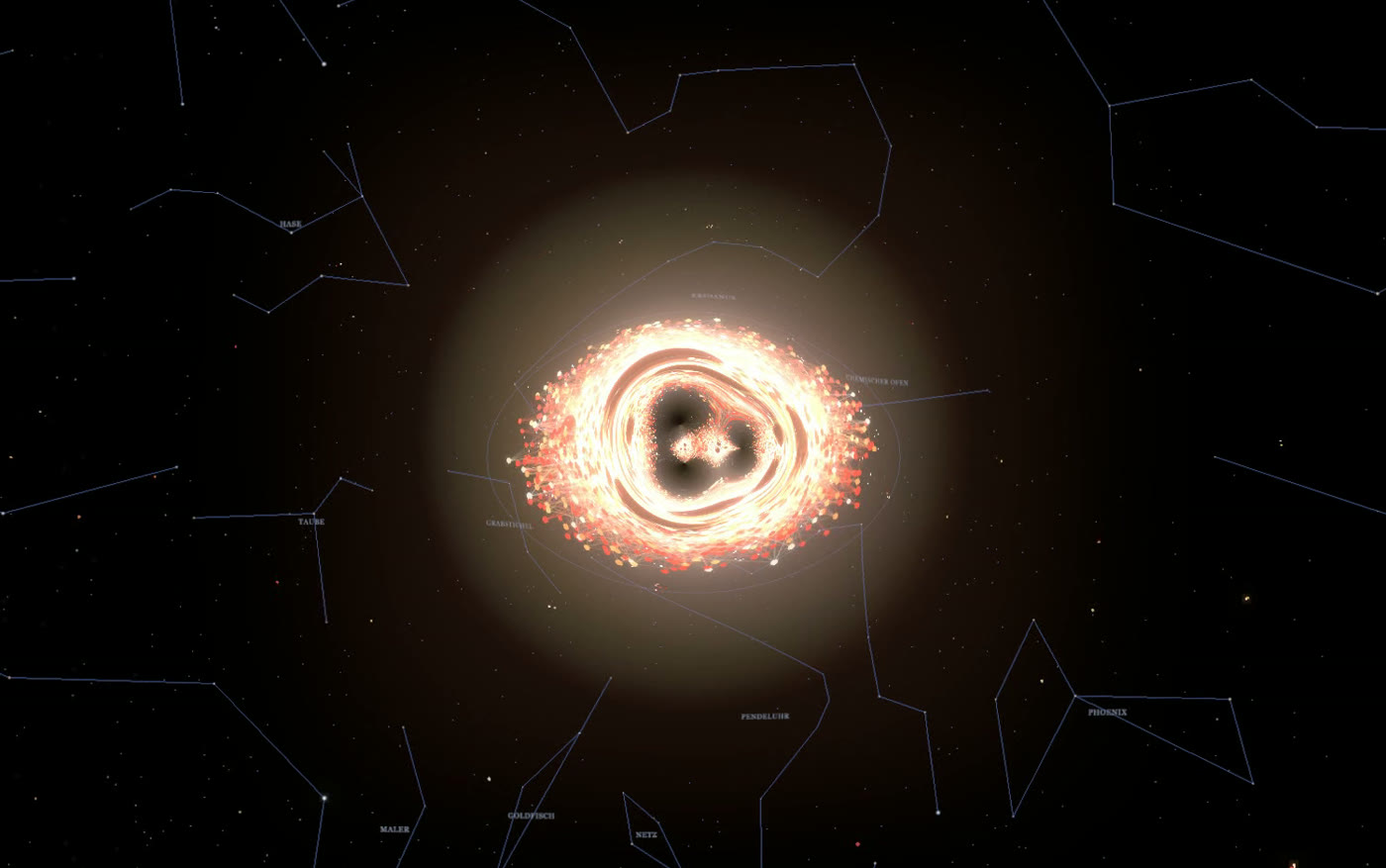
All images show a fictional demo vault.
Features
Look
- Glowing stars sized by link count, star dust, folder nebulae that clear when you zoom in
- Comets running along links, shooting stars, black holes with an accretion disk and gravitational lensing for the biggest hubs
- Recently edited notes pulse, unlinked notes drift on the outer rim
- A real night sky in the background: about 2,000 of the brightest stars with their true colors, our Milky Way, the Andromeda galaxy and the Magellanic Clouds, optionally with constellation lines
Navigation
- Search with fly-to, focus mode, hover cards with a preview, minimap
- Clickable legend: filter folders, pick your own folder colors
- Route: shortest link path between two notes
- Constellations: type
#tagin the search to draw a tag as a constellation - Cinema mode: an automatic camera tour without any controls
Time and shape
- Time travel: watch your vault grow note by note, with adjustable speed
- Age colors (fresh = blue-white, dusty = red) and an expansion layout (oldest notes outside, freshest in the core)
- Spiral mode: flattens the graph into a rotating spiral galaxy with tilt and spin sliders
Living vault
- Live updates: new notes appear as new stars, edits flash, deleted notes fade out in a small supernova
- Dark matter: links to notes that do not exist yet appear as violet ghost points. Click one to create the note
- Moons: open tasks (
- [ ]) orbit their note. Planets: linked attachments such as images and PDFs - Photo (PNG) and video (WebM) capture, including a one-click time travel timelapse
- Optional soft ambient sound
Click a button's tooltip or press ? in the graph for a quick guide.
Installation
Not yet in the community plugin list. Manual installation:
- Download
main.js,manifest.jsonandstyles.cssfrom the latest release. - Put them in
<your vault>/.obsidian/plugins/stellar-graph/. - Reload Obsidian and enable Stellar Graph 3D under Settings → Community plugins.
- Open the graph from the ribbon icon or the command Open 3D graph.
Desktop only (it needs WebGL).
Compatibility
Developed and tested on Windows with the Obsidian desktop app. macOS and Linux have not been tested yet. The plugin only uses standard web technology (WebGL, the Canvas API and the Obsidian plugin API), so it should work there, but I cannot promise it. Photo and video capture and the optional sound rely on browser features of Obsidian's Electron runtime and may behave differently on other systems. If something does not work on your system, please open an issue and mention your operating system and Obsidian version.
Not supported: Obsidian mobile.
The ⚙ button in the graph uses an internal Obsidian function to open the settings. If a future Obsidian version changes it, open the settings the usual way (Settings → Community plugins → Stellar Graph 3D).
Settings
Language, start view, spin direction, color palette (including a color-blind safe one), age measure, hidden folders, pulse period, glow, nebula opacity, comet count, black hole threshold, time travel duration, and switches for the extra effects, performance mode, automatic throttling, a dense bright core for expansion layout and sound. The ⚙ button in the graph opens them directly.
Performance
Everything runs locally in your vault. Vaults with a few thousand notes run smoothly on a desktop GPU (a fictional test vault with about 2,600 notes stayed above 60 frames per second, one with about 4,800 notes above 35). On slower machines turn on Performance mode, or leave Throttle effects automatically on: the plugin lowers its effects when the frame rate stays low. Show frame rate in the settings displays the current numbers.
Privacy
Stellar Graph 3D makes no network requests and collects no data. It stores your view (camera, selected folders, colors) in the app's local storage and your settings in the plugin's data.json. Photos and videos are saved to your Downloads folder only when you press the buttons.
Development
npm install
npm run build        # writes main.js into the project folder
# optional: copy into a vault after each build
STELLAR_GRAPH_VAULT="/path/to/vault" npm run dev
Built with TypeScript, three.js and d3-force-3d.
Support
Stellar Graph 3D is free and open source. If it makes exploring your notes more fun, you can buy me a coffee. Thank you!
Credits and licenses
- three.js, MIT License
- d3-force-3d, MIT License
- Star positions and constellation lines come from d3-celestial by Olaf Frohn (BSD-3-Clause), based on the Hipparcos and Yale Bright Star catalogues
- This plugin was created with the help of an AI assistant (Claude by Anthropic) and directed and tested by a human author.
Released under the MIT License.