Second Brain Lab 3D
 dante yoon65 downloads
Explore your Markdown notes and links in a private 3D view.
- Overview
- Scorecard
- Updates2
English · 한국어
Explore the Markdown notes and resolved internal links in your current Obsidian vault as a 3D map. Click a point or a note title to inspect it, then open the file in Obsidian. The graph maps files and links; it does not represent a human brain or an AI model's reasoning.
This plugin adapts the visual language of the AI Second Brain Lab practice repo. The practice repo still contains the bilingual sample vault, Codex and Claude Code Hook exercises, and optional local Laya experiment. This plugin is only the read-only 3D vault viewer.
Screenshots
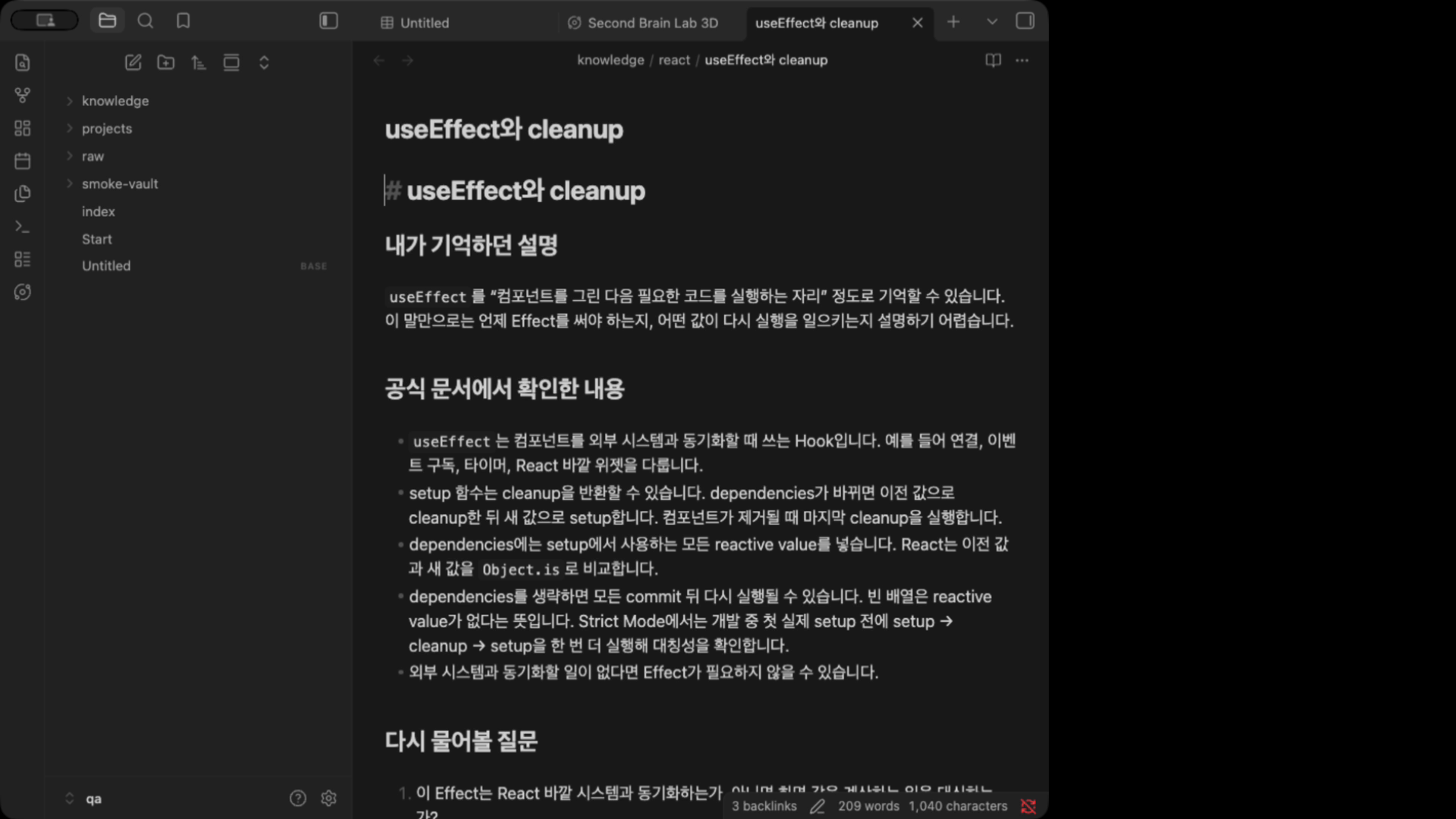
Captured in desktop Obsidian 1.13.7 with a disposable copy of the public practice vault (37 notes, 60 links). These show the native plugin, not the separate browser viewer.
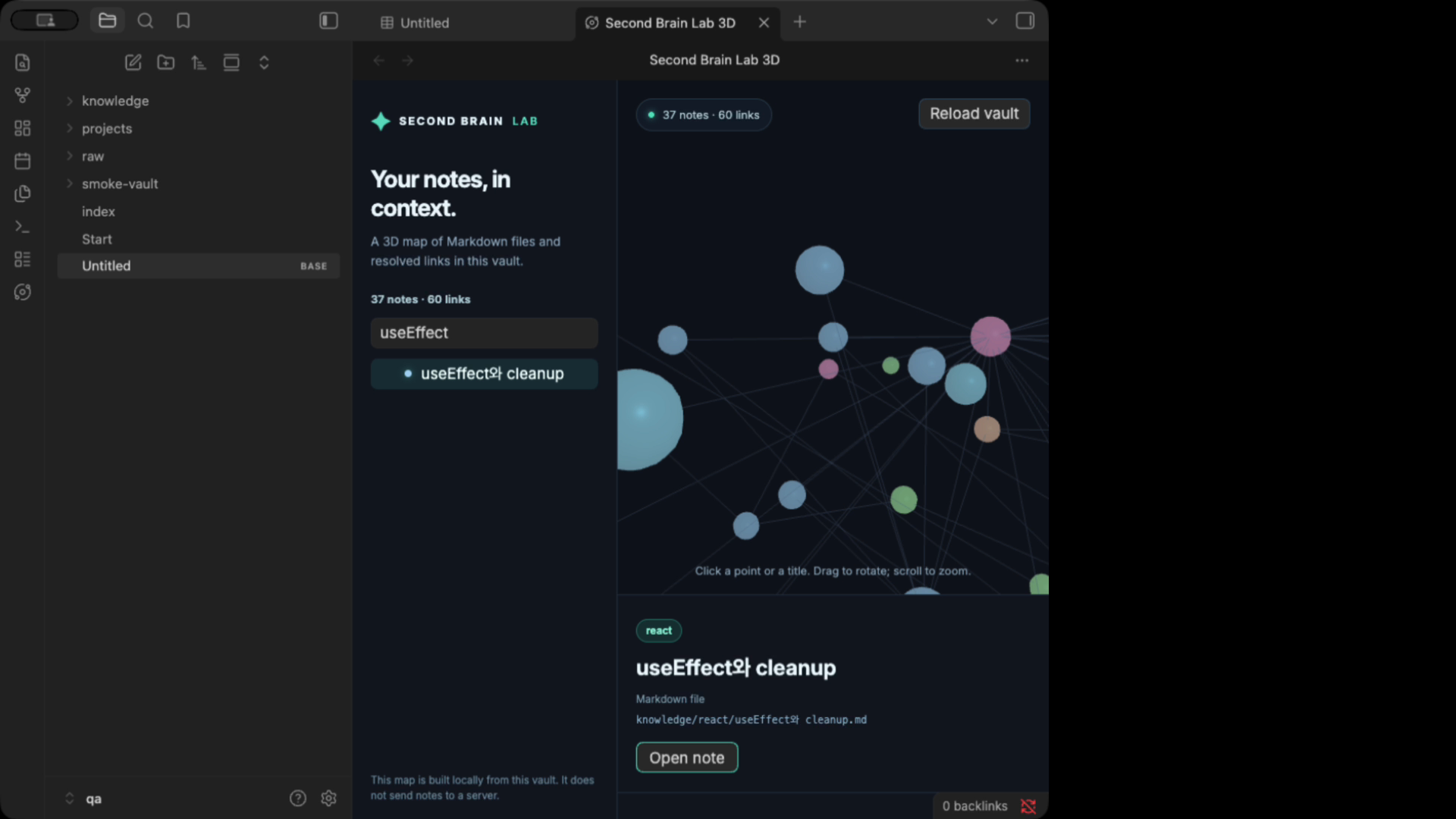
Select a note in the graph, then Open note to read its Markdown file in Obsidian:
Enabled plugin in Community plugins · Interface language and folder settings


Features
- Interactive Three.js graph with rotate, zoom, search, and a Markdown detail pane
- Uses the current vault and Obsidian's resolved internal links; no Node.js server or Vite process
- Opens the selected Markdown file in Obsidian
- Automatically rebuilds after vault or link changes; manual reload is also available
- English and Korean interface, optional folder filter, and configurable note limit (50–5,000)
- Desktop Obsidian 1.13.7 or newer in the first release
Install
Status on September 23, 2026: Version 0.1.0 failed the community directory review. Version 0.1.1 fixes the blocking lifecycle issue; its automated scan completed without errors, and Add to Obsidian is active on the listing. A manual review request remains open. In Obsidian, open Settings → Community plugins → Browse, search for Second Brain Lab 3D, then install and enable it. The manual alternative is:
- Open the vault you want to visualize in desktop Obsidian 1.13.7 or newer.
- Download main.js, manifest.json, and styles.css individually from the 0.1.1 release assets. The source-code archive is not the install bundle.
- Open Settings → Community plugins and click the folder icon beside Installed plugins to open this vault's
.obsidian/pluginsfolder. Create a subfolder namedsecond-brain-lab. - Put the three downloaded files directly in
<vault>/.obsidian/plugins/second-brain-lab/. Restart Obsidian, then enable Second Brain Lab 3D under Installed plugins. If it is missing, check the exact folder and filenames, Restricted mode, and your Obsidian version.
Use the ribbon icon or Second Brain Lab 3D: Open 3D view in the command palette (Cmd/Ctrl+P). Search for a note title on the left and select a result to read it; click Open note to open the actual Markdown file. Choose Settings → Second Brain Lab 3D → Interface language → Korean for the Korean interface. You can also change the folder filter and note limit there. The folder path is relative to the vault root. The first 1,000 notes are shown by default; the view reports how many are omitted by the limit.
Privacy and scope
The plugin reads Markdown files through Obsidian's Vault API and links through its metadata cache. It does not edit files, save AI conversations, run Hooks or Laya, make network requests, or send vault content to any server. It does not require an account or payment and collects no telemetry. Opening a link already present inside a rendered note follows Obsidian's normal behavior.
Node positions are arranged to make folder groups easier to scan. Spatial distance has no semantic or scientific meaning. For very large vaults, narrow the folder filter or lower the note limit to keep the view responsive. Mobile has not been validated and is not included in the first release. The 3D renderer uses Three.js under its MIT license; its copyright and license notice is included in the release bundle.
Develop and verify
Requires Node.js 22+ and npm.
npm ci
npm run check
To try the plugin in a disposable vault, copy main.js, manifest.json, and styles.css into that vault's .obsidian/plugins/second-brain-lab/ folder and enable it. The GitHub release assets must use a tag exactly matching manifest.json's version. Source code is MIT licensed.