Recipe Atelier
 Mario Lung55 downloads
Manage baking, cooking and pastry recipes: baker's percentages, multi-part recipes, piece and tray scaling, ingredient prices, photos, variants, export and import.
- Overview
- Scorecard
- Updates5
Recipe management for baking, cooking and pastry – with baker's percentages, multi-part recipes, piece / portion / tray scaling, an ingredient database with prices and suppliers, step photos, variants and a one-file export/import.
Recipes are normal notes in your vault, ingredients are normal notes with properties. Nothing is sent anywhere; the plugin works fully offline and on desktop and mobile (Windows, macOS, Linux, iPhone, iPad, Android).
Languages: English and German (Deutsch). The interface follows the Obsidian language automatically and can be switched in the plugin settings.
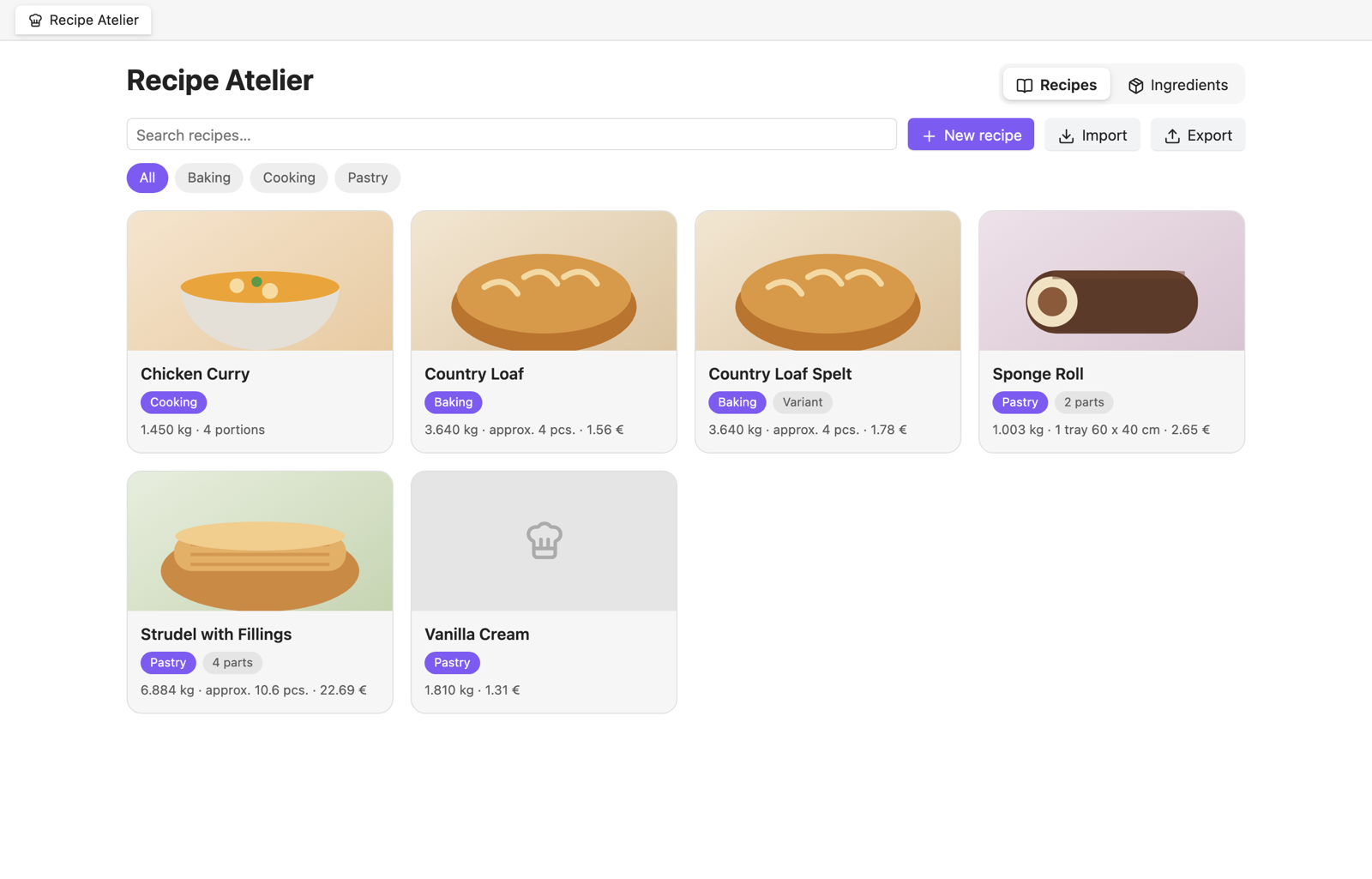
Features
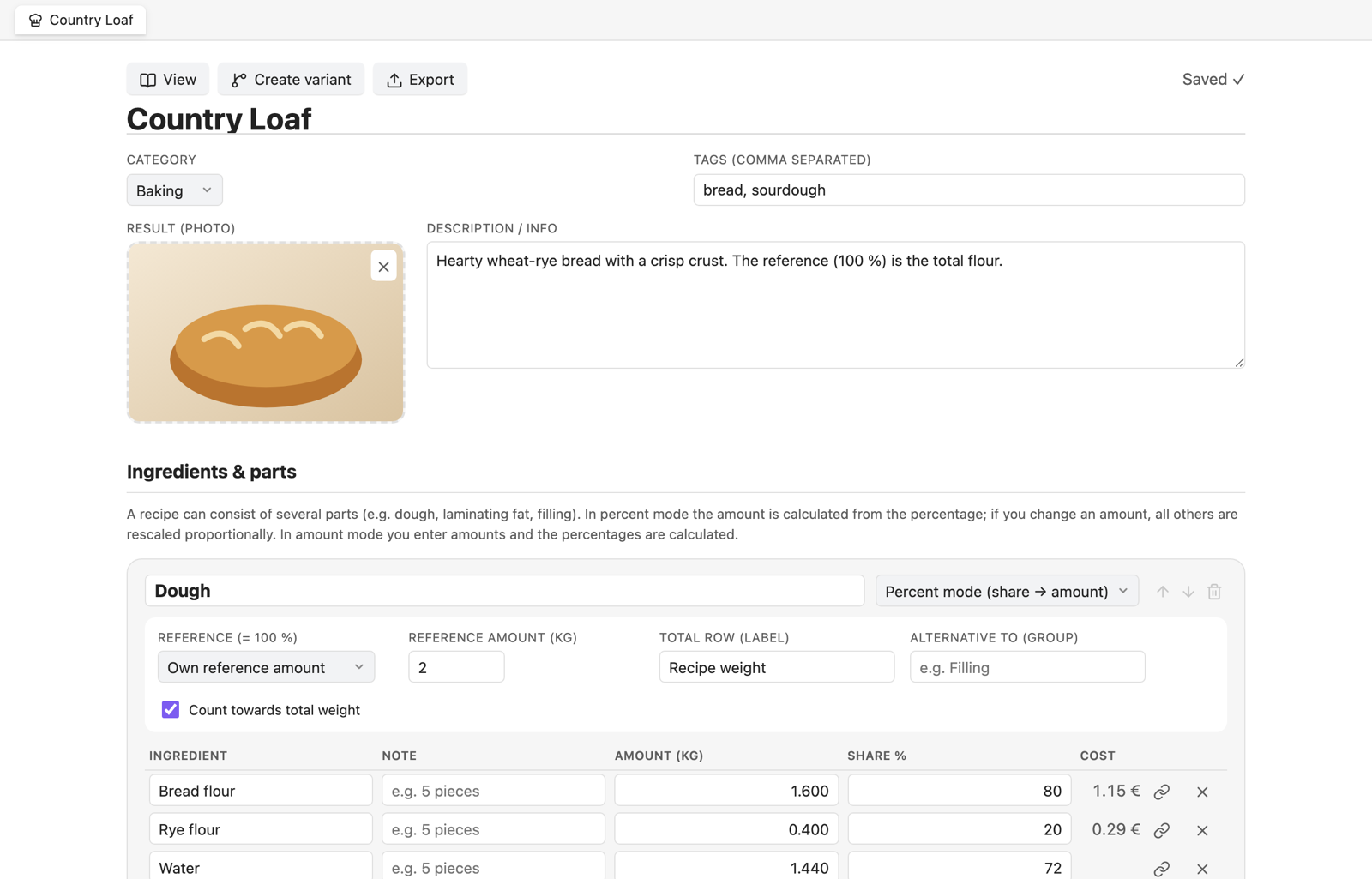
Recipes with several parts
- A recipe can consist of any number of parts (e.g. dough, laminating fat, filling, glaze, sour dough, soaker).
- Percent mode (baker's percentages): every ingredient has a percentage of a reference (one ingredient, a free base amount, or the total of another part). Amounts are calculated. Change any amount and the whole part is rescaled proportionally.
- Amount mode: type amounts in
g,kg,ml,l,pcs.,tbsp,tsp, … and the percentages are calculated. - Linked parts: an ingredient can point to the sum of another part (e.g. Poolish inside the final dough).
- Notes per ingredient (e.g. “5 pieces”, “room temperature”).
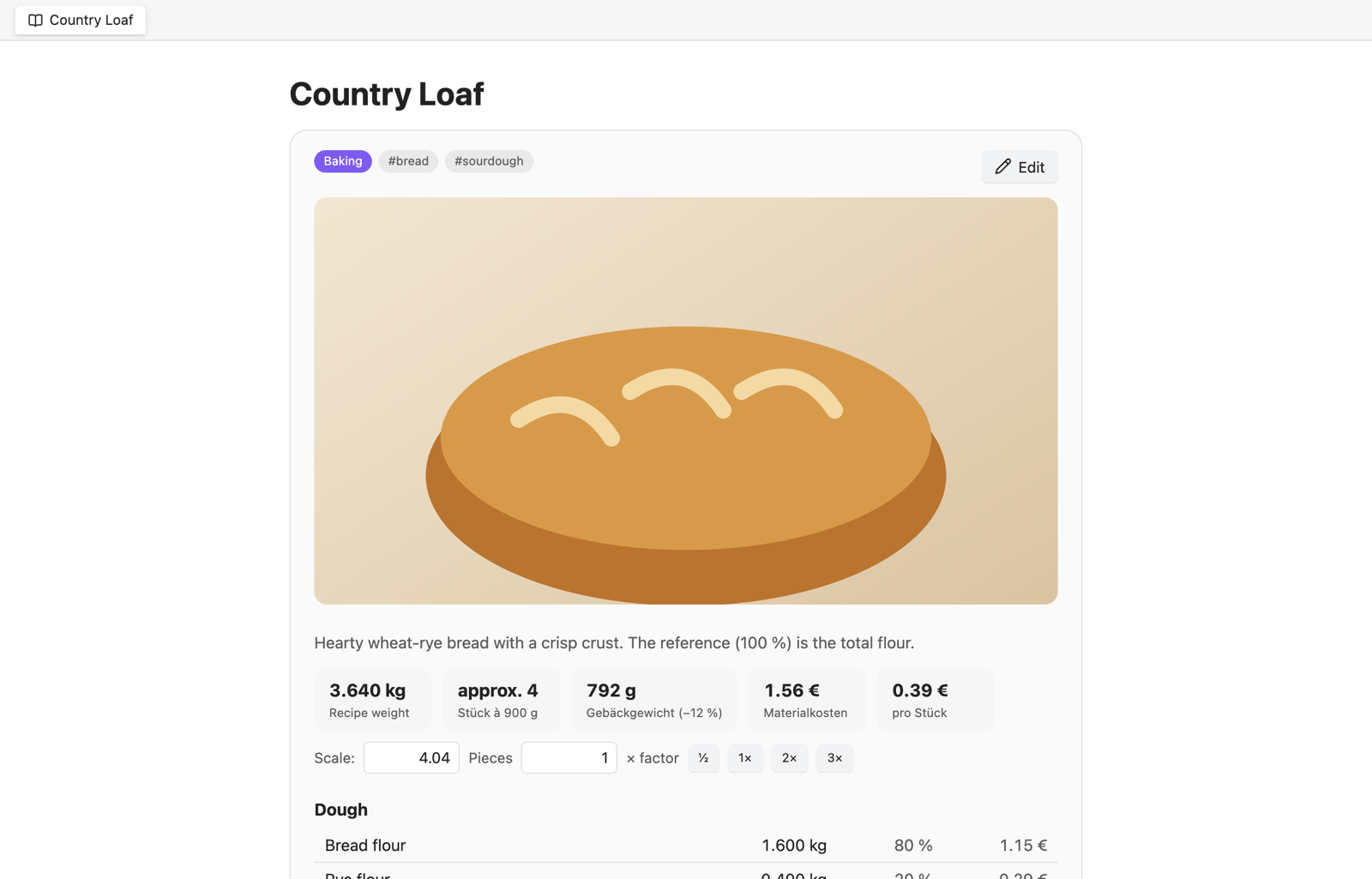
Scaling
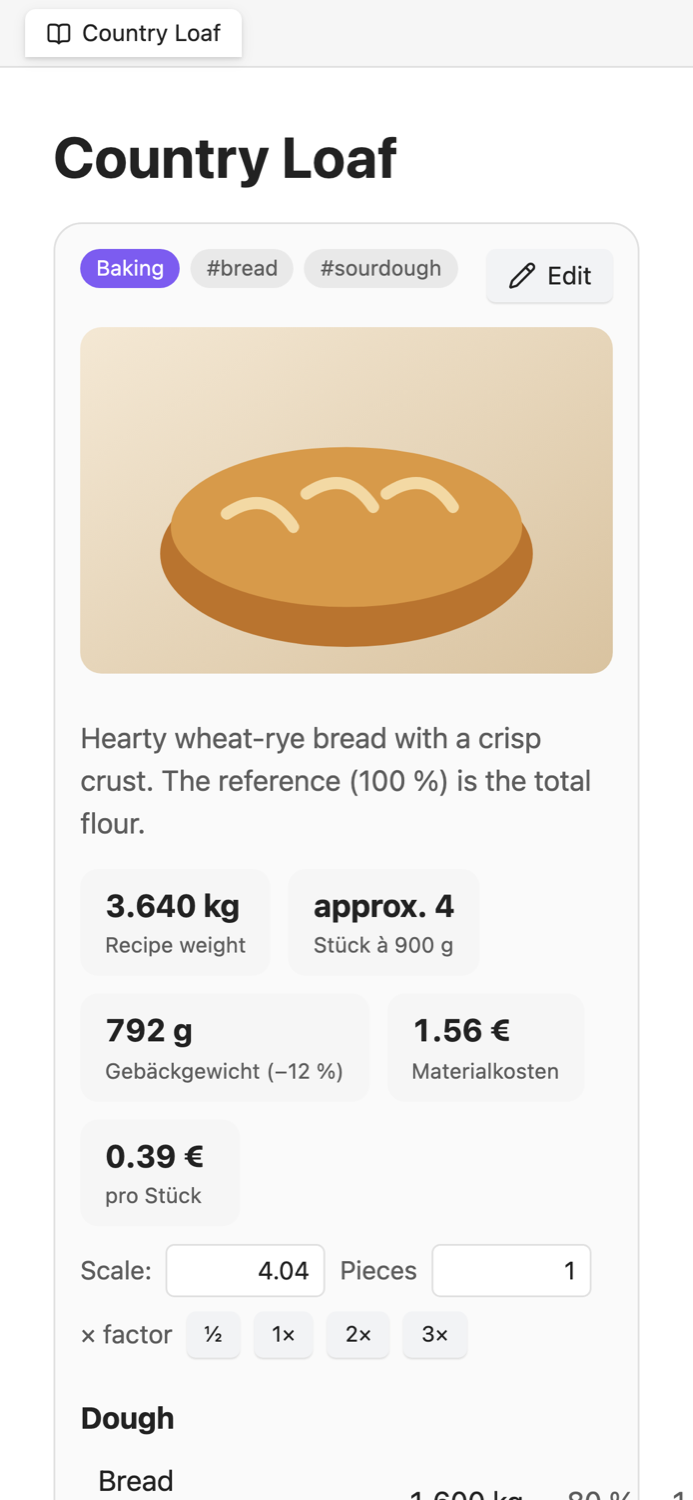
- Pieces: set a piece weight, then change the number of pieces – every amount follows. Optional baking loss gives the baked weight.
- Portions (cooking) and trays (e.g. 60 × 40 cm).
- Filling per piece: a part that is not part of the total weight can be driven by the piece count (e.g. 20 g filling per piece).
- In the recipe view you can scale temporarily with a factor or a target piece count without changing the recipe.
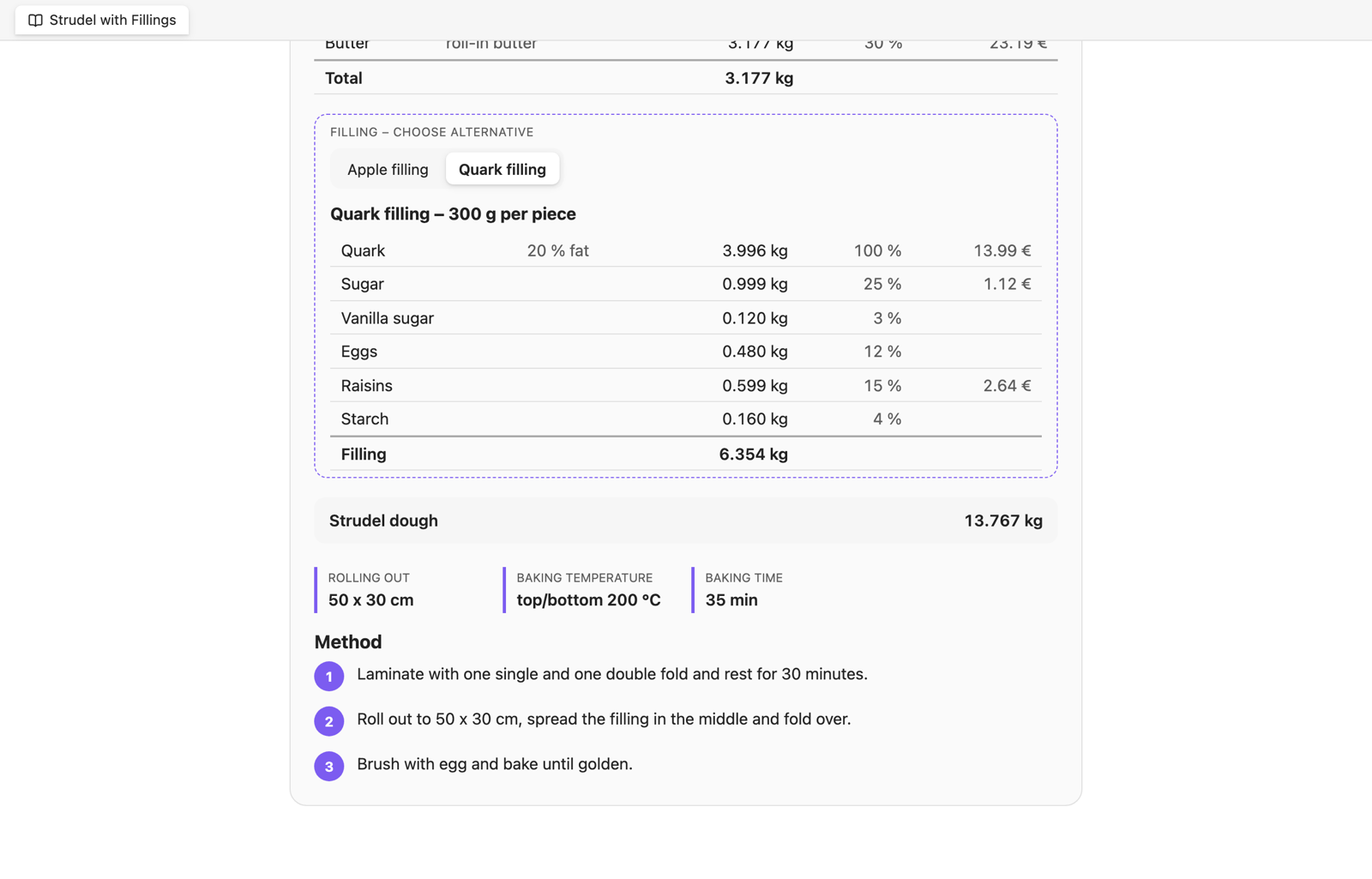
Alternatives and variants
- Alternatives: parts with the same group name (e.g. Filling) are shown as tabs – pick one, the costs follow the selection.
- Variants: create a full copy of a recipe with one click. The variant keeps a link to its original.
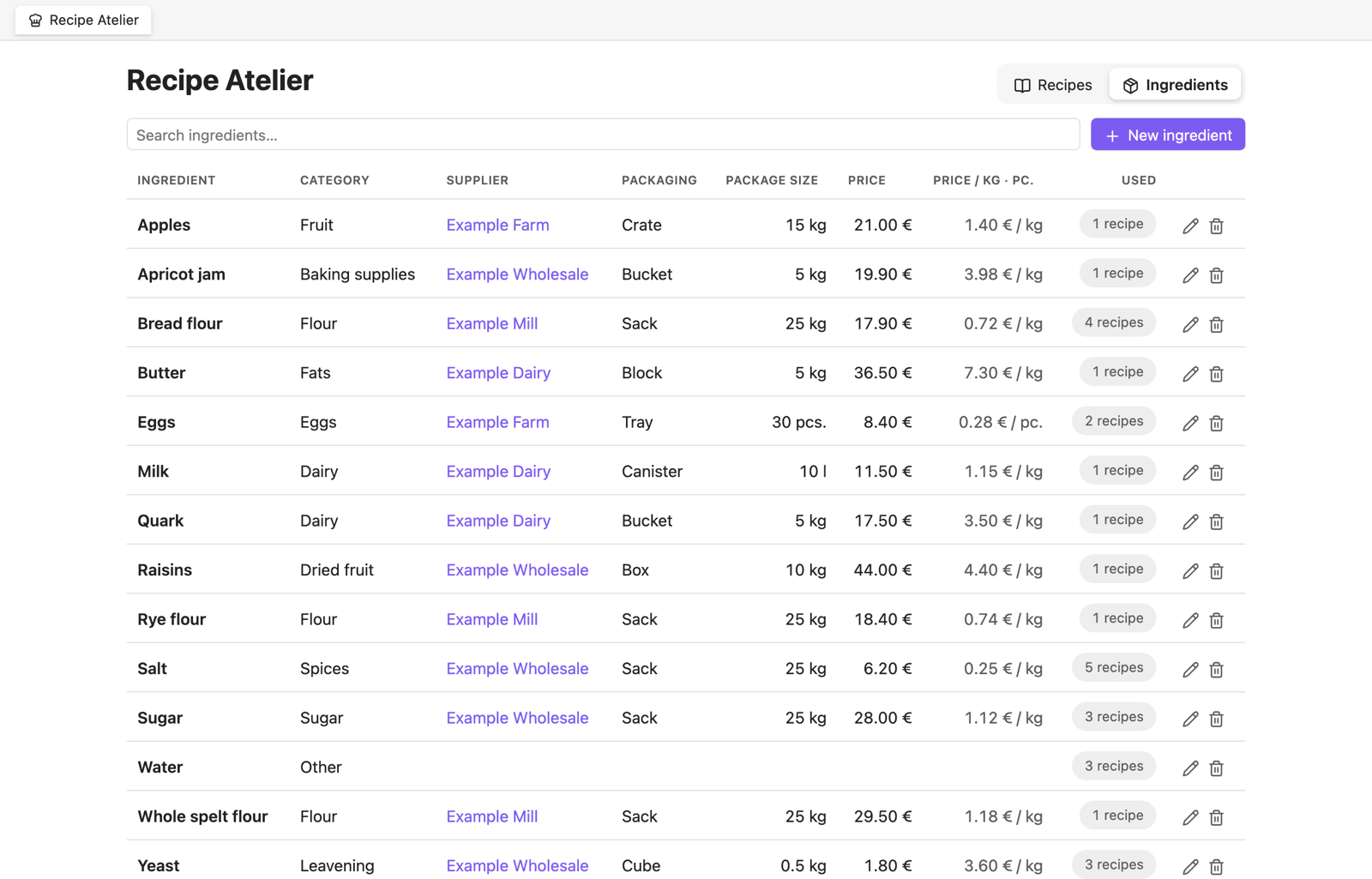
Ingredients and costs
- Ingredient database: category, supplier with website link, packaging unit, package weight, price per package, article number, allergens.
- Fixed ingredient numbers: renaming an ingredient updates all recipes; export/import keeps the links.
- Piece weight for converting pieces to grams (e.g. eggs), package units incl. m³.
- Where used: see in how many recipes an ingredient is used, sort by usage, and jump from an ingredient to its recipes.
- Price per kg / piece is calculated; recipes show material cost per recipe, per piece, per portion and per tray.
Photos and steps
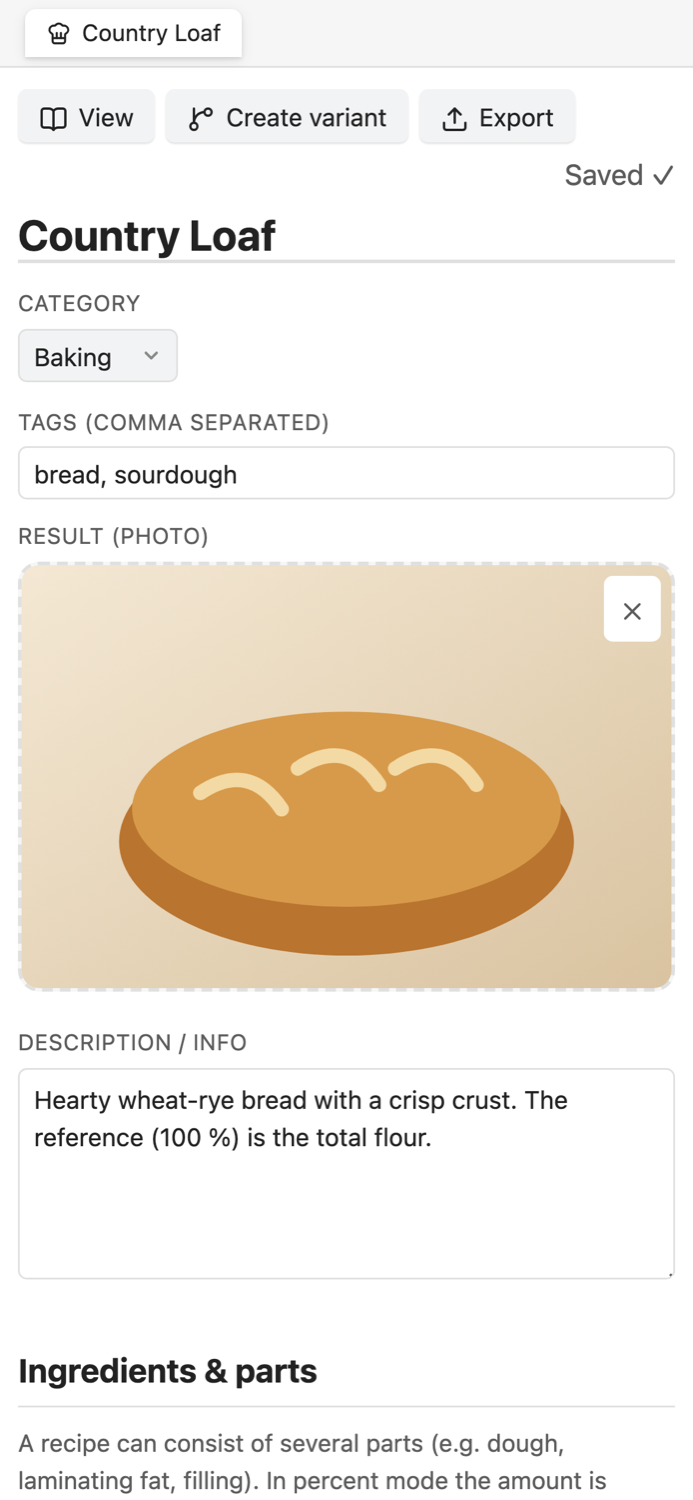
- Photo of the finished product, photo for every working step (file picker or drag & drop).
- Free-form parameters (dough temperature, proofing, baking temperature, baking time, program, …).
Export and import
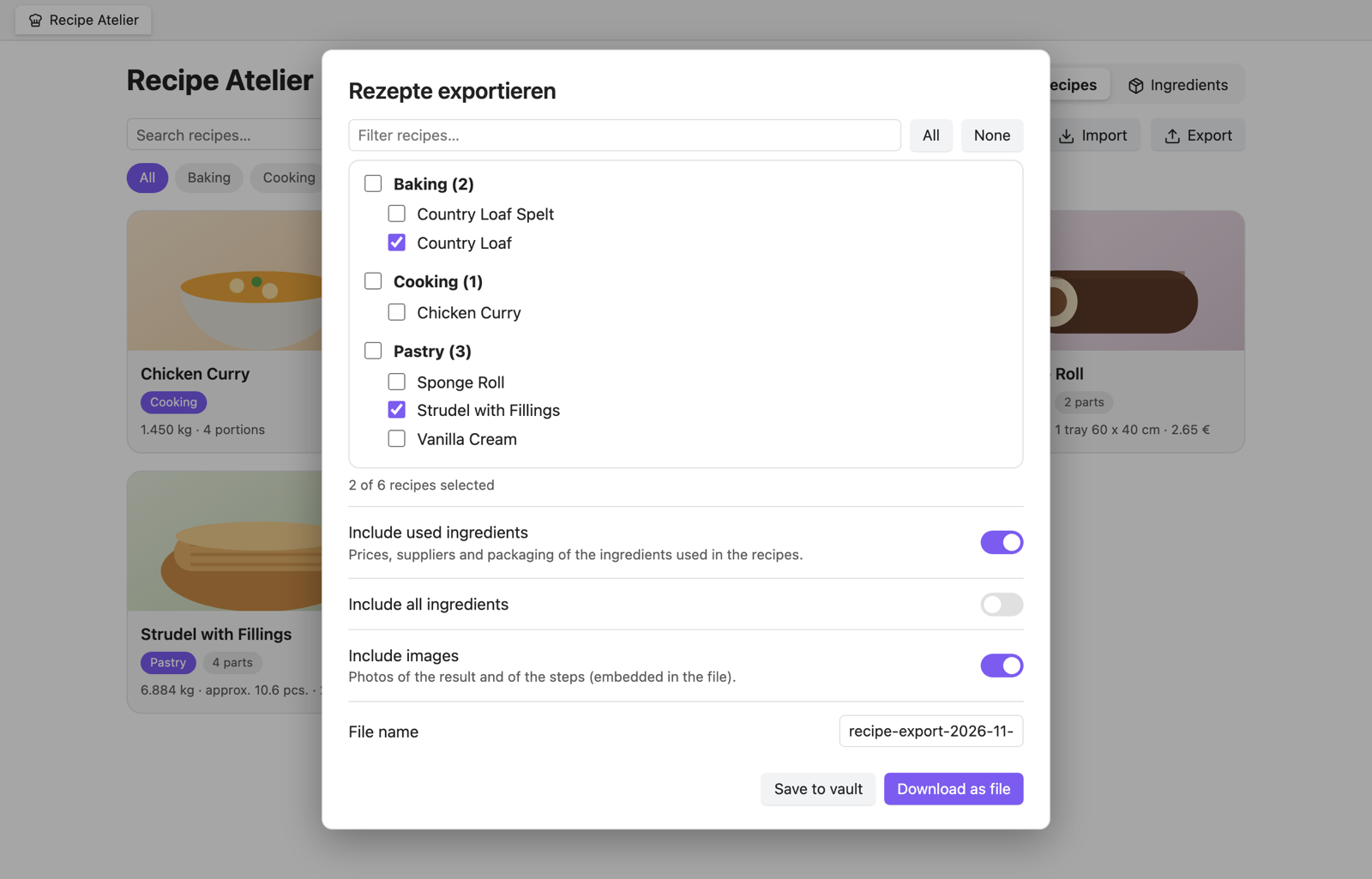
- Export all or selected recipes with the ingredients they use and their images into one file (
*.rmbundle.json). - Import with preview; existing recipes can be skipped, overwritten or imported as copies.
Works everywhere
Light and dark themes, phone and tablet layouts, no Node/Electron APIs – so it runs on every Obsidian platform.
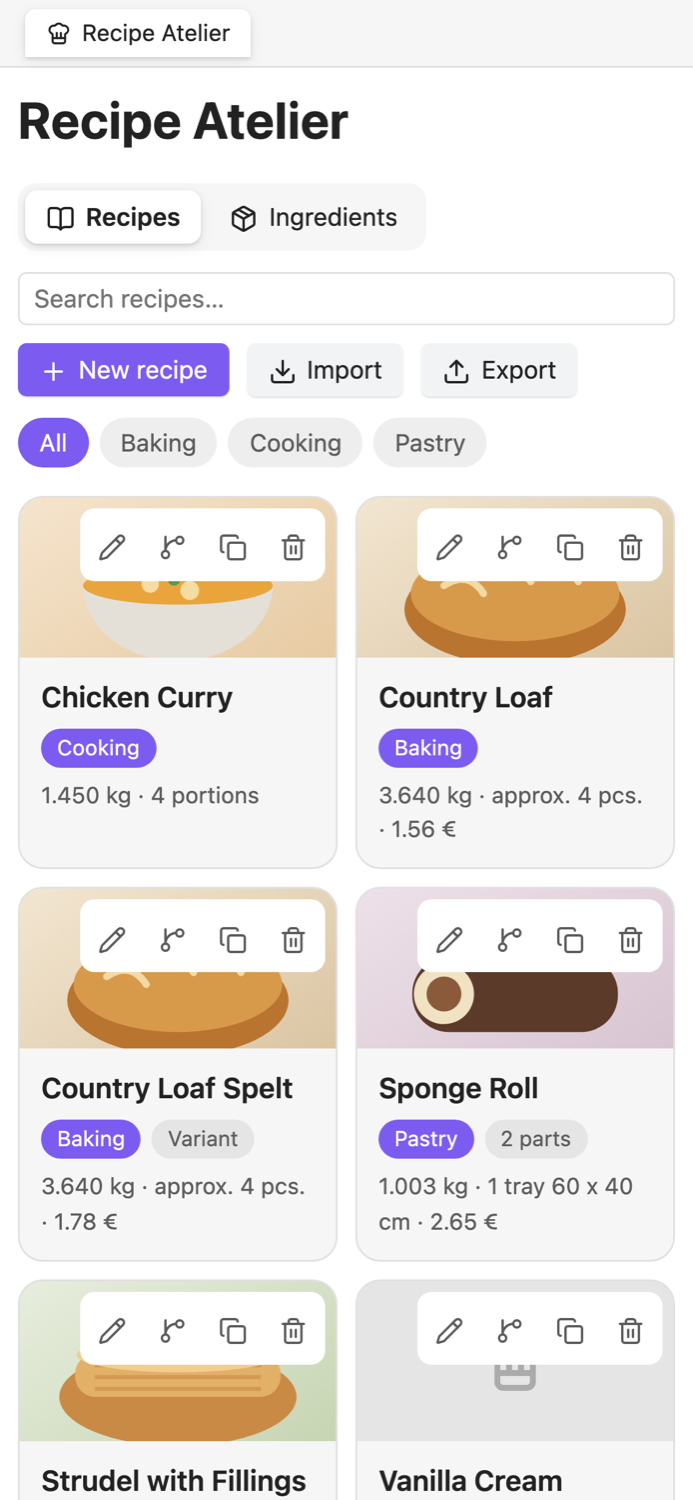
| Dashboard | Recipe | Editor |
|---|---|---|
 |
 |
 |
Installation
From the community plugin browser (after approval): Settings → Community plugins → Browse → “Recipe Atelier” → Install → Enable.
Manual: download main.js, manifest.json and styles.css from the latest release and copy them to
<your vault>/.obsidian/plugins/recipe-atelier/, then enable the plugin under Community plugins.
With BRAT (beta testing, also works on iPhone/iPad): add this repository in the BRAT plugin.
Getting started
- Click the chef-hat icon in the ribbon (or run the command Open dashboard).
- New recipe → title and category → the editor opens.
- Add parts and ingredients. Choose the reference (“100 %”) for each part.
- Optionally add ingredients in the Ingredients tab (price, package, supplier) – ingredients with the same name are linked automatically and costs appear.
- Open the note to see the recipe card with scaling.
How data is stored
- Recipe: a Markdown note in
<recipe folder>/<category>/. Properties:rm-type: recipe,category,tags. The recipe itself is a fenced block```recipe-managercontaining JSON. Everything you write below the block stays untouched. - Ingredient: a note in
<recipe folder>/Ingredients/with propertiesrm-type: ingredient,category,supplier,supplier-url,packaging,package-size,package-unit,price,article-number,allergens,notes. - Images: stored in the images folder (default
Recipes/Images).
Because everything is plain notes, it works with Obsidian Sync, iCloud, Git, search, Bases and Dataview.
Settings
Language, recipe folder, ingredient folder, image folder, weight unit in percent mode (kg or g), currency, cost display on/off, categories (each category gets its own sub-folder) and a button to sort existing recipes into category folders.
Mobile notes
- All features work on phones and tablets.
- On iOS/iPadOS the browser-style download of an export file may be unavailable – use Save to vault and share the file from the Files app.
Privacy
The plugin works completely offline and without any account (no sign-up, no subscription, no payment). It makes no network requests, has no telemetry, shows no ads and does not install or update anything by itself. It only reads and writes files inside your vault.
Permissions and behavior
- Only looks into two folders: the configured recipe folder (including its sub-folders) and the ingredient folder. The plugin never enumerates the rest of your vault. Recipes and ingredients must therefore live in these folders (change them in the settings if needed).
- Writes only recipe and ingredient notes, images in the configured image folder, and (on request) an export file in
<recipe folder>/Export. - No network requests, no external processes, no telemetry.
Support & contributions
Issues and pull requests are welcome – see CONTRIBUTING.md.