- Overview
- Scorecard
- Updates92
You can find the documentation here.
Demo Video

The one goal for PodNotes is to make it easier to write notes on podcasts.
Here are the features that will help you do that 👇.
Features
- Mobile friendly — works on iOS and Android, including offline playback of local files and downloads
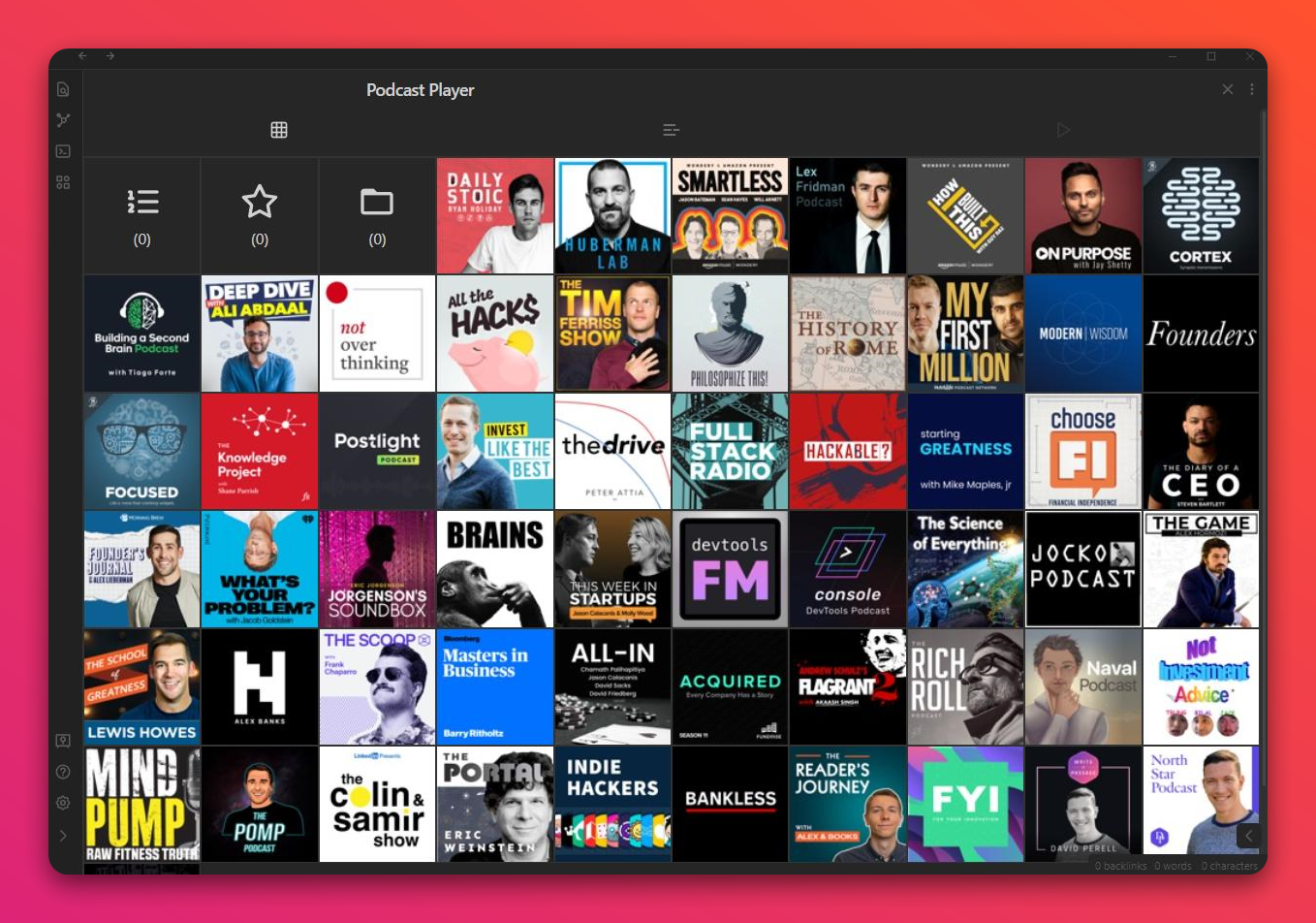
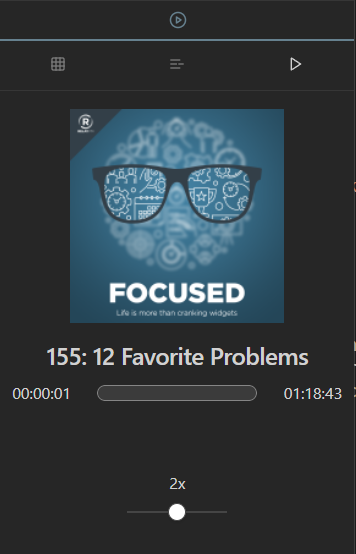
- Podcast player built into Obsidian, for both audio and video episodes
- Add any publicly available podcast through search, or custom feeds by URL
- Track played episodes & playback progress, with continuous resume
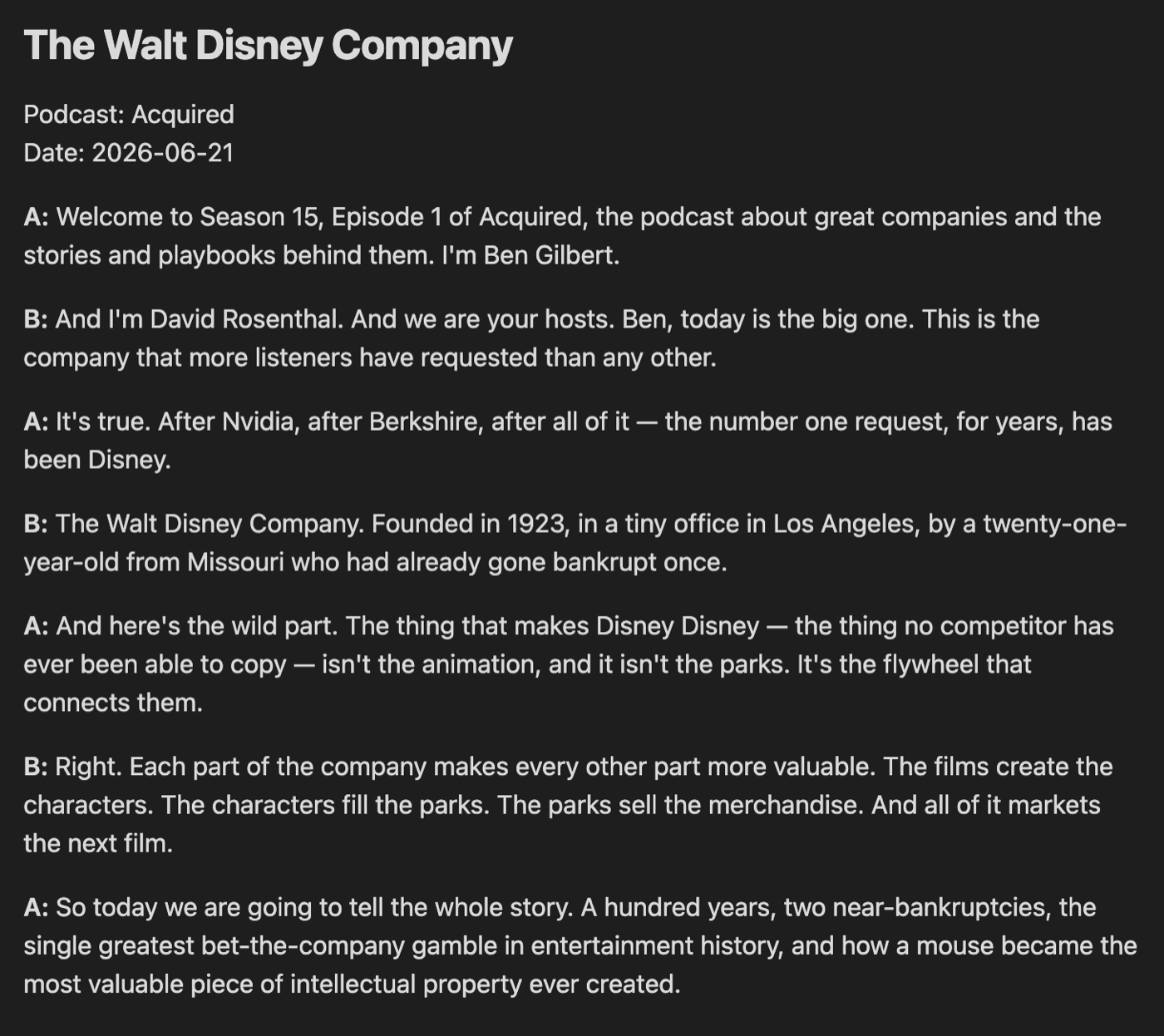
- Create podcast notes from templates with rich metadata about episodes
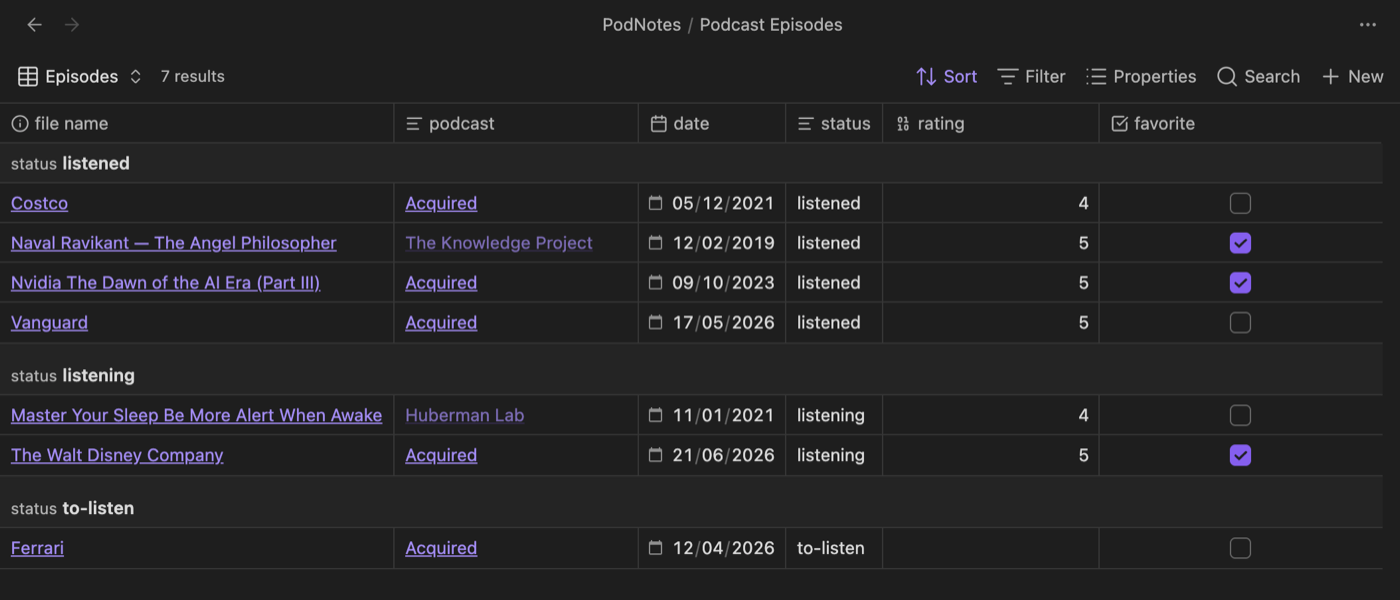
- Bases-friendly default notes you can sort, filter, and group with Obsidian Bases
- Create a feed note for an entire podcast that every episode note links back to
- Capture timestamps & link directly to the time in the episode
- Transcribe episodes, with optional speaker labels (diarization)
- Download episodes for offline playback
- Support for non-podcast local audio and video files
- API that can be used by plugins like QuickAdd or Templater for custom workflows
Installation
This plugin is in the Obsidian community plugin store. You can find it by searching in the store.
Other installation options can be found in the documentation.
Development
npm run testruns the accessibility checks and the jsdom/unit test suite.npm run buildtype-checks and bundles the plugin.npm run test:e2ebuilds the plugin, then runs the local Obsidian-backed E2E suite.
The E2E suite is local-only. It depends on Obsidian being installed, the
obsidian CLI being available on PATH, and the target vault being open and
reachable. The default target vault is dev; override it with
PODNOTES_E2E_VAULT when needed. Failed E2E runs may write artifacts to
.obsidian-e2e-artifacts/.
Before running E2E, make sure the target vault's
.obsidian/plugins/podnotes/main.js and manifest.json symlinks point at this
checkout. The tests intentionally fail during preflight instead of relinking the
vault automatically.
Screenshots
Demo
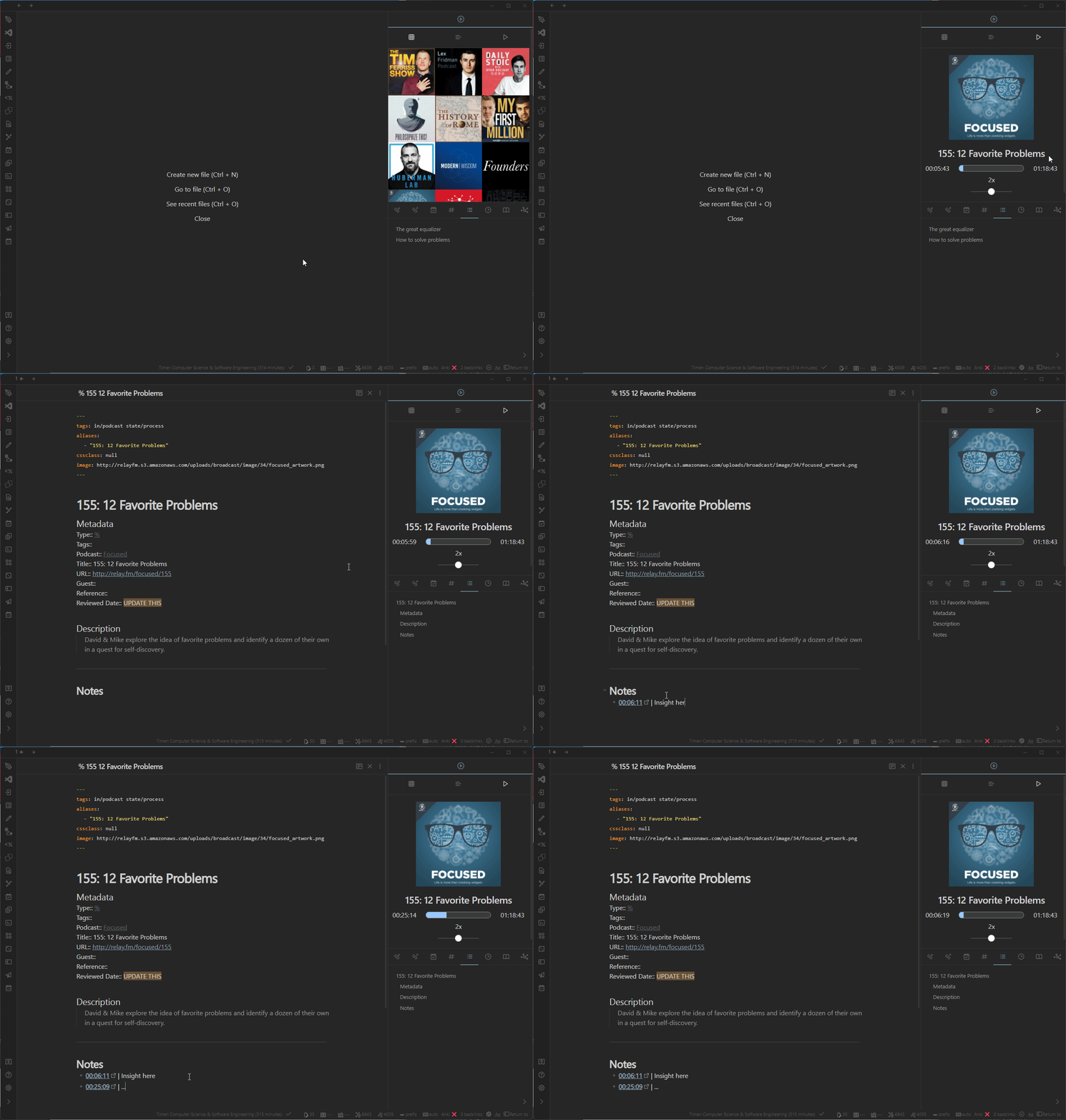
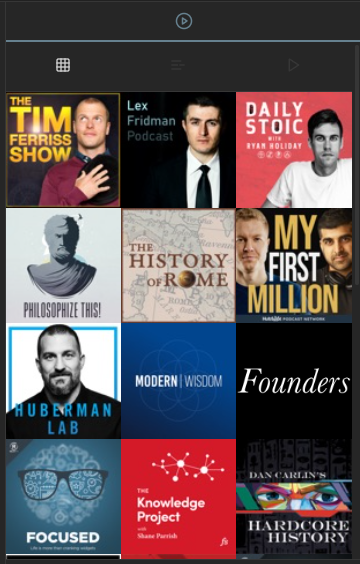
Podcast Grid
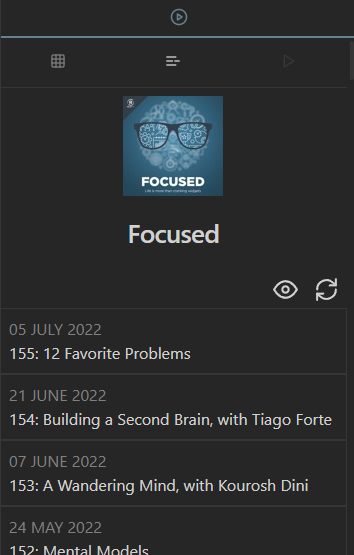
Episode List
Player
Episode notes (Bases-friendly)
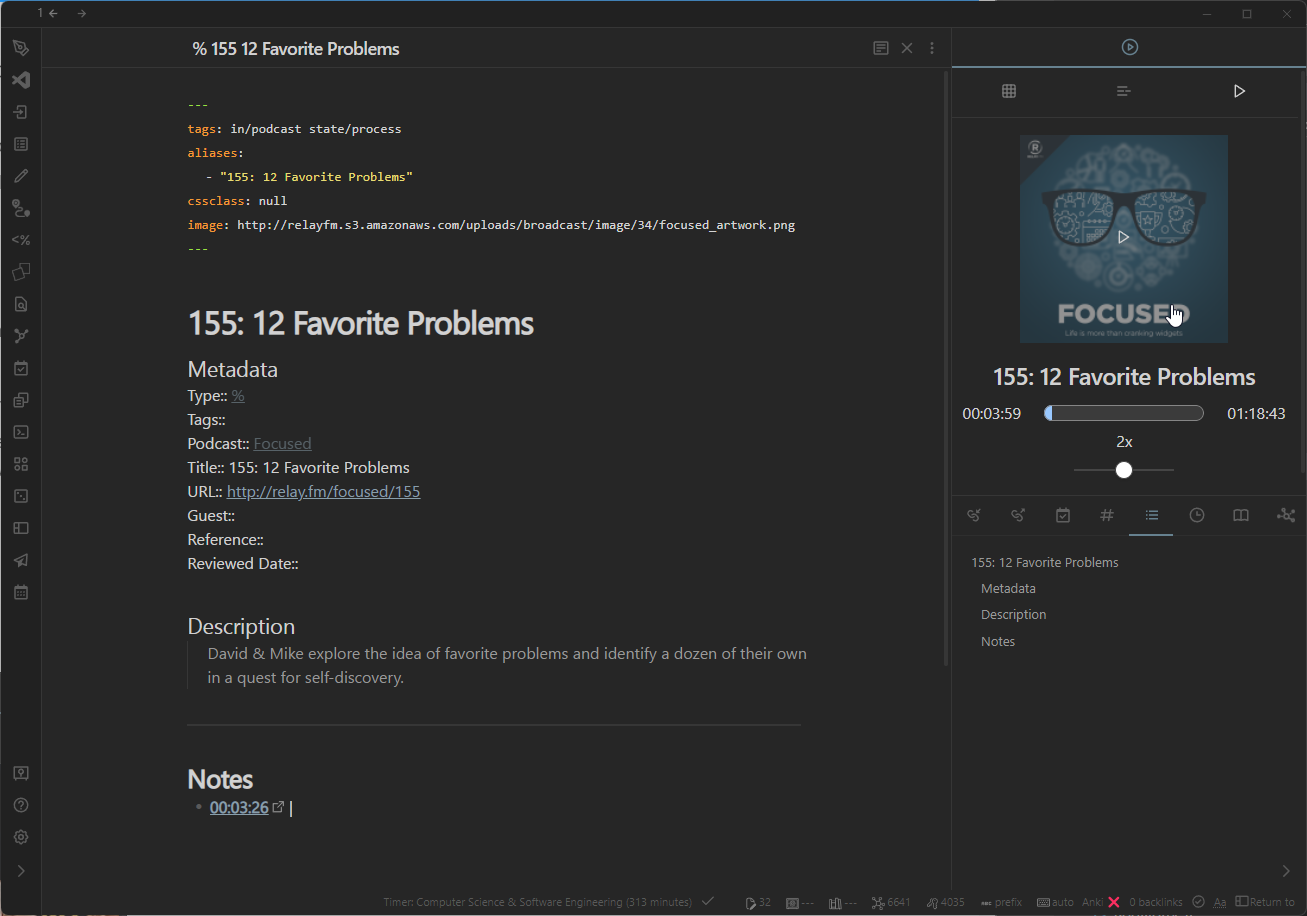
Timestamps
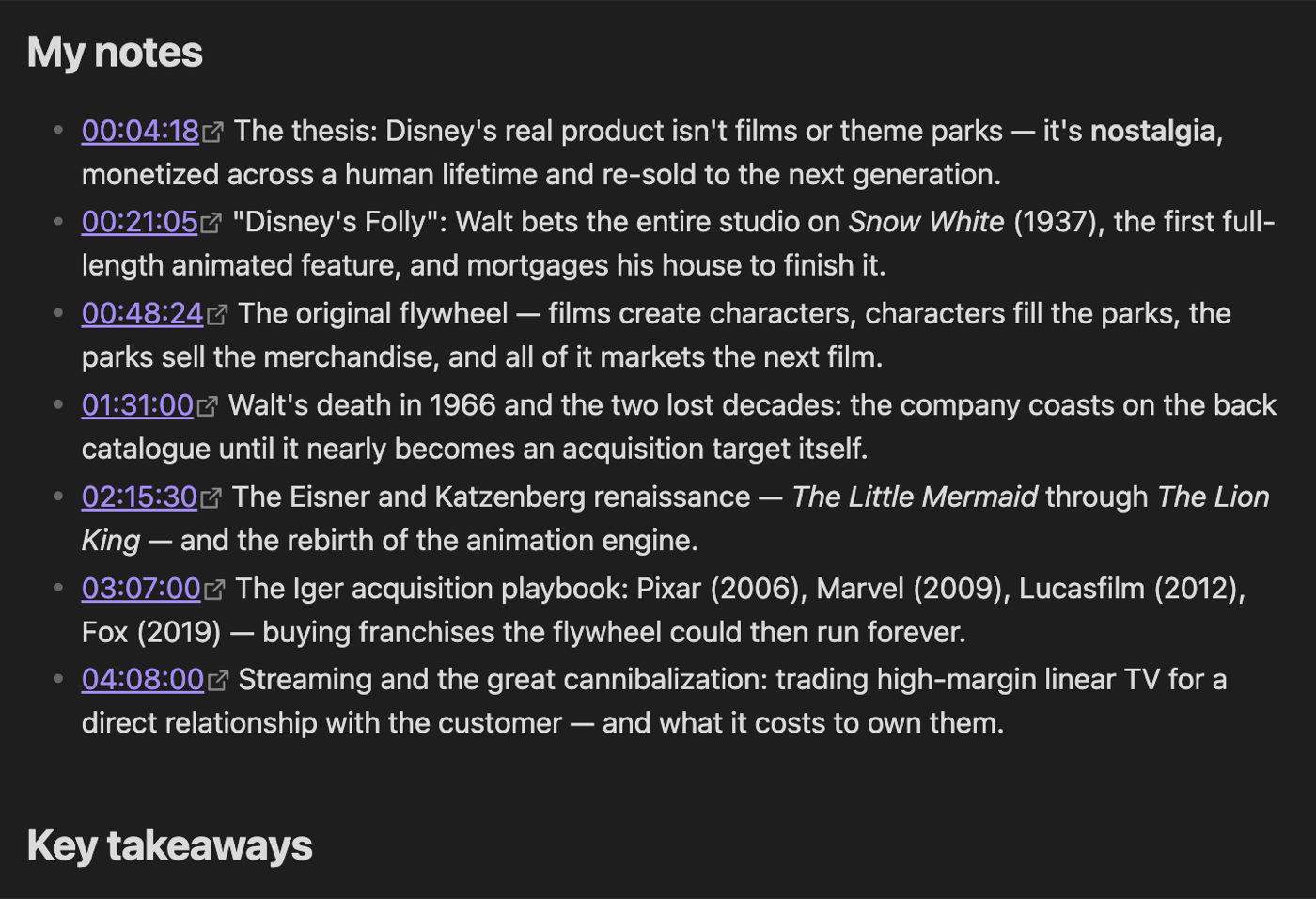
Transcripts with speaker labels
Browse your library with Bases
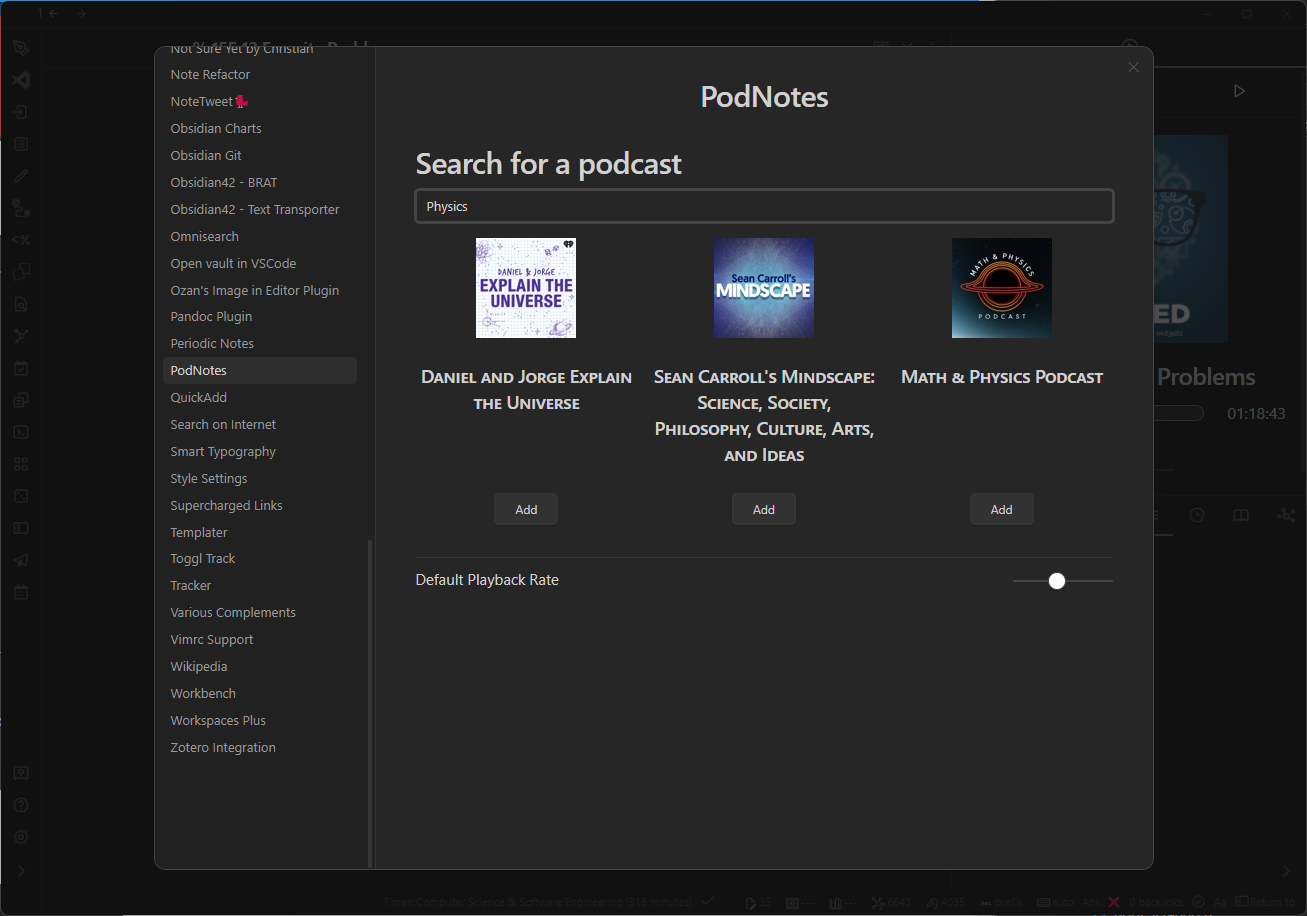
Podcast search