PDF Crop Refresh
 theluckystrike1 downloads
Save PDF rectangles as PNG images and refresh them from their source pages.
- Overview
- Scorecard
- Updates1
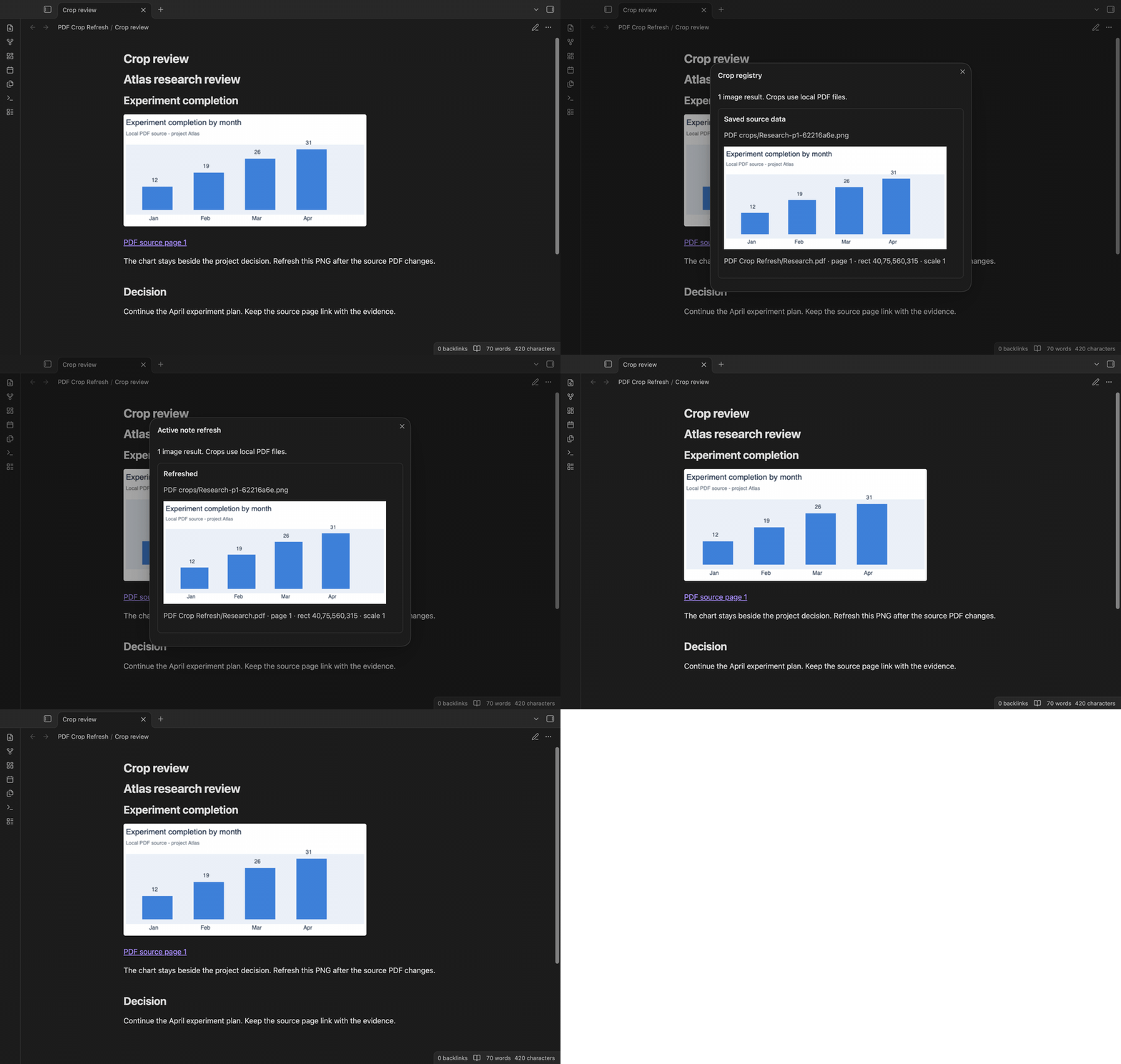
PDF Crop Refresh saves a rectangle from a local PDF as a PNG image in your vault. It keeps the PDF path, page, rectangle, scale and output path so you can replace the image after the source changes. The note keeps its image link.
Use it for a chart beside a research decision, a diagram in a project review, or a table beside your study notes. Refresh is manual. The plugin does not watch PDF edits in the background.
Features
Read a local PDF rectangle
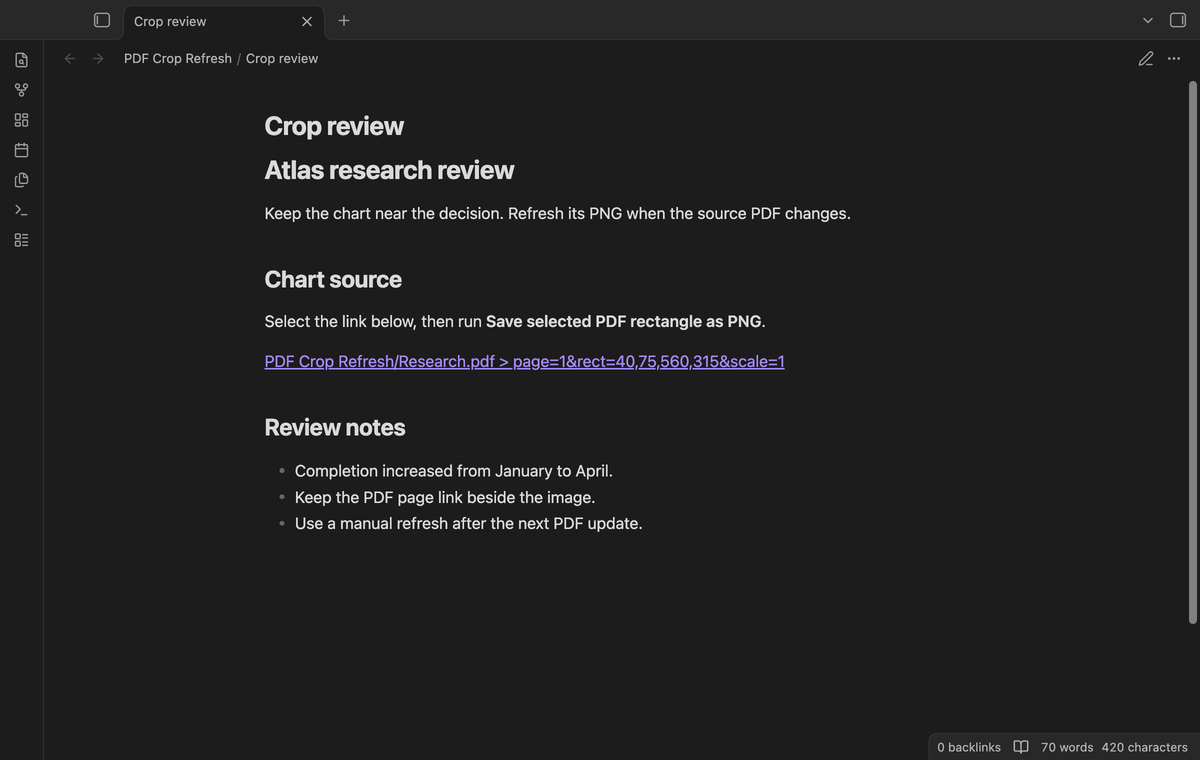
Select a complete PDF link with page and rect parameters. Wikilinks, Markdown links and bare local paths are accepted. A rectangle has four comma separated PDF coordinates: left, bottom, right, top. The page number starts at one. Remote PDF URLs are refused.
Save a checked rectangle as PNG
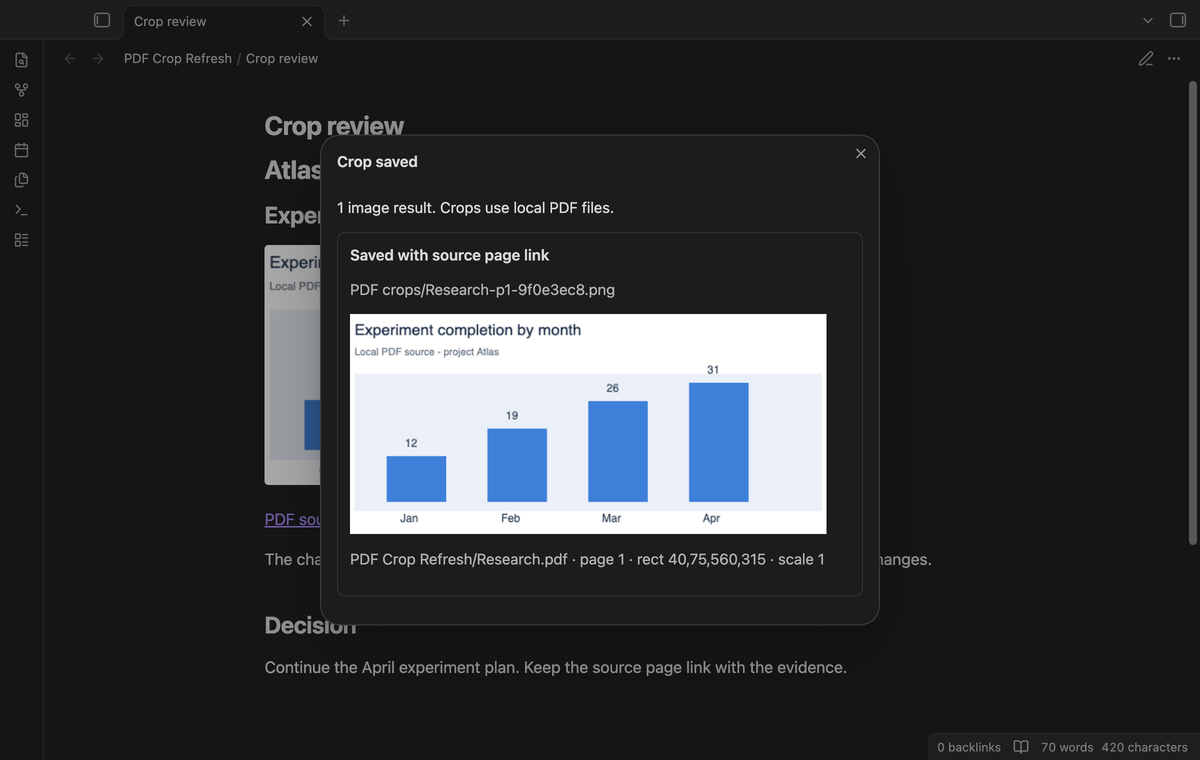
Run "Save selected PDF rectangle as PNG". The command checks the page and rectangle, renders the crop, and creates a PNG. If the note, editor and selection still match, it replaces the selected link with an image embed and a PDF source link. If they changed during the task, use the saved image path in the registry to add the embed. Rotated pages use the page viewport to transform the rectangle corners.
For a 300 by 300 point page, rect=20,200,120,250 at scale one produces a 100 by 50 pixel image. The viewport bounds are x 20 to 120 and y 50 to 100. Rectangles outside the page are rejected.
Keep a local source registry
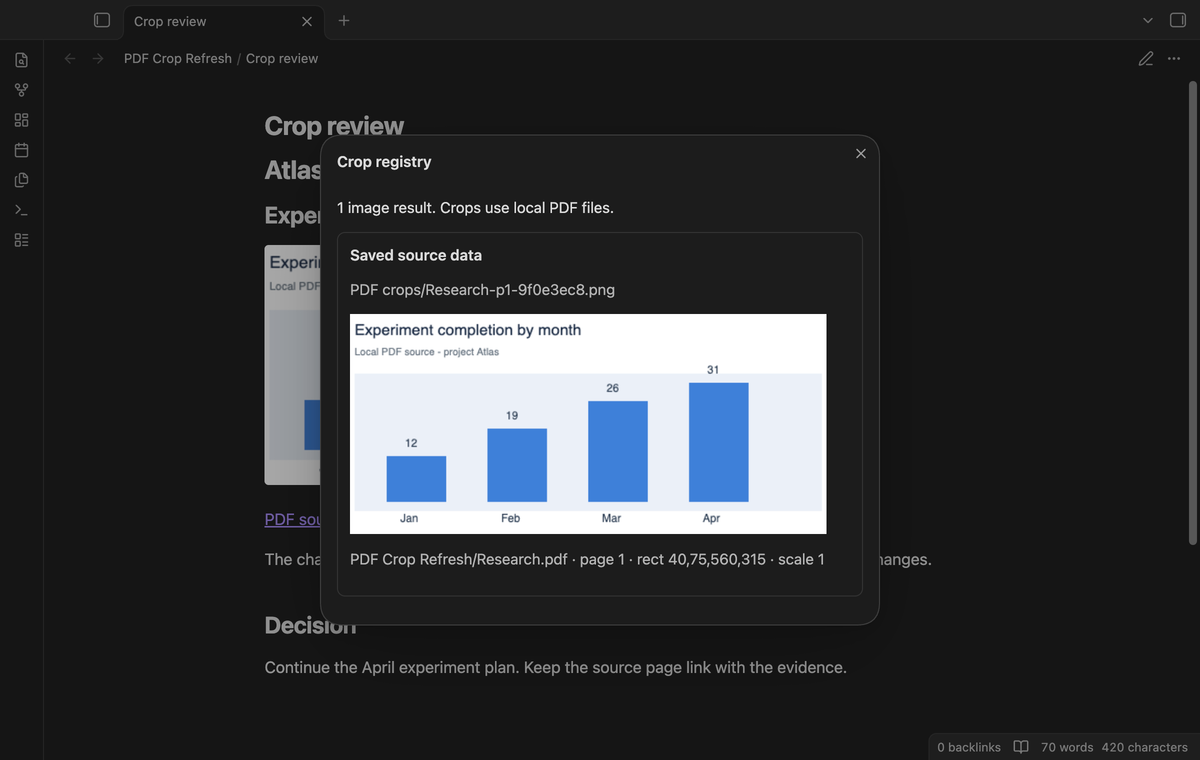
Use "Show crop registry" to inspect saved sources with PNG previews. Each entry stores the PDF path, page, rectangle, render scale, PNG path, render time, and source modification time and size. The registry is in the plugin data file inside the vault configuration folder.
Refresh images in the active note
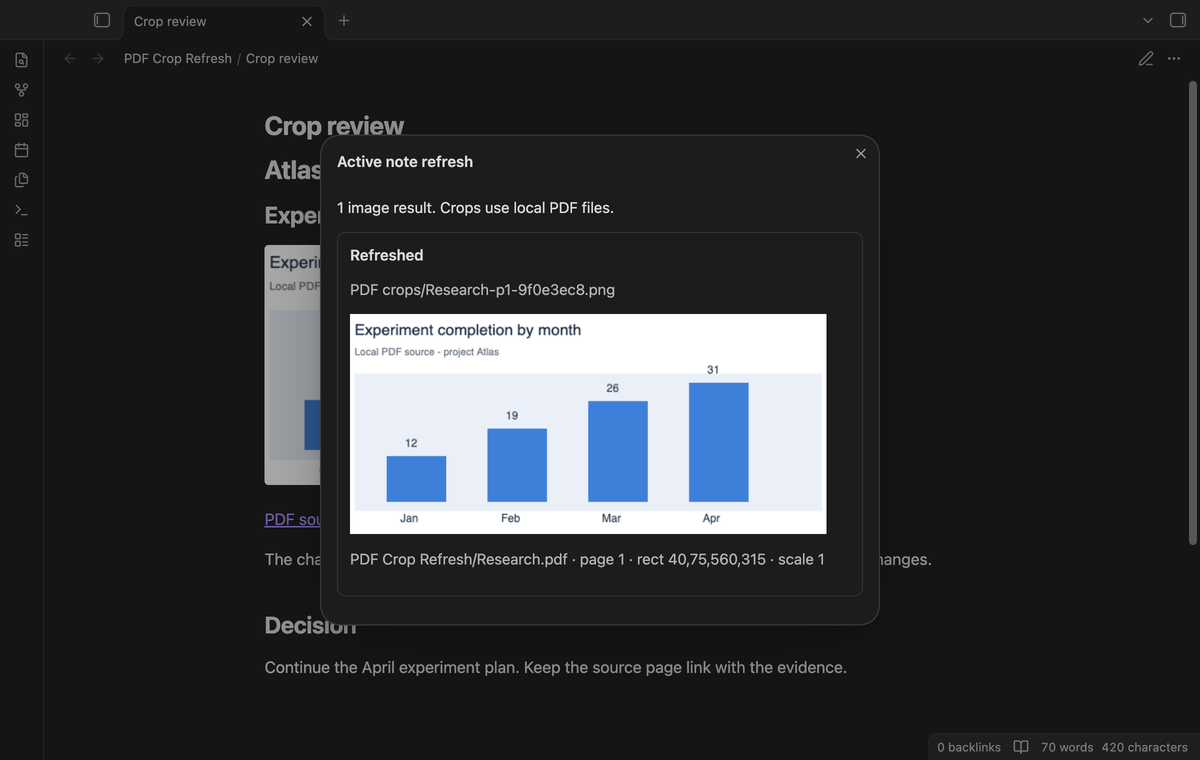
Run "Refresh crops in active note" after you replace or edit a source PDF. Registered PNG embeds in that note are rendered again at their existing image paths. An ordinary PNG with no registry entry is reported as "No saved source" and is left unchanged.
A missing PDF produces "Missing source". If two registry entries use the same output path, the command reports a conflict and leaves that image unchanged. A render error also leaves the previous PNG in place. The result window lists the status for each image it checked.
Refresh a selected folder (Pro)
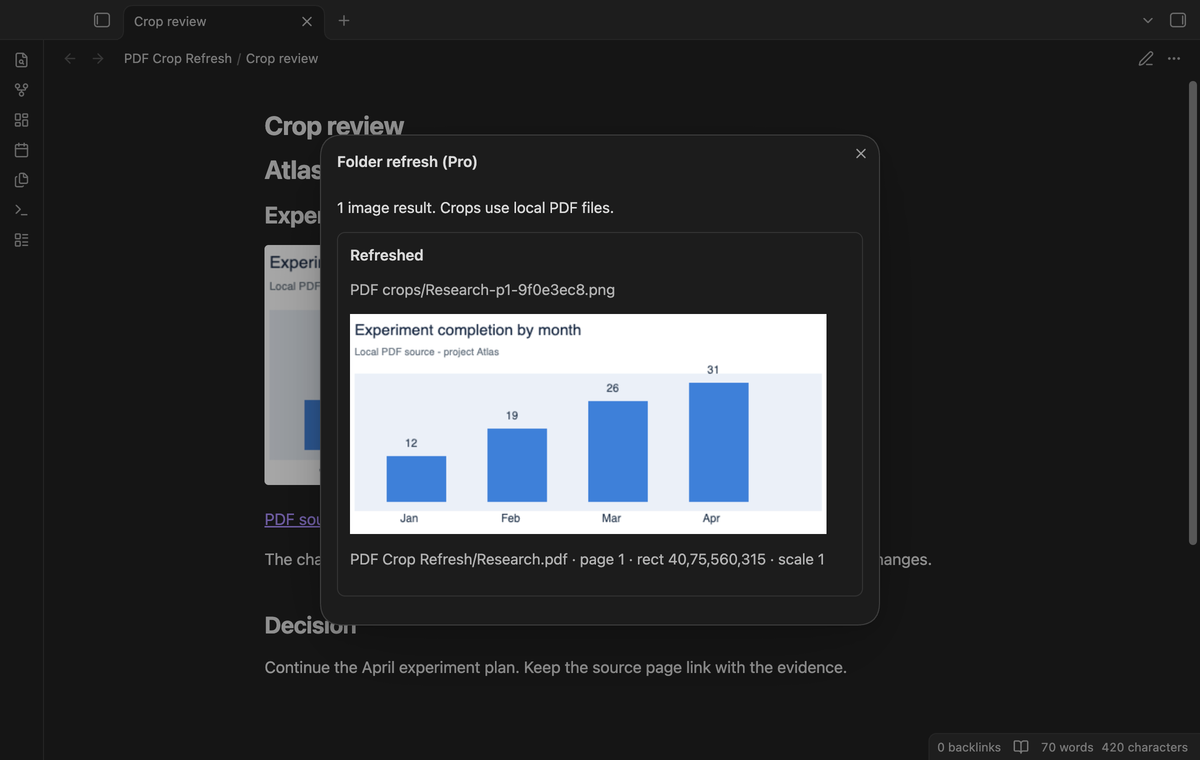
Choose "Refresh crops in a folder (pro)" and select a note folder. The command reads notes in that folder and its subfolders, then refreshes their registered PNG embeds. Select the vault root to include notes throughout the vault. Crop rendering is sequential.
Report changed source PDFs (Pro)
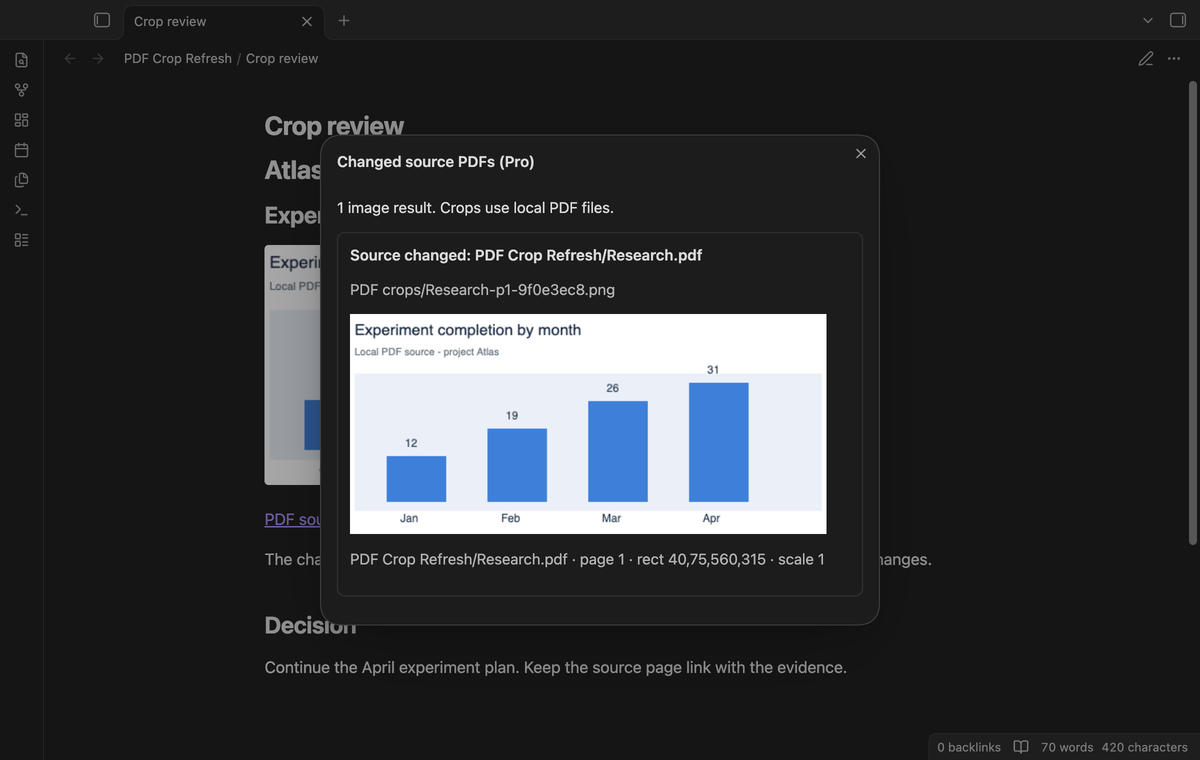
Choose "Report changed sources (pro)" to list crops whose source modification time is later than the saved time, or whose source size differs. The report also lists missing sources and output conflicts. It does not render images. A refresh records the source time and size used for that render.
Install
For manual installation, copy main.js, manifest.json and styles.css from a release into <vault>/.obsidian/plugins/pdf-crop-refresh/. Enable PDF Crop Refresh in Community plugins. Obsidian 1.13.4 or later is required.
The plugin uses the PDF renderer supplied by Obsidian. You do not need a separate PDF service or a PDF package for normal use. Free commands need no account.
Usage
- Put a PDF inside the vault and open a Markdown note.
- Add a link such as
[[Research.pdf#page=1&rect=40,75,560,315&scale=1]]. - Select the complete link and run "Save selected PDF rectangle as PNG" from the command palette.
- Review the saved image and its source page link.
- After the PDF changes, run "Refresh crops in active note".
Coordinates use PDF points, with the PDF origin near the lower left of an unrotated page. This version reads coordinates; it has no rectangle drawing tool. Check the source page when you prepare a link. A crop task must finish before another command task starts.
Settings
"PNG folder" sets the vault folder for new images. The default is PDF crops. Changing it does not move existing images or change their registry paths. Nested folders are created when a new crop is saved.
"Render scale" sets pixels per PDF point, from 0.25 to 4. The default is one. A scale parameter in the selected link takes priority. Larger scales make larger PNG images. A crop is refused if its canvas exceeds 8192 pixels on one side or 16 million pixels in area. The plugin creates a canvas for the crop bounds.
The GitHub Sponsors controls show the sign-in state and let you refresh the sponsorship check or sign out. Free crop commands remain available when Pro is off.
FAQ
What happens if I move a source or image?
Saved paths do not track renames. Keep the PDF and PNG at their registered paths, or create a new crop from the new source link. Back up the PNG files and the plugin data together if you need to retain refresh information.
Is the changed source report a content comparison?
It compares modification time and file size. A same-size replacement with an older timestamp can escape that report. Manual refresh still renders the source on disk. PNG output is the supported format; JPEG and WebP output are not included.
What was not tested?
Phone and tablet devices, password protected PDFs, damaged PDF files, unusual color profiles, and large scanned documents were not tested. The app tests ran on macOS. Linux and Windows desktop were not tested in this build. Pro app tests use a simulated GitHub response; live device sign-in and a real payment were not tested. The code uses browser canvas and public Obsidian APIs, with no Node or Electron imports in the runtime source. These choices do not replace device tests.
Payment, account and network
The core features are free. Pro features need a GitHub Sponsors sponsorship of theluckystrike: $5 a month or more, or $15 once. A total payment of $15 meets the payment requirement for Pro without further payment. Sign-in and the checks below still apply. Your notes stay readable and editable with or without Pro.
GitHub handles the payment. Sponsor at https://github.com/sponsors/theluckystrike. You need no account for the free features. Pro needs the GitHub account that sponsors.
Until you select "Sign in with GitHub" in the settings, PDF Crop Refresh makes no network requests. Sign in uses the GitHub device flow. PDF Crop Refresh sends its public client ID and the scope read:user to https://github.com/login/device/code and shows you a code. While you enter the code at https://github.com/login/device, it asks https://github.com/login/oauth/access_token every few seconds to check the sign-in status. The scope permits profile reads only. GitHub needs this access to show the sponsorship tier. It grants no repository scope and no write access.
After sign in, PDF Crop Refresh sends one query to https://api.github.com/graphql. It checks if the signed-in account sponsors theluckystrike. It asks for the tier and the total payment to theluckystrike. The plugin reuses a successful check for 7 days. Failed checks can retry after 6 hours. Select Refresh to request an earlier check. It sends no note content, file names or other vault data, and it has no telemetry.
After a successful check, Pro can work offline for up to 14 days. Sign out or a negative sponsorship answer turns Pro off. The plugin stores the GitHub token through the secret storage API of Obsidian. It does not put the token in its saved settings or its local sponsorship data. The local storage of this device keeps your GitHub login, the tier and the time of the last check. Sign out clears the token. You can also revoke the access in your GitHub settings, under Applications.
Support
Report a problem in this repository's issues. Include the Obsidian version, the command, the status message and a small source PDF that you can share. Remove private document text before you attach a sample. The source code is under the MIT license.