Paste Plus
 jabaho9523803 downloads
Smart paste for URLs, images, HTML, YouTube, and Twitter — one plugin, no setup.
- Overview
- Scorecard
- Updates2
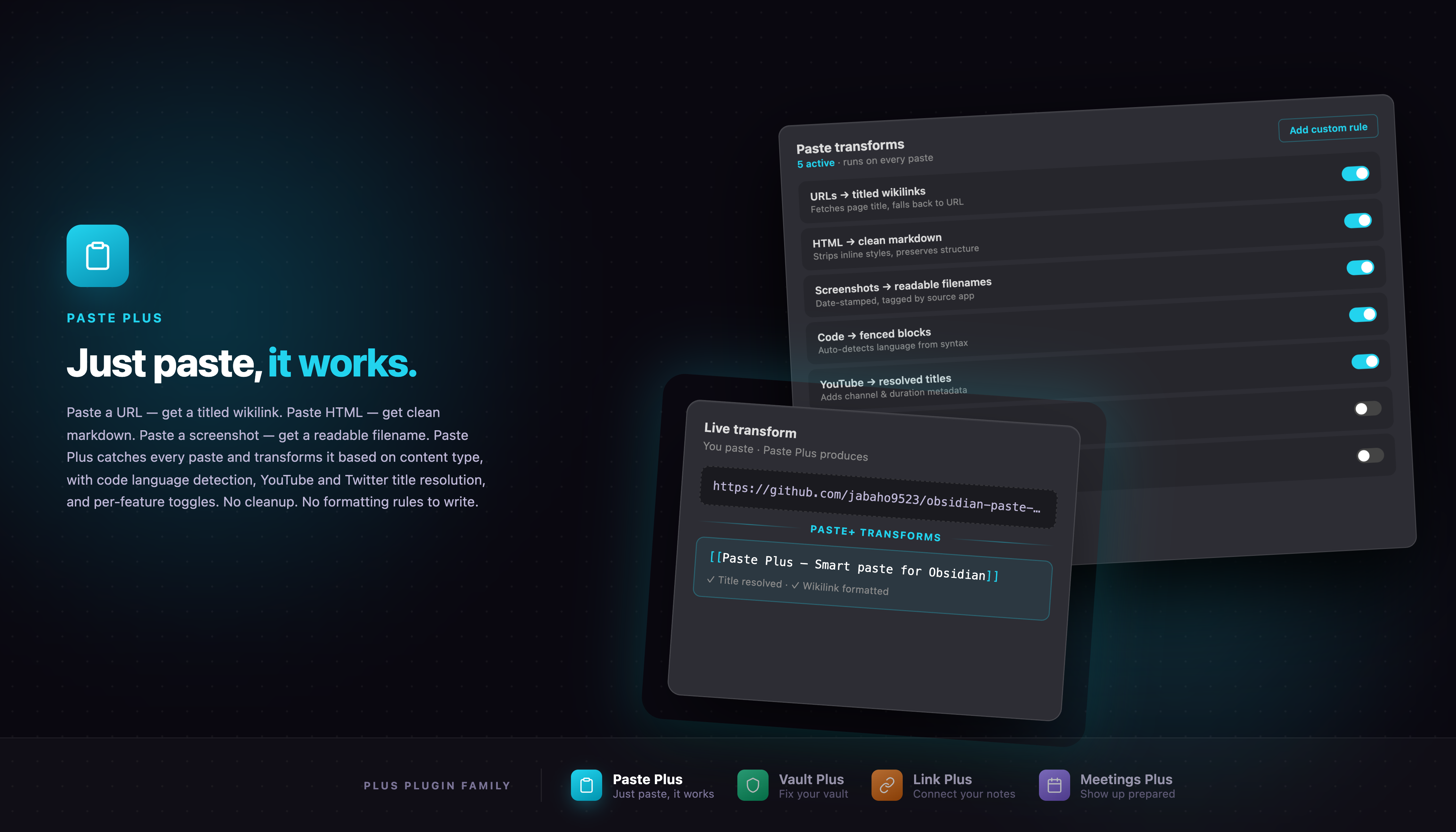
One plugin that makes Obsidian's paste key smarter. No setup, no learning curve — install it and every paste just works better.
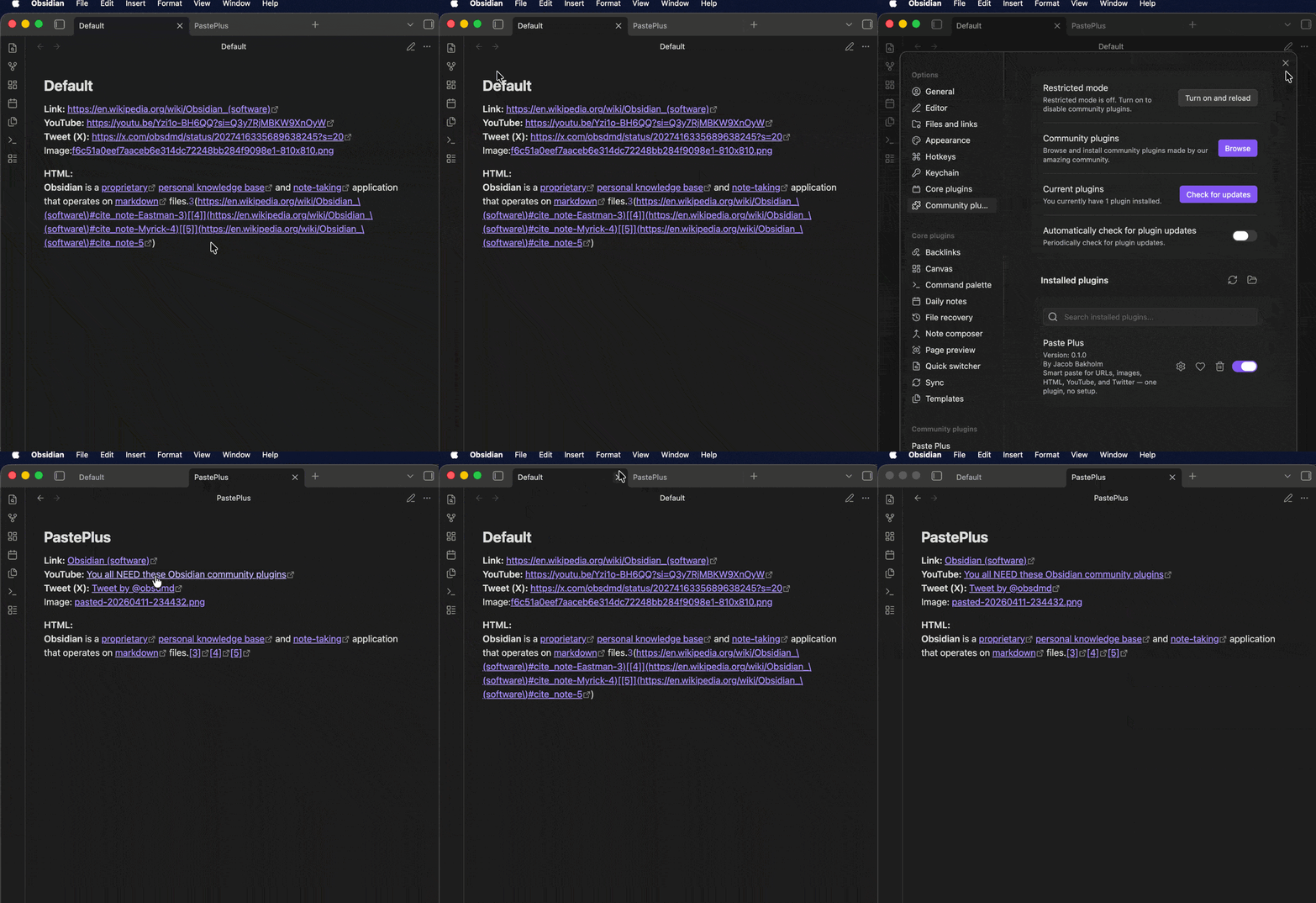
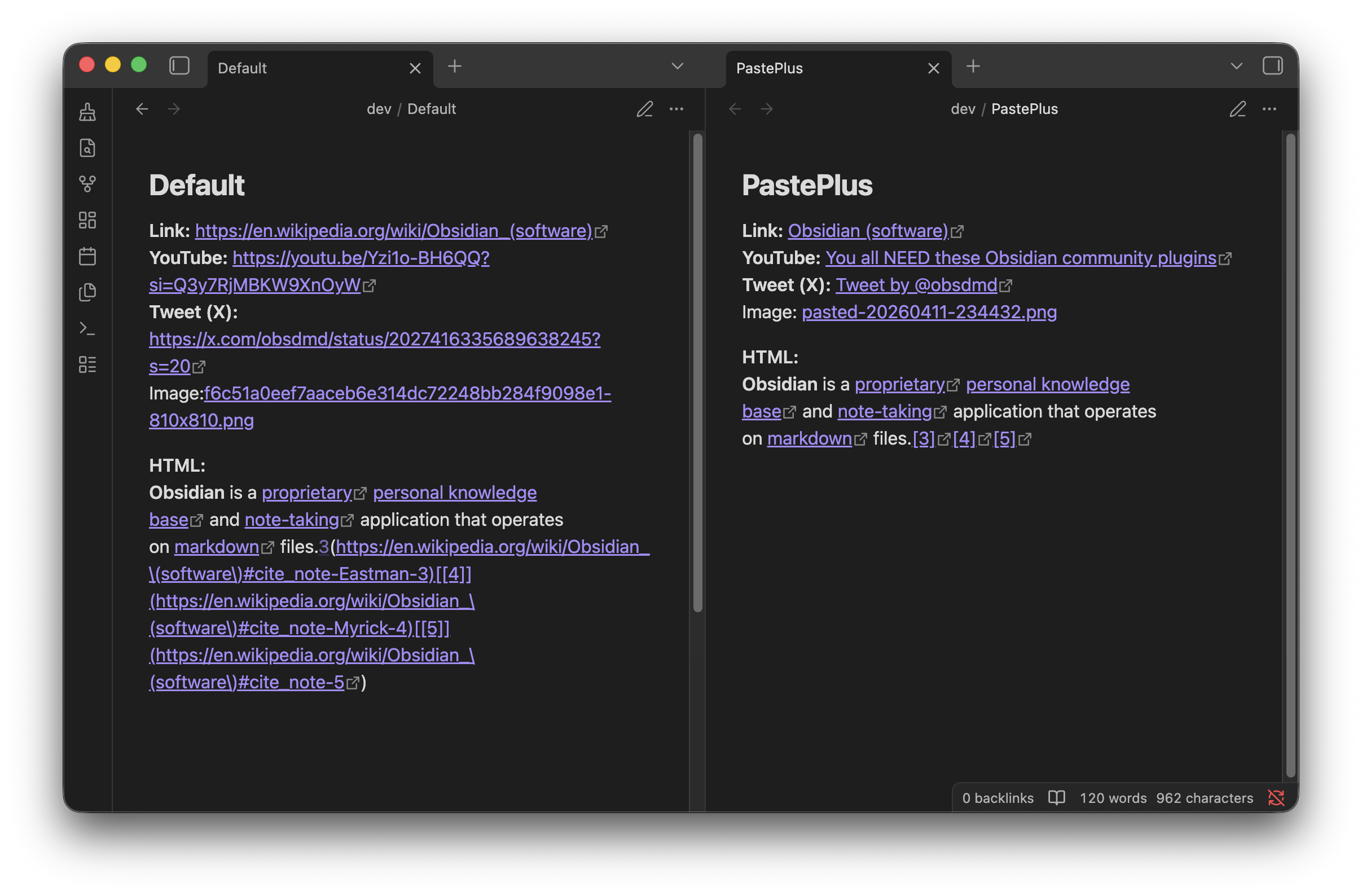
Before vs after
What it does
- Paste a URL → becomes a titled markdown link:
[Page Title](url) - Paste an image (screenshot, clipboard copy) → saved to your attachments folder with a clean filename
- Paste rich web content (HTML) → converted to clean markdown instead of raw tags
- Paste a YouTube link → replaced with the video title
- Paste a Twitter / X link → replaced with the post title
Every transform can be toggled individually in the plugin's settings.
Why
The Obsidian ecosystem has a dozen single-purpose paste plugins — one for URL titles, one for image rename, one for embeds. Paste Plus unifies them into a single "set and forget" plugin that covers the most common paste scenarios with zero configuration.
Installation
From the Obsidian community plugins directory (once approved)
- Open Obsidian → Settings → Community plugins
- Search for Paste Plus
- Click Install, then Enable
Manual install
- Download
main.js,manifest.json, andstyles.cssfrom the latest release - Copy them into your vault at
.obsidian/plugins/paste-plus/ - Reload Obsidian and enable the plugin under Settings → Community plugins
Settings
Open Settings → Community plugins → Paste Plus. You can:
- Toggle each transform (URL, image, HTML, YouTube, Twitter) independently
- Customize the image filename template (e.g.
pasted-{YYYYMMDD-HHmmss}) - Edit title strip patterns to clean up fetched page titles
- Adjust the title fetch timeout
How it works
Paste Plus hooks the Obsidian editor-paste event and runs an ordered chain of detectors. The first detector that recognizes the clipboard content transforms it and inserts the result; if nothing claims the paste, Obsidian's default paste runs. If another paste plugin has already handled the event, Paste Plus gets out of the way.
Plus Plugin Family
Paste Plus is part of the Plus Plugin Family for Obsidian:
- Paste Plus — Smart paste: URLs become titled links, images get clean filenames, HTML converts to markdown, YouTube and Twitter links resolve to titles.
- Vault Plus — Vault health dashboard: find and fix orphans, broken links, empty notes, duplicates, and more.
- Link Plus — Unlinked mention scanner: find and convert unlinked mentions vault-wide with one-click or batch operations.
Support
If Paste Plus saves you time, you can support development here:
License
0BSD — copy, paste, ship. The license matches the plugin.