OzanShare Publish
 ozntel5k downloads
Publish your Markdown notes with a single click from your vault. (Closed source)
- Overview
- Scorecard
- Updates32
This plugin allows you to publish your Markdown Notes with a single click directly from your Obsidian vault. It is available on both Mobile and Desktop.
Each of your published files will have unique code, which is only available to you. You can share with someone the link and republish once you make small changes. It will keep the same code and URL.
IMPORTANT:
This is not an open source project.
The plugin is only available to users, who are on
Exclusive Support Level. Once you are in this support level, I will send you theTOKENyou can use for the plugin (Make sure that you provide yourEmail addresscorrectly)
You can also reach me out directly using the details from Contact below to find out more.
REMEMBER:
- This is still early stage for the plugin. There might be some bugs and missing features, which will be gradually improved, implemented. I will be grateful for your kind patience in case you see any bug, error and report me as soon as possible so that I can work on it.
To see more details, you can visit the page of OzanShare Publish: https://ozanshare.web.app
See How Plugin Works
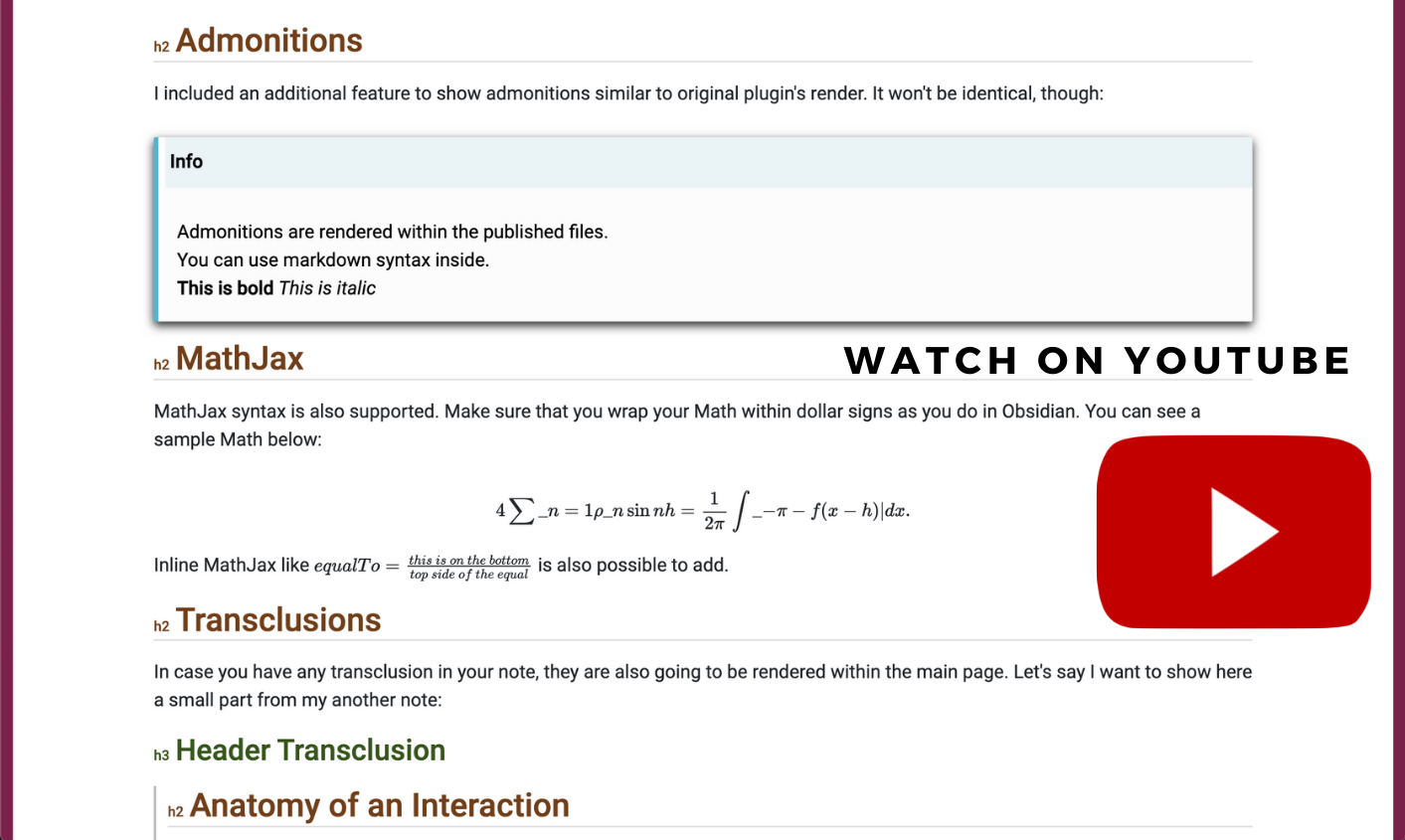
Plugin Description
You need to be on
Exclusive Support Levelto be able to use the plugin. You will receive aTOKENfrom me to be able to use the plugin and publish feature. Once you enter theTOKENin plugin settings and click verify, you can start enjoying all features available: Exclusive Support LevelYou can
Publishyour notes and all relevant linked notes to the main published note with a single click from theContext Menuof the file in the vault:
Your pages are going to be served on https://ozanshare.web.app/. You can check the website to see a sample published note.
Plugin
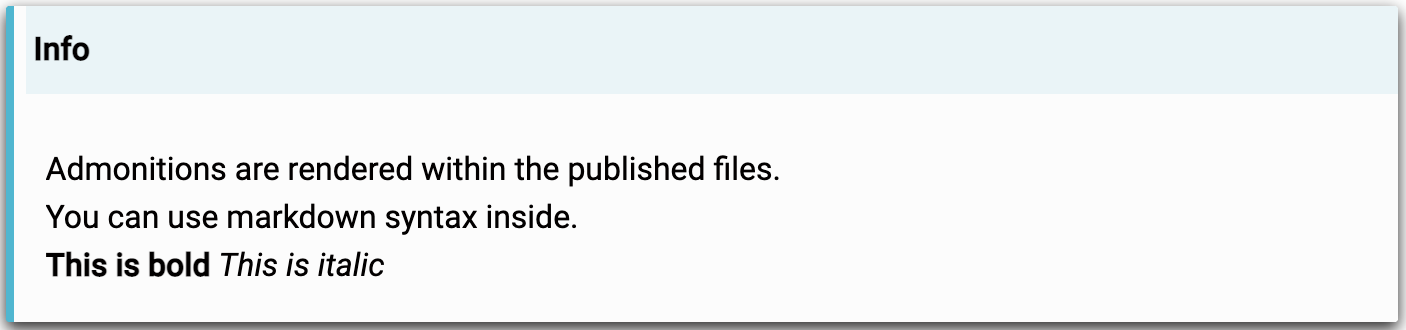
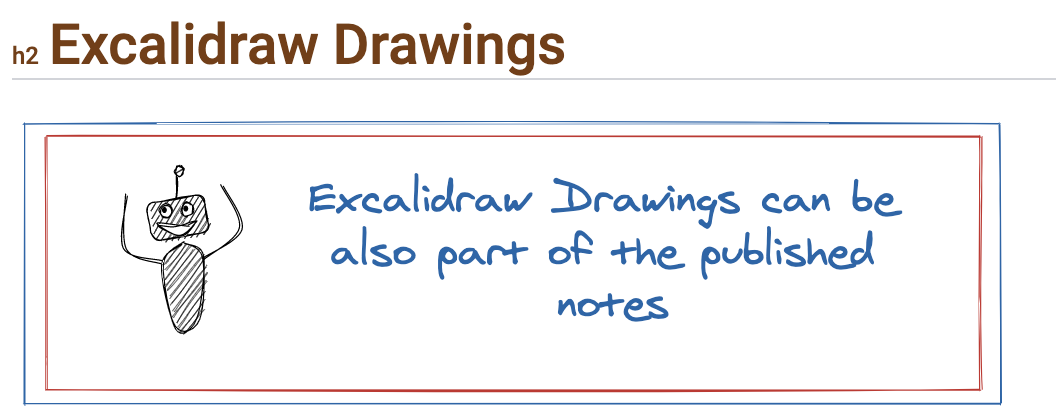
Rendersthe followings as HTML:Any Basic Markdown Content
Linked Files
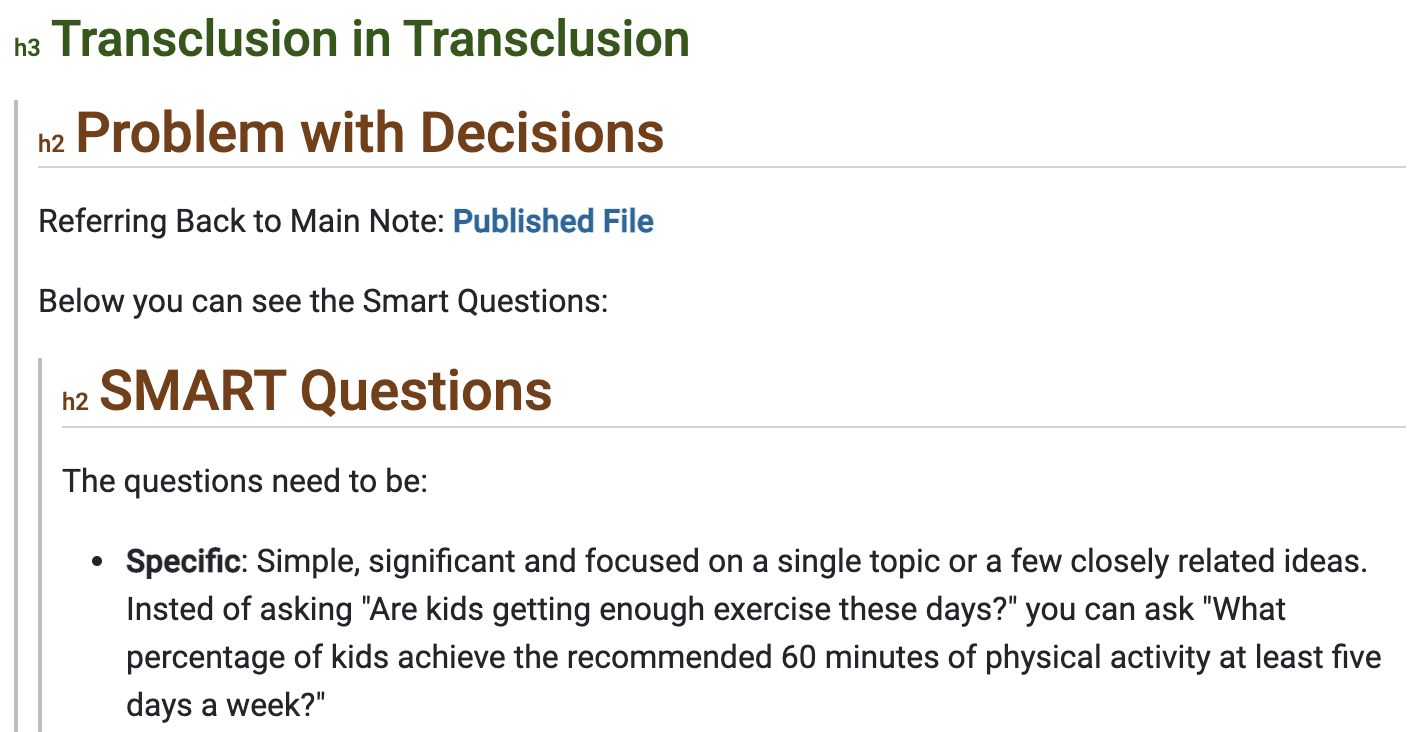
Transclusions (and also nested)
Admonitions
Excalidraw Drawings
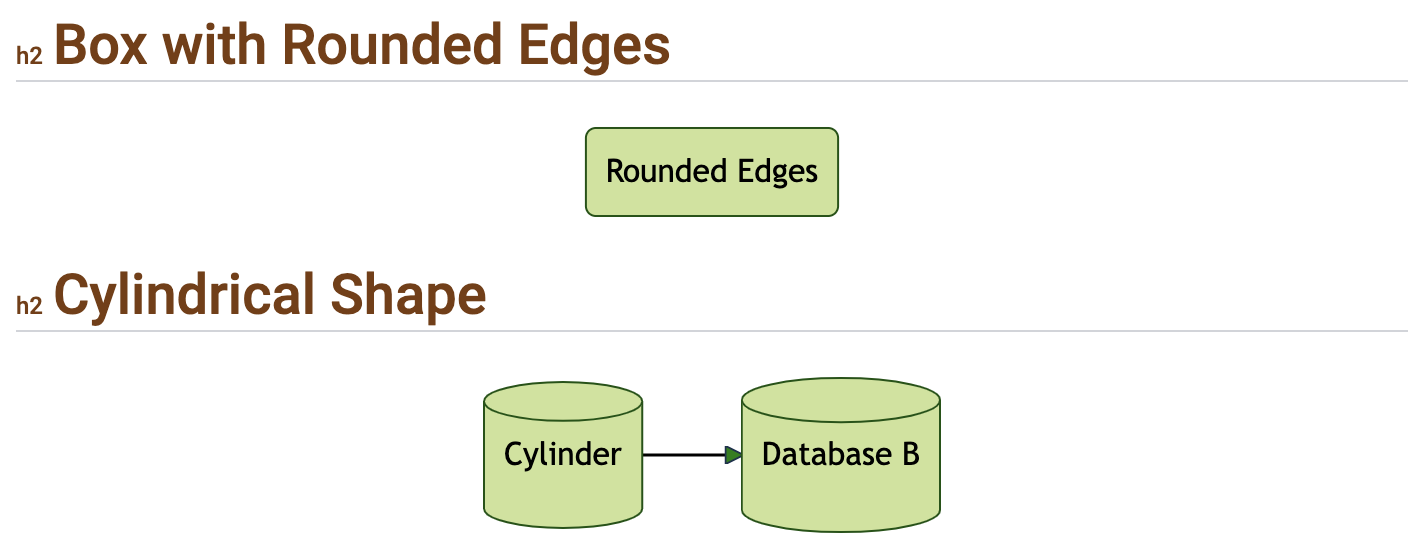
Mermaids
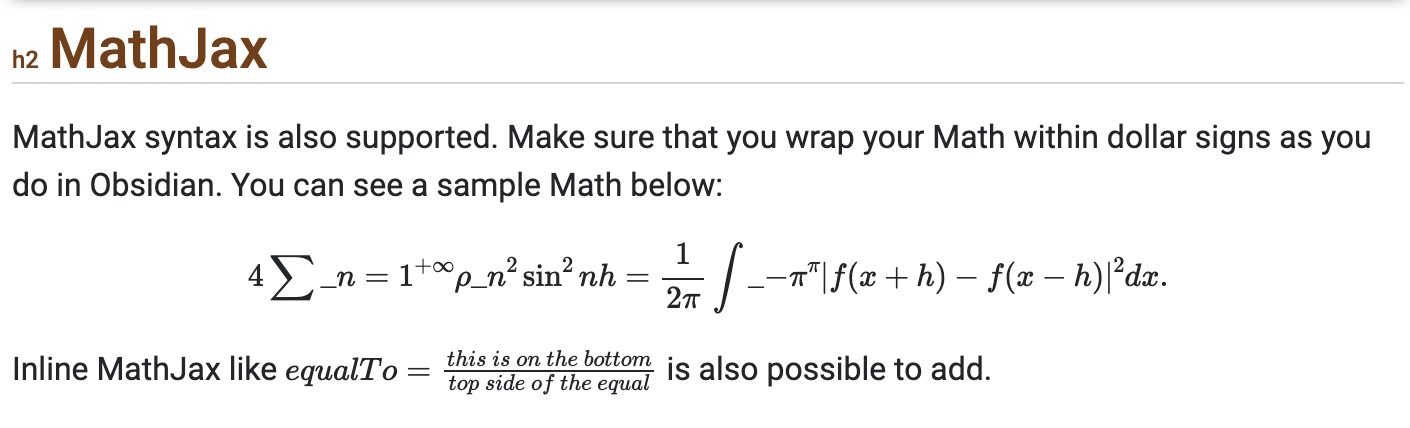
MathJax
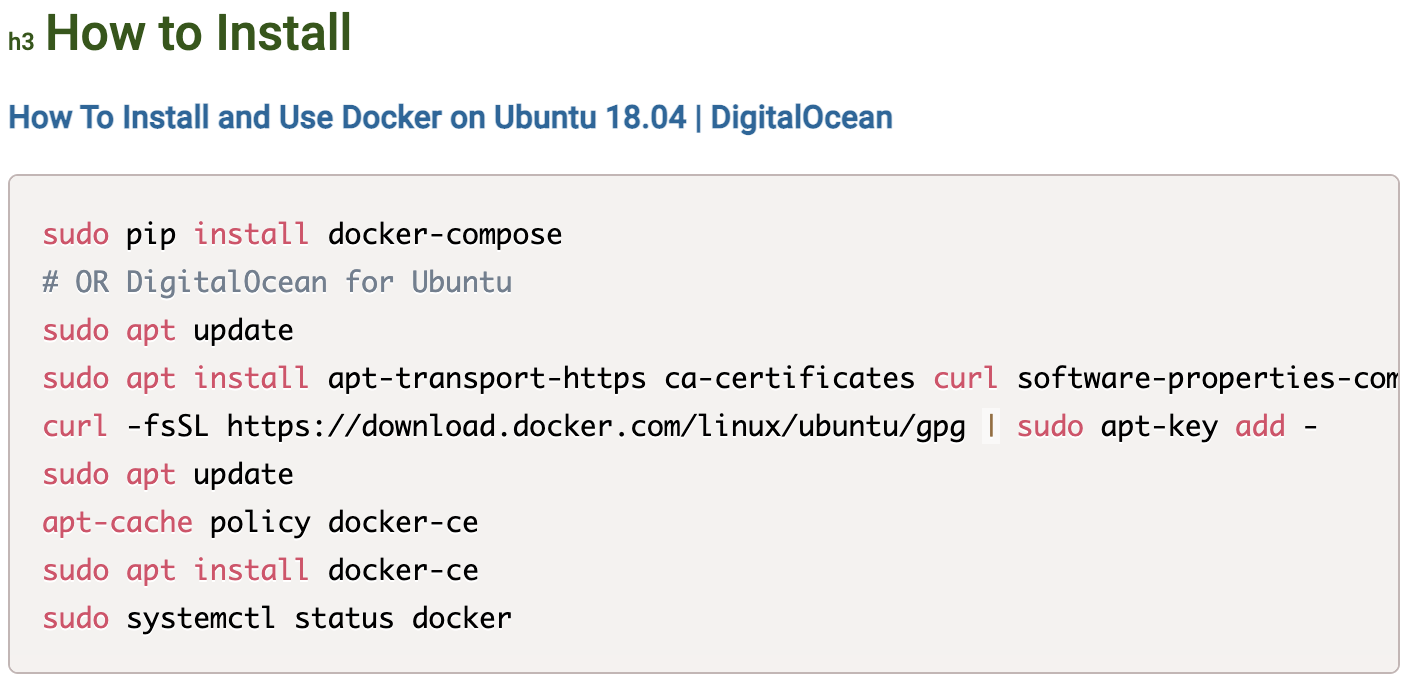
Code Blocks
You can also add your
Custom CSS. Go to settings and use to button to open yourCustom CSSsettings.
You can see all your published notes from the
Viewcreated for plugin. Just click theRibbon Iconand list your published notes.
As long as you don't unpublish your notes and change the place of the file in the vault, the
Republishfunction will keep the old publish references. It will help you to update the files you have already shared with someone. You won't need to send a new link.
Imagesare uploaded to Firebase server, which are also served with a secret token. Image source with the provided token is automatically embedded into your final publish on OzanShare.Each publish triggers a scan of your
Published FilesandVault. It means you shouldn't remove the references fromFrontmattermanually by hand since it will trigger removing the published note from the server. You should rather useUnpublishbutton if you don't need the note anymore to be shared. This will remove the shared note from the server.You can open the published notes on
Web Applicationdirectly from theContext MenuorCopy URL, which allows to access the note on web.
Contact
If you have any issue or you have any suggestion, please feel free to reach me out directly using contact page of my website Ozan.pl Contact or directly to [email protected].