
- Overview
- Scorecard
- Updates10
Description
Snippetsaurus is a plugin for Obsidian that allows you to create, manage, and insert snippets into your notes. Snippets can be either text or code, and for code snippets, you can specify the programming language.
Features
- Create and edit snippets with a user-friendly modal.
- Insert snippets directly into your notes.
- Manage your snippets with an intuitive interface.
- Automatically insert snippets based on the last word typed.
Installation
- Download the plugin from the releases page.
- Extract the contents of the downloaded file to your Obsidian plugins folder.
- Restart Obsidian.
- Enable the Snippetsaurus plugin in the Community Plugins settings.
Usage
- Create a snippet: Use the command
Create a snippetto open the snippet creation modal. - Manage snippets: Use the command
Insert in note and Manage snippetsto open the snippet management modal. - Automatic insertion: Type the name of a snippet followed by a space to automatically insert it into your note.
Demonstration
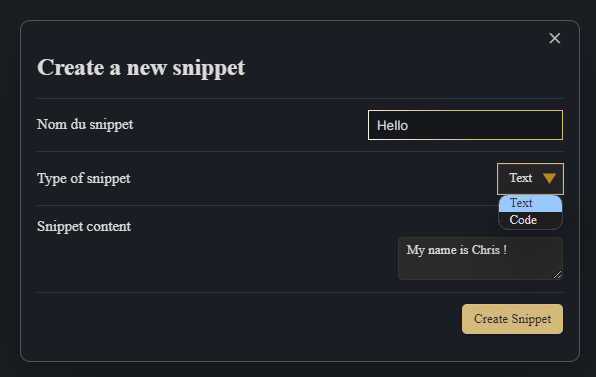
Create a snippet :
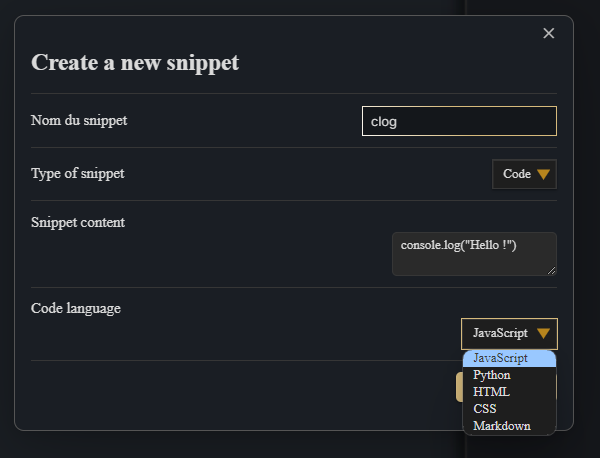
Create a code snippet :
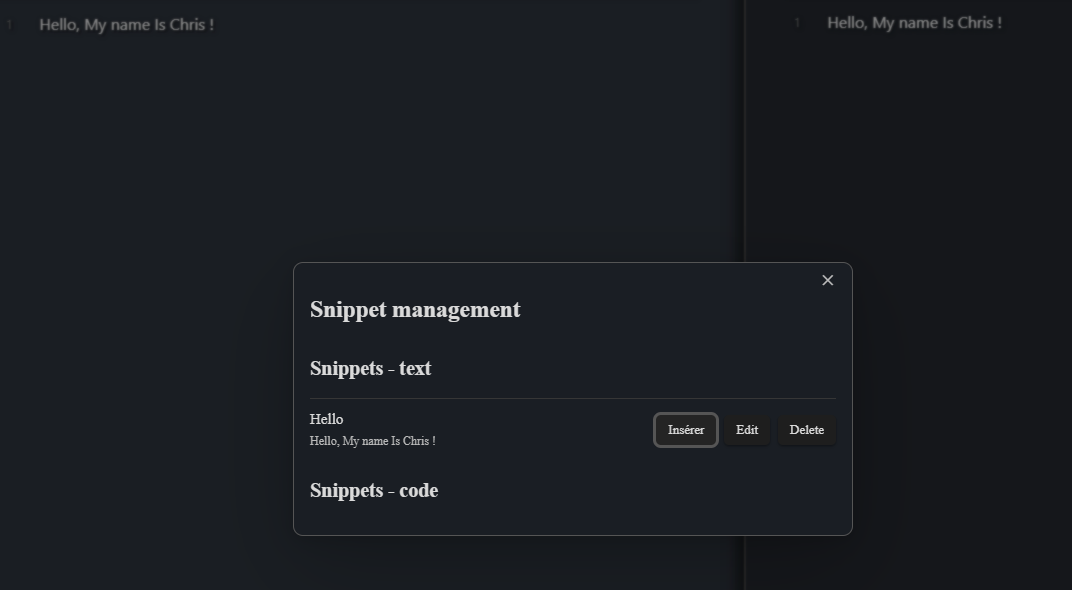
Insert the snippet :
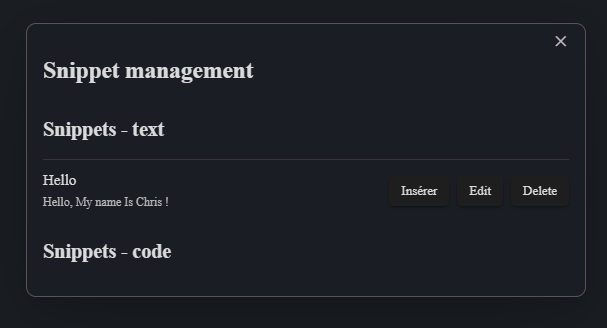
Manage snippets :
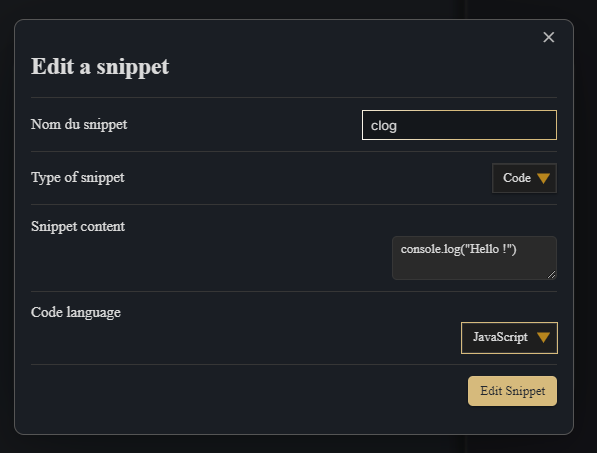
Edit snippets :
Français
Description
Snippetsaurus est un plugin pour Obsidian qui vous permet de créer, gérer et insérer des extraits de code dans vos notes. Les extraits peuvent être du texte ou du code, et pour les extraits de code, vous pouvez spécifier le langage de programmation.
Fonctionnalités
- Créez et modifiez des extraits avec une modale conviviale.
- Insérez des extraits directement dans vos notes.
- Gérez vos extraits avec une interface intuitive.
- Insérez automatiquement des extraits en fonction du dernier mot tapé.
Installation
- Téléchargez le plugin depuis la page des versions.
- Extrayez le contenu du fichier téléchargé dans le dossier des plugins d'Obsidian.
- Redémarrez Obsidian.
- Activez le plugin Snippetsaurus dans les paramètres des plugins communautaires.
Utilisation
- Créer un extrait: Utilisez la commande
Create a snippetpour ouvrir la modal de création d'extrait. - Gérer les extraits: Utilisez la commande
Insert in note and Manage snippetspour ouvrir la modal de gestion des extraits. - Insertion automatique: Tapez le nom d'un extrait suivi d'un espace pour l'insérer automatiquement dans votre note.
Démonstration
Créer un snippet :
Créer un code snippet :
Insérer le snippet dans la note :
Gérer les snippets :
Modifier les snippets :
HealthGood
ReviewPassed
About
Create and manage text and code snippets with a user-friendly modal, specifying languages for code snippets. Insert snippets directly into notes or automatically expand a snippet when its name is typed and followed by a space.Details
Current version
1.0.11
Last updated
2 years ago
Created
2 years ago
Updates
10 releases
Downloads
1k
Compatible with
Obsidian 0.12.0+
Platforms
Desktop, Mobile
License
MIT