Search...Search plugins and themes...
⌘K
Sign in
  • Get started
  • Download
  • Pricing
  • Enterprise
  • Account
  • Obsidian
  • Overview
  • Sync
  • Publish
  • Canvas
  • Mobile
  • Web Clipper
  • CLI
  • Learn
  • Help
  • Developers
  • Changelog
  • About
  • Roadmap
  • Blog
  • Resources
  • System status
  • License overview
  • Terms of service
  • Privacy policy
  • Security
  • Community
  • Plugins
  • Join the community
  • Discord
  • Forum / 中文论坛
  • Merch store
  • Brand guidelines
Follow us
DiscordTwitterBlueskyThreadsMastodonYouTubeGitHub
© 2026 Obsidian

Version History Diff (Sync, File Recovery & Git)

kometenstaubkometenstaub45k downloads

Diff the version history of the core Sync and File Recovery plugins and Git for the active file.

Add to Obsidian
  • Overview
  • Scorecard
  • Updates47

This plugin uses private APIs, so it may break at any time. Use at your own risk.

Features

It can

  1. display diffs of the Sync
  2. and the File Recovery
  3. and Git version history for the currently active file,
    • For this to work, the Obsidian Git plugin needs to be installed.
  4. open a selected version in a modal and
  5. render it as either markdown or
  6. plain text and
  7. you can overwrite the file with this version as well.
  8. There is a colour-blind mode
  9. And you can switch between line-by-line and side-by-side view in the settings. The latter is only recommended on bigger screens.

The reason for showing you the note before you revert to this state is that the diffs can be misleading.

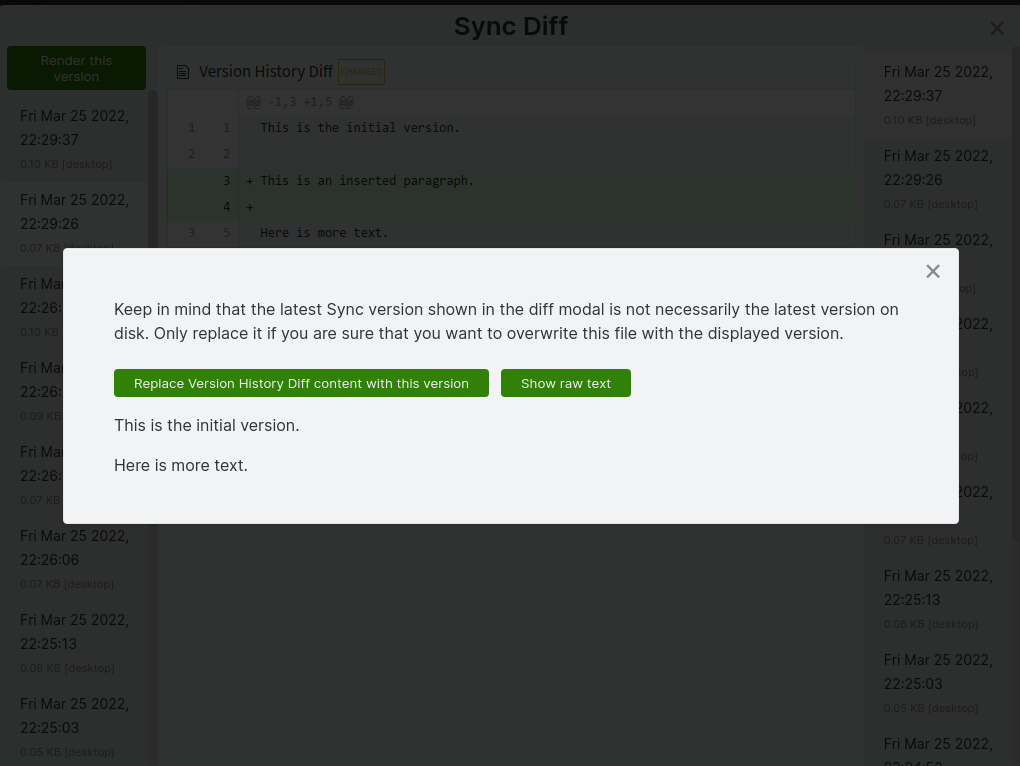
Sync Diff example
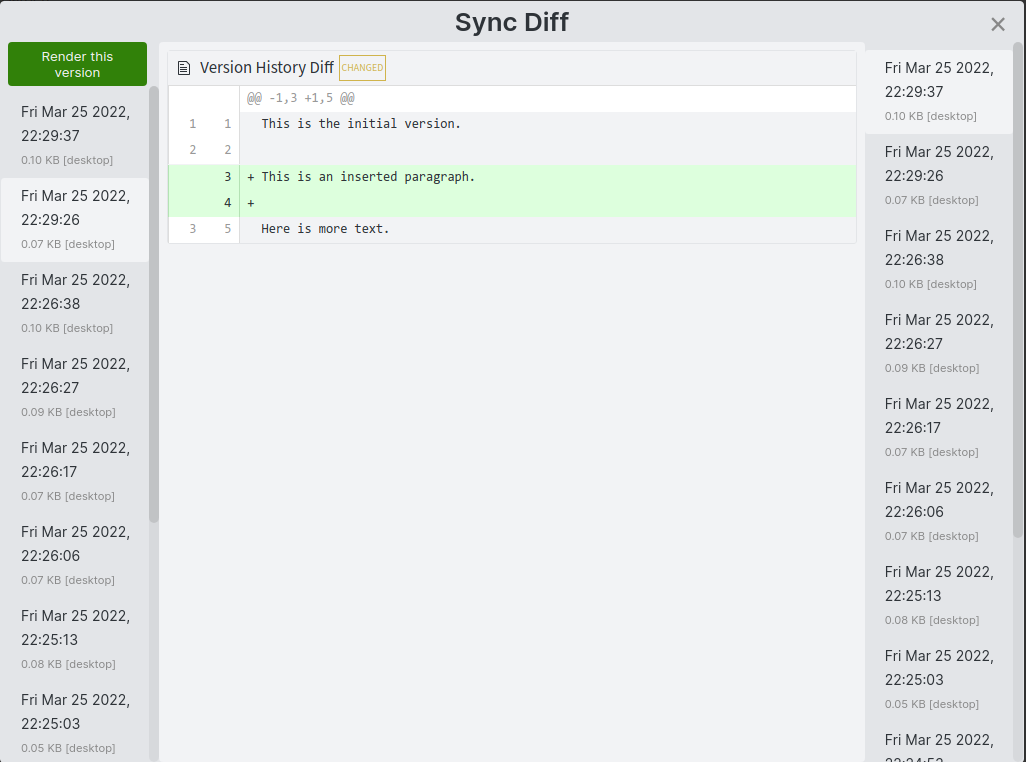
Sync Diff changes modal

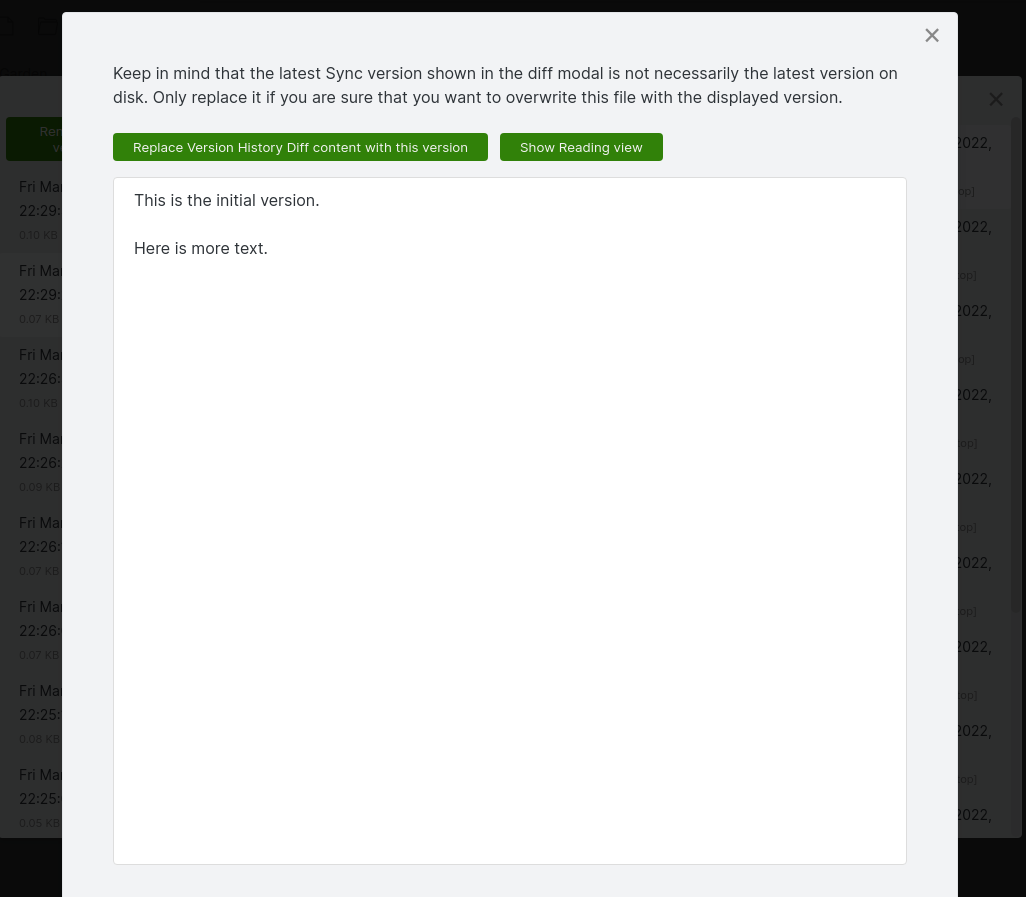
Sync Diff rendered version

Sync Diff plain text version

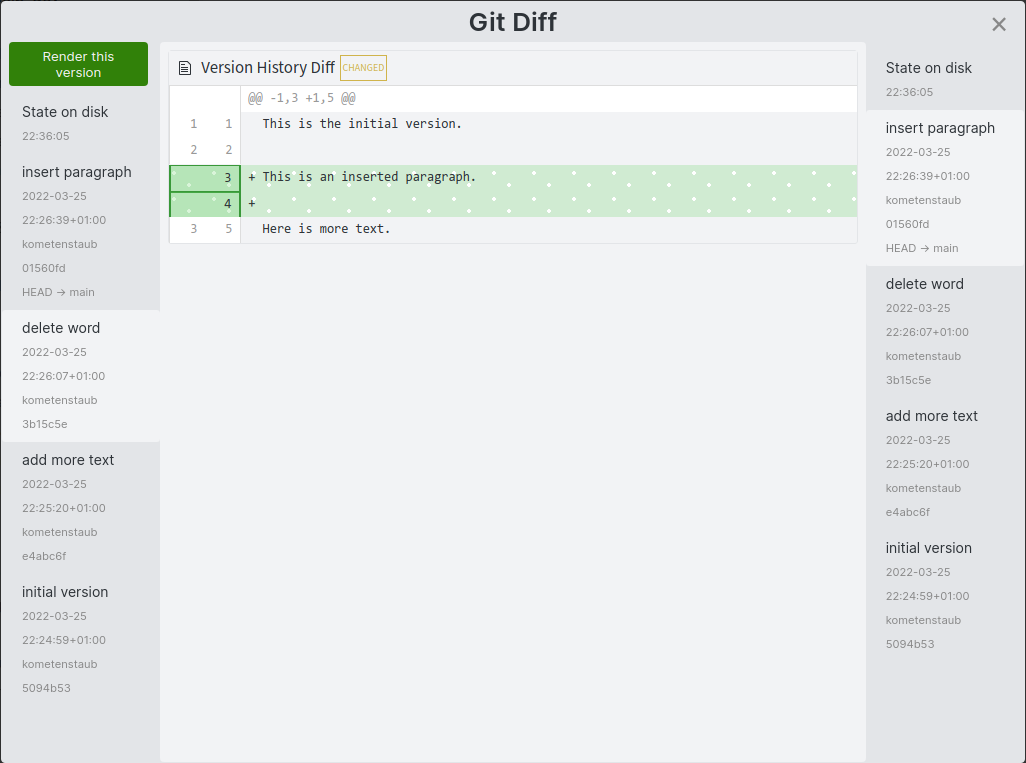
Git Diff example with colour-blind mode
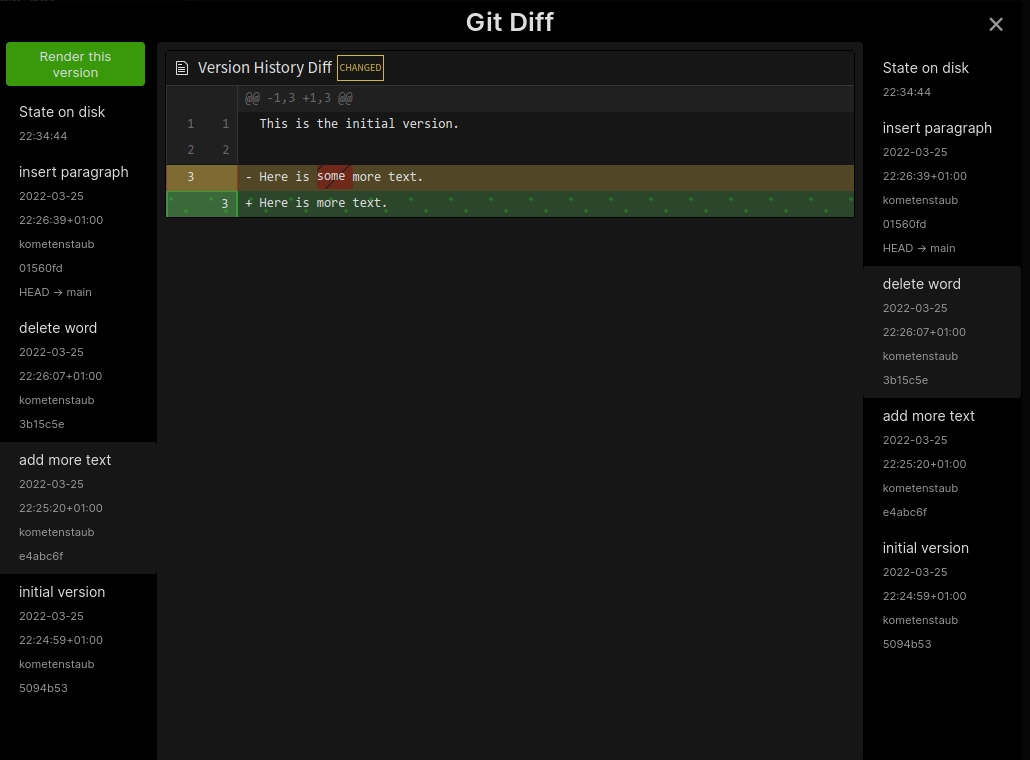
Git Diff dark mode colourblind mode deletion

Git Diff light mode colourblind mode addition

Usage

There are two columns. The chosen version on the right side should be newer than the one on the left side for the diffs to make sense.

I personally find the file recovery diffs better as they are less frequent, but the Sync diffs might be helpful as well.

For Sync, it only displays the Sync versions. For File Recovery and Git, it also shows the current state of the file from disk as latest version.

The Git diff lets you copy the hash by clicking on it. By default, only the first seven characters are copied. Shift-click to copy the full hash.

Contributing

Please open an issue before you make a PR.

Credits

All licenses and attributions can be found in the esbuild.mjs file for the code (and therefore in the main.js release), the CSS license is in src/styles.scss. Should any license/attribution be missing, please let me know, and I will look into it.

Special thanks to @SlRvb for adapting the CSS to Obsidian and making the colour-blind mode and to @Vinzent03 for creating the necessary APIs in the Obsidian Git plugin.

54%
HealthExcellent
ReviewRisks
About
Display diffs of Sync, File Recovery, and Git version histories for the active file, with line-by-line or side-by-side comparison modes. Open any version in a modal rendered as Markdown or plain text, copy Git hashes, and overwrite the file with the selected revision; enable color-blind mode.
GitFilesIntegrations
Details
Current version
2.3.4
Last updated
4 weeks ago
Created
4 years ago
Updates
47 releases
Downloads
45k
Compatible with
Obsidian 1.6.0+
License
MIT
Report bugRequest featureReport plugin
Author
kometenstaubkometenstaub
github.com/kometenstaub
GitHubkometenstaub
  1. Community
  2. Plugins
  3. Git
  4. Version History Diff (Sync, File Recovery & Git)

Related plugins

Local REST API

Unlock your automation needs by interacting with your notes over a secure REST API.

Google Drive Sync

Syncs a vault into Google Drive for cross-platform use (works for iOS).

Telegram Sync

Transfer messages and files from Telegram to Obsidian.

Nutstore Sync

Sync your vault with Nutstore (Jianguoyun) using WebDAV protocol.

Notebook Navigator

Alternative file browser with folders, tags, properties, shortcuts, previews, keyboard navigation, drag and drop, and pinned notes.

Recent Files

Display a list of recently opened files.

BRAT

Easily install a beta version of a plugin for testing.

Zotero Integration

Insert and import citations, bibliographies, notes, and PDF annotations from Zotero.

Maps

Adds a map layout to bases so you can display notes as an interactive map view.

Omnisearch

Intelligent search for your notes, PDFs, and OCR for images.