Search...Search plugins and themes...
⌘K
Sign in
  • Get started
  • Download
  • Pricing
  • Enterprise
  • Account
  • Obsidian
  • Overview
  • Sync
  • Publish
  • Canvas
  • Mobile
  • Web Clipper
  • CLI
  • Learn
  • Help
  • Developers
  • Changelog
  • About
  • Roadmap
  • Blog
  • Resources
  • System status
  • License overview
  • Terms of service
  • Privacy policy
  • Security
  • Community
  • Plugins
  • Themes
  • Discord
  • Forum / 中文论坛
  • Merch store
  • Brand guidelines
Follow us
DiscordTwitterBlueskyThreadsMastodonYouTubeGitHub
© 2026 Obsidian

Scroll to Top

cloudhao1999cloudhao199925k downloads

Add a button to scroll to the top of the current note.

Add to Obsidian
  • Overview
  • Scorecard
  • Updates25

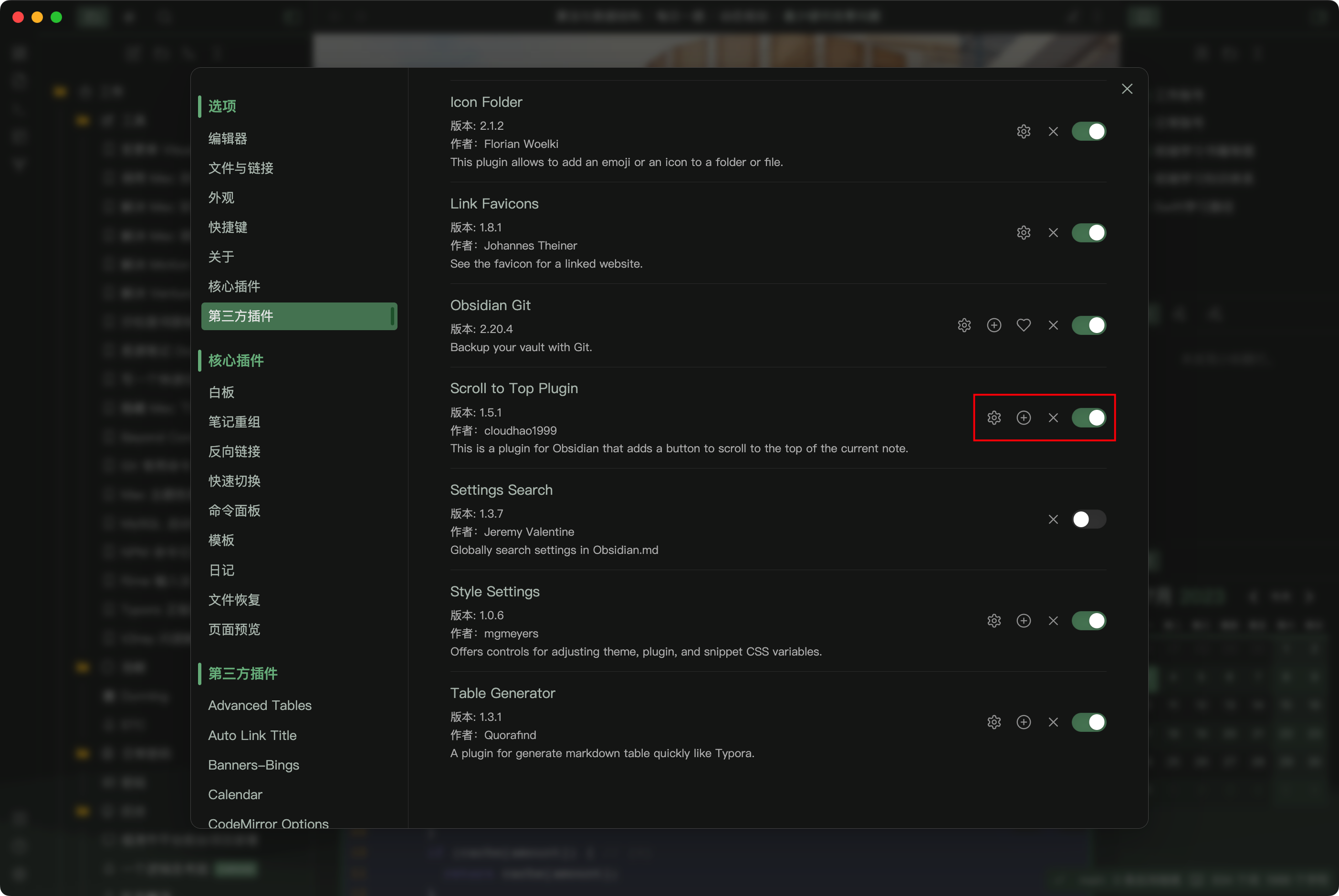
This is a plugin for Obsidian that adds a button to scroll to the top of the current note (Not just that).

How to use

  • Install the plugin

Install

  • Click the button in the status bar to scroll to the top or bottom of the note
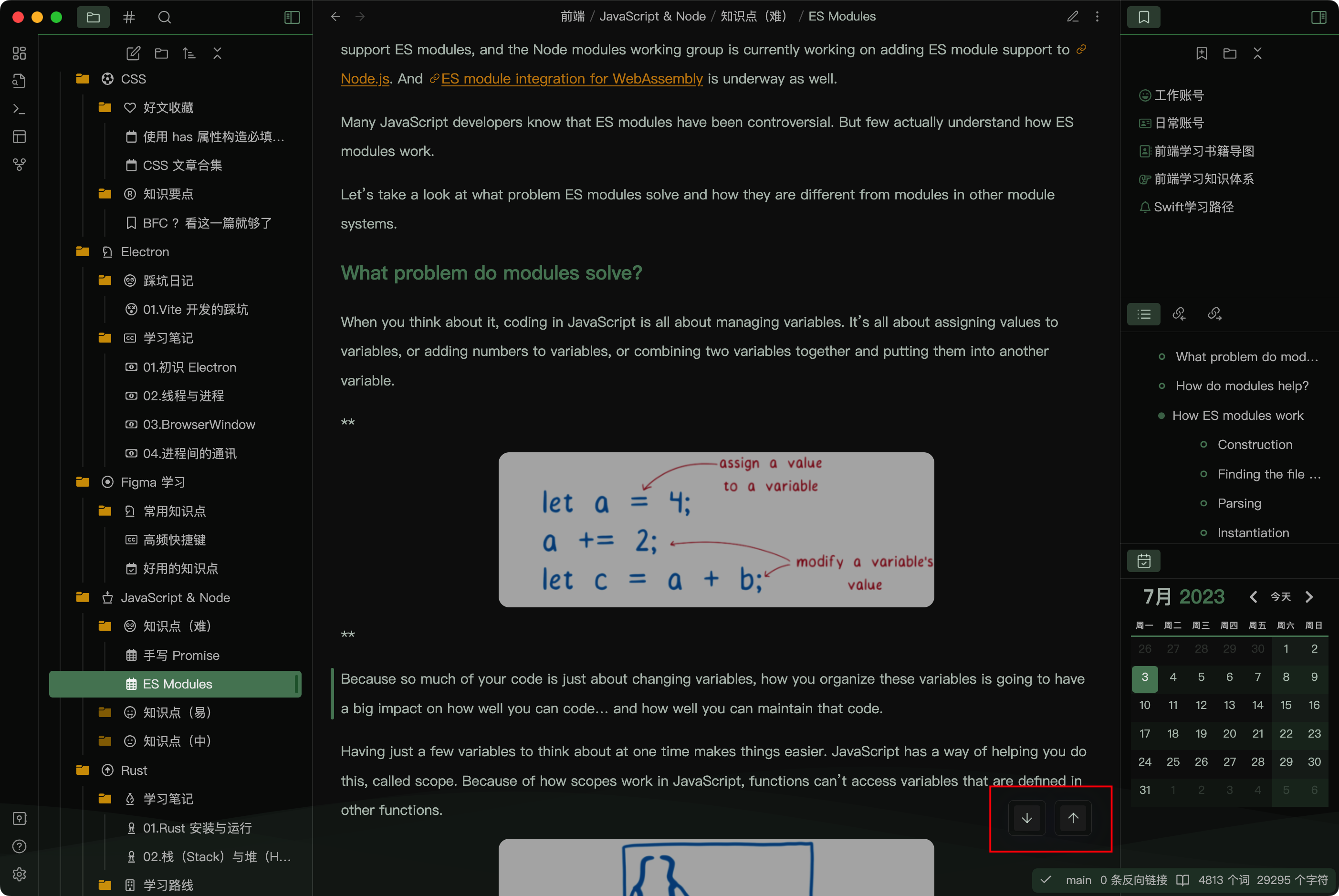
Scroll to top

  • Click the button in the ribbon to scroll until the selection or cursor (in the edit mode)
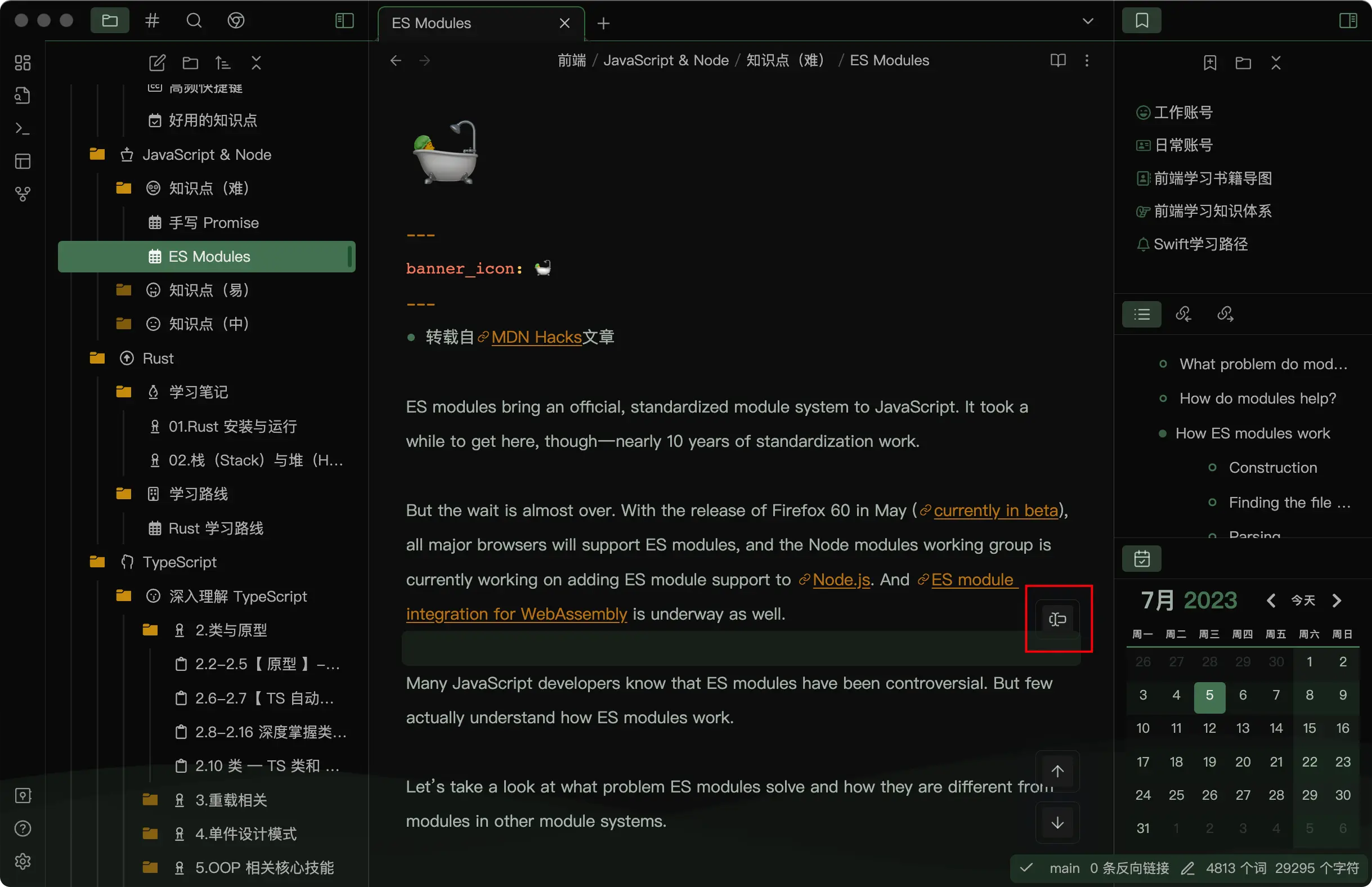
Scroll to Cursor

  • You can use this plugin in a Obsidian browser (should work with the Surfing plugin)
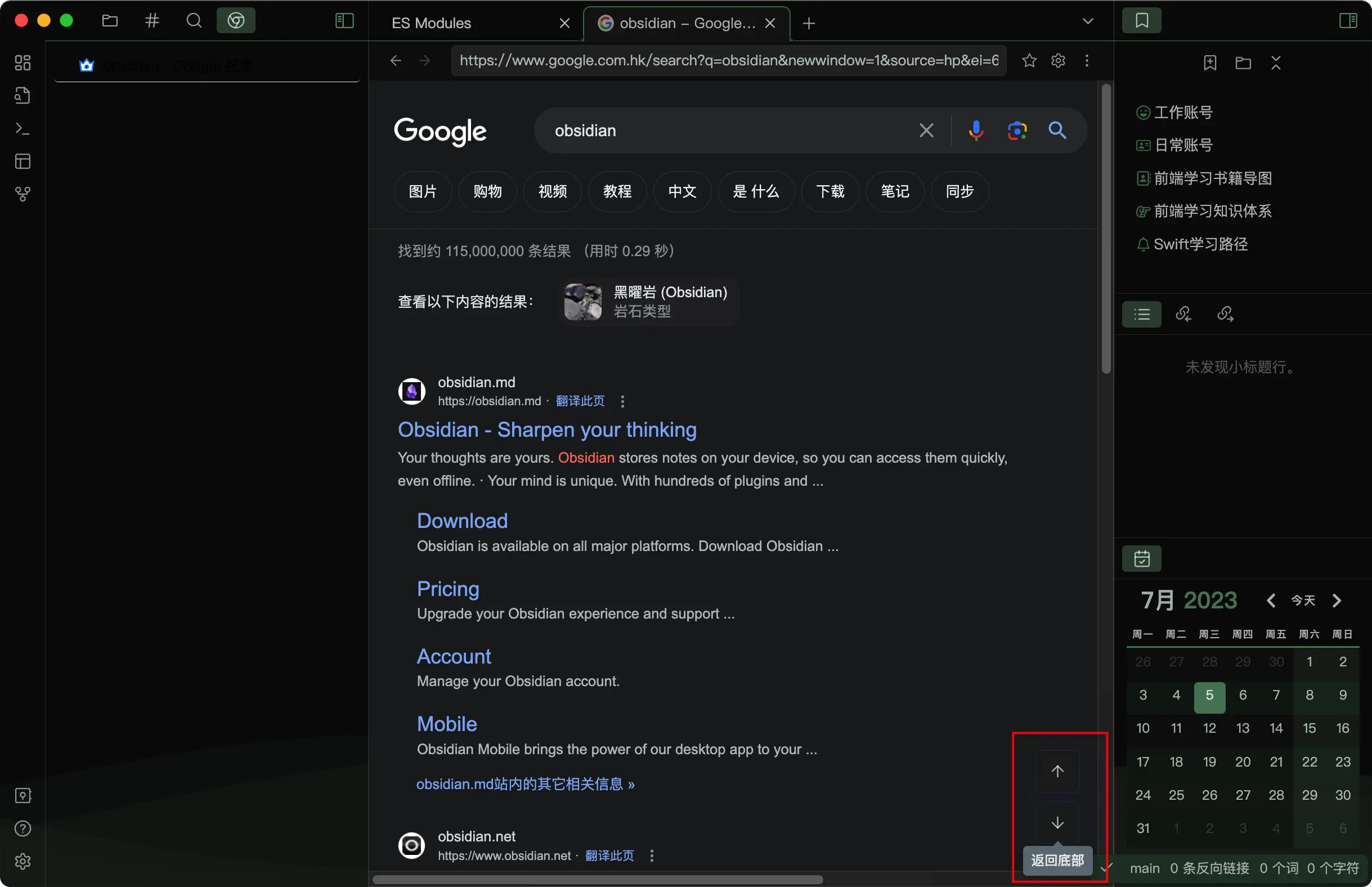
Browser

  • Customize the button style (should work with Style Settings Plugin)
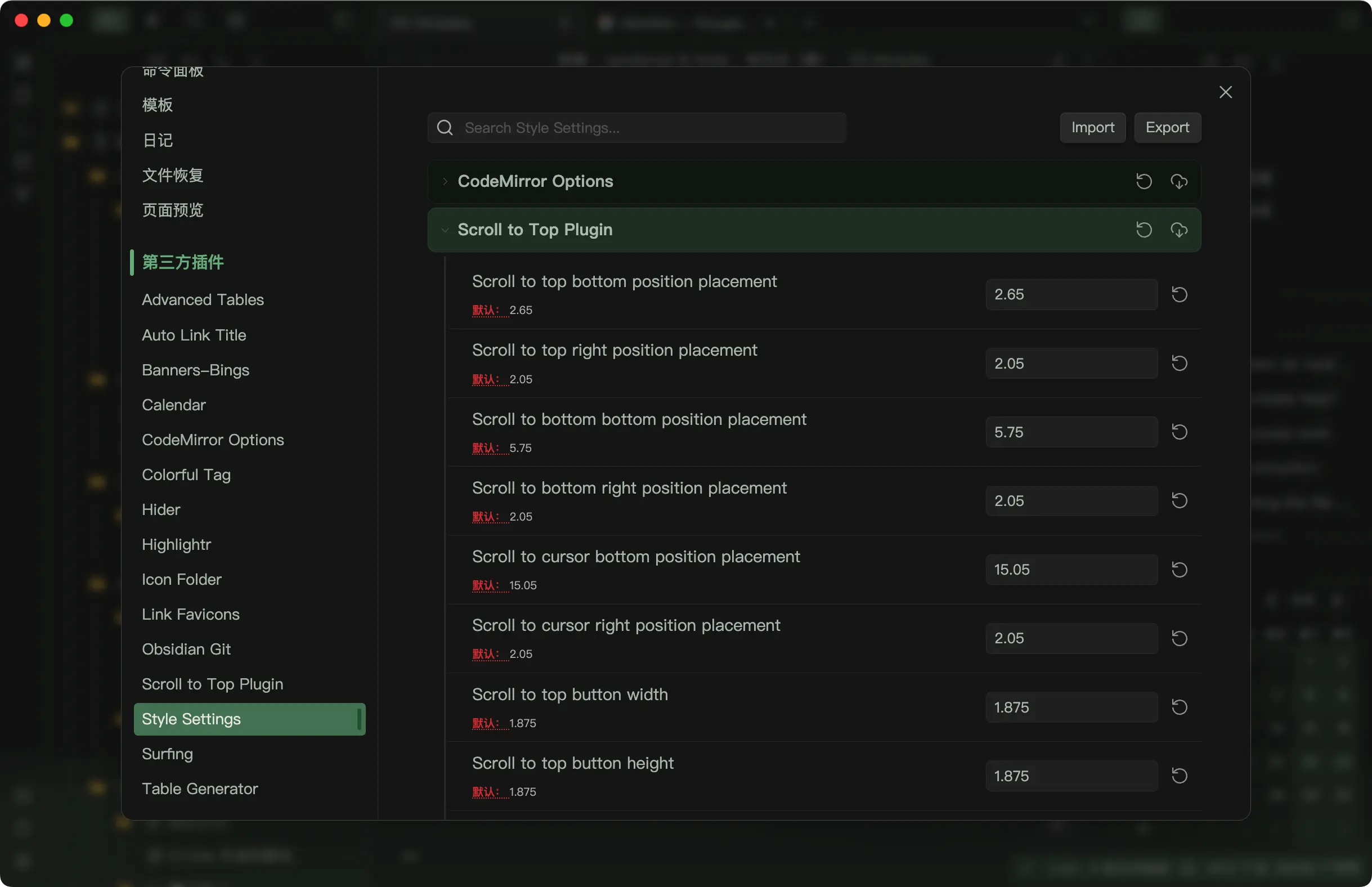
Customize

  • Edit more button options in the plugin settings
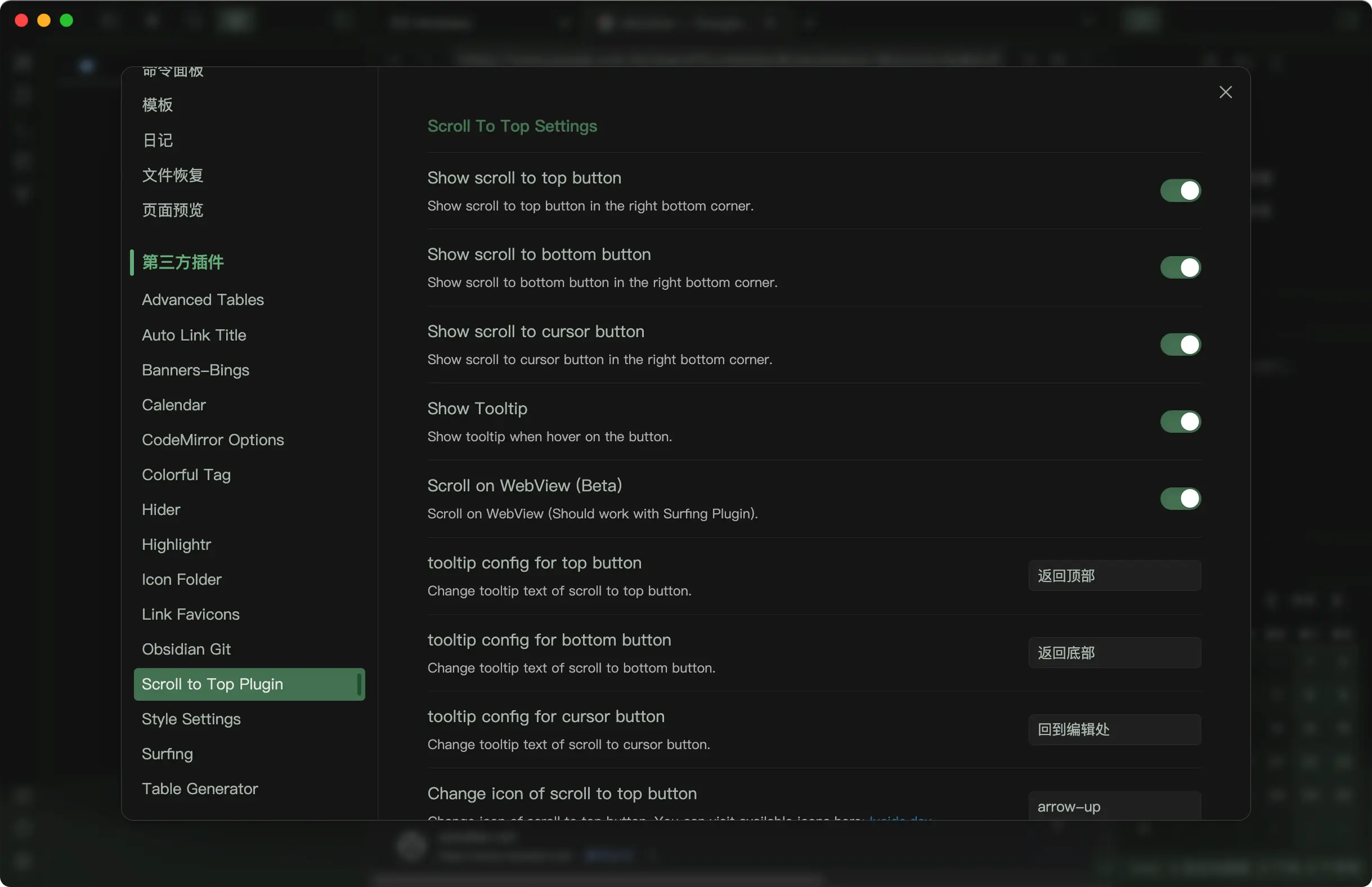
Settings

66%
HealthGood
ReviewCaution
About
Add a status-bar button to jump to the top or bottom of the current note. Use a ribbon button to scroll to the cursor or selection in edit mode and customize button style and behavior.
NavigationStatus bar
Details
Current version
2.1.6
Last updated
11 months ago
Created
4 years ago
Updates
25 releases
Downloads
25k
Compatible with
Obsidian 0.15.0+
Platforms
Desktop, Mobile
License
MIT
Report bugRequest featureReport plugin
Author
cloudhao1999cloudhao1999
github.com/cloudhao1999/obsidian-scroll-to-top-plugin
GitHubcloudhao1999
  1. Community
  2. Plugins
  3. Navigation
  4. Scroll to Top

Related plugins

Notebook Navigator

A better file browser and calendar inspired by Apple Notes, Bear, Evernote and Day One.

Homepage

Open a note, base, or workspace on startup, or set it for quick access later.

Recent Files

Display a list of recently opened files.

Vertical Tabs

Offer an alternative view that displays open tabs vertically, allowing users to group and organize tabs for a better navigation experience.

Quick Switcher++

Enhanced Quick Switcher, search open panels, and symbols.

Creases

Tools for effectively folding Markdown sections.

Quiet Outline

Make outline quiet and more powerful, including no-auto-expand, rendering heading as Markdown, and search support.

Image Context Menus

Image context menus (mostly on right click): Copy to clipboard, Open in default app, Show in system explorer, Reveal file in navigation, Open in new tab.

Open Tab Settings

Adds options to customize how tabs are opened, including open in new tab by default, preventing duplicate tabs, and more.

Remember cursor position

Remember cursor and scroll position for each note.