Search...Search plugins and themes...
⌘K
Sign in
  • Get started
  • Download
  • Pricing
  • Enterprise
  • Account
  • Obsidian
  • Overview
  • Sync
  • Publish
  • Canvas
  • Mobile
  • Web Clipper
  • CLI
  • Learn
  • Help
  • Developers
  • Changelog
  • About
  • Roadmap
  • Blog
  • Resources
  • System status
  • License overview
  • Terms of service
  • Privacy policy
  • Security
  • Community
  • Plugins
  • Themes
  • Discord
  • Forum / 中文论坛
  • Merch store
  • Brand guidelines
Follow us
DiscordTwitterBlueskyThreadsMastodonYouTubeGitHub
© 2026 Obsidian

Jupyter Notebook Editor

yuanqh23yuanqh232 downloads

Edit and run Jupyter notebooks in an Obsidian vault.

Add to Obsidian
  • Overview
  • Scorecard
  • Updates3
ObJupyter:在 Obsidian 中编辑并运行本地 Jupyter 笔记本

让想法、代码与运行结果在同一座知识库相遇。

版本 0.1.0 需要 Obsidian 1.5 或更新版本 面向 Windows 桌面端 Notebook v4 格式 支持 ObJupyter

简体中文 · English

功能 · 使用 · 支持项目


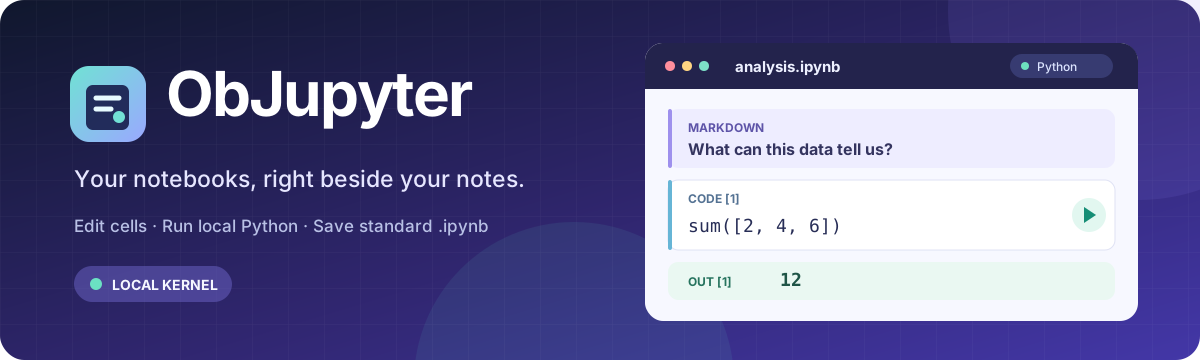
在 Obsidian 中打开、编辑和运行 Jupyter 笔记本。代码、Markdown 和运行结果保存在同一个 .ipynb 文件中。

功能

  • 打开仓库中的 .ipynb 文件,或通过命令面板新建笔记本。
  • 编辑 Code、Markdown 和 Raw 单元格,添加、删除、移动或切换单元格类型。
  • 运行当前单元格或依次运行全部代码单元格,并可中断或重启 Python 内核。
  • 在单元格下方查看文本、错误、图片及 HTML 输出,支持 input() 交互。
  • 自动保存编辑内容和运行结果;Markdown 单元格支持预览。
  • 设置默认 Python 解释器,也可为每个笔记本单独选择。

使用

在仓库中打开 .ipynb 文件,选择本机 Python 解释器,然后点击单元格旁的运行按钮。首次运行时,如果所选环境缺少 jupyter_client 或 ipykernel,插件会显示缺少的包及安装命令。请在 PowerShell 中自行运行,例如:

& "C:\path\to\python.exe" -m pip install jupyter_client ipykernel

安装完成后重新运行单元格,插件会再次检查环境。插件本身不会安装或更新 Python 包。只查看和编辑笔记本时不需要 Python;执行代码需要本机 Python 以及上述两个包。插件会运行你指定的 Python 解释器,并在该环境中启动内核,因此请只运行可信的笔记本。

目前支持 Windows 桌面版 Obsidian,需要 Obsidian 1.5.0 或更新版本。运行代码需要本机 Python 环境。

安装与许可

目前尚未上架 Obsidian 社区插件目录。上架后,插件文件可直接从社区插件市场安装;Python 运行环境仍需单独准备。项目采用 MIT 许可证。

支持项目

如果 ObJupyter 对你有帮助,欢迎通过微信或支付宝自愿支持后续开发与维护。赞助不解锁额外功能,也不是使用插件或反馈问题的前提。

Buy me a coffee,点击展开收款码
微信支付 支付宝
微信支付收款码 支付宝收款码
HealthExcellent
ReviewCaution
About
Open and edit .ipynb notebooks inside Obsidian, keeping code, Markdown and outputs together. Run individual or all code cells, view text, images, HTML and error outputs, handle input() prompts, and interrupt or restart kernels. Choose a local Python interpreter per notebook and auto-save edits and results.
CodeFilesIntegrations
Details
Current version
0.1.10
Last updated
6 hours ago
Created
11 hours ago
Updates
3 releases
Downloads
2
Compatible with
Obsidian 1.5.0+
Platforms
Desktop only
License
MIT
Report bugRequest featureReport plugin
Author
yuanqh23yuanqh23pluto417-qing
GitHubpluto417-qing
  1. Community
  2. Plugins
  3. Code
  4. Jupyter Notebook Editor

Related plugins

Local REST API with MCP

Unlock your automation needs by interacting with your notes over a secure REST API.

Google Drive Sync

Syncs a vault into Google Drive for cross-platform use (works for iOS).

Nutstore Sync

Sync your vault with Nutstore (坚果云) using WebDAV protocol.

Code Space

Professional code file management with visual dashboard, syntax highlighting editor, Markdown embedding, external folder mounts, and terminal integration.

Notebook Navigator

A better file browser and calendar inspired by Apple Notes, Bear, Evernote and Day One.

Templater

Create and use dynamic templates.

BRAT

Easily install a beta version of a plugin for testing.

Claudian

Embeds Claude Code/Codex and other local Agents as AI collaborators in your vault.

LanguageTool Integration

Advanced grammar and spell checking, powered by LanguageTool.

Advanced URI

Control everything with URI.