
- Overview
- Scorecard
- Updates3

Elevate your Obsidian notes with tabbed sections. Note Tabs offers an intuitive way to organize your notes with a simple click. Note Tabs is highly responsive and compatible with most plugins and themes you choose to use with it.
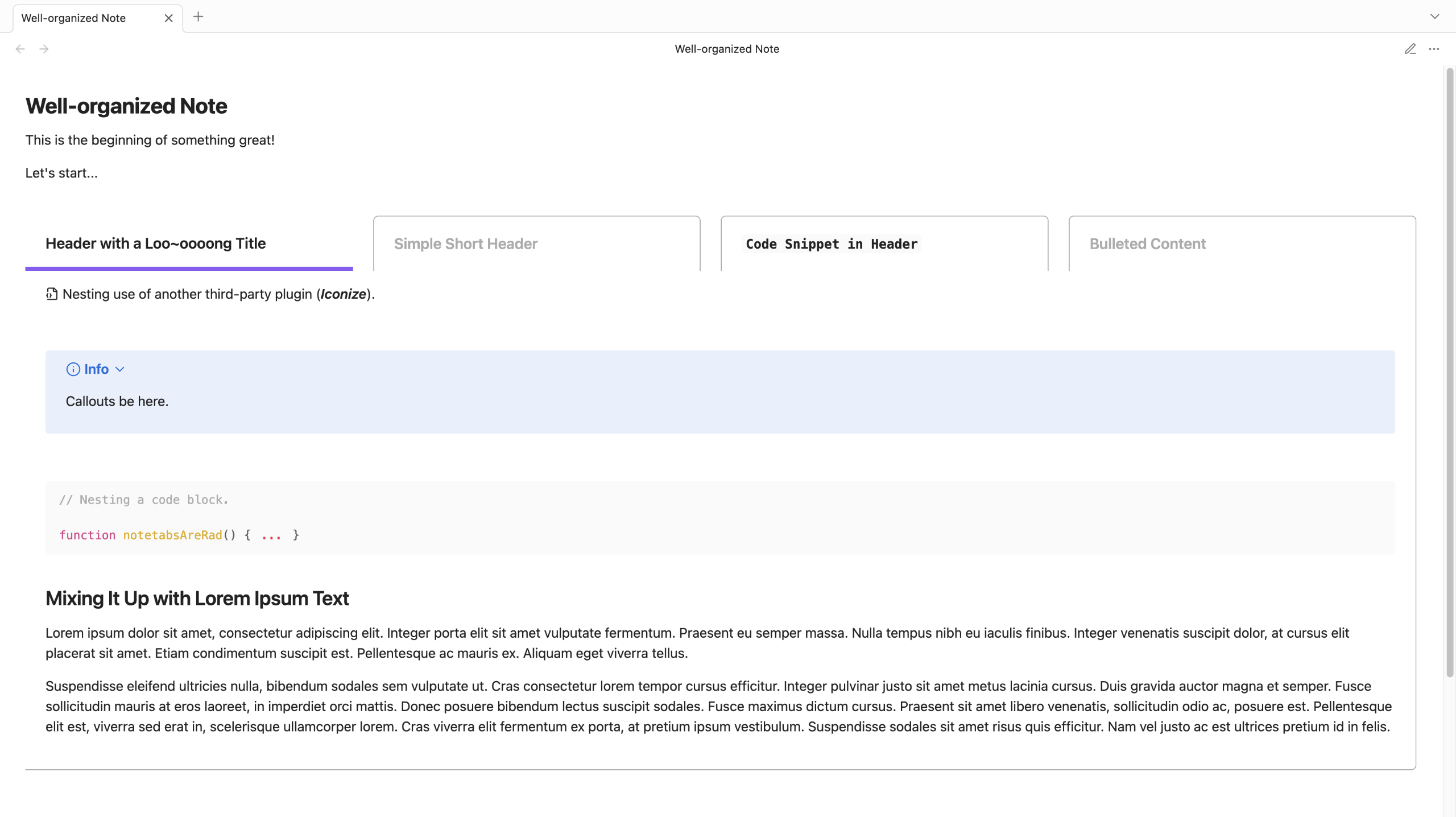
Getting Started
 How to Install
From Obsidian
- Within the Community plugins setting, select Browse
- Search for "Note Tabs" from the search bar of the plugin list
- Select Note Tabs (by Project Free Rangers)
- Install the plugin, then enable
Manual Installation
- Go to
.obsidian/pluginswithin your desired vault's folder structure and create anobsidian-notetabsfolder - Download the latest
main.js,style.css, andmanifest.jsonfrom Releases into theobsidian-notetabsfolder - Open Obsidian and navigate to Community plugins
- Enable Note Tabs
🎉🎉 Happy organizing!
 How to Insert a Note Tabs Section
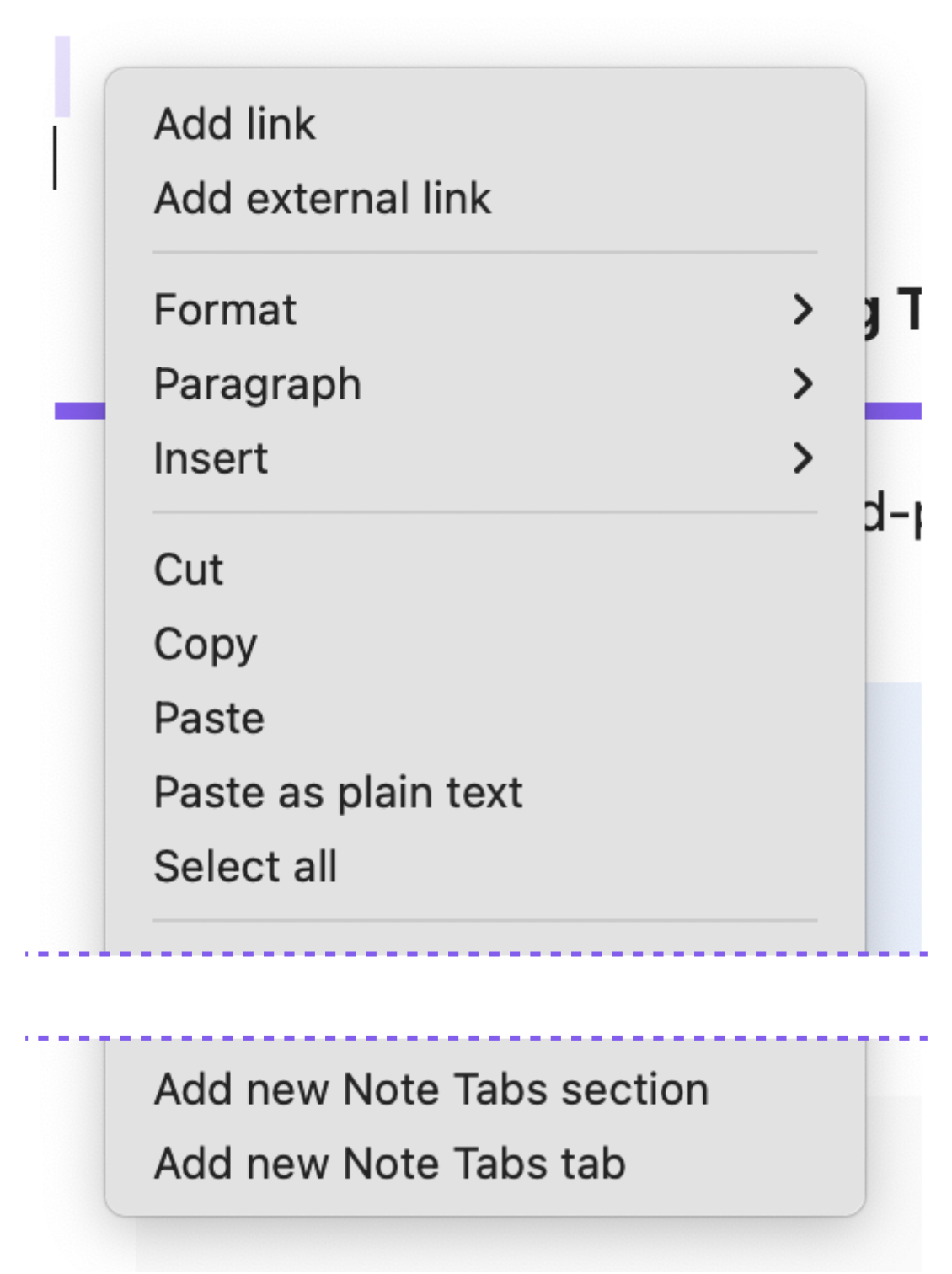
- Right-click in the Obsidian editor while in Edit mode
- Select "Add new notetabs section" to insert an entirely new tabbed section, or
- Select "Add new notetabs tab" within an existing tabbed section to add a new tab
| Context Menu Options |
|---|
 |
Example of markdown:
~~~notetabs

---begintab
header: New Tab

Replace this with your tab content.
---closetab

~~~
 Core Features
| Adaptive Tab Headers |
|---|
 |
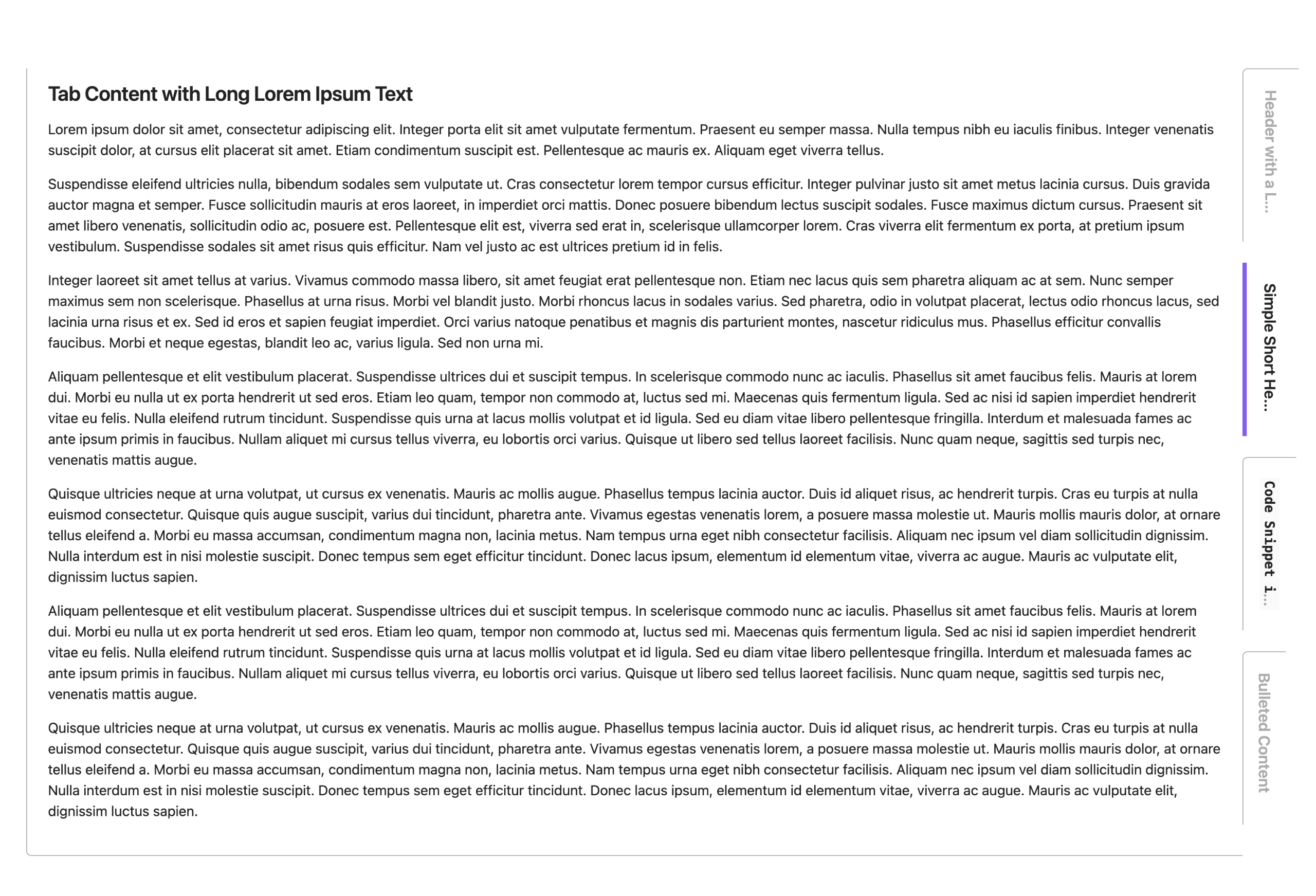
| Vertical Tab Orientation |
|---|
 |
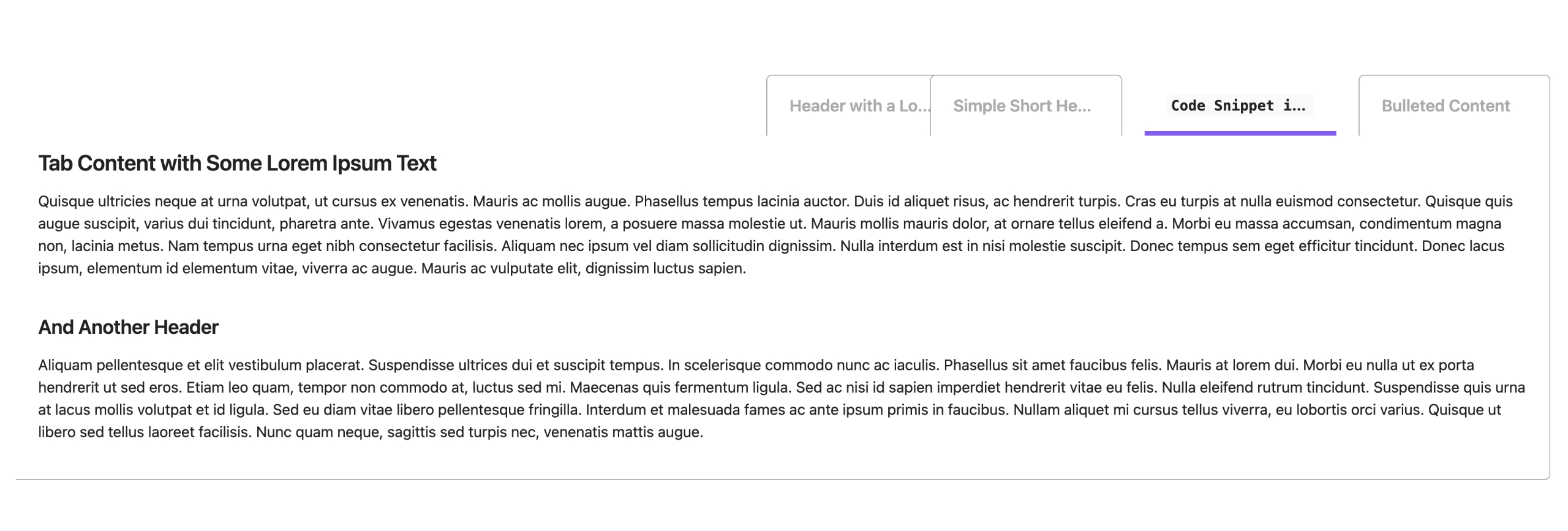
| Compact Layout Available |
|---|
 |
| Optional Rounded-edges |
|---|
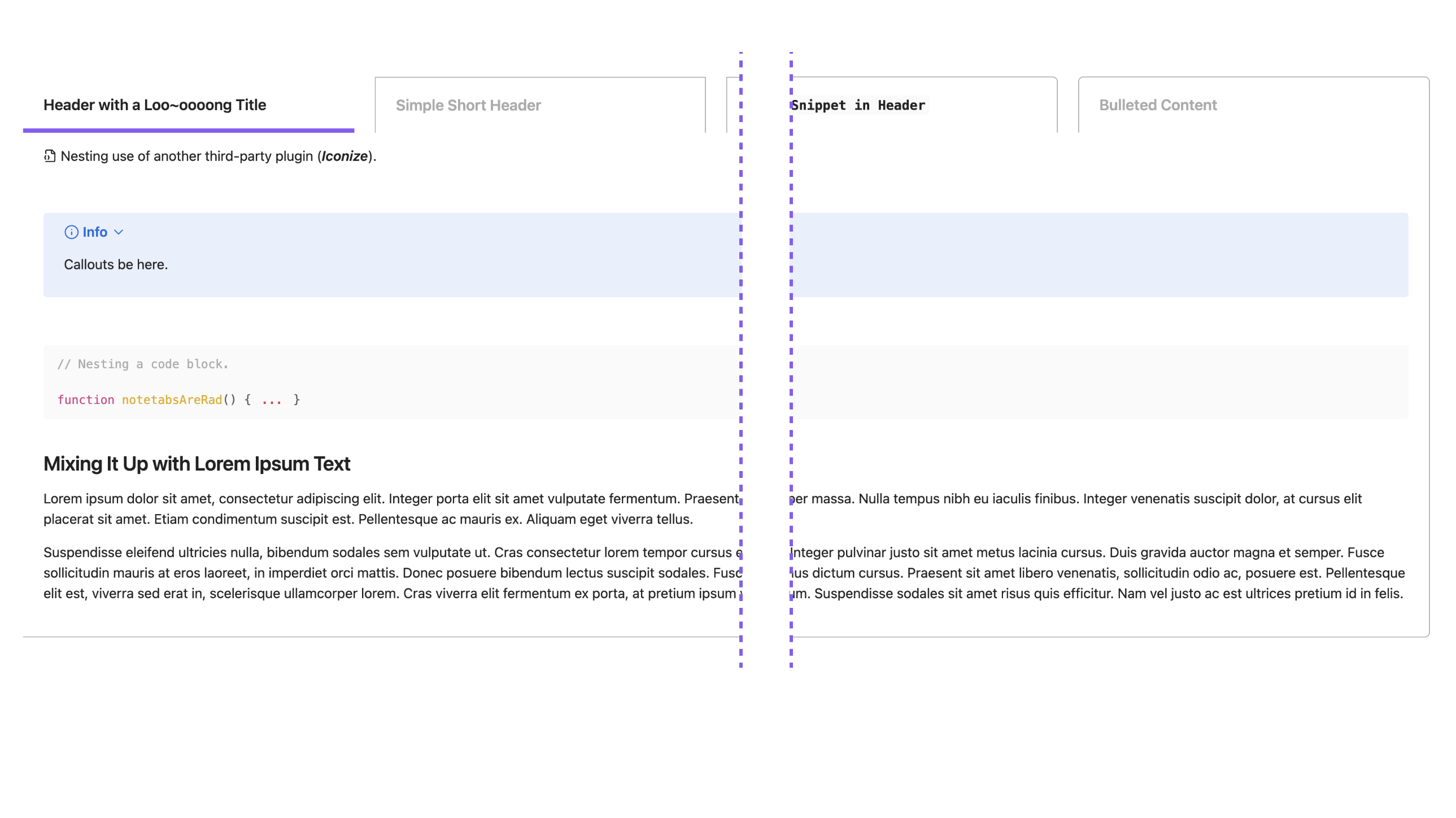 |
| Minimalist Style Available |
|---|
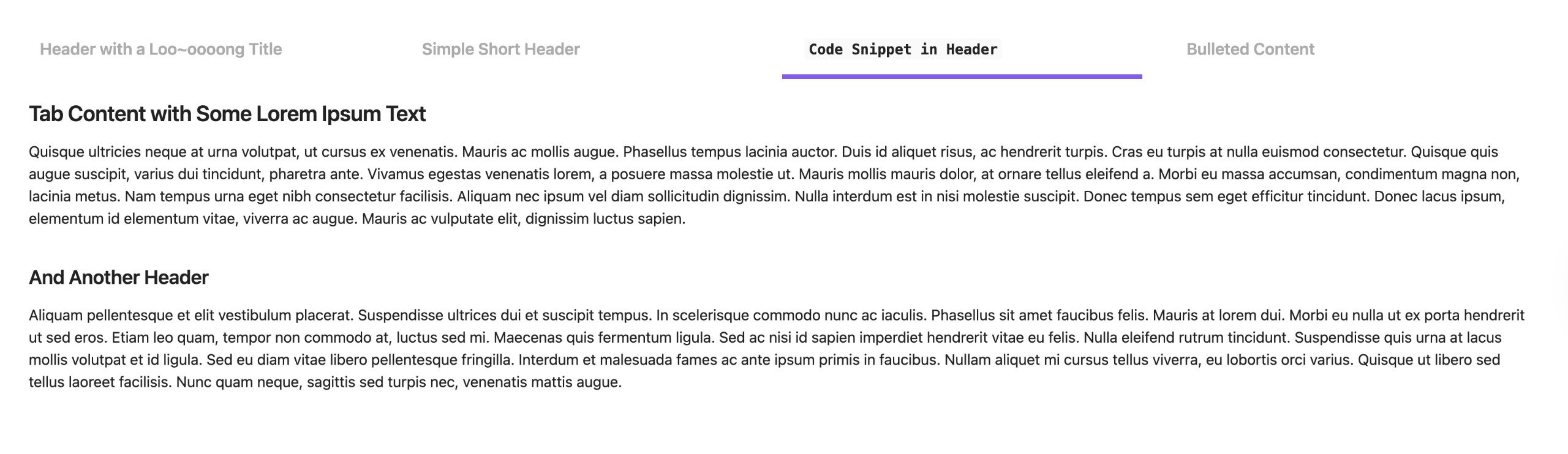 |
 Support
Project Free Rangers is the free-spirited brainchild of me (Jheanell Elliott). I'm an artist, mentor, and software architect by trade. When I'm not wrangling teams or large projects, I like to cobble together nifty side projects that I think are rad and provide them for free.
If you like any of the fun projects I develop and want to say an extra thank you:
 Known Issues
Slow loading in Live Preivew
In some vaults, Live Preview may take a second or two to render Note Tabs properly. This is not a bug with Note Tabs, but rather, a quirk of Live Preview when dealing with certain markdown. See forum discussions here.
This slow rendering doesn't happen often and will resolve itself once Obsidian triggers its own Live Preview rerender.
Credits:
- Note Tabs tab logo ©️ 2026 Jheanell Elliott (Project Free Rangers)
- Icons courtesy of Lucide