Nested Notes R
 Lyn Raine114 downloads
Nest notes under other notes with drag-and-drop and collapse/expand. Manual rearrange supported.
- Overview
- Scorecard
- Updates8
This is an Obsidian plugin that enables organizing notes in a nested structure by drag-and-drop, just like in Notion.
You can use this plugin for nested tags, indexing topics, maps of contents (MOC), etc.
This plugin is a fork of nested-notes by october (https://github.com/october-learns/nested-notes)
Original plugin demo (1.x.x)
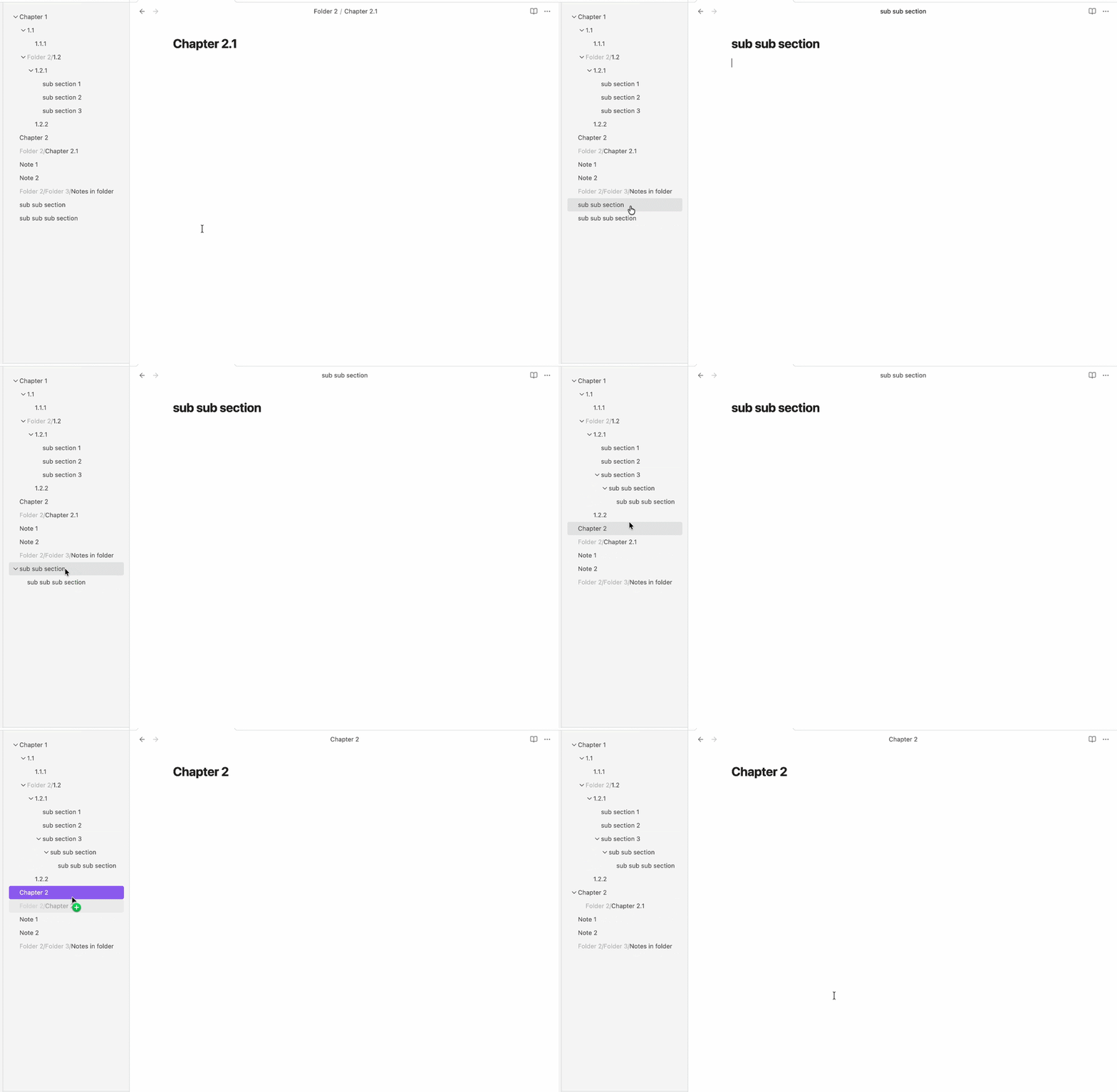
How to use
You can activate this plugin within Obsidian by doing the following:
- Open Obsidian
- Open Setting > Community plugins
- Turn on community plugins if you haven't
- Browse > Search for Nested Notes > Install
Release history
1.0.0
- First Release
- Added Features:
- Drag and drop to organise notes.
- Collapse or expand in view.
- Hide folders, non-markdown files.
- Added Settings:
- Show/hide file icon
- Show/hide folder path
2.x.x
- Change: Files nested in file system
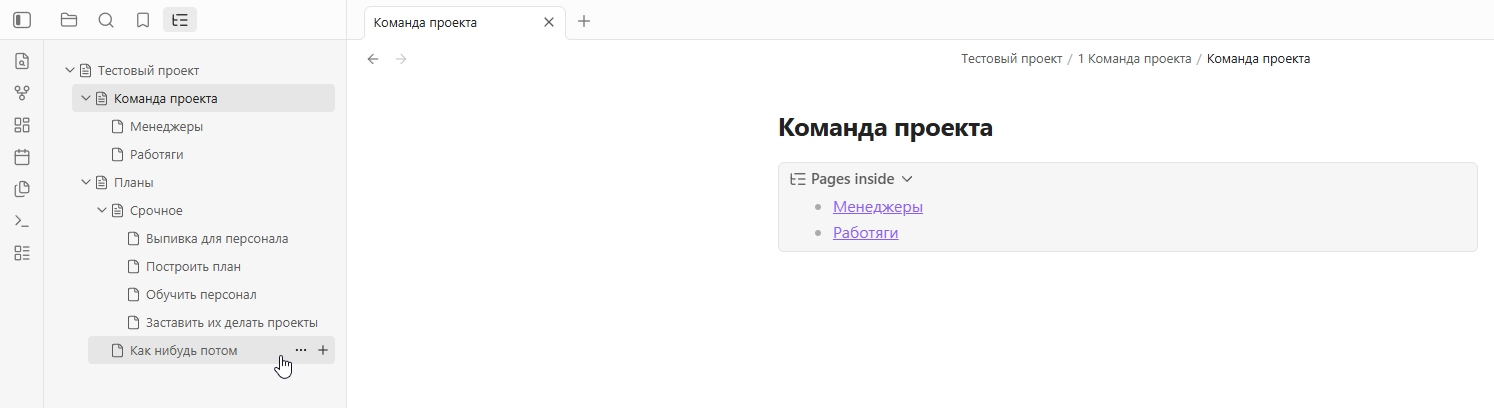
- Added: Add nested note button on hover
- Added: Auto-building content list in parent note
- Added: Ability to manually rearrange notes
- Changed: Notion-like icons
- Added: Drag-n-drop links creation
Reworked edition demo (2.x.x)
License
This project is licensed under the GNU General Public License v3.0 - see the LICENSE file for details.
AI disclosure
Generative neural networks were used to write this project.
Support Me
Not available now
HealthExcellent
ReviewSatisfactory
About
Organize notes into a Notion-like nested hierarchy using drag-and-drop and hover controls. Collapse and expand groups, auto-build parent note content lists, add nested notes on hover, and create links by dragging to build maps-of-content, nested tags, or indexed topics.Details
Current version
2.3.0
Last updated
Last month
Created
Last month
Updates
8 releases
Downloads
114
Compatible with
Obsidian 1.13.7+
Platforms
Desktop, Mobile
License
GPL-3.0
Sponsor
Author