Neo4j Graph View
 hemile11k downloads
Advanced graph visualization and querying using Neo4j.
- Overview
- Scorecard
- Updates2
ANNOUNCEMENT: This plugin has been rewritten with new name Juggl. It no longer requires Neo4j and Python, and has a lot more features than Neo4j graph view. You can install this new plugin from the Obsidian community plugins settings! Note that the Neo4j Graph View plugin will be removed from the community plugins soon.
Neo4j Graph View
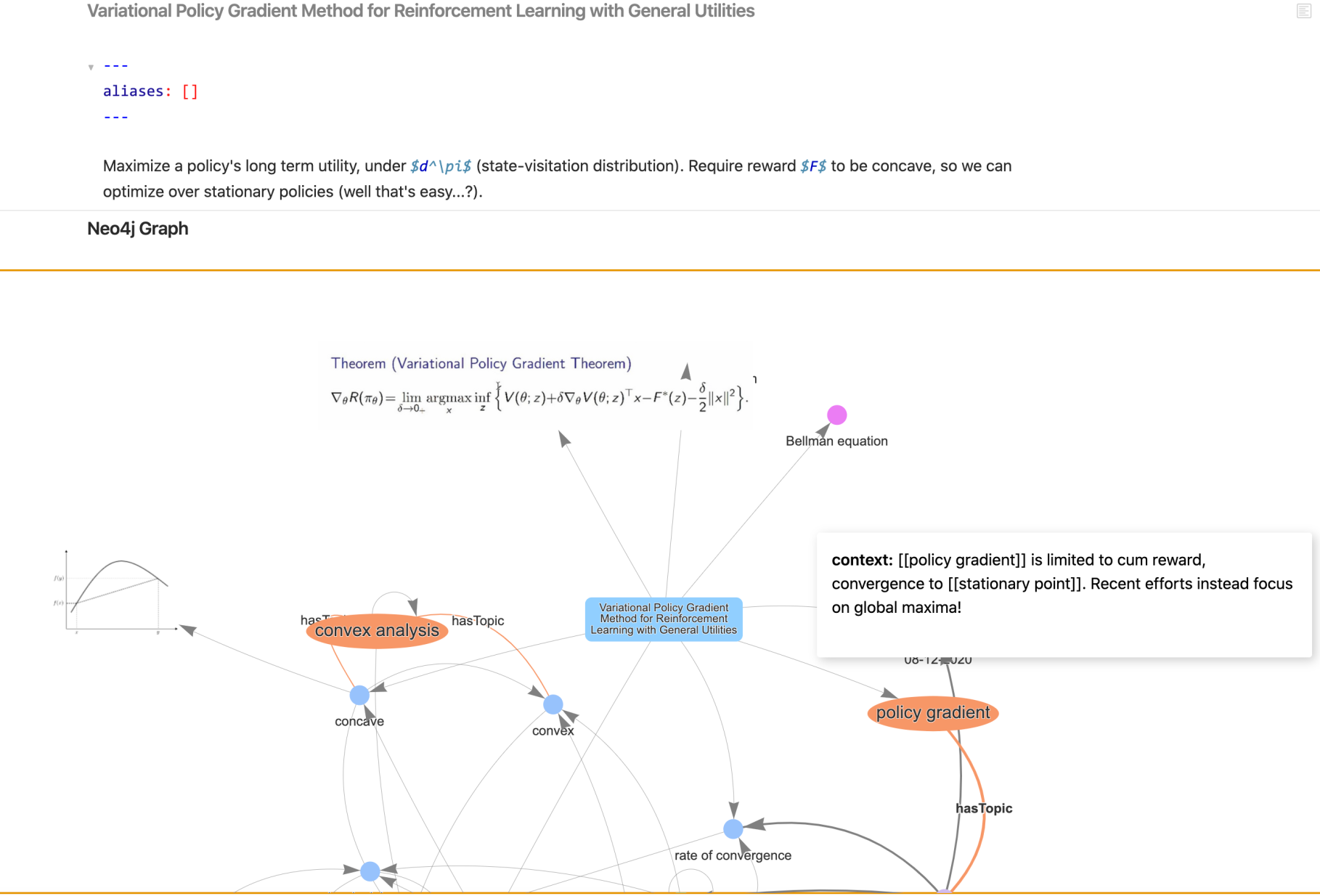
Documentation at https://juggl.io/Neo4j+Graph+View/Neo4j+Graph+View+Plugin.
Join the new Discord server to discuss the plugin: https://discord.gg/sAmSGpaPgM
Adds a new and much more functional graph view to Obsidian. It does so by connecting to a Neo4j database. Features:
- Selectively style nodes and edges by tags, folders and link types
- Selective expansion and hiding of nodes
- View images within the graph
- Cypher querying
- Typed links using
- linkType [[note 1]], [[note 2|alias]] - Hierarchical layout
Next up:
- Remove the need to install Neo4j and Python
- Different and more stable front end
- Standardize style sheet using CSS instead of JSON
A Roadmap with planned features is also available.
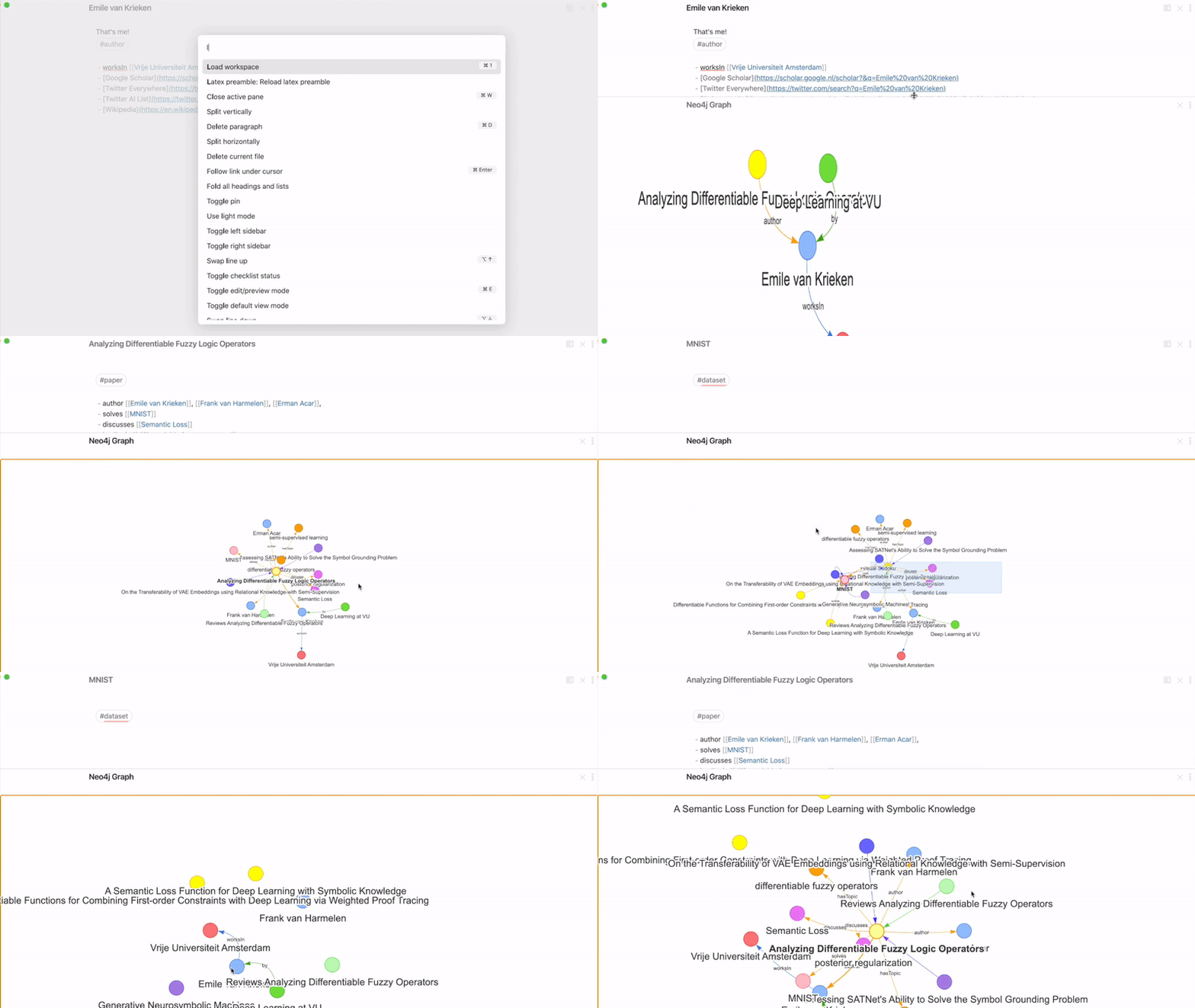
Installation
Detailed installation instructions is at https://juggl.io/Neo4j+Graph+View/Installation+of+Neo4j+Graph+View+Plugin
- Make sure you have Python 3.6+ installed. It needs the system-installed Python. Make sure to add Python to PATH!
- Make sure you have Neo4j desktop installed
- Create a new database in Neo4j desktop and start it. Record the password you use!
- In the settings of the plugin, enter the password. Then run the restart command.
If installing Python seems daunting, you can wait a couple of weeks. The goal is to port that code to Javascript.
Use
Detailed getting started guide is at https://juggl.io/Neo4j+Graph+View/Using+the+Neo4j+Graph+View
On an open note, use the command "Neo4j Graph View: Open local graph of note". You can run commands using ctrl/cmd+p. Alternatively, you can bind this command to a hotkey in the settings.
The settings contains several options, such as coloring based on folders and a hierarchical layout.
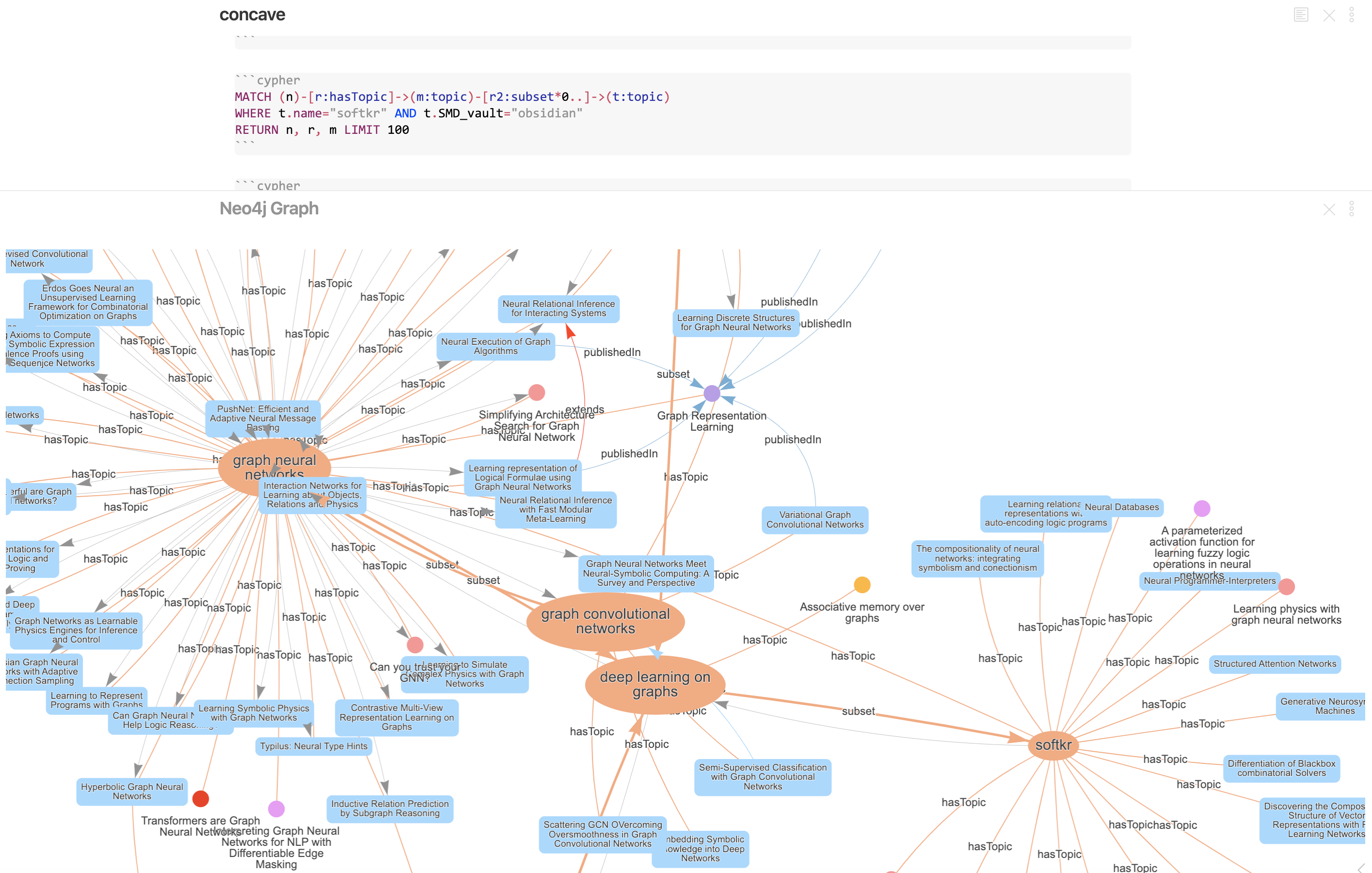
Cypher Querying
Create code blocks with language cypher. In this code block, create your Cypher query. Then, when the cursor is on this
code block, use the Obsidian command 'Neo4j Graph View: Execute Cypher query'. Example:
Possible problems
All changes made in obsidian should be automatically reflected in Neo4j, but this is still very buggy.
If you are running into issues, see https://juggl.io/Neo4j+Graph+View/Installation+of+Neo4j+Graph+View+Plugin#troubleshooting
Semantics
The plugin collects all notes with extension .md in the input directory (default: markdown/). Each note is interpreted as follows:
- Interprets tags as entity types
- Interprets YAML frontmatter as entity properties
- Interprets wikilinks as links with type
inline, and adds content - Lines of the format
"- linkType [[note 1]], [[note 2|alias]]"creates links with typelinkTypefrom the current note tonote 1andnote 2. - The name of the note is stored in the property
name - The content of the note (everything except YAML frontmatter and typed links) is stored in the property
content - Links to notes that do not exist yet are created without any types.
Other visualization and querying options
Another use case for this plugin is to use your Obsidian vault in one of the many apps in the Neo4j desktop Graph Apps Store. Using with this plugin active will automatically connect it to your vault. Here are some suggestions:
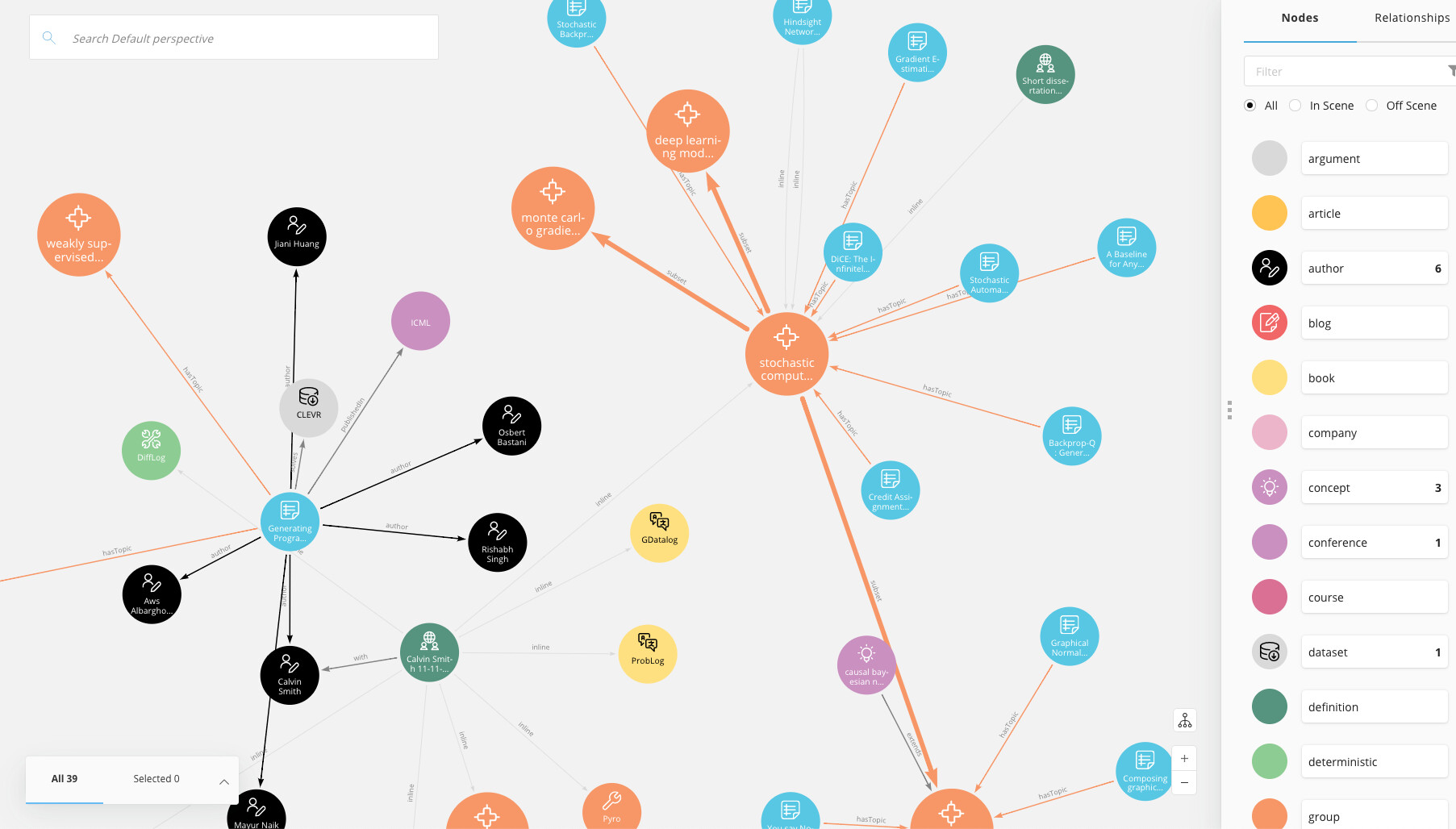
Neo4j Bloom
Neo4j bloom is very powerful graph visualization software. Compared to the embedded graph view in Obsidian, it offers much more freedom in customization.
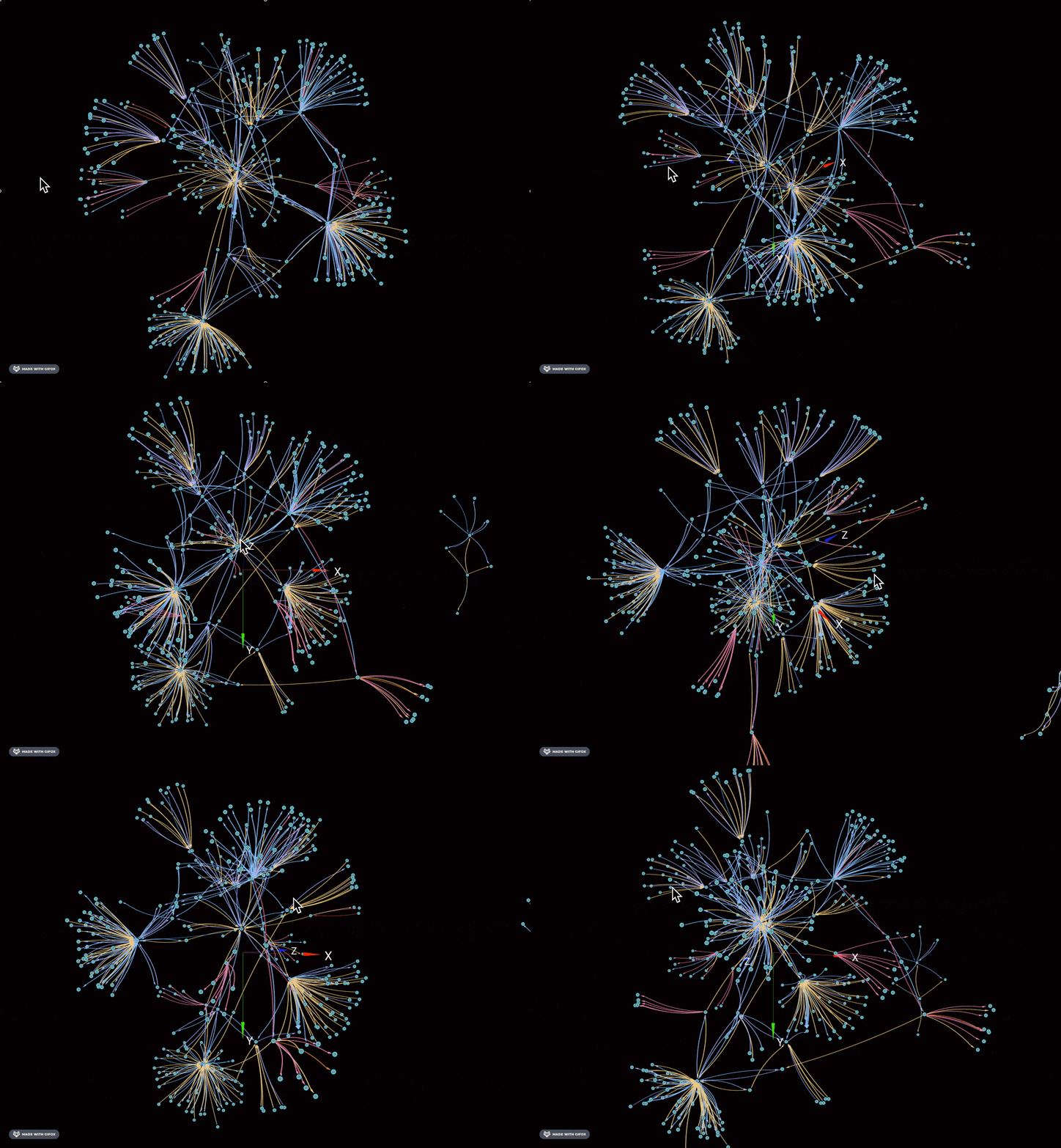
GraphXR
GraphXR is a 3D graph view, which looks quite gorgeous!
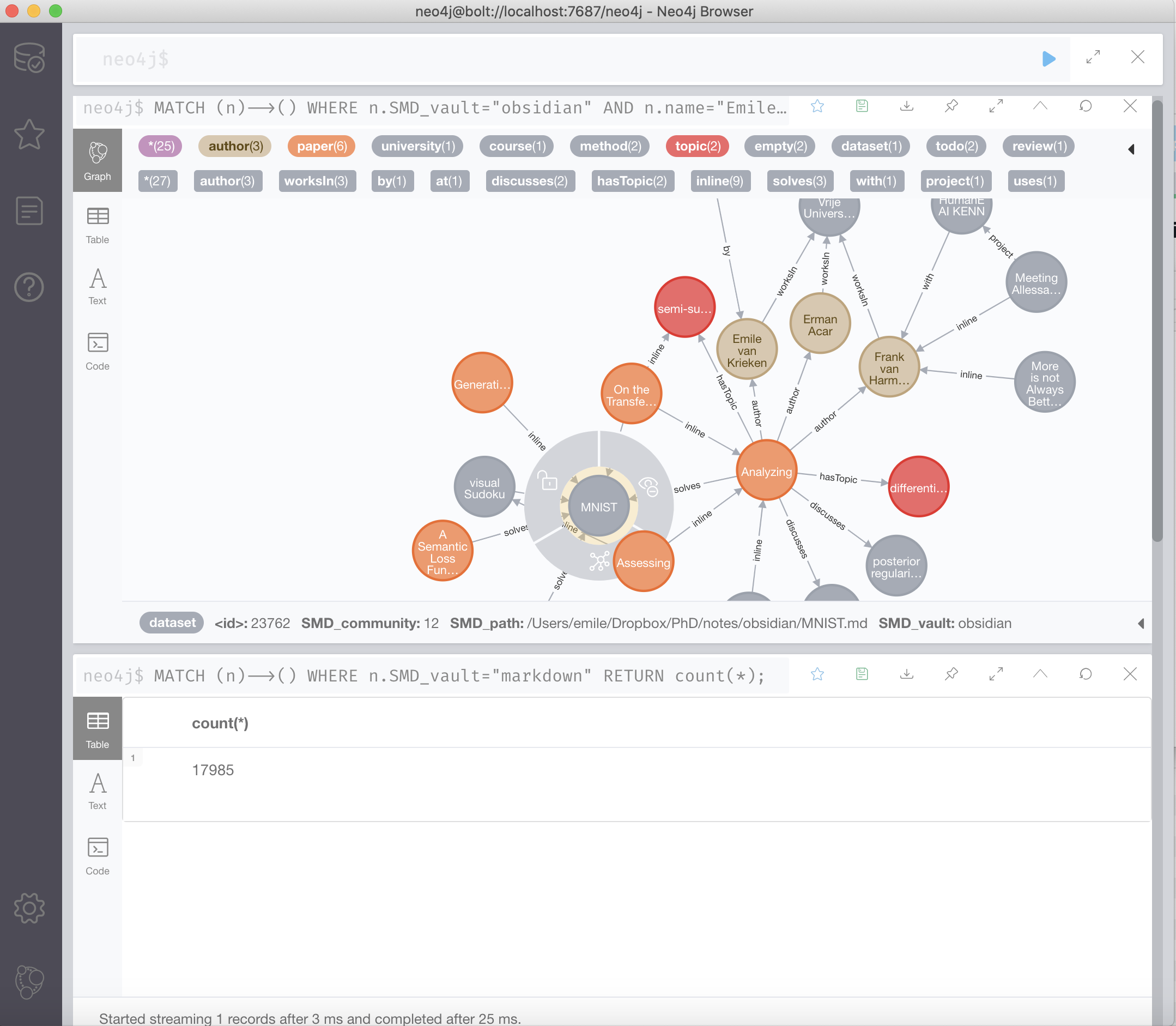
Neo4j Browser
A query browser that uses the Cypher language to query your vault. Can be used for advanced queries or data anlysis of your vault.
Python code: Semantic Markdown to Neo4j
This Obsidian plugin uses the Python package semantic-markdown-converter, which is also in this repo.
It creates an active data stream from a folder of Markdown notes to a Neo4j database.
For documentation, see https://juggl.io/Neo4j+Graph+View/Semantic+Markdown+Converter