Nebi Chat
 Dinesh Raja21 downloads
AI chat assistant supporting free providers (Gemini, Groq, Cerebras, OpenRouter, Ollama)
- Overview
- Scorecard
- Updates2
🤖 Nebi Chat
Chat with AI models directly from your Obsidian sidebar — completely free.
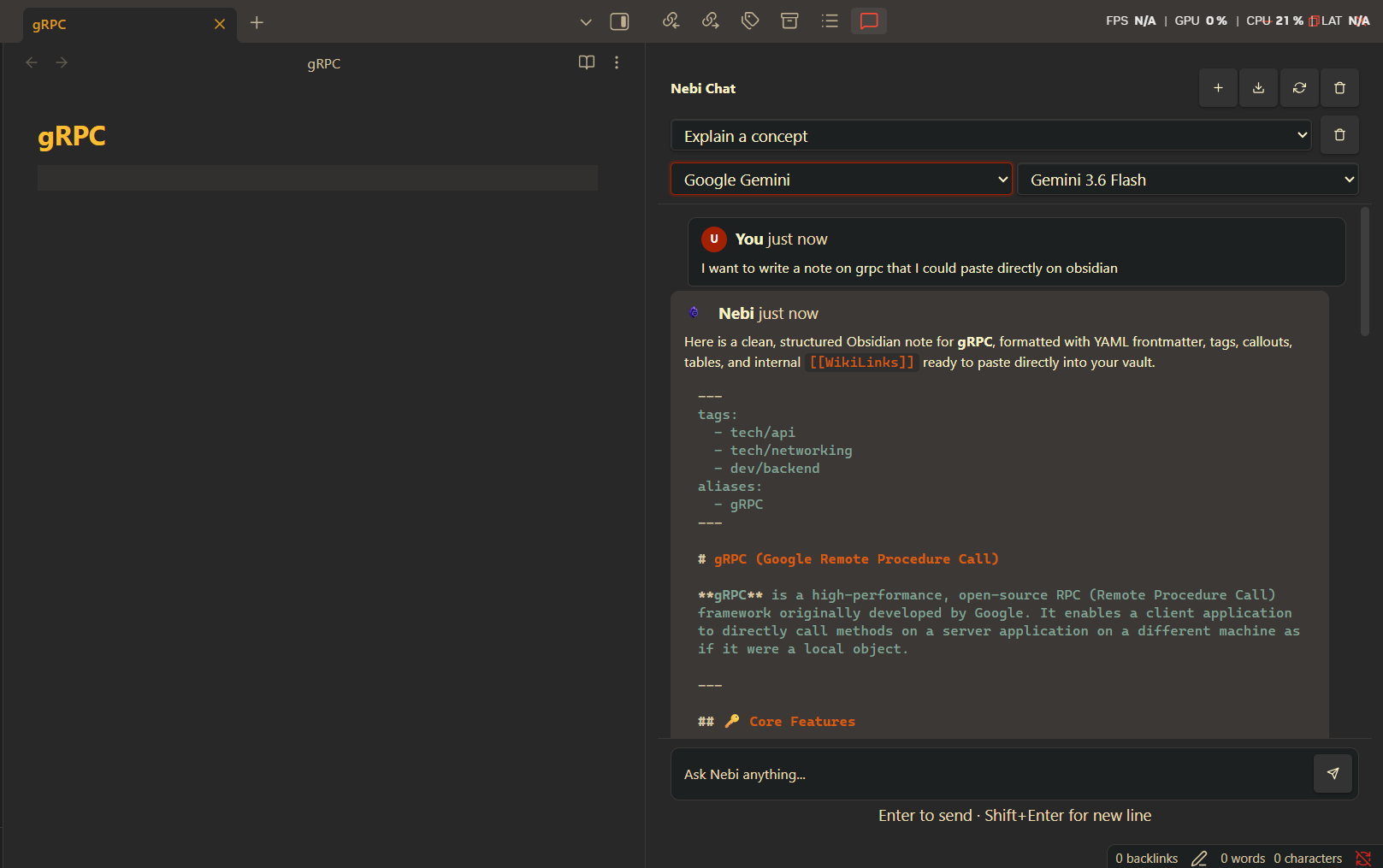
Provider Selection
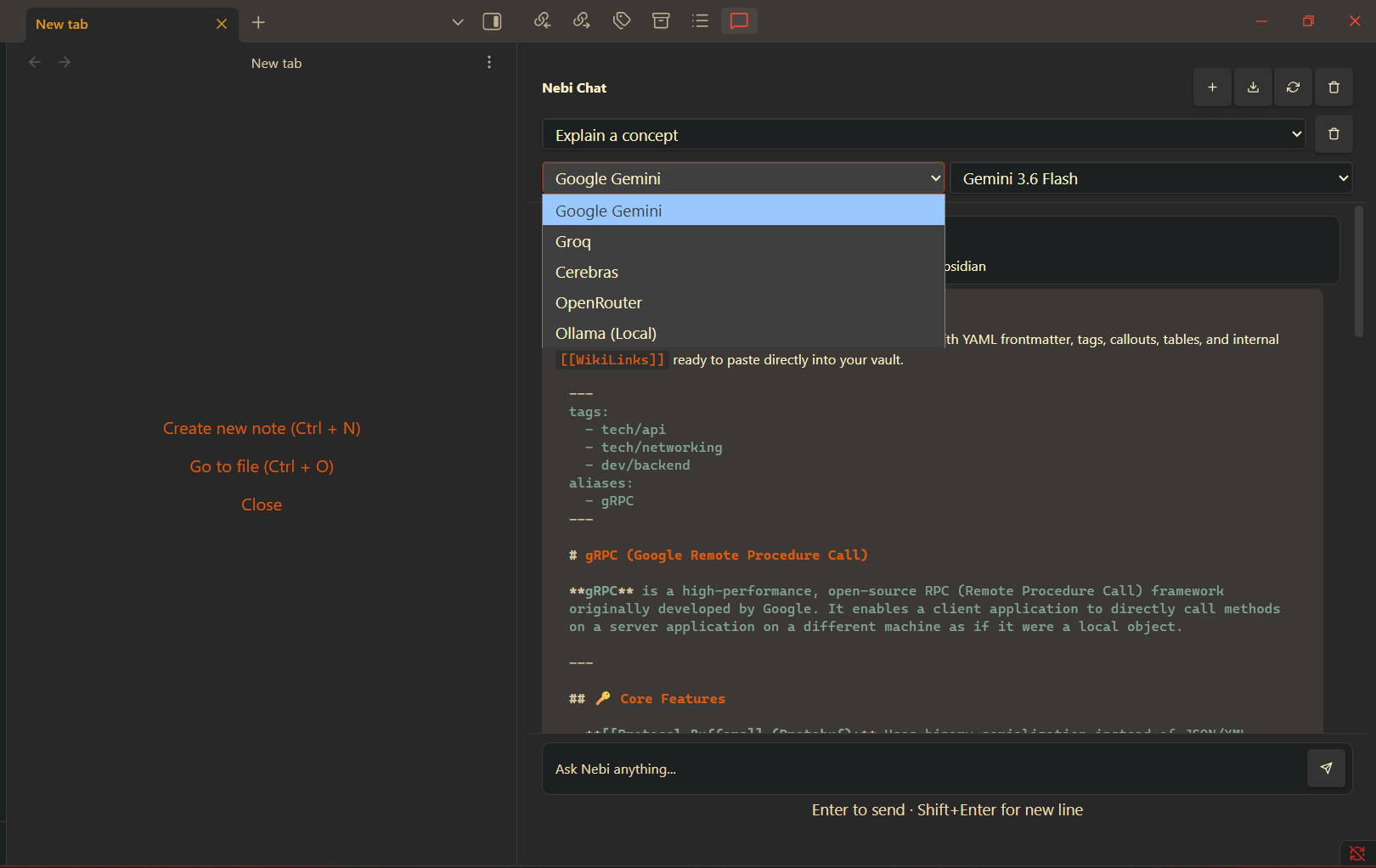
Model Selection
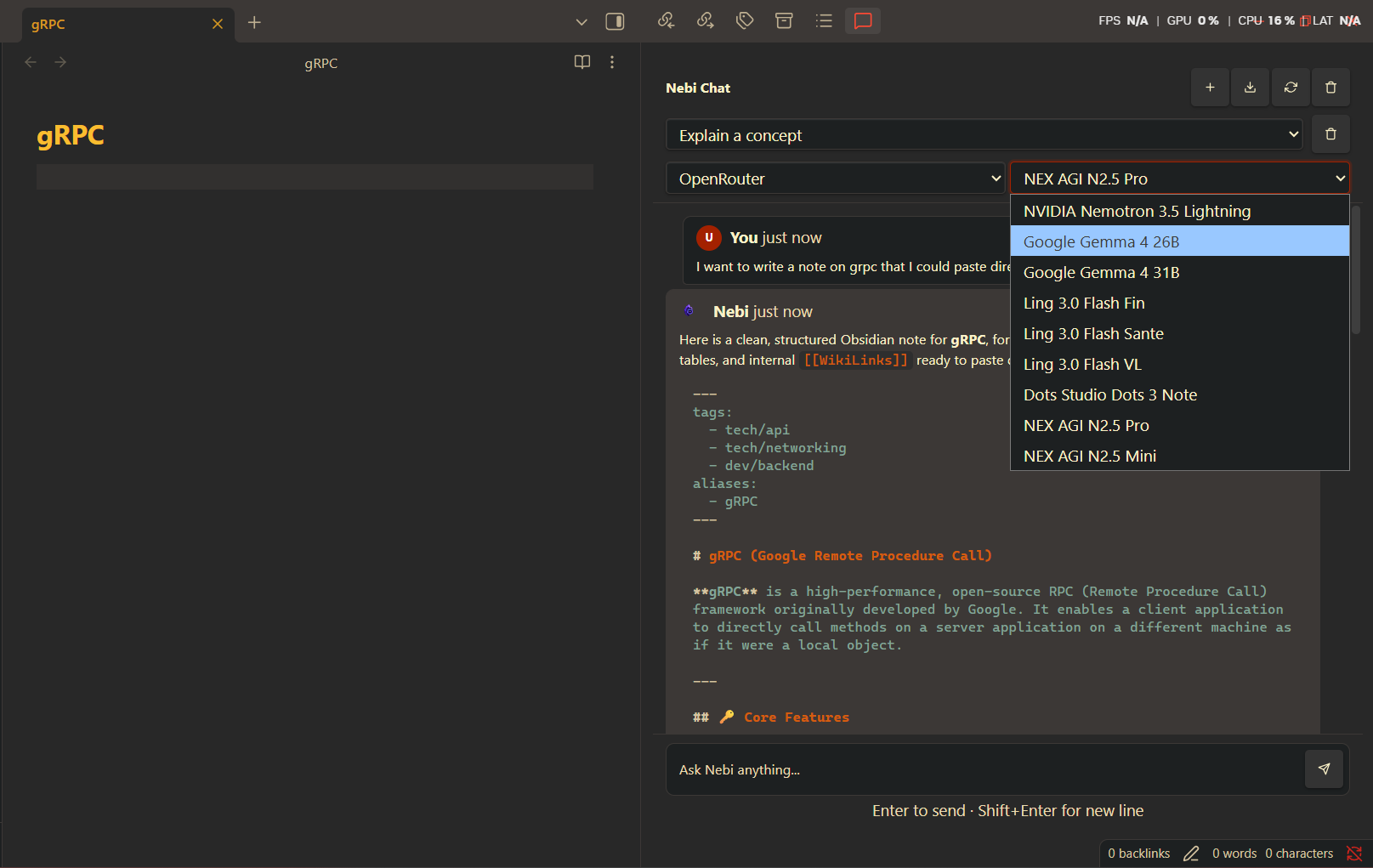
✨ Features
- 🌐 Multi-provider support — Gemini, Groq, Cerebras, OpenRouter, and Ollama (local)
- 💸 Free tier friendly — No credit card required for any cloud provider
- ⚡ Streaming responses — Text appears word-by-word as the AI generates
- 💬 Chat history — Conversations persist across restarts (last 200 messages)
- 🎨 Theme-aware UI — Matches your Obsidian theme automatically
- 📝 Markdown rendering — Code blocks, lists, headings, and links rendered properly
- 📋 Text selection — Click-drag to select and copy portions of AI responses
- ⚙️ Configurable — Adjustable temperature and max tokens per response
- 🧵 Multiple threads — Create, switch, and delete conversations
- 📤 Export — Download chat history as markdown
- 🔍 Model discovery — Auto-fetches available models from each provider
📦 Installation
🏪 Community Plugin (Recommended)
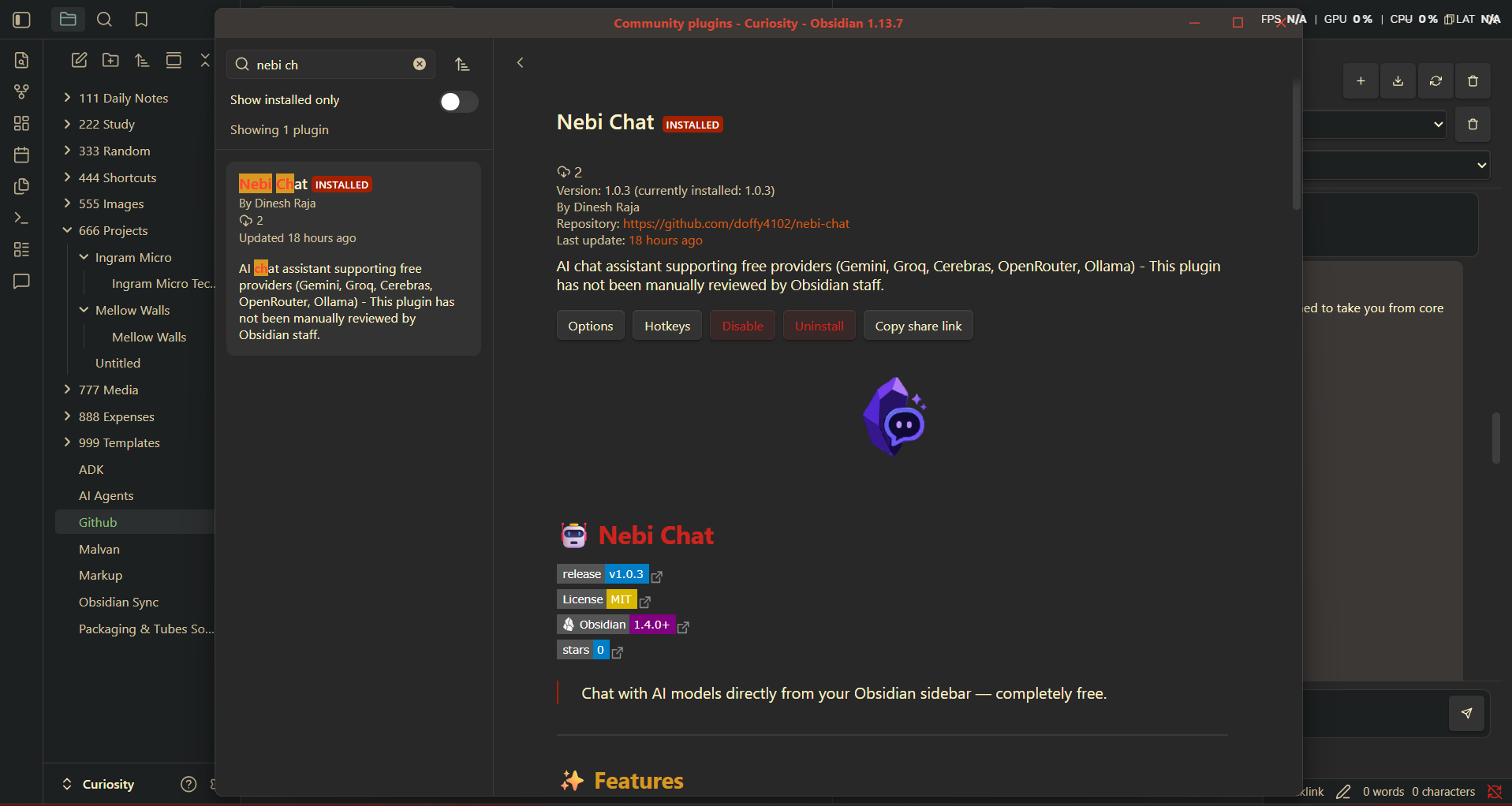
- Open Settings → Community Plugins
- Search for "Nebi Chat"
- Click Install, then Enable
🔧 Manual Installation
- Download
main.js,manifest.json, andstyles.cssfrom the latest release - Create a folder
nebi-chatin your vault's.obsidian/plugins/directory - Copy the three files into that folder
- Enable the plugin in Settings → Community Plugins
⚙️ Configuration
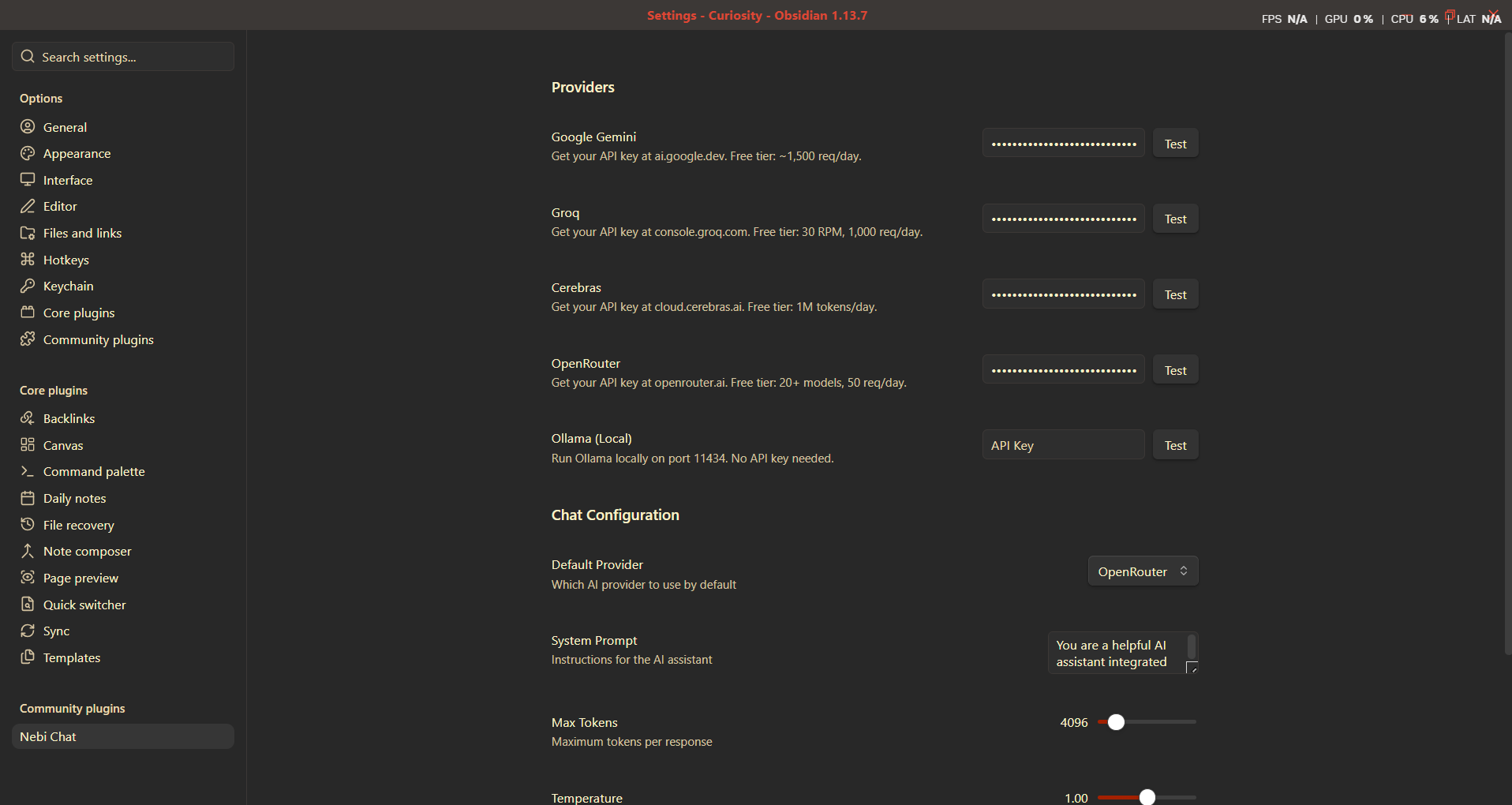
- Open Settings → Nebi Chat
- Enter an API key for at least one provider (see free options below)
- Select a provider and model from the dropdowns in the chat sidebar
🌐 Free API Providers
| Provider | Free Tier | Get API Key |
|---|---|---|
| Google Gemini | Generous free quota | ai.google.dev |
| Groq | 30 RPM, 250 RPD | console.groq.com |
| Cerebras | Free tier available | cloud.cerebras.ai |
| OpenRouter | Many free models | openrouter.ai |
| Ollama | Unlimited (local) | ollama.ai |
💳 No credit card is required for any of the cloud providers.
📖 Usage
- 💬 Click the chat icon in the ribbon bar, or use the command palette
- ✍️ Type your message and press Enter
- 🔄 Switch providers with the dropdown menus
- ⚙️ Adjust temperature and max tokens in Settings → Nebi Chat
🎯 Commands
| Command | Description |
|---|---|
| Open Nebi Chat | Opens the chat sidebar |
| Clear Nebi Chat History | Clears all messages |
| Reload Nebi Chat | Reloads settings without restarting Obsidian |
🤝 Contributing
Contributions are welcome! Here's how:
- Fork the repository
- Create a feature branch (
git checkout -b feature/amazing-feature) - Commit your changes (
git commit -m 'Add amazing feature') - Push to the branch (
git push origin feature/amazing-feature) - Open a Pull Request
🛠️ Development Setup
git clone https://github.com/Doffy4102/nebi-chat.git
cd nebi-chat
npm install
npm run dev     # Watch mode with hot reload
npm run build   # Production build
📁 Project Structure
src/
├── main.ts                  # Plugin entry point
├── types.ts                 # Data models and interfaces
├── icon-svg.ts              # Custom SVG icon constant
├── views/
│   └── ChatView.ts          # Main chat sidebar view
├── ui/
│   ├── ChatInput.ts         # Message input area
│   ├── ChatMessage.ts       # Message bubble renderer
│   ├── ConfirmModal.ts      # Reusable confirmation dialog
│   └── ProviderSelector.ts  # Provider/model dropdowns
├── services/
│   ├── ProviderManager.ts   # Provider orchestration
│   ├── StreamingParser.ts   # SSE stream parser
│   └── providers/
│       ├── BaseProvider.ts         # Base provider class
│       ├── GeminiProvider.ts       # Google Gemini
│       ├── GroqProvider.ts         # Groq
│       ├── CerebrasProvider.ts     # Cerebras
│       ├── OpenRouterProvider.ts   # OpenRouter
│       └── OllamaProvider.ts       # Ollama (local)
└── settings/
    ├── PluginSettings.ts    # Settings persistence
    └── AIChatSettingTab.ts  # Settings UI
🔒 Privacy
- 🔑 API keys are stored locally in your vault's
data.json— never sent anywhere except the provider you configure - 🚀 Messages are sent directly from your device to the chosen AI provider
- 🛡️ No data is collected, stored, or transmitted by the plugin itself
- 📋 Each provider's usage is subject to their respective terms of service
📄 License
HealthExcellent
ReviewCaution
About
Chat with AI models from the sidebar using multiple free providers (Gemini, Groq, Cerebras, OpenRouter) or local Ollama. Stream responses as they generate, render Markdown correctly, persist the last 200 messages across restarts, and match your Obsidian theme.Details
Current version
1.0.3
Last updated
6 days ago
Created
6 days ago
Updates
2 releases
Downloads
21
Compatible with
Obsidian 1.7.2+
Platforms
Desktop, Mobile
License
MIT