Search...Search plugins and themes...
⌘K
Sign in
  • Get started
  • Download
  • Pricing
  • Enterprise
  • Account
  • Obsidian
  • Overview
  • Sync
  • Publish
  • Canvas
  • Mobile
  • Web Clipper
  • CLI
  • Learn
  • Help
  • Developers
  • Changelog
  • About
  • Roadmap
  • Blog
  • Resources
  • System status
  • License overview
  • Terms of service
  • Privacy policy
  • Security
  • Community
  • Plugins
  • Themes
  • Discord
  • Forum / 中文论坛
  • Merch store
  • Brand guidelines
Follow us
DiscordTwitterBlueskyThreadsMastodonYouTubeGitHub
© 2026 Obsidian

Move Files

nitishkhurananitishkhurana1k downloads

Moves all the files linked to a open md file to a folder and updates the link in md file.

Add to Obsidian
  • Overview
  • Scorecard
  • Updates6

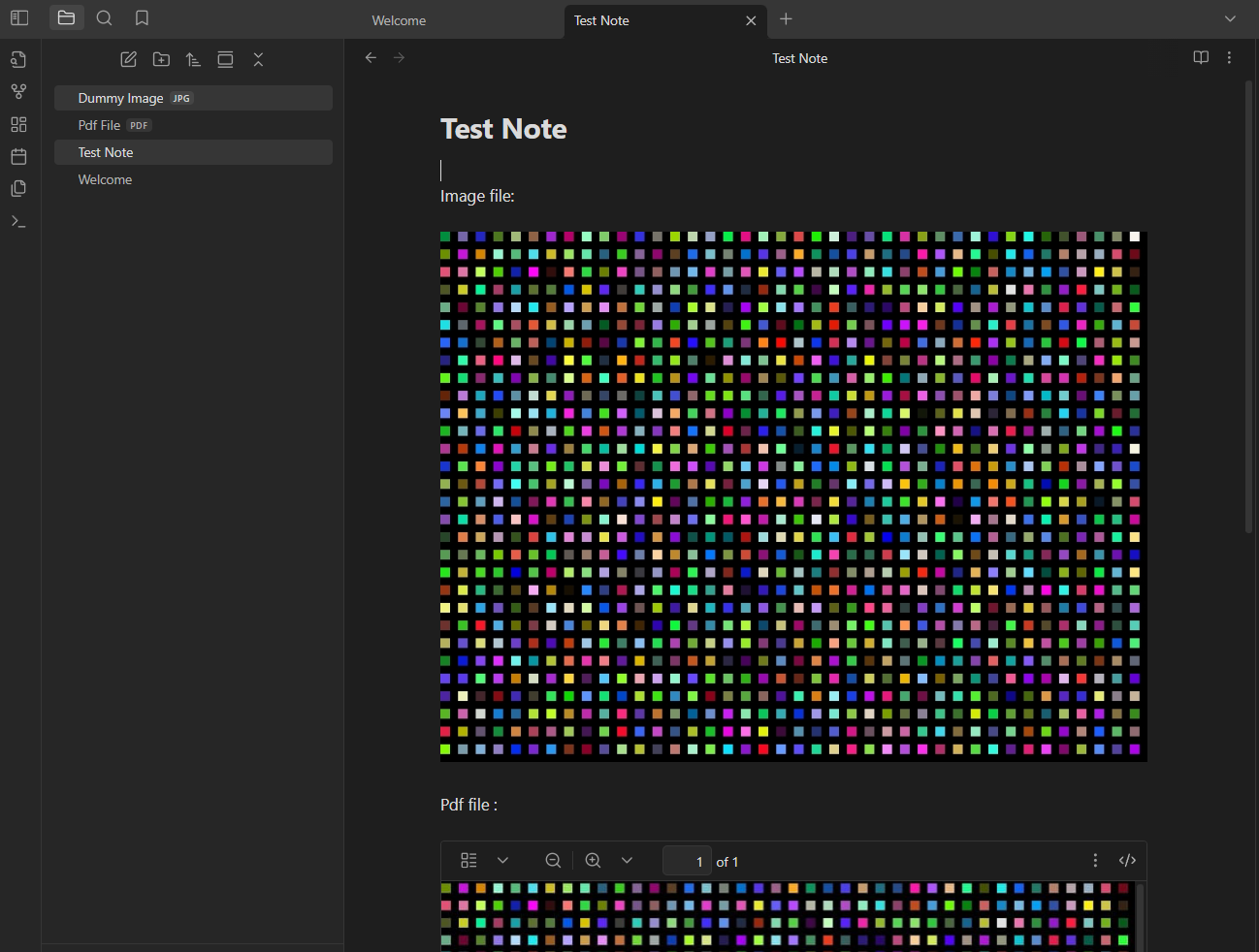
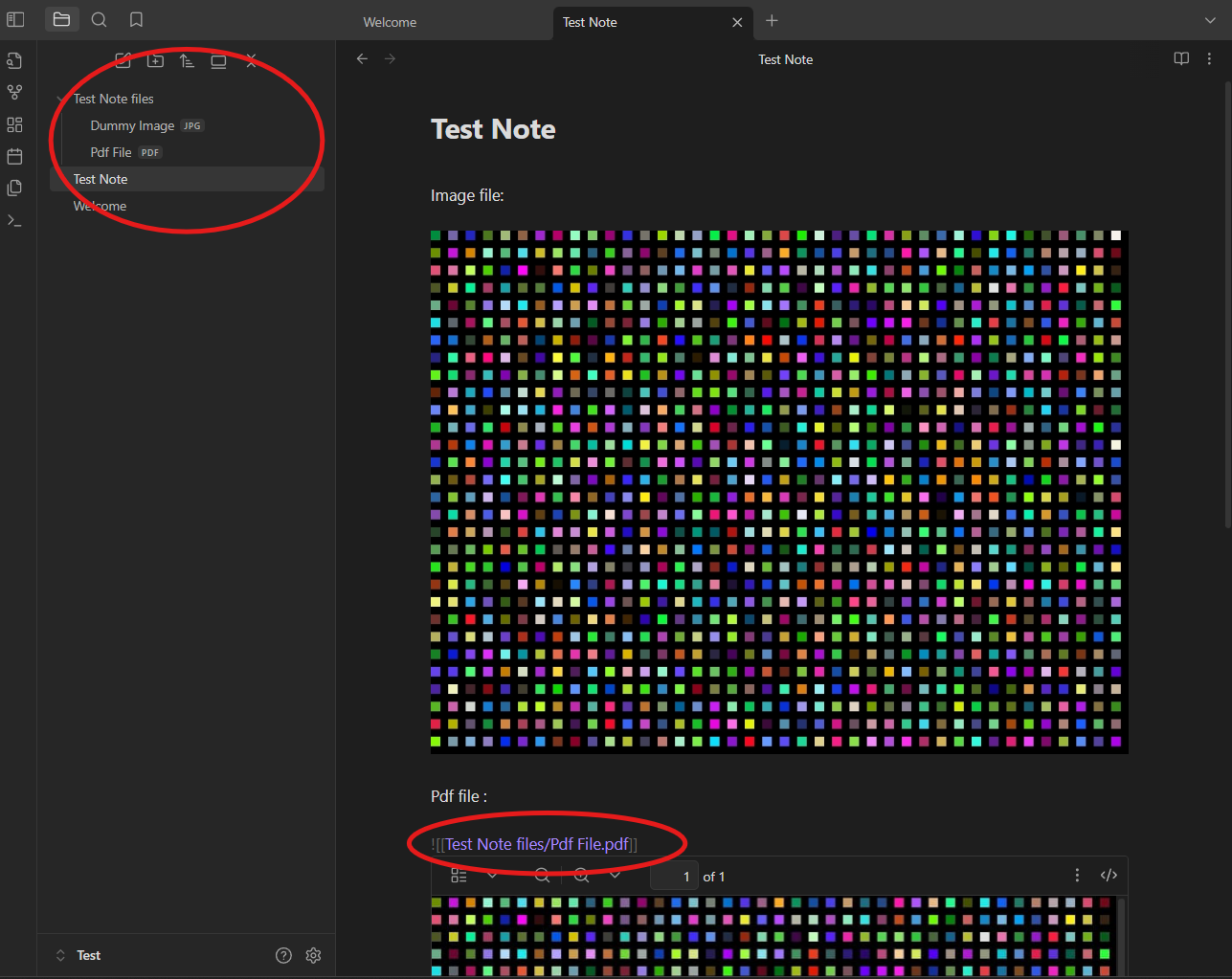
When editing a note, open command pallete and run "Move Files Plugin: Move linked files and update links". This will create a folder with Name: "{filename} files" and move all the linked files for e.g. png,pdf,jpg...etc to this folder. It will also udpate the links in the note.

Updates

Version 1.2.0 : Added support/settings for retaining the folder structure while creating the new folder. Version 1.1.0 : Added support/settings for moving the open note/md files also to the folder.

Settings

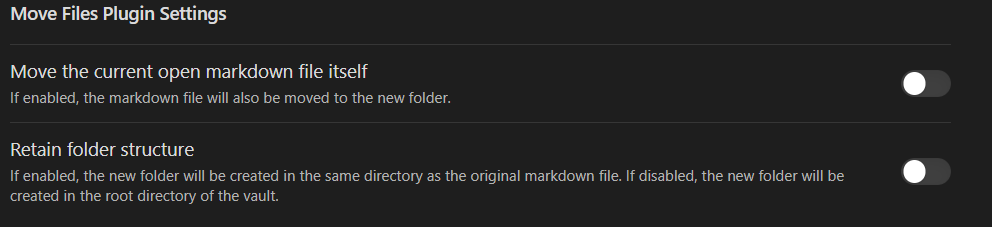
Two settings are available:

  1. Move the open note/md file as well to the folder created.
  2. Retain the folder structure, folder with linked files will be created in the same path as that of the note/md file. If disabled, the folder will be created in the root directory of the vault.
Move Files Setting

Example

Demo

Run the command and all the files are moved to the folder as shown below.
FilesMoved


Tip

Use the https://github.com/reorx/obsidian-paste-image-rename
plugin to automatically rename the copied images/file's as per you custom settings.

Acknowledgement

Developed it to keep the note and their linked files organised so as to keep the vault clean and organized.
Inspired from the Image Collector Plugin https://github.com/tdaykin/obsidian_image_collector

87%
HealthExcellent
ReviewSatisfactory
About
Move linked files (images, PDFs, JPGs, etc.) into a new folder named "{note name} files" and automatically update links in the note to their new locations. Choose to also move the open note and preserve the original folder structure when creating the asset folder.
FilesAttachmentsLinks
Details
Current version
1.3.0
Last updated
3 months ago
Created
Last year
Updates
6 releases
Downloads
1k
Compatible with
Obsidian 0.15.0+
Platforms
Desktop, Mobile
License
MIT
Report bugRequest featureReport plugin
Author
nitishkhurananitishkhurana
github.com/nitishkhurana
GitHubnitishkhurana
  1. Community
  2. Plugins
  3. Files
  4. Move Files

Related plugins

Custom Attachment Location

Customize attachment location with variables($filename, $data, etc) like Typora.

Advanced URI

Control everything with URI.

Consistent Attachments and Links

Move note attachments and update links automatically.

Note Refactor

Extract note content into new notes and split notes.

Find orphaned files and broken links

Find files that are not linked anywhere and would otherwise be lost in your vault. In other words: files with no backlinks.

Janitor

Perform cleanup tasks on your vault.

Notebook Navigator

A better file browser and calendar inspired by Apple Notes, Bear, Evernote and Day One.

Local REST API & MCP Server

Unlock your automation needs by interacting with your notes over a secure REST API.

QuickAdd

Quickly add new notes or content to your vault.

Recent Files

Display a list of recently opened files.