Minimo
A minimalist writing mode. Focus on your writing, then return to your workspace.
- Overview
- Scorecard
- Updates7
Room to write.
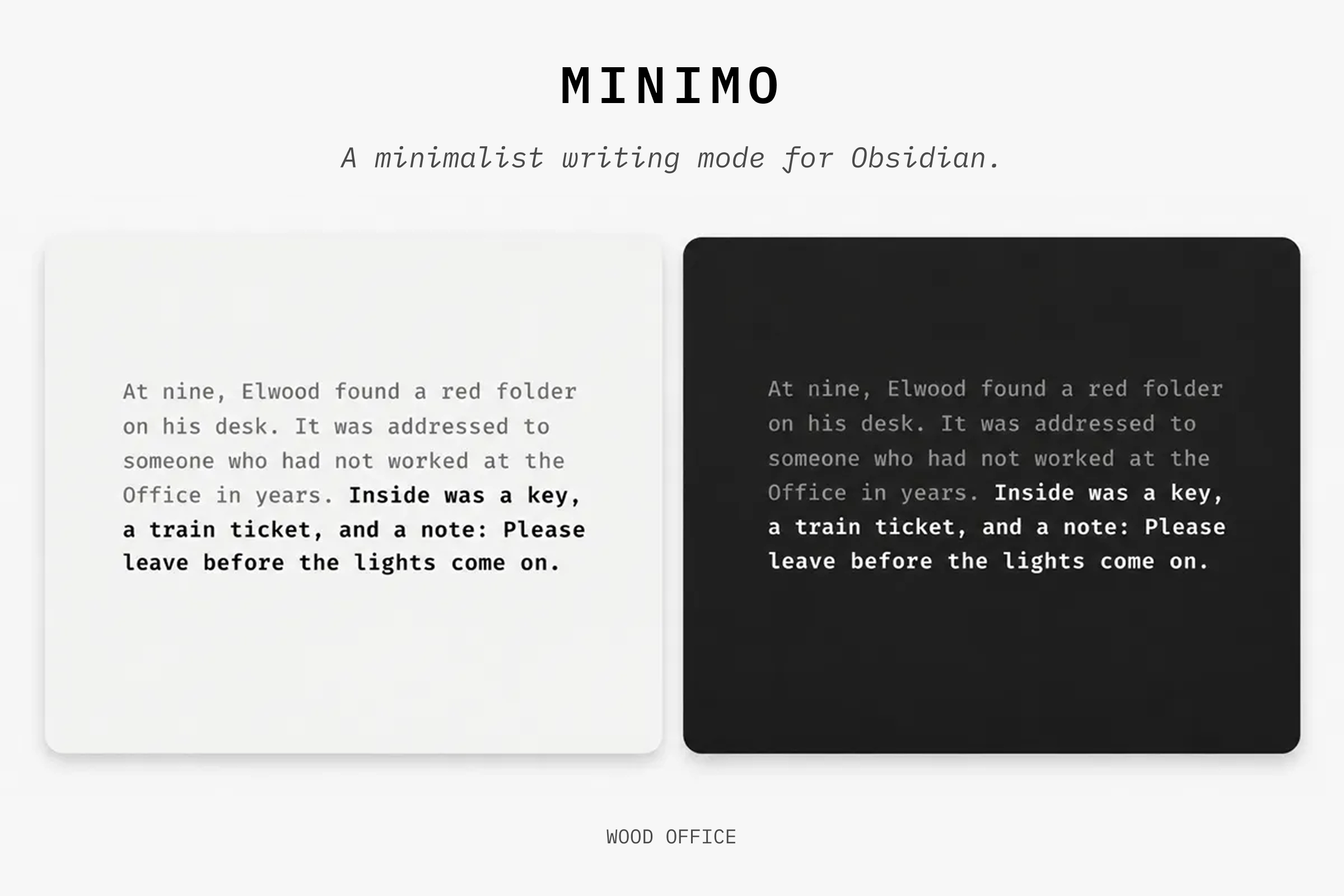
Minimo is a minimalist writing mode for Obsidian. Set a shortcut to step into a quieter view of your note, then return to your workspace without losing your place.
The name comes from il minimo indispensabile, an Italian phrase for the least you need. My Olivetti Lettera 32 feels like that to me: a page, a keyboard, and room to hear my own thoughts. I wanted to bring a little of that feeling to Obsidian.
Use
- Open a Markdown note in Live Preview on desktop Obsidian.
- Run Minimo: Toggle writing view from the command palette.
- To add a shortcut, find the command in Settings → Hotkeys. None is assigned by default.
- Run the command again to leave. Escape also works when the editor is active; menus and suggestions keep their usual Escape behavior.
Writing view
Minimo covers the other panes and app chrome without closing them.
- The note title is hidden by default.
- Headings stay at text size, in bold.
- The cursor and selection stay in place.
- Scrolling works without a visible scrollbar.
- Leaving restores your workspace and its earlier scroll position.
Settings
Type. Choose the included IBM Plex Mono, your system mono font, or a font installed on your computer. If an installed font is unavailable, Minimo uses system mono.
Page. Set the type size, line height, line width, title visibility, background, text color, and caret color. The default background follows your Obsidian theme in light and dark mode.
Focus. Typewriter scrolling and sentence focus are on by default. Focus dims surrounding text and rendered callouts. Both can be changed or turned off.
Privacy
No network access or telemetry. Minimo stores its settings through Obsidian and does not edit your Markdown.
Support
Found a bug? Use the GitHub issue tracker.
Development
Minimo supports Obsidian 1.15.0 or newer on desktop.
npm install
npm run build
npm run lint
npm test
To test locally, copy main.js, manifest.json, and styles.css into .obsidian/plugins/minimo/ in a separate development vault, then enable Minimo under Community plugins.
License
Plugin source: MIT. Bundled IBM Plex Mono: SIL Open Font License 1.1. Its notice and terms are in fonts/OFL.txt and the release stylesheet.