Metamorpheme
 gualabanana97 downloads
For ideas that live between words. Don’t pick just one. Express your idea in every word that fits it, and let them all take same place at distinct times.
- Overview
- Scorecard
- Updates10
Align your means of expression within expanded limitations

Use it when
- You write with layered meaning. Poetry, fiction and worldbuilding often depend on words that mean two things at once. Show both readings in the same place.
- A concept has no single name. Title a note with the several words that each capture part of it, whether a feeling, a theme or a half-formed idea, so the note carries all of them instead of forcing you to pick one.
- You’re choosing between words. Keep candidate names for a project, chapter or character cycling in the title while you decide, or keep near-synonyms side by side while editing a sentence.
- Words don’t translate cleanly. Show a term in two or three languages together, or a word next to its closest equivalents, for language learning, translation work or multilingual notes.
- A term means different things in different contexts. In a glossary or study notes, let one entry show its senses (say, a word in physics and in everyday speech) instead of a single definition that hides the rest.
Linguistically, we like to think words have strict definitions. But in actual communication, words function exactly like clouds of states. They exist in superposition until context forces them to resolve.

One node ≠ one name. See the point ?
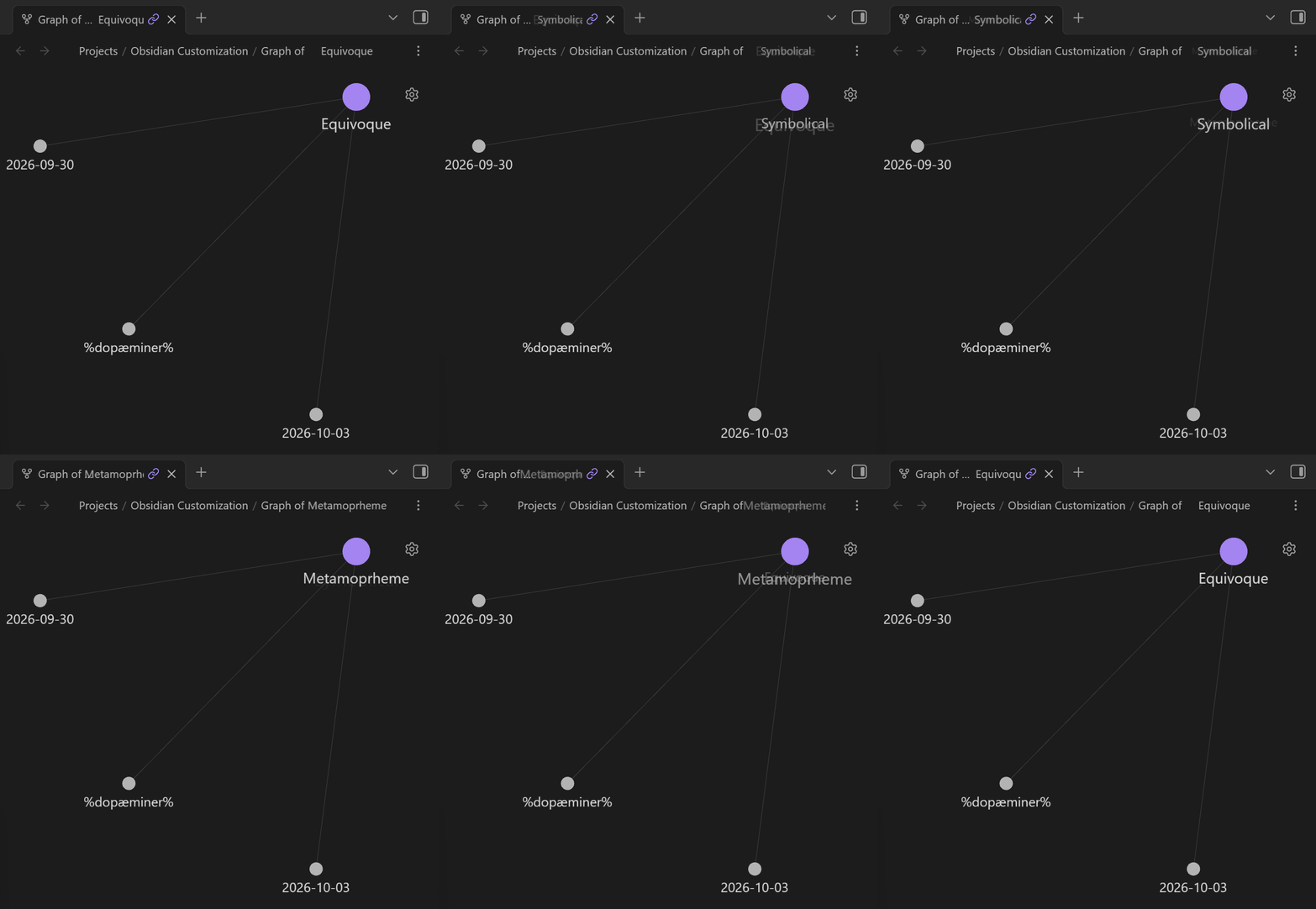
Preserve unique markdown per morpheme or wrap the whole metamorpheme in one

Superpose meanings that coincide. Equivocal by design.
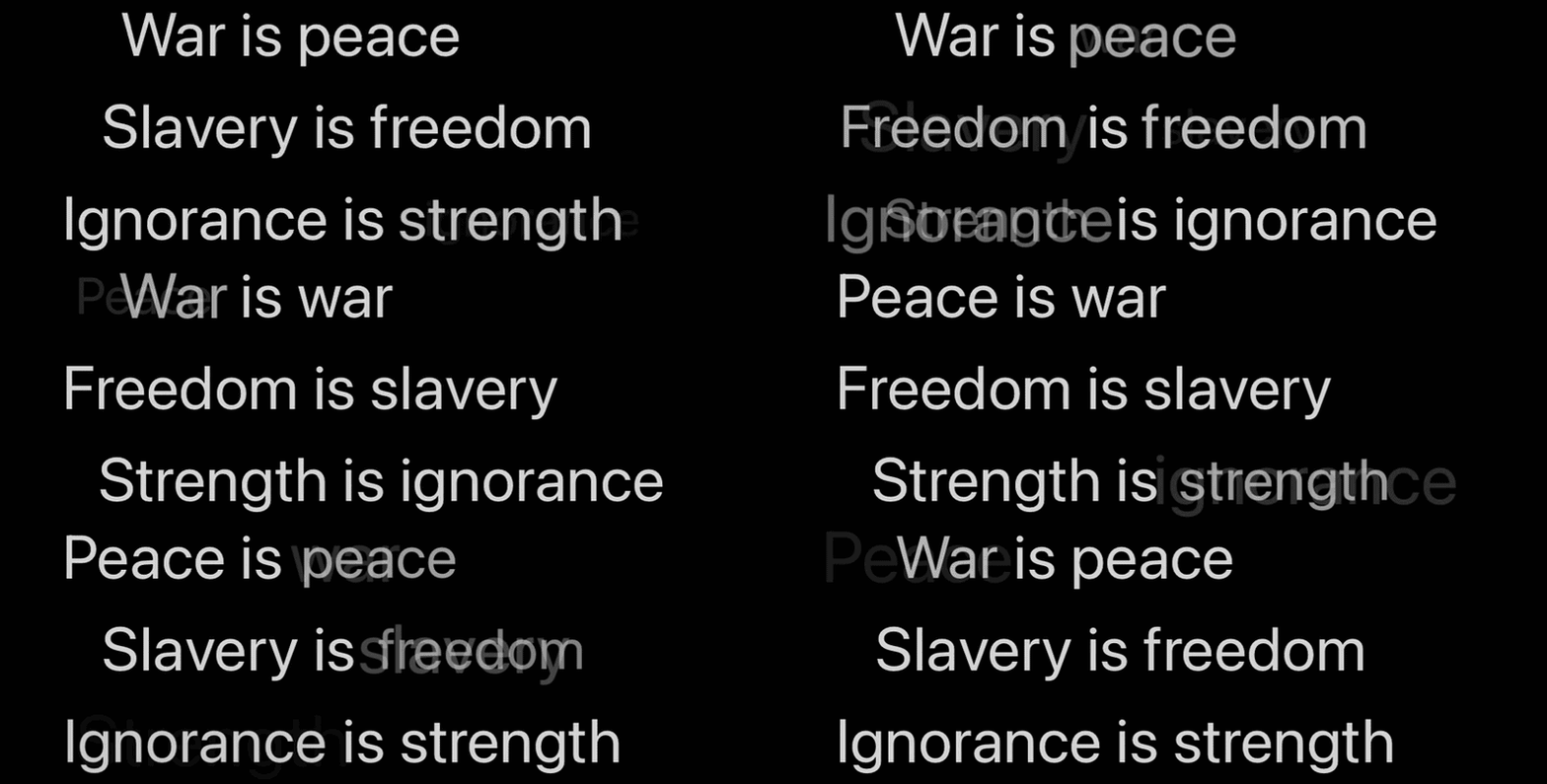
Let them brain wave functions flow w/0 collapse w one tap of the button at your fingertips among tooltips

Explore wider range of meanings at glance
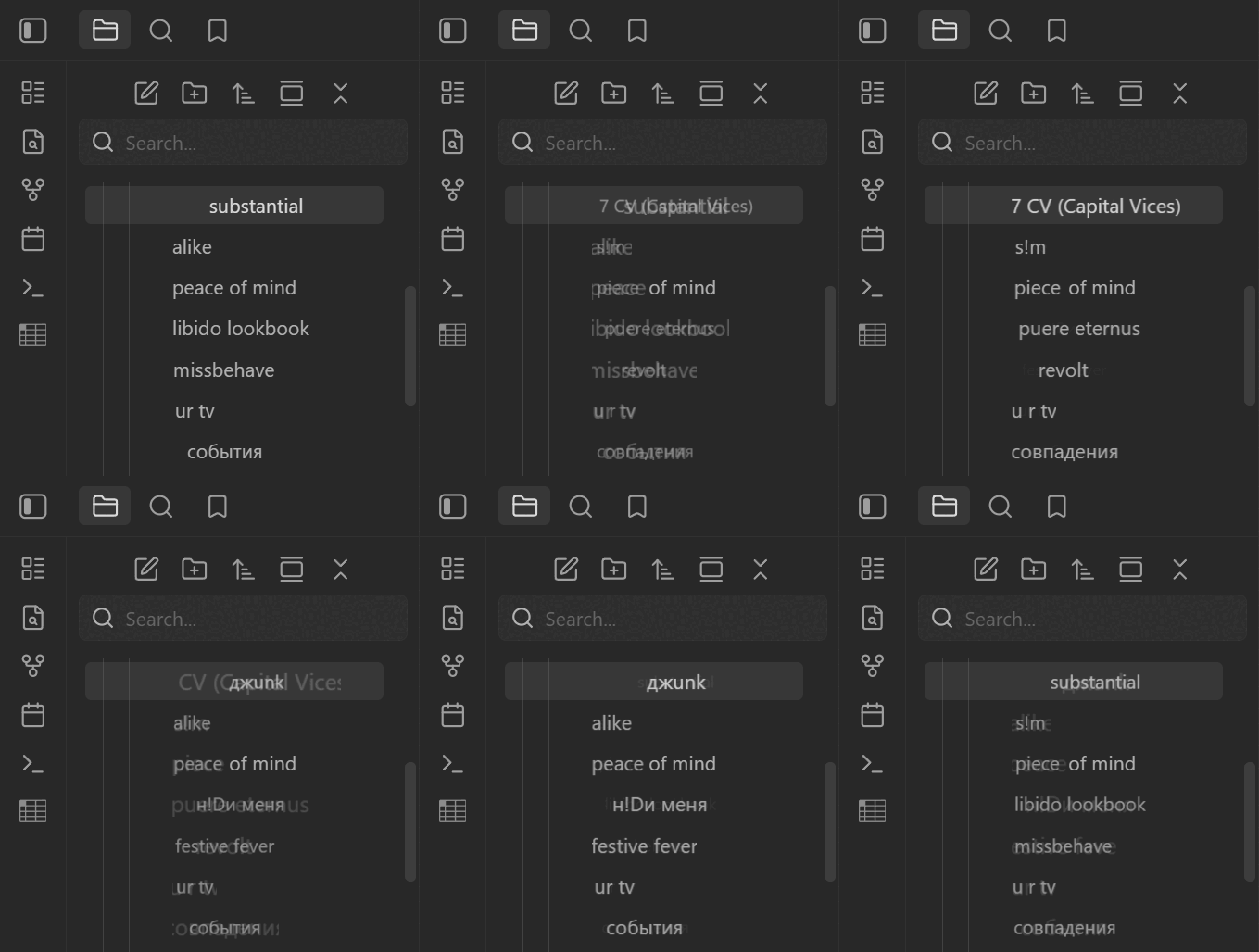
Syntax
{~ $ @2%1 < crossfade $ Leave ; Make @1.5%0.4 ; Find @3 ~} space for what one word couldn't carry.
{~ $ @H%F >< zoom $ morpheme @H ; morpheme @H%F ; morpheme @%F ; … ~}— space after{~and before~}; first morpheme starts after{~, or after$ $when present; morphemes separated by the configured separator (default;).- Optional
$ $at the start overrides default plugin settings for this set.@His hold: seconds a morpheme stays fully visible before the next transition starts.@%Fis fade: seconds that transition takes.@H%Fsets both. Alignment is></center,<>/justify,</left,>/right. Style is the name (zoom,diffuse,slide,crossfade). morpheme @H— this morpheme stays H seconds before the transition into the next one starts.morpheme @H%F— same, and the transition into the next morpheme takes F seconds.morpheme @%F— only override the transition duration.
HealthExcellent
ReviewPassed
About
Use it when:
You write with layered meaning. Poetry, fiction and worldbuilding often depend on words that mean two things at once. Show both readings in the same place.
A concept has no single name. Title a note with the several words that each capture part of it, whether a feeling, a theme or a half-formed idea, so the note carries all of them instead of forcing you to pick one.
You’re choosing between words. Keep candidate names for a project, chapter or character cycling in the title while you decide, or keep near-synonyms side by side while editing a sentence.
Words don’t translate cleanly. Show a term in two or three languages together, or a word next to its closest equivalents, for language learning, translation work or multilingual notes.
A term means different things in different contexts. In a glossary or study notes, let one entry show its senses (say, a word in physics and in everyday speech) instead of a single definition that hides the rest.Details
Current version
1.4.0
Last updated
2 months ago
Created
2 months ago
Updates
10 releases
Downloads
97
Compatible with
Obsidian 1.13.0+
Platforms
Desktop, Mobile
License
MIT
Sponsor
Author