Markdown Syntax Kit
 soizoktantas34 downloads
Add Markdown delimiters for underlines, spoilers, superscripts, subscripts, coloured highlights, custom spans, and fenced divs.
- Overview
- Scorecard
- Updates4
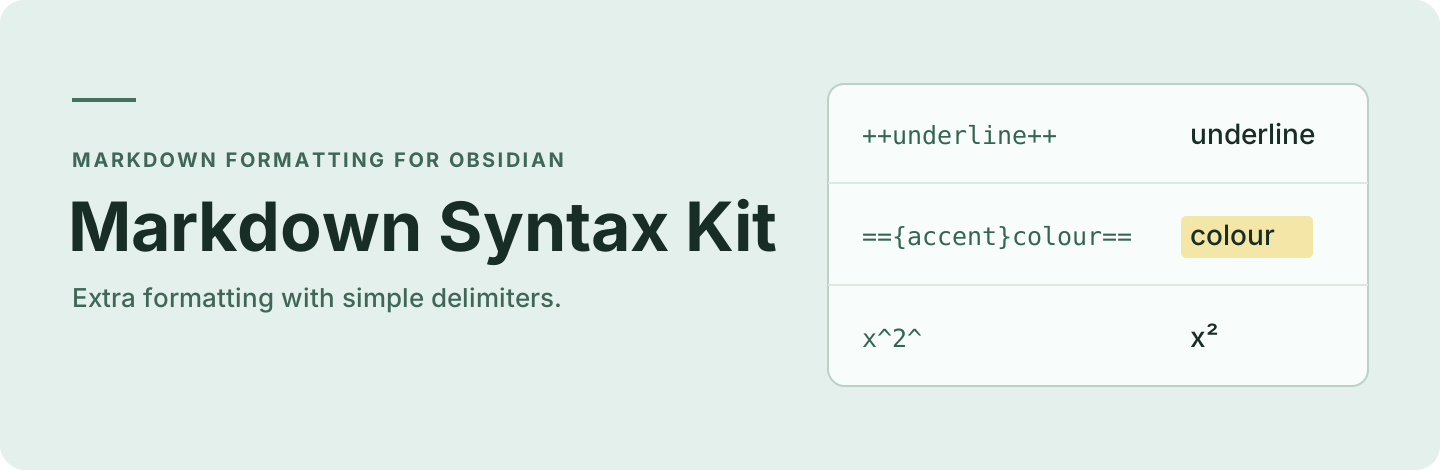
Add underlines, spoilers, superscripts, subscripts, coloured highlights, custom spans and fenced divs in Obsidian.
Install
Requires Obsidian 1.7.4 or later. Once listed, search for Markdown Syntax Kit under Settings → Community plugins → Browse.
For manual installation, use a GitHub release with the markdown-syntax-kit manifest ID. Older releases use the original ID. To build from source, run these commands in the repository:
npm install
npm run build
Copy manifest.json, main.js and styles.css to .obsidian/plugins/markdown-syntax-kit in your vault, then enable the plugin under Community plugins. BRAT can install it once a release with the new ID is available.
If you are switching from Extended Markdown Syntax, disable the old plugin, copy its data.json into the new plugin folder and reassign any custom hotkeys.
Usage
| Format | Markdown |
|---|---|
| Underline | ++underlined text++ |
| Spoiler | ||hidden text|| |
| Superscript | x^2^ |
| Subscript | H~2~O |
| Coloured highlight | =={accent}highlighted text== |
| Custom span | !!{my-class}styled text!! |
A fenced div starts with ::: and ends at a blank line, a change of block context or the end of the note.
::: my-class
Apply a CSS class to this block.
Select text and type a delimiter to wrap it. Typing the delimiter on an entirely wrapped selection removes the pair. At an empty cursor, typing ++ inserts both delimiters. Typing ^ without a selection inserts a single caret for Obsidian block IDs, block links or manually typed superscript. Use the More format editor menu or the command palette to apply formatting. Plugin settings let you enable individual formats, customise highlight colours and save CSS classes for reuse.
See the syntax rules for delimiter details and reading-mode escaping limits. Spoiler delimiters in table cells cannot be escaped in Source mode.
Credits
Maintained by soizo. Based on Extended Markdown Syntax by Kotaindah55 (Sheva Ihza).
Thanks to Pandoc, CommonMark, GitHub Flavoured Markdown, Discord, Superschnizel, Exaroth, Mara-Li, marcel-goldammer and mattcoleanderson.
Contributing
Use GitHub Issues for questions, bug reports and proposed changes. Run npm test when changing the code.
Licence
MIT. Copyright © 2025 Kotaindah55 (Sheva ihza).