Search...Search plugins and themes...
⌘K
Sign in
  • Get started
  • Download
  • Pricing
  • Enterprise
  • Account
  • Obsidian
  • Overview
  • Sync
  • Publish
  • Canvas
  • Mobile
  • Web Clipper
  • CLI
  • Learn
  • Help
  • Developers
  • Changelog
  • About
  • Roadmap
  • Blog
  • Resources
  • System status
  • License overview
  • Terms of service
  • Privacy policy
  • Security
  • Community
  • Plugins
  • Themes
  • Discord
  • Forum / 中文论坛
  • Merch store
  • Brand guidelines
Follow us
DiscordTwitterBlueskyThreadsMastodonYouTubeGitHub
© 2026 Obsidian

Litos Companion

zerokeizerokei12 downloads

Litos 主题的显示控制与 Mermaid / ELK 流程图增强。

Add to Obsidian
  • Overview
  • Scorecard
  • Updates4

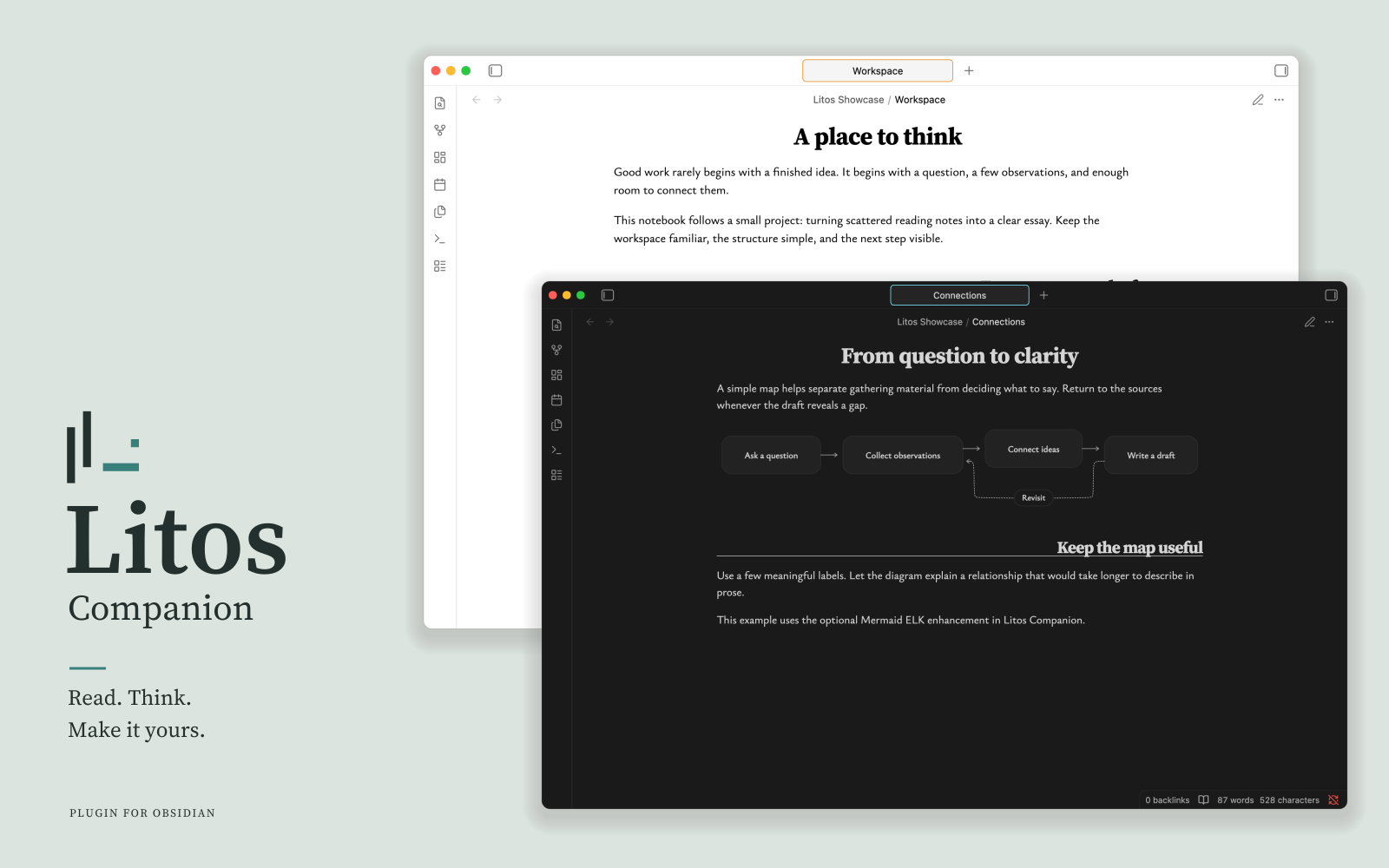
Litos Companion — Read. Think. Make it yours.

Make the Litos workspace your own with optional display controls and Mermaid ELK support.

Litos provides the theme; Litos Companion adds controls and diagram capabilities. Install either independently. Heading controls require a compatible Litos theme.

Features

  • Zen mode: Hide workspace controls for a quieter view; toggle from settings or the command palette.
  • Heading controls: Adjust H2 alignment in Reading view and Live Preview.
  • Accent color: Adjust Obsidian’s native accent color from the plugin settings.
  • Mermaid ELK support: Use ELK automatic layout for Mermaid flowcharts.

Requirements

  • Obsidian 1.13.7 or later on desktop.
  • Heading controls require a Litos theme version that supports Companion API 1.
  • Mermaid ELK support also works with other themes. It is disabled by default and can be enabled in the plugin settings.

Download from GitHub Releases. See the user guide for installation and usage instructions.

Dependencies

Dependency Version Purpose
Mermaid 11.16.1 Diagram parsing and rendering
@mermaid-js/layout-elk 0.2.0 ELK layout integration
yaml ^2.9.1 Diagram configuration parsing

Built with TypeScript, esbuild, and Vitest. See package.json for the complete dependency list.

Documentation

  • User guide
  • Development guide
  • Architecture and theme API
  • Examples and validation report

License

MIT. Third-party components are distributed under their respective licenses; see third-party notices.

HealthExcellent
ReviewSatisfactory
About
Control secondary heading alignment (left/right) and sync heading display between reading mode and live preview. Render Mermaid flowcharts from standard code blocks with optional ELK auto-layout, rounded cards, dashed decision nodes, capsule edge labels, thin open arrowheads and theme-aware colors, falling back to Obsidian rendering on failure.
ChartsTheming
Details
Current version
0.2.0
Last updated
Yesterday
Created
2 days ago
Updates
4 releases
Downloads
12
Compatible with
Obsidian 1.13.7+
Platforms
Desktop only
License
MIT
Report bugRequest featureReport plugin
Author
zerokeizerokei
GitHubzerokei
  1. Community
  2. Plugins
  3. Charts
  4. Litos Companion

Related plugins

Minimal Theme Settings

Control the colors and fonts in Minimal Theme.

Hider

Hide interface elements such as tooltips, status bar, titlebar, and more.

Share Note

Instantly share/publish a note, with the full theme and content exactly like you see in Obsidian. Data is shared encrypted by default, and only you and the person you send it to have the key.

Style Settings

Adjust theme, plugin, and snippet CSS variables.

Tracker

Track occurrences and numbers in your notes.

Slides Extended

Create markdown-based reveal.js presentations. Fork of Advanced Slides.

Notion Bases

Turn any folder into a database — table, kanban board, gallery, calendar, timeline and list views powered by frontmatter.

Charts

Easily create interactive charts in your notes.

WebNovel Assistant

A comprehensive Obsidian plugin for web novel writers. Track word counts, goals, and focus time. Manage foreshadowing, timelines, and timed tasks. Includes a bilingual UI and OBS overlay.

Sheet Plus

Create Excel-like spreadsheets and easily embed them in Markdown.