Link Logos
 Andrey Pankov65 downloads
Shows a site icon ahead of external links to common websites.
- Overview
- Scorecard
- Updates7
An Obsidian plugin that puts a small site icon in front of external links, so you can tell a Google Sheet from a GitHub repo or a Slack thread at a glance. The idea comes from how Asana shows links to external documents.
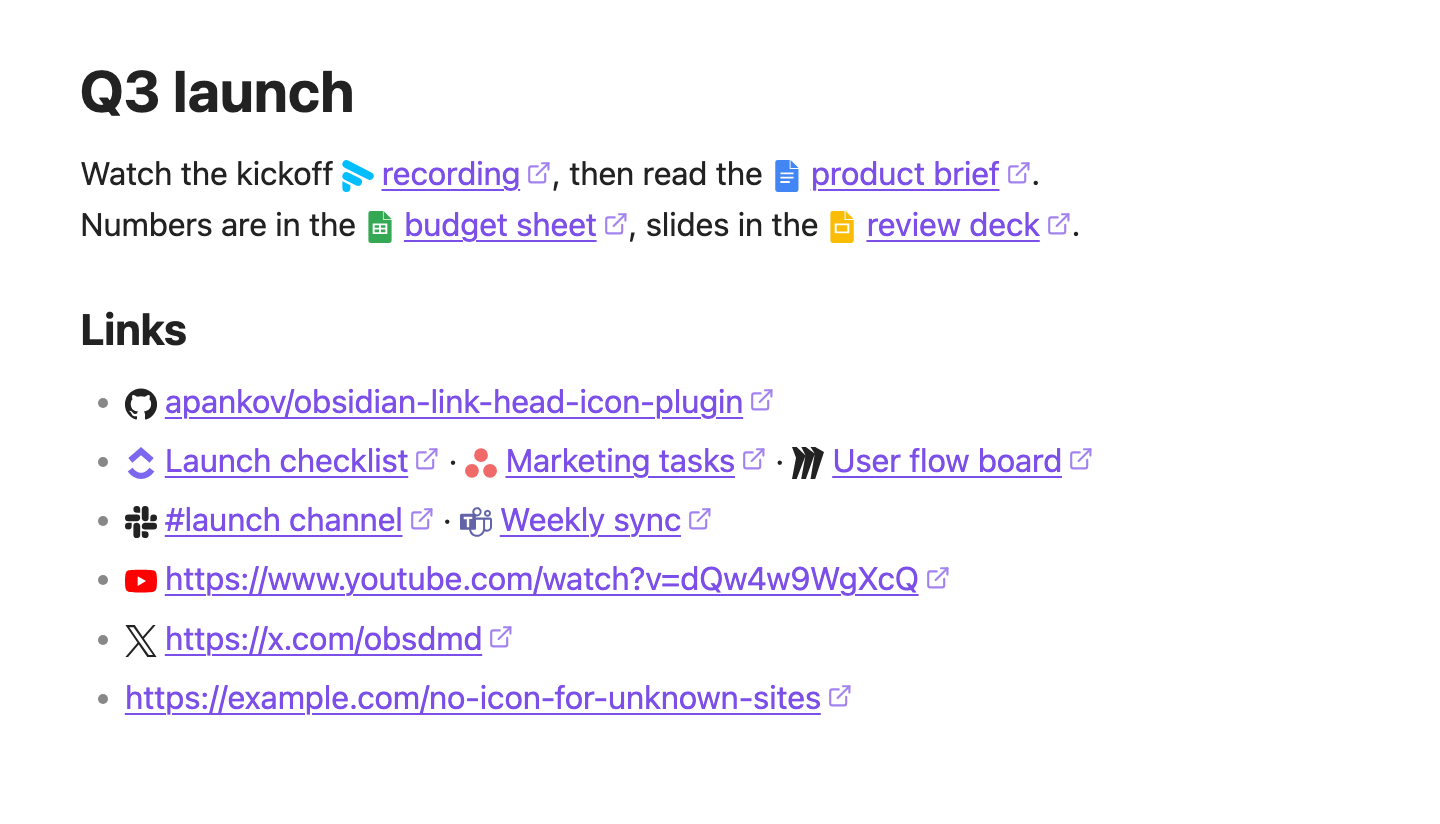
Light theme
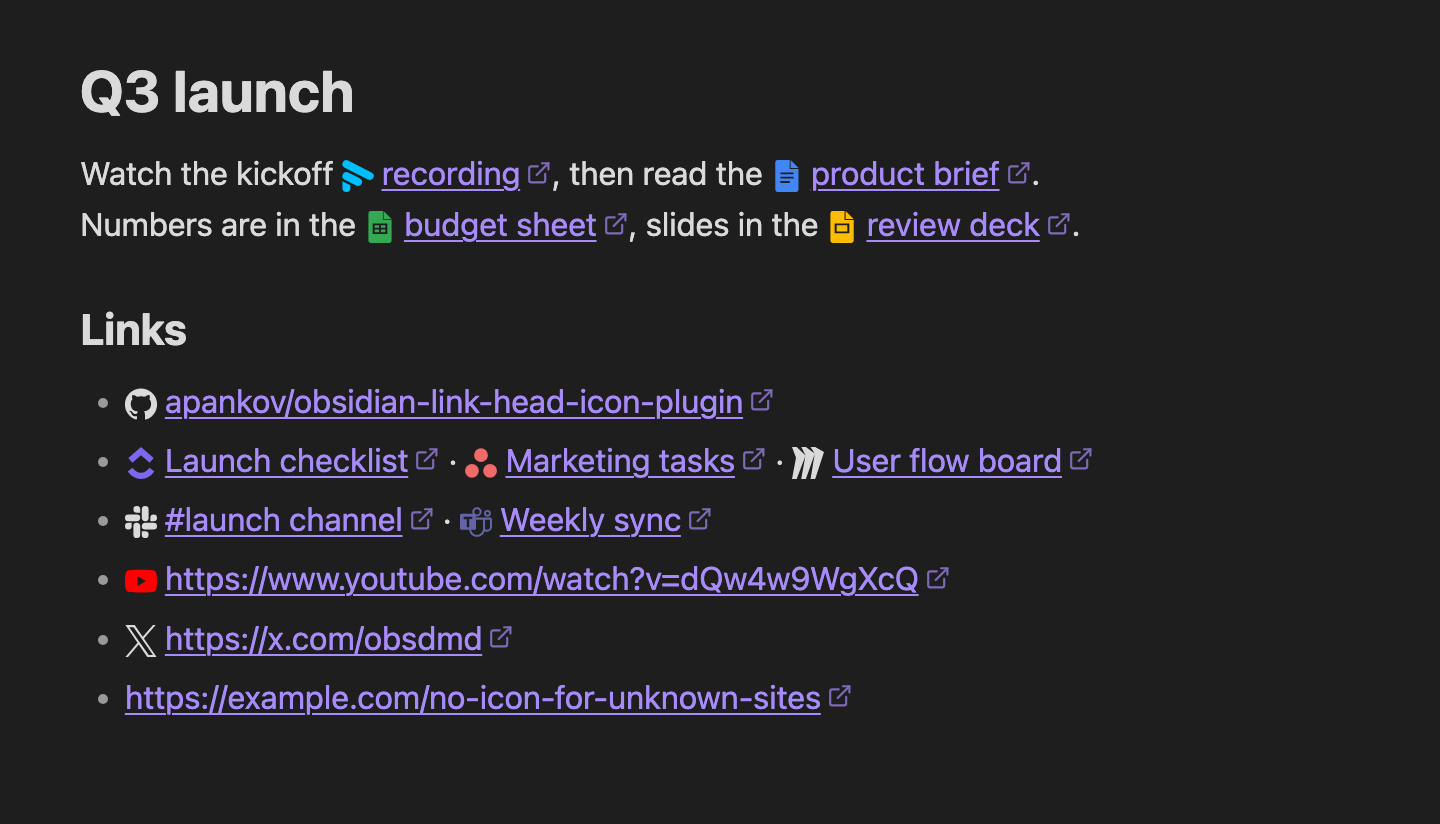
Dark theme
Why Link Logos
- Offline and private. Icons ship inside the plugin. No requests to favicon services or the linked sites, not even the domain.
- Real logos, not favicons. Crisp SVG at any zoom, identical on every device, no blank placeholders.
- Knows the page, not just the domain. Google Docs, Sheets, Slides and Forms each get their own icon.
- Theme-aware. Dark logos (GitHub, X, Medium) switch to the text color in dark mode.
- Any link. Bare URLs and titled links like
[budget](https://docs.google.com/spreadsheets/...). - Reading view and Live Preview. In the editor the icon steps aside while your cursor is in the link.
- Desktop and mobile.
- Minimal settings. Works out of the box. The only setting turns editor icons off.
- Tiny. About 15 KB.
Trade-off: only the sites listed below get an icon. For every website, use Link Favicons, which fetches favicons online.
Supported sites
| Category | Sites |
|---|---|
| Docs, Sheets, Slides, Forms, Drive | |
| Code | GitHub, GitLab (including self-hosted gitlab.*), npm, Stack Overflow |
| Work | Asana, ClickUp, Miro, Slack, Microsoft Teams, Fathom |
| AI | Claude, ChatGPT |
| Video and social | YouTube, X, Twitter, Facebook, Instagram, LinkedIn, Telegram |
| Reading | Wikipedia, Medium, Habr, Yandex |
Missing a site you use? Open an issue.
Install
From Obsidian: Settings → Community plugins → Browse, search for Link Logos, then Install and Enable. Or open the plugin page.
To try unreleased versions, add apankov/obsidian-link-logos in the BRAT plugin.
Credits
Icons come from Simple Icons (CC0), except Fathom and Yandex, which are made from the sites' own logos. Brand names and logos belong to their owners.
Development
Requires Node.js 22.12 or newer.
npm install
npm run dev    # rebuild main.js on change
npm run build  # type-check and production build
npm run lint
npm test
To try it in a vault, copy main.js, manifest.json and styles.css into <vault>/.obsidian/plugins/link-logos/ and reload Obsidian.
To add a site, add its icon to scripts/generate-icons.mjs, run npm run icons, and add a rule to src/websites.ts.
Plans and open work: roadmap.
Releasing
npm version patch   # bumps package.json, manifest.json and versions.json, then tags
git push --follow-tags
The tag triggers a workflow that builds the plugin and creates a draft GitHub release. Publish the draft to make it available in Obsidian.