
- Overview
- Scorecard
- Updates49
A fast fuzzy finder based quick switcher with preview.
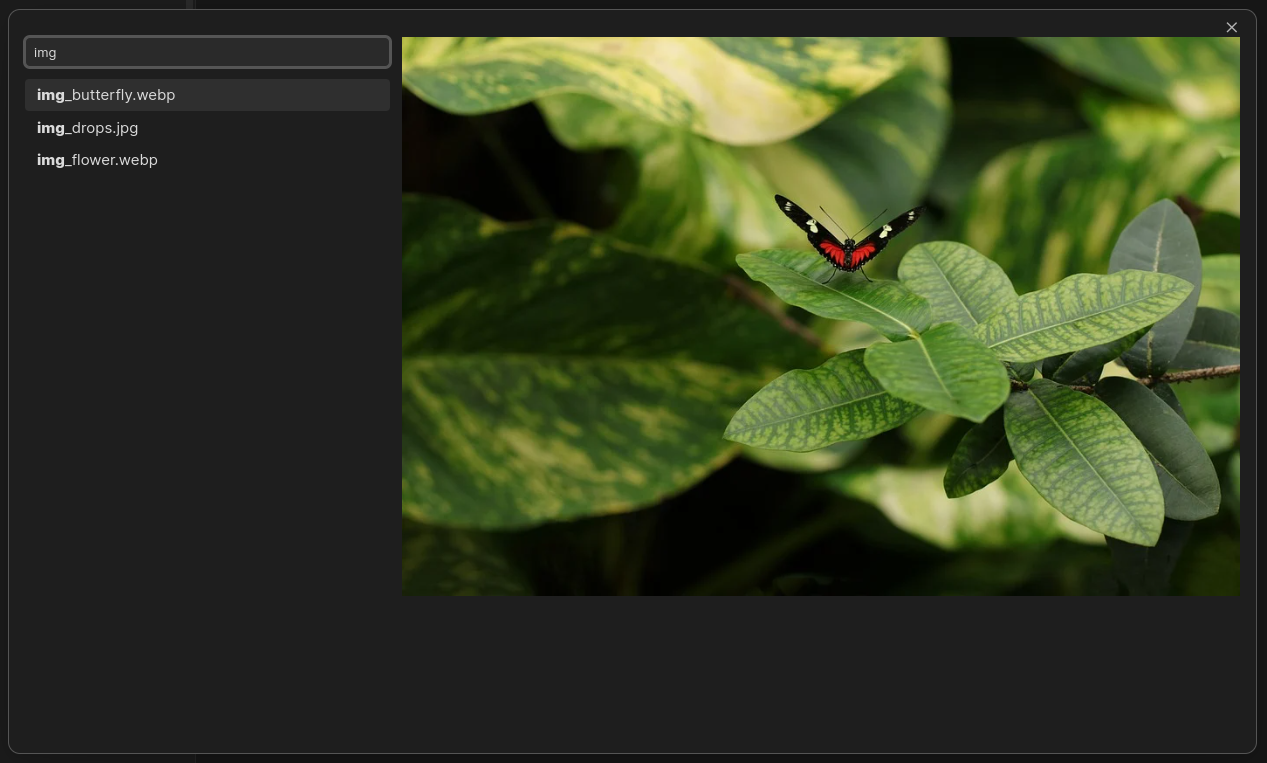
The plugin adds a new quick switchers to make finding the files you want even easier and faster. The quick switchers lets you easily search all files in your vault and offers a quick preview of the selected search result.
To ensure top performance and high-quality results, the plugin is written in Rust using the nucleo-matcher create running in a web worker. This ensures that the majority of the computational load is taken off the main thread for a smoother feel.
Commands
Lemons Search: Open searchA quick switcher that lets you all files in your vault by file path.Lemons Search: Open alias searchA quick switcher that lets you all files in your vault by file names and aliases.Lemons Search: Command paletteA command palette.
Special Search Commands
Every query consists of search atoms separated by spaces. Spaces can be escaped using \.
In the following illustration, each underlined part is a separate search atom.
movie Star\ Wars
----- ----------
Search atoms can be modified using special characters to change their behavior.
- Substring: prefix with
'- will require search results to contain the search atom as a continuous sequence
- e.g.
'foowill only matchyummy foodbut notfunny doodle - use
!to negate, e.g.!foo
- Prefix: prefix with
^- will require search results to have the search atom as a prefix
- e.g.
^foowill only matchfoodbut notyummy food - use
!^to negate, e.g.!^foo
- Postfix: postfix with
$- will require search results to have the search atom as a postfix
- e.g.
.md$will only matchfoo.mdbut notfoo.txt - use
!<search atom>$to negate, e.g.!.md$
- Exact: prefix with
^and postfix with$- will require search results to equal the search atom
- e.g.
^foo.md$will only matchfoo.mdand nothing else - use
!^<search atom>$to negate, e.g.!^foo.md$
Lower case search atoms will ignore casing, but as soon as a search atom contains an upper case letter, it becomes case sensitive.
Keyboard Navigation
While the input field is focused, you can use the following keyboard short-cuts.
↑Move selection up by one↓Move selection down by oneHomeMove selection to the first itemEndMove selection to the last itemEnterOpen selection in same tabCtrl + EnterOpen selection in a new TabTabCopy the current selection into the search barEscapeCancel the search
Some of these short-cuts can be configures in the plugin's settings.
Mouse Navigation
- Clicking on a suggestion that is not selected will select the clicked suggestion
- Clicking on the selected suggestion will open the suggestion in the same tab
- Ctrl-clicking on the selected suggestion will open the suggestion in a new tab