Kairos
 caasion428 downloads
Time-blocked daily planning in your notes. Blocks own your hours; tasks live inside them.
- Overview
- Scorecard
- Updates8
Seize the moment. Get things done.
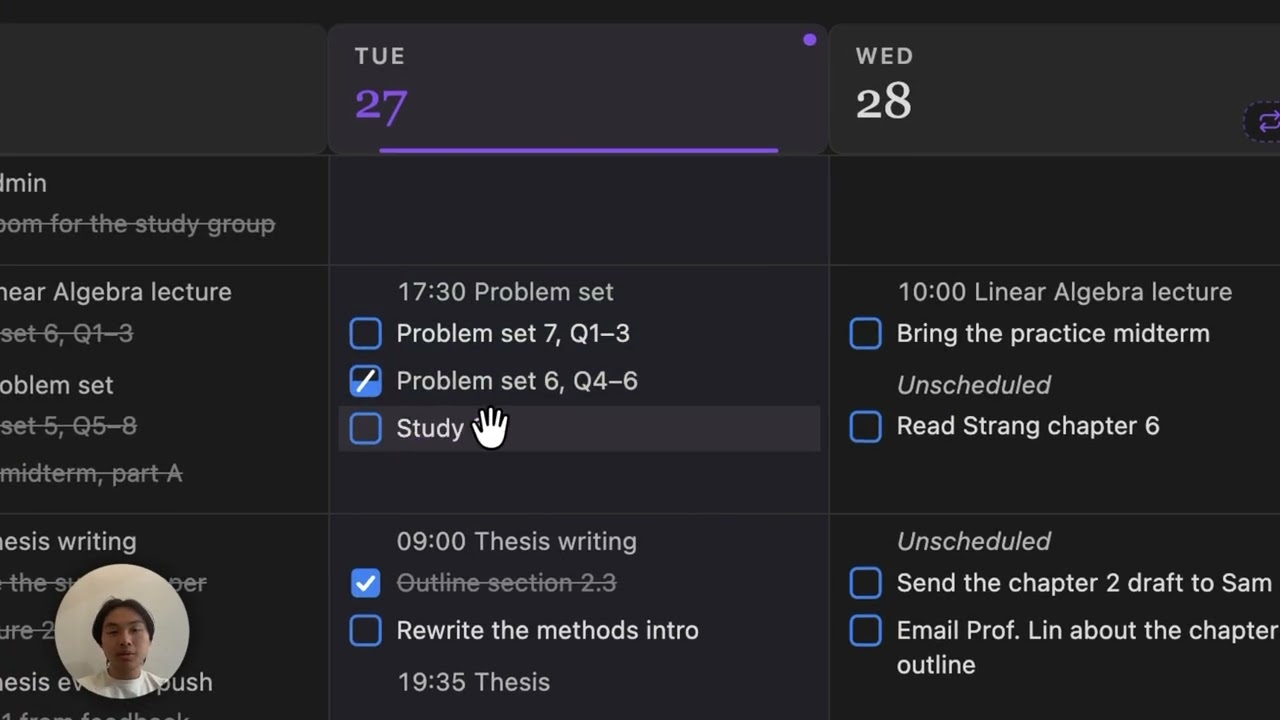
Watch the 3-minute demo: planning a morning with Kairos.
Kairos is for people whose time isn't fully their own (students, employees, or anyone juggling shifting commitments) who need to decide how they spend their time before it's decided for them.
Kairos is a time-centric productivity app that helps you turn intentions into action. Most tools let tasks float in a backlog. Kairos doesn't. It asks one thing of you: decide when and where the work happens. That constraint is the whole point. A task you've placed in your day is a commitment; a task you haven't is just a wish.
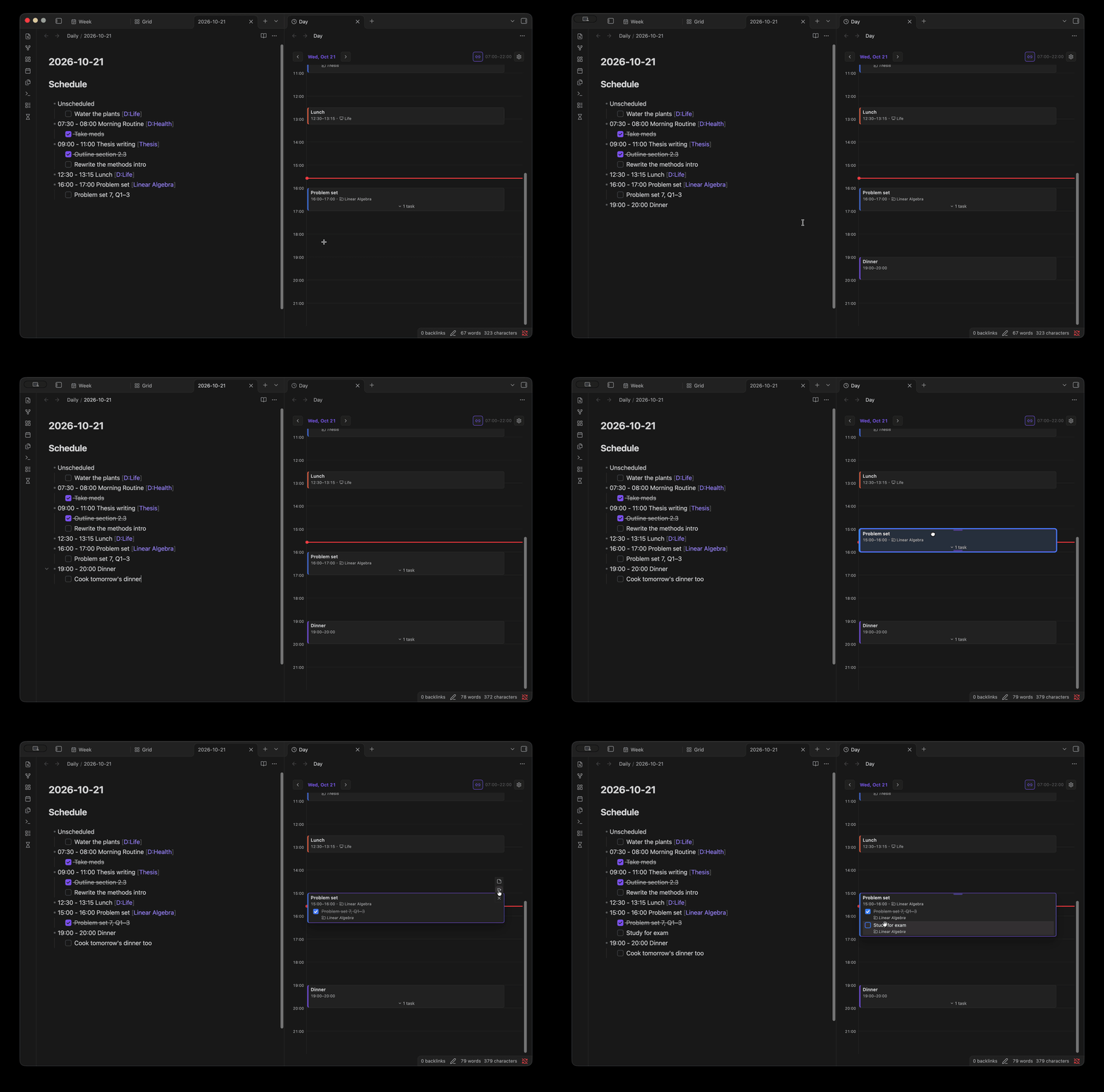
Your day is built from time blocks, and work lives as tasks inside them. A real, complete day is stored in markdown:
## Schedule
- 09:30 - 11:00 Deep Work [Kairos]
    - [ ] Rework the block parser
    - [x] Fix timeline scroll perf
- 11:00 - 12:30 Study [D:School]
    - [ ] Review linear algebra for the midterm
- 13:00 - 14:00 Swim [Fitness]
    - [x] Swim
    - Did 40 lengths
Your notes remain the source of truth, and they stay readable with or without Kairos.
The key philosophy:
- Time belongs to blocks; work belongs to tasks. A block owns a span of your day. Tasks inside it are what you're actually doing. This split is why Kairos can tell you where your hours went and what's left to do, without the two ever getting tangled.
- Association is optional context, not structure. A task can belong to a project or a domain, but it never has to. Projects group related work; domains map to the broader areas of your life. They're lenses for seeing your tasks, not folders you're forced to file into before you can act.
- Everything is derived. All pages and views are views computed from your daily notes. You plan in one place, and Kairos connects it all together.
The views
Select the hourglass icon in the ribbon to open any of them.
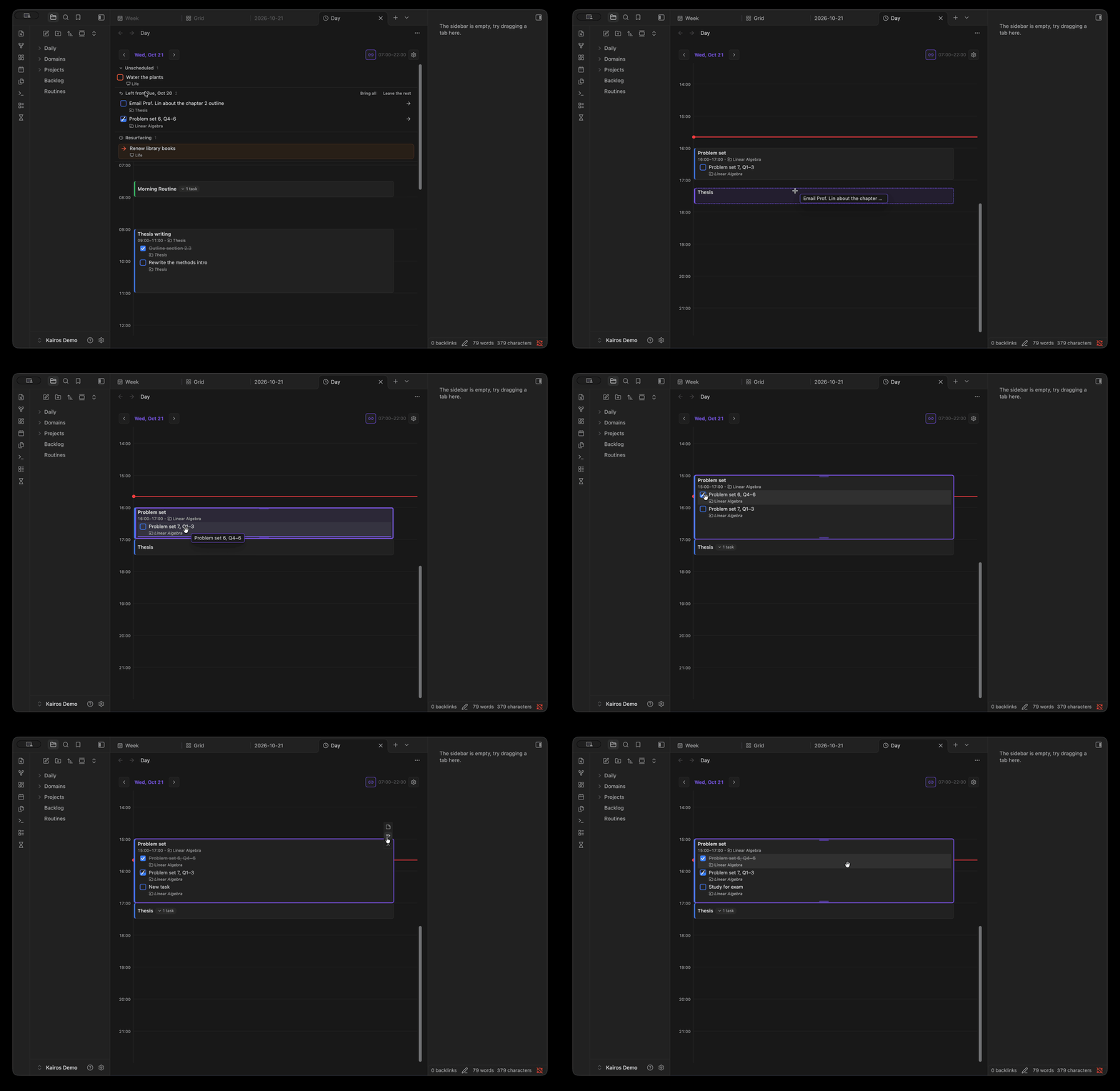
- Day and Week: your timeline. Drag on empty time to make a block, then add tasks inside it.
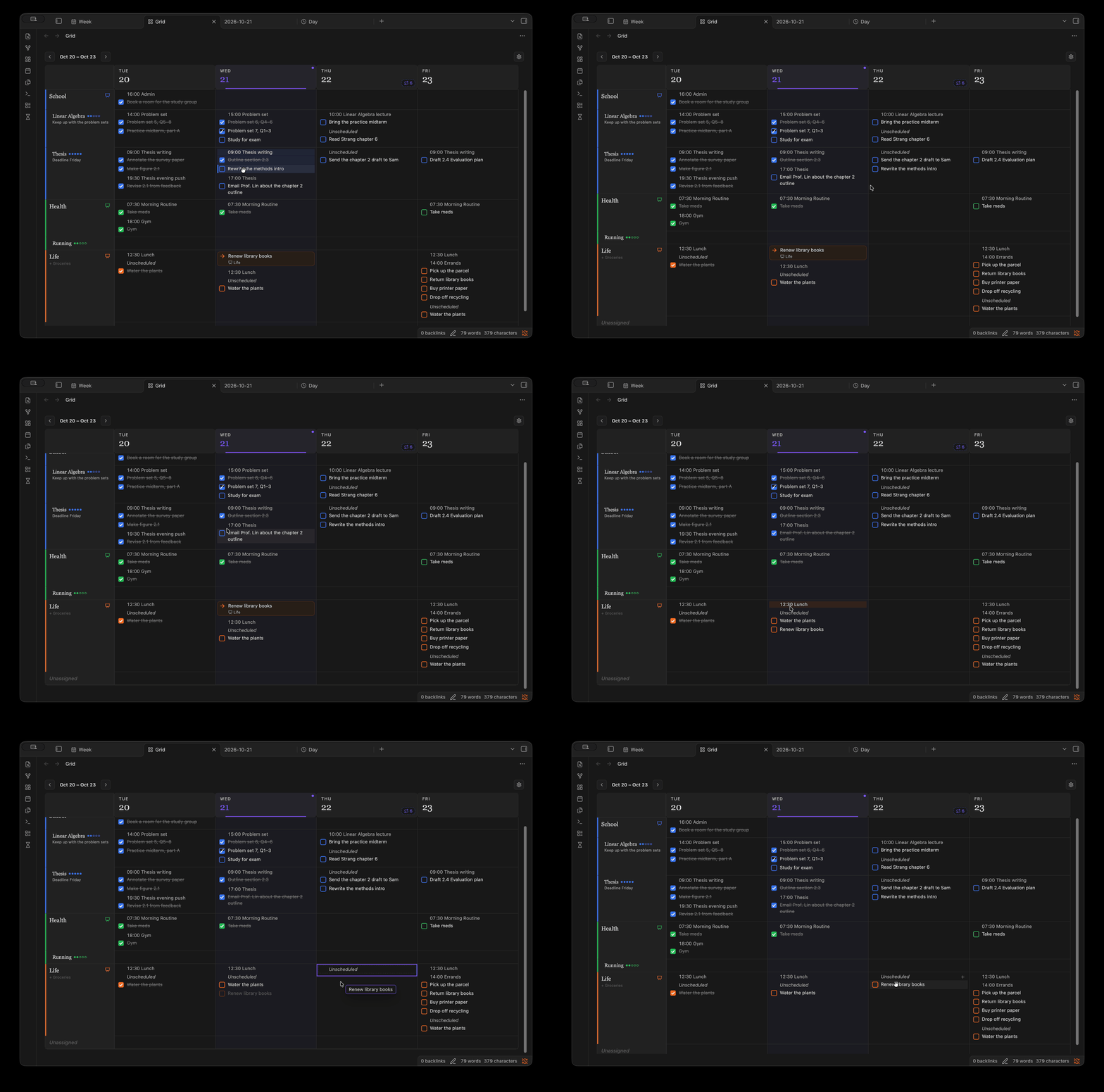
- Grid: one row per project or domain, one column per day. Triage what you're doing and when, then drag tasks onto the timeline to schedule them.
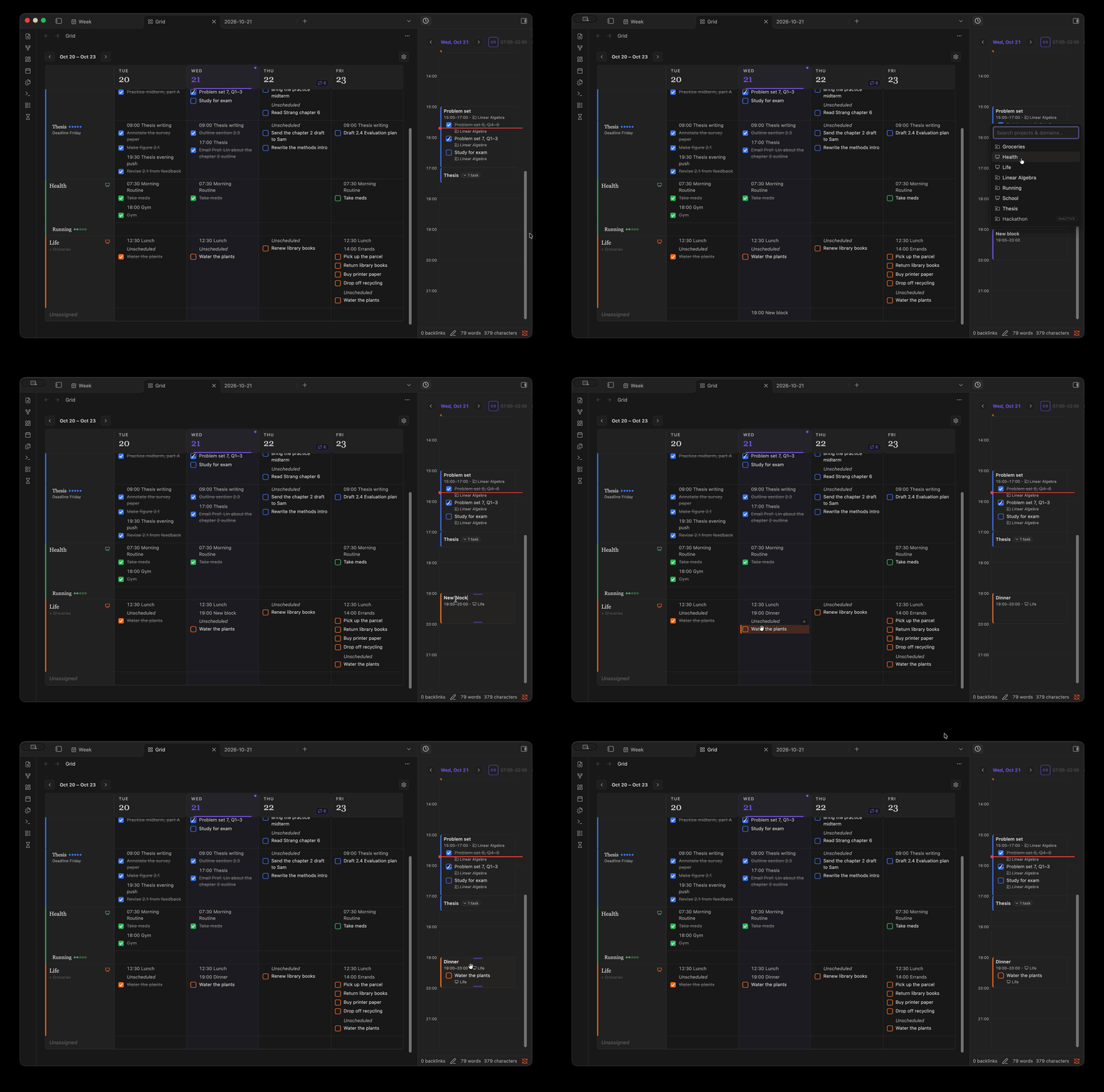
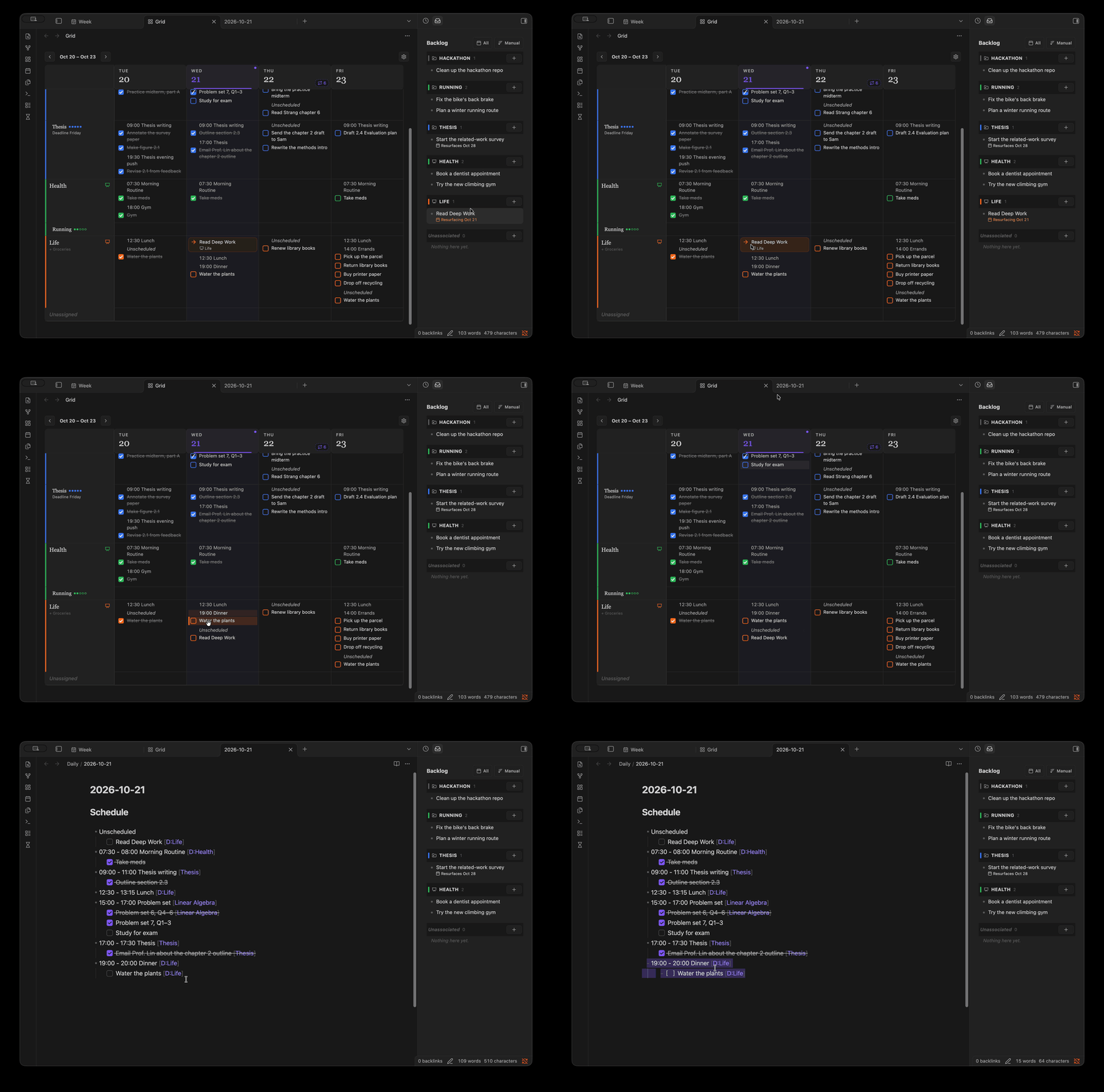
- Backlog: intentions you haven't scheduled yet. Give one a resurface date and it shows up in your day when it's time.
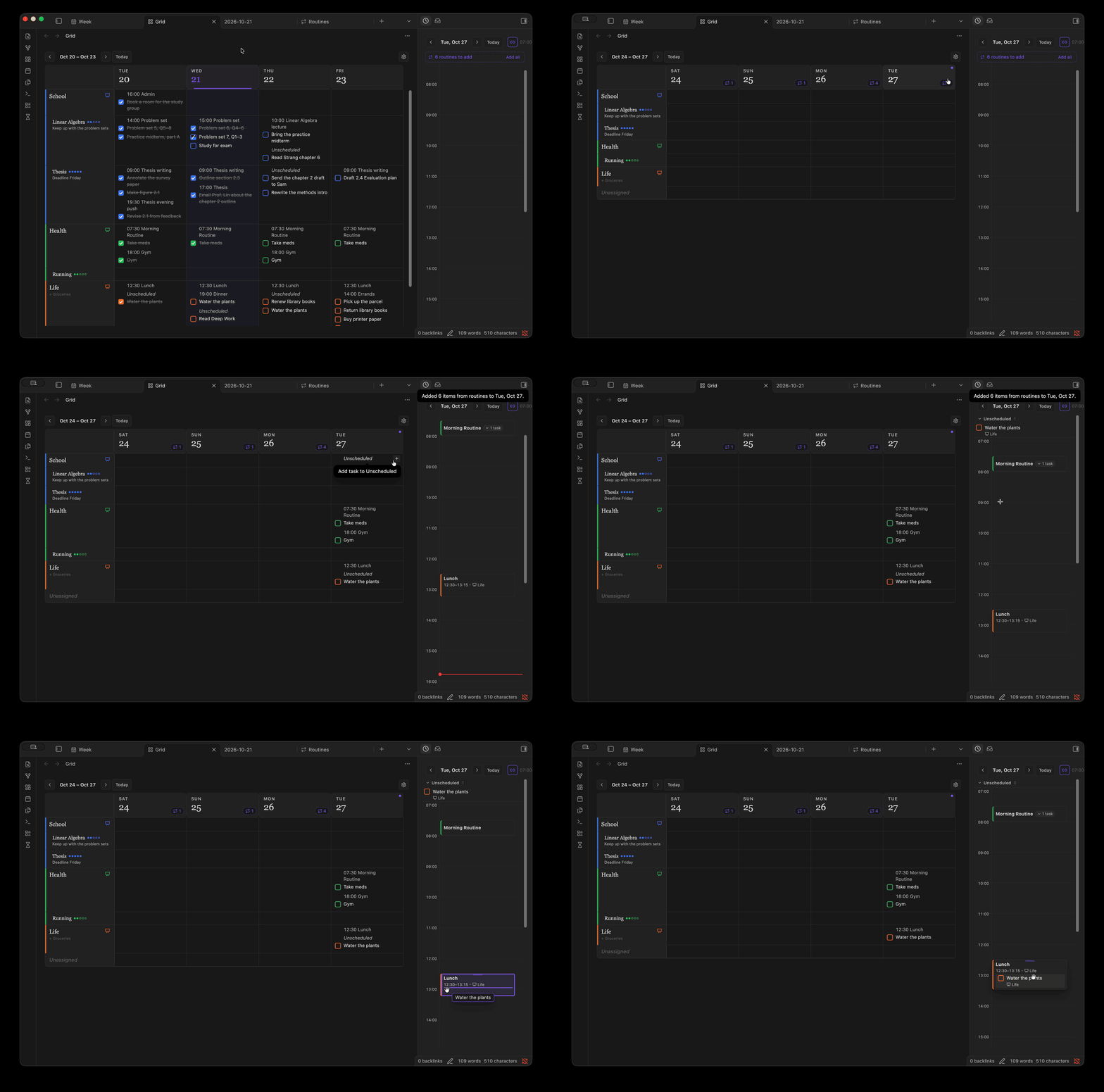
- Routines: blocks and tasks that repeat. Kairos offers the missing ones each day; you add them on purpose.
- Projects & domains: create and organise what your work belongs to, and record when you're focused on each.
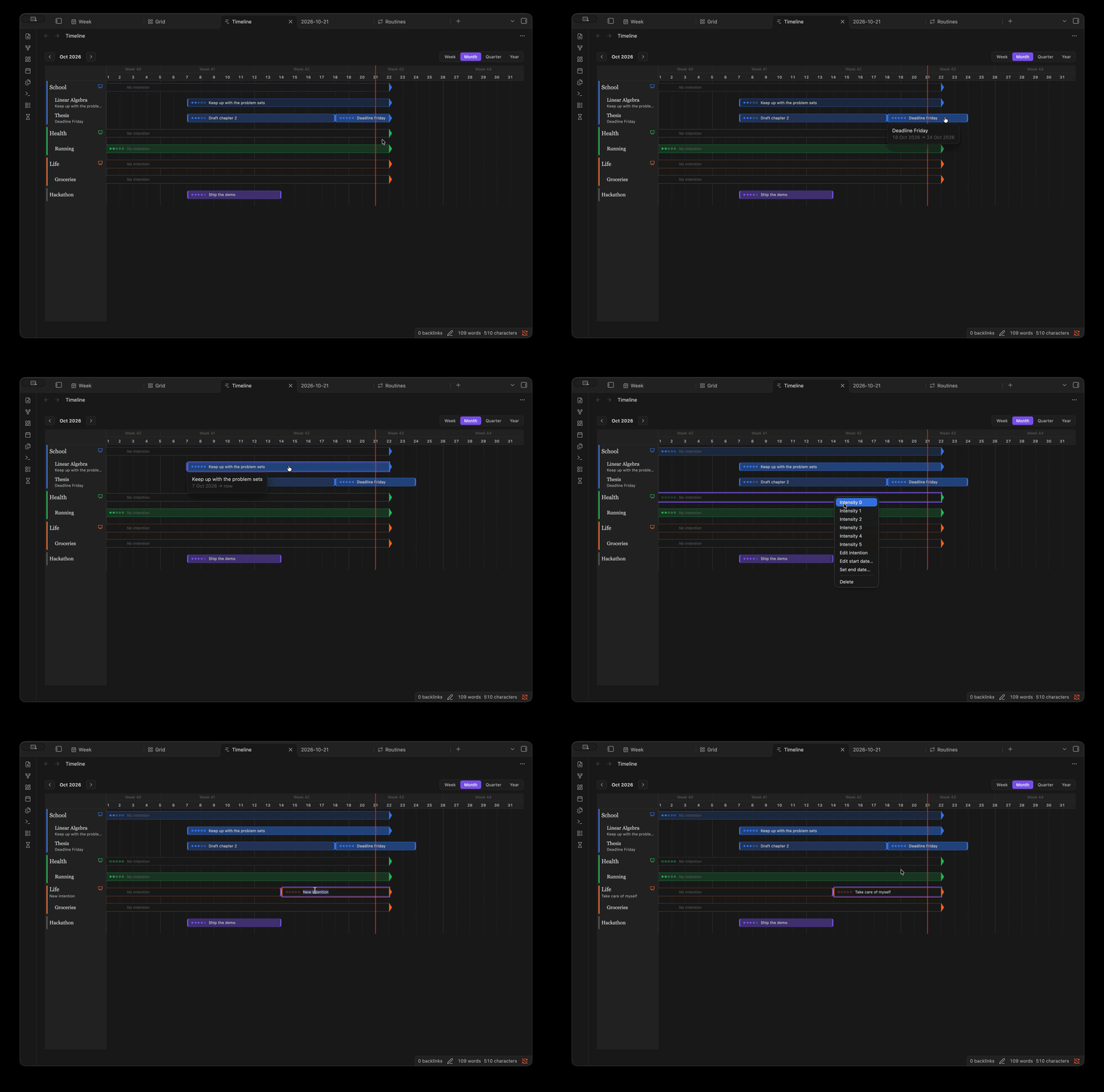
- Timeline: which projects were active when, and how hard you pushed them.
Get started
- Install Kairos from Settings → Community plugins → Browse, then enable it.
- Make sure daily notes are set up (Settings → Daily notes, or the Periodic Notes plugin). Kairos uses the same folder and date format.
- Select the hourglass icon in the ribbon and open Day. Drag down on empty time to make your first block.
The Getting started guide walks through your first day, step by step.
Documentation
- Getting started: set up Kairos and plan your first day.
- Guide: how to do things in each view.
- Reference: the markdown format, every mouse and keyboard shortcut, and all settings.
Kairos works on phones and tablets with touch: tap a task or block to select it, tap ⋯ for everything its right-click menu has, and press and hold to drag. See Use Kairos on mobile. It has been tested on Android; iOS and iPadOS haven't been tested yet.