Search...Search plugins and themes...
⌘K
Sign in
  • Get started
  • Download
  • Pricing
  • Enterprise
  • Account
  • Obsidian
  • Overview
  • Sync
  • Publish
  • Canvas
  • Mobile
  • Web Clipper
  • CLI
  • Learn
  • Help
  • Developers
  • Changelog
  • About
  • Roadmap
  • Blog
  • Resources
  • System status
  • License overview
  • Terms of service
  • Privacy policy
  • Security
  • Community
  • Plugins
  • Themes
  • Discord
  • Forum / 中文论坛
  • Merch store
  • Brand guidelines
Follow us
DiscordTwitterBlueskyThreadsMastodonYouTubeGitHub
© 2026 Obsidian

ii

wish5115wish51151k downloads

Quickly insert common Markdown code and HTML code, and customize your own insertion commands.

Add to Obsidian
  • Overview
  • Scorecard
  • Updates1

中文帮助

Introduction

The main feature of this plugin is to quickly insert common Markdown code and HTML code, including Sup, Sub, Audio, Video, Iframe, Left-Center-Right Alignment, Variables, Footnotes, Callout, Anchor Points, HTML Comments and so on.

Features

  • Quickly insert common Markdown code and some HTML code, etc.

  • Support color panel, easy to quickly select common colors and more color codes.

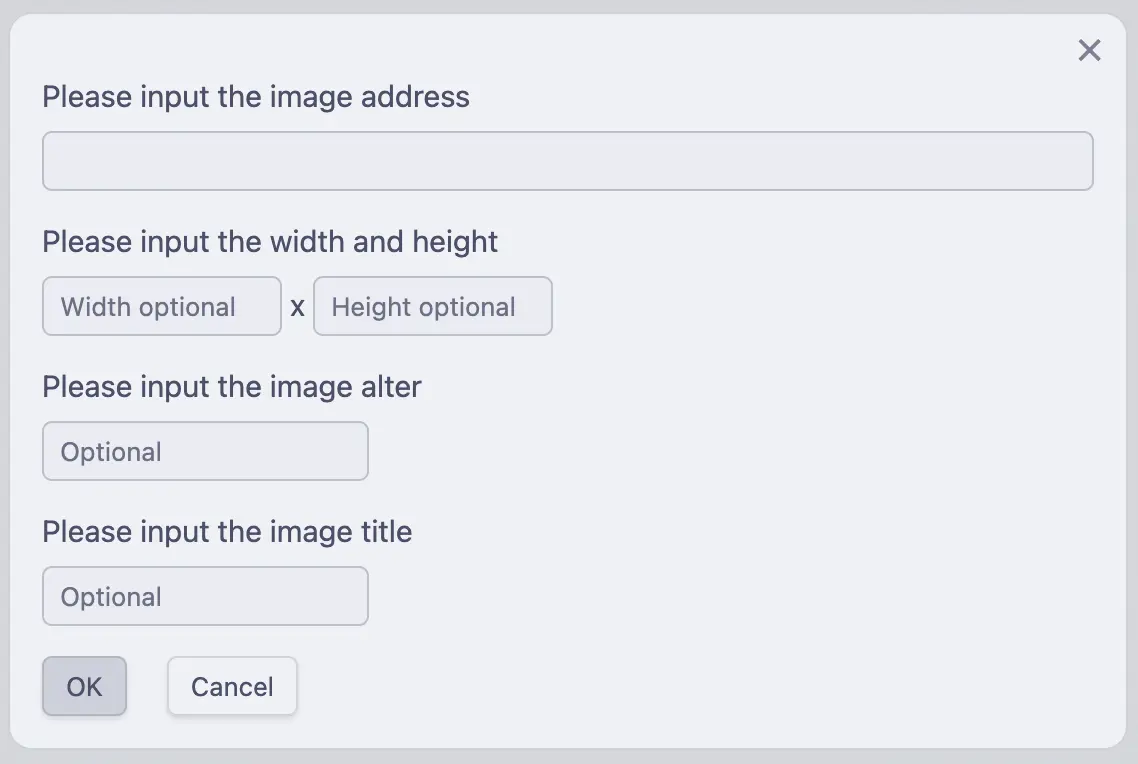
  • Support image, link, multimedia dialog boxes, etc., easy to input more information quickly.

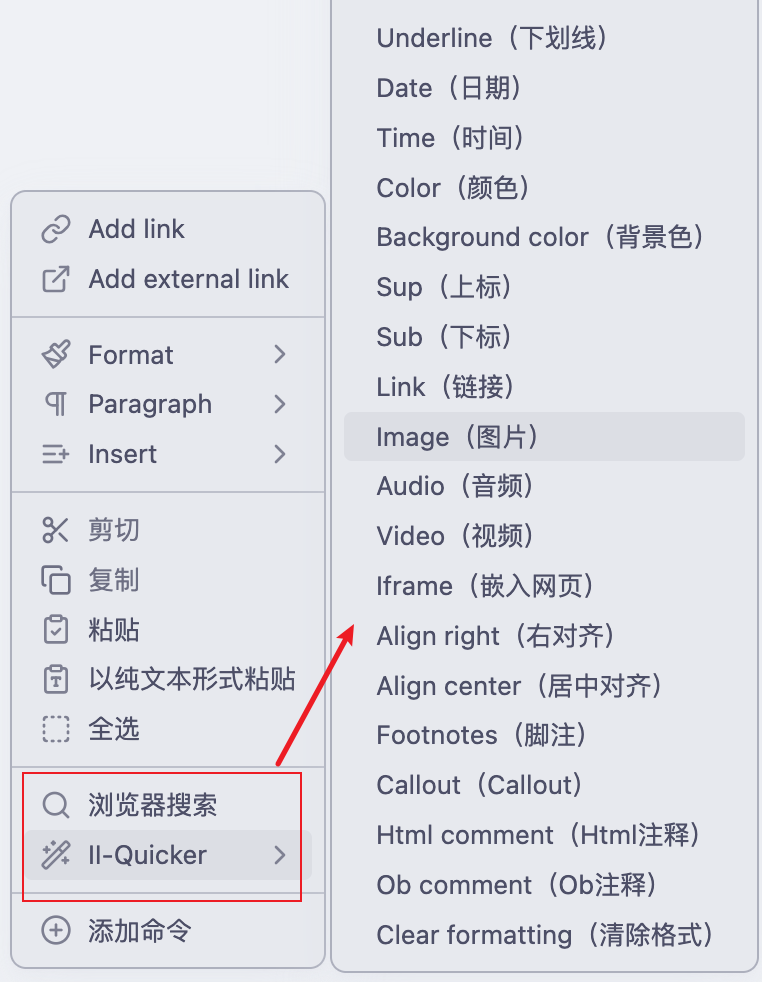
  • You can switch the above commands on/off and choose which commands to display in the context menu.

  • In addition to the common Markdown code and HTML code, you can also customize the code, through the custom command configuration, you can generate your code into input commands.

  • The common color blocks in the Color Selection Panel are selected from 22 of the most recognizable colors to humans. See the articles 20 Different Colors or A Colour Alphabet and the Limits of Colour Coding

Installation

Go here to download obsidian-ii-quicker

After downloading, unzip obsidian-ii-quicker.zip, put it in the plugin directory, restart obsidian, and don't forget to turn on the plugin in the settings.

You can also search and install the plugin in obsidian's plugin market.

Usage

First make sure you have the slash command turned on.

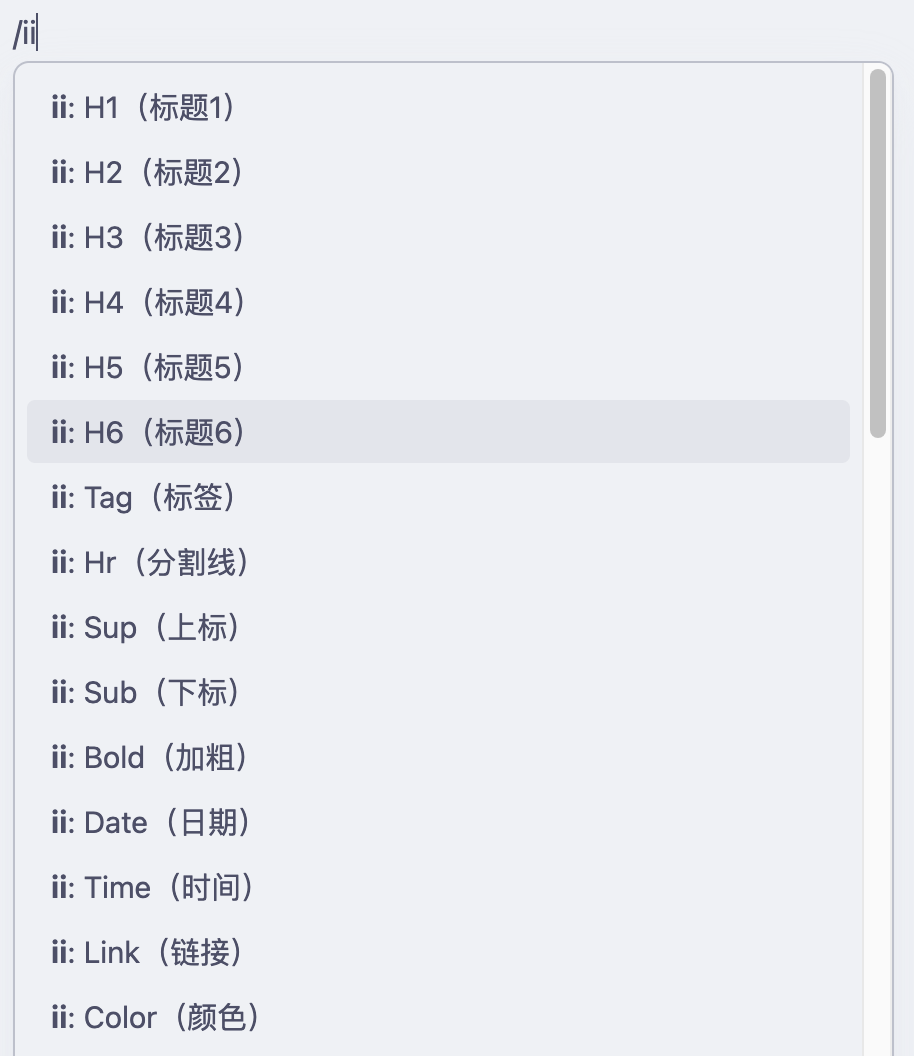
Then, /ii, generally used for inserting code; ctrl+p + ii or right-click menu, generally used for formatting selected text, e.g., /iib to bold selected text, etc.

Time and date formatting, using the same time formatting as the official one, for more formatting see String + Format

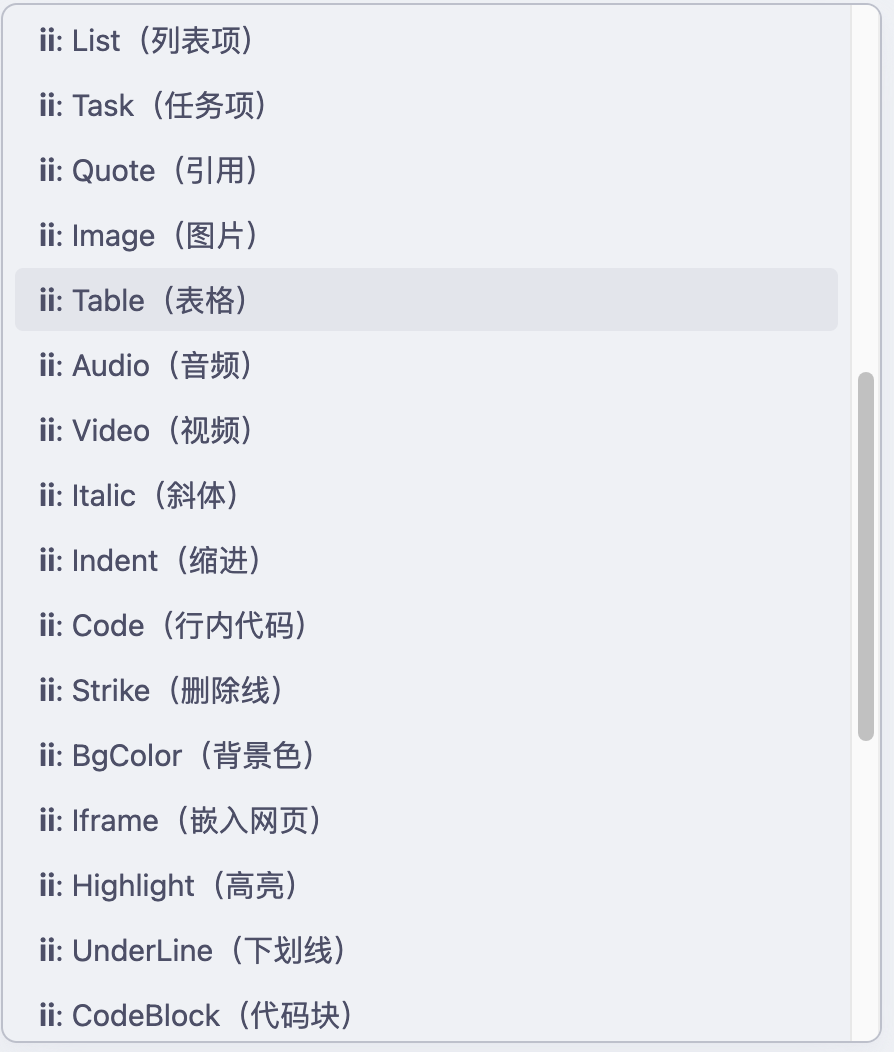
Screenshot
Issues

You can go to issues for feedback on any issues you have.

Development

git clone https://github.com/wish5115/obsidian-ii-quicker.git
cd obsidian-ii-quicker
npm install
npm run dev
68%
HealthFair
ReviewCaution
About
Insert common Markdown and HTML snippets quickly, including sup/sub, audio, video, iframe, left/center/right alignment, variables, footnotes, callouts, anchors and HTML comments. Use a color panel and media dialogs to pick colors, add images, links or embeds. Create custom commands and toggle which commands appear in the context menu for quick access.
MarkdownHTMLCommands
Details
Current version
1.1.6
Last updated
2 years ago
Created
2 years ago
Updates
1 release
Downloads
1k
Compatible with
Obsidian 1.5.8+
Platforms
Desktop, Mobile
License
MIT
Report bugRequest featureReport plugin
Author
wish5115wish5115
github.com/wish5115
GitHubwish5115
  1. Community
  2. Plugins
  3. Markdown
  4. ii

Related plugins

Importer

Import data from Notion, Evernote, Apple Notes, Microsoft OneNote, Google Keep, Bear, Roam, and HTML files.

Quick Switcher++

Enhanced Quick Switcher, search open panels, and symbols.

Outliner

Work with your lists like in Workflowy or Roam Research.

Commander

Customize your workspace by adding commands everywhere, create macros and supercharge your mobile toolbar.

Various Complements

Complete words similar to auto-completion in an IDE.

Linter

Format and style your notes. Linter can be used to format YAML tags, aliases, arrays, and metadata; footnotes; headings; spacing; math blocks; regular Markdown contents like list, italics, and bold styles; and more with the use of custom rule options.

Fantasy Statblocks

Create, manage and view a Fantasy Bestiary with Dungeons and Dragons style statblocks.

Custom Frames

Turn web apps into panes using iframes with custom styling. Also comes with presets for Google Keep, Todoist and more.

Auto Link Title

Automatically fetches the titles of links from the web.

Chronos Timeline

Render interactive timelines inline in your notes from simple markdown