Hybrid Search
 flowing-abyss6k downloads
Fast hybrid search (BM25 + semantic) over your vault via a background CLI.
- Overview
- Scorecard
- Updates52
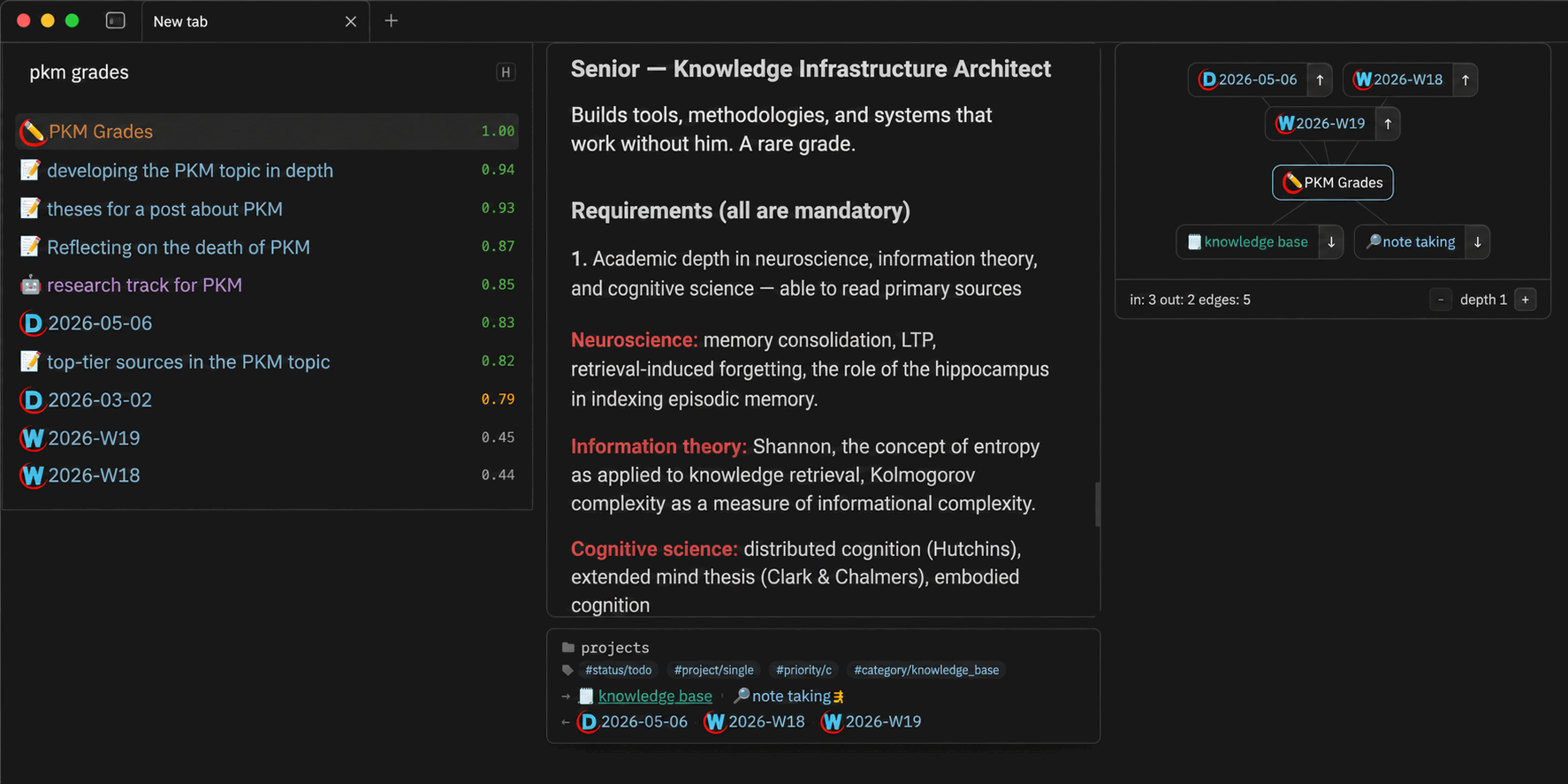
Hybrid Search combines BM25 full-text search with semantic vector search across your Obsidian vault.
The plugin provides the Obsidian interface. The obsidian-hybrid-search CLI runs in the background and handles indexing and search.
Hybrid Search works with the desktop version of Obsidian.
Requirements
Install the CLI globally with npm.
npm install -g obsidian-hybrid-search
The CLI must be available in your PATH. You can also set a custom path in the plugin settings.
Installation
Open Hybrid Search in the Obsidian Community plugins directory and select Add to Obsidian.
Usage
Open the search window in either of these ways.
- Select the search icon in the left sidebar.
- Open the command palette and run
Hybrid search: Open search.
Results update as you type and include a relevance score.
Hybrid search results with relevance scores
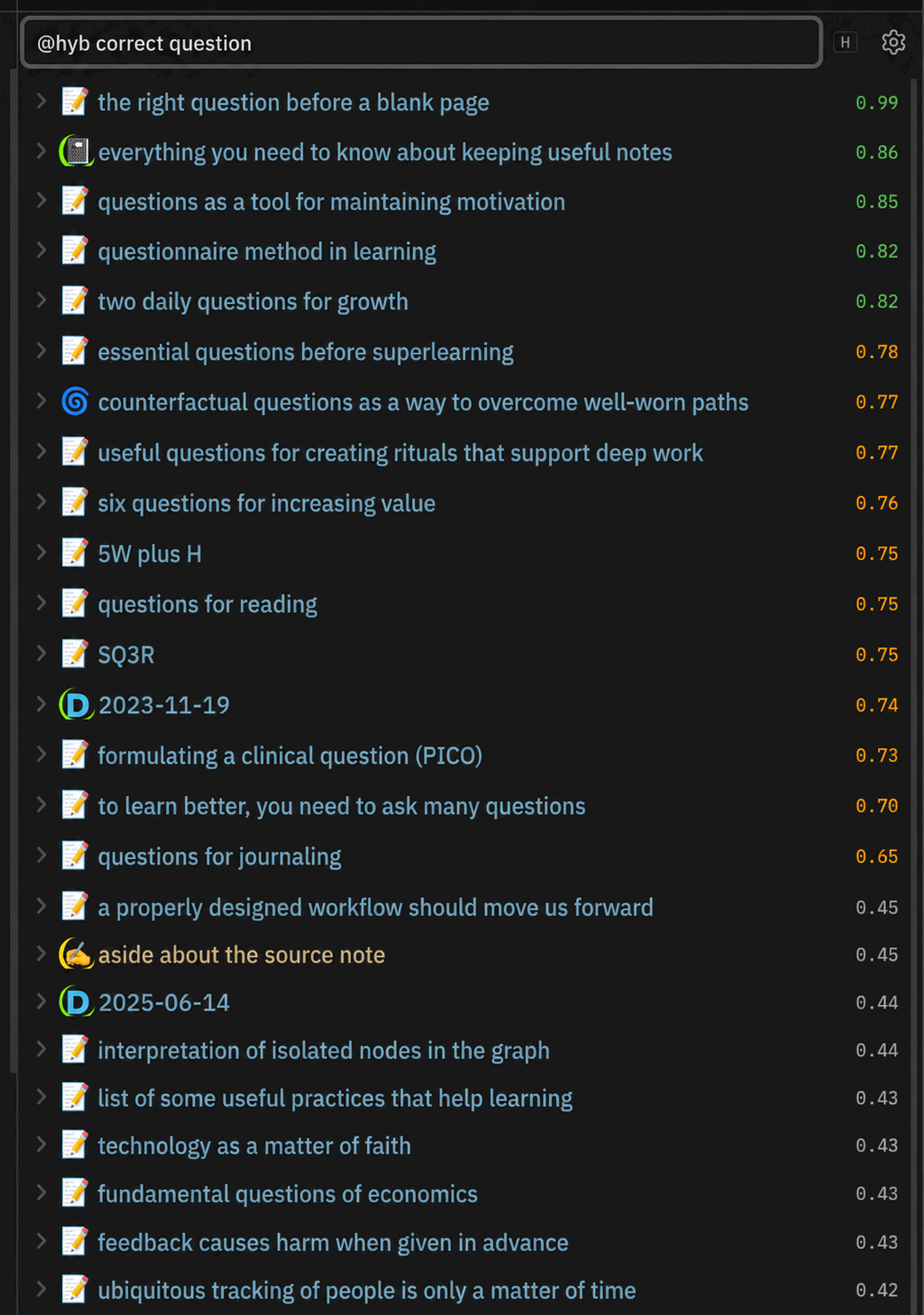
| Score | Color | Meaning |
|---|---|---|
| >0.8 | Green | High relevance |
| 0.5 to 0.8 | Orange | Medium relevance |
| <0.5 | Gray | Low relevance |
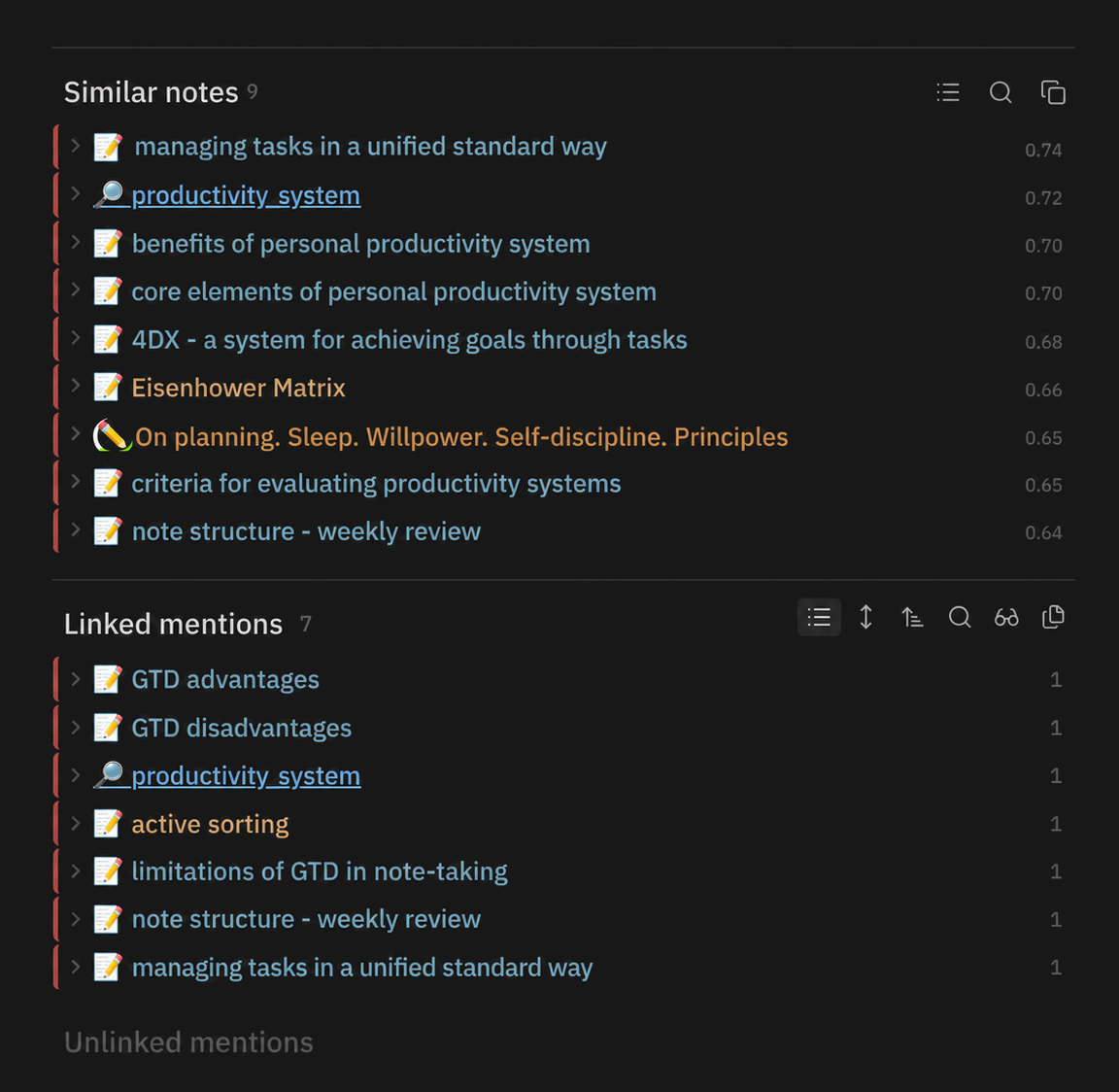
Empty query and similar notes
Leave the query empty to see results based on the current context.
- If a note is open, the plugin shows semantically similar notes.
- If no note is open, it shows recently opened files.
Semantically similar notes
Workbench
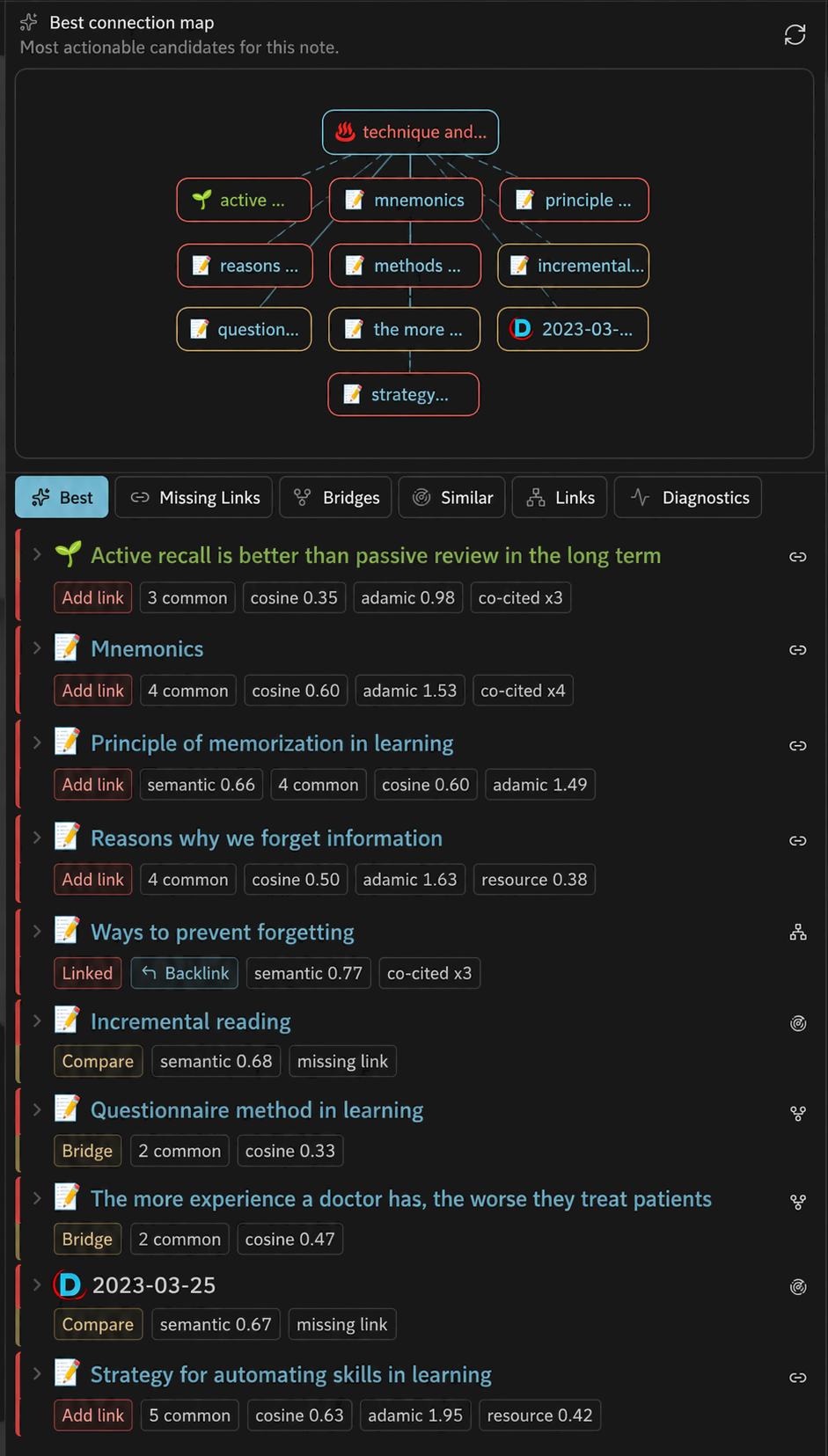
The link discovery workbench helps you find useful connections for the current note. It compares graph structure with semantic similarity.
- Best shows the top candidates based on structural and semantic signals.
- Missing Links shows related notes that are not linked yet.
- Bridges shows notes that connect distant parts of the graph.
- Similar shows semantically close notes.
- Links shows existing outgoing and incoming links.
- Diagnostics explains the note's position in the graph.
Each candidate includes scores for cosine similarity, Adamic-Adar, common neighbors, co-citation count, semantic distance, and other signals. You can add links, inspect backlinks, and compare notes from the list. The local graph shows the notes around the current file.
Link discovery workbench
Query syntax
These two queries are equivalent.
hybrid: zettelkasten tag:project limit:20 @rerank
zettelkasten #project @limit:20 @rerank @hybrid
| Inline | Postfix | Description |
|---|---|---|
| (plain text) | None | Hybrid search (default) |
hybrid: |
@hybrid / @hyb |
Hybrid mode (BM25 + semantic) |
semantic: / sem: |
@semantic / @sem |
Semantic (vector) only |
fulltext: / full: |
@full |
Full-text (BM25) only |
title: |
@title |
Fuzzy title match |
| None | @sim / @similar |
Notes similar to the active note |
| None | @sim:[[Note]] |
Notes similar to a specific note |
| None | @sim:"path/note.md" |
Same, by path |
tag: / tag:#tag |
#tag |
Filter by tag (include) |
-tag: / -tag:#tag |
-#tag |
Filter by tag (exclude) |
folder: / path: |
None | Limit to a folder (quote names with spaces) |
-folder: / -path: |
None | Exclude a folder |
limit:N |
@limit:N / @lim:N |
Override result count |
threshold:N |
@threshold:N / @th:N |
Minimum score threshold |
| None | @rerank |
Rerank with a cross-encoder |
key:value |
None | Filter by frontmatter field |
-key:value |
None | Exclude by frontmatter field |
Hotkeys
| Hotkey | Action |
|---|---|
Mod+J / Mod+K |
Next / previous result |
Mod+P |
Toggle preview panel |
Mod+G |
Toggle local graph panel |
Mod+O |
Open selected in new tab |
Mod+Shift+O |
Open all results in new tabs |
Alt+Enter |
Insert wiki link to selected note |
Alt+Shift+Enter |
Insert wiki links to all results |
Mod means Ctrl on Windows and Linux or Cmd on macOS. Alt means Option on macOS.
License
MIT