Search...Search plugins and themes...
⌘K
Sign in
  • Get started
  • Download
  • Pricing
  • Enterprise
  • Account
  • Obsidian
  • Overview
  • Sync
  • Publish
  • Canvas
  • Mobile
  • Web Clipper
  • CLI
  • Learn
  • Help
  • Developers
  • Changelog
  • About
  • Roadmap
  • Blog
  • Resources
  • System status
  • License overview
  • Terms of service
  • Privacy policy
  • Security
  • Community
  • Plugins
  • Themes
  • Discord
  • Forum / 中文论坛
  • Merch store
  • Brand guidelines
Follow us
DiscordTwitterBlueskyThreadsMastodonYouTubeGitHub
© 2026 Obsidian

heti

moeyuamoeyua3k downloads

Enhanced layout styles specifically designed for displaying Chinese content.

Add to Obsidian
  • Overview
  • Scorecard
  • Updates1

赫蹏(hètí) 是专为中文内容展示设计的排版样式增强。它基于通行的中文排版规范而来,可以为网站的读者带来更好的文章阅读体验。

该插件将该样式应用到 Obsidian 中,使得 Obsidian 中的中文排版更加美观。

预览:https://sivan.github.io/heti/
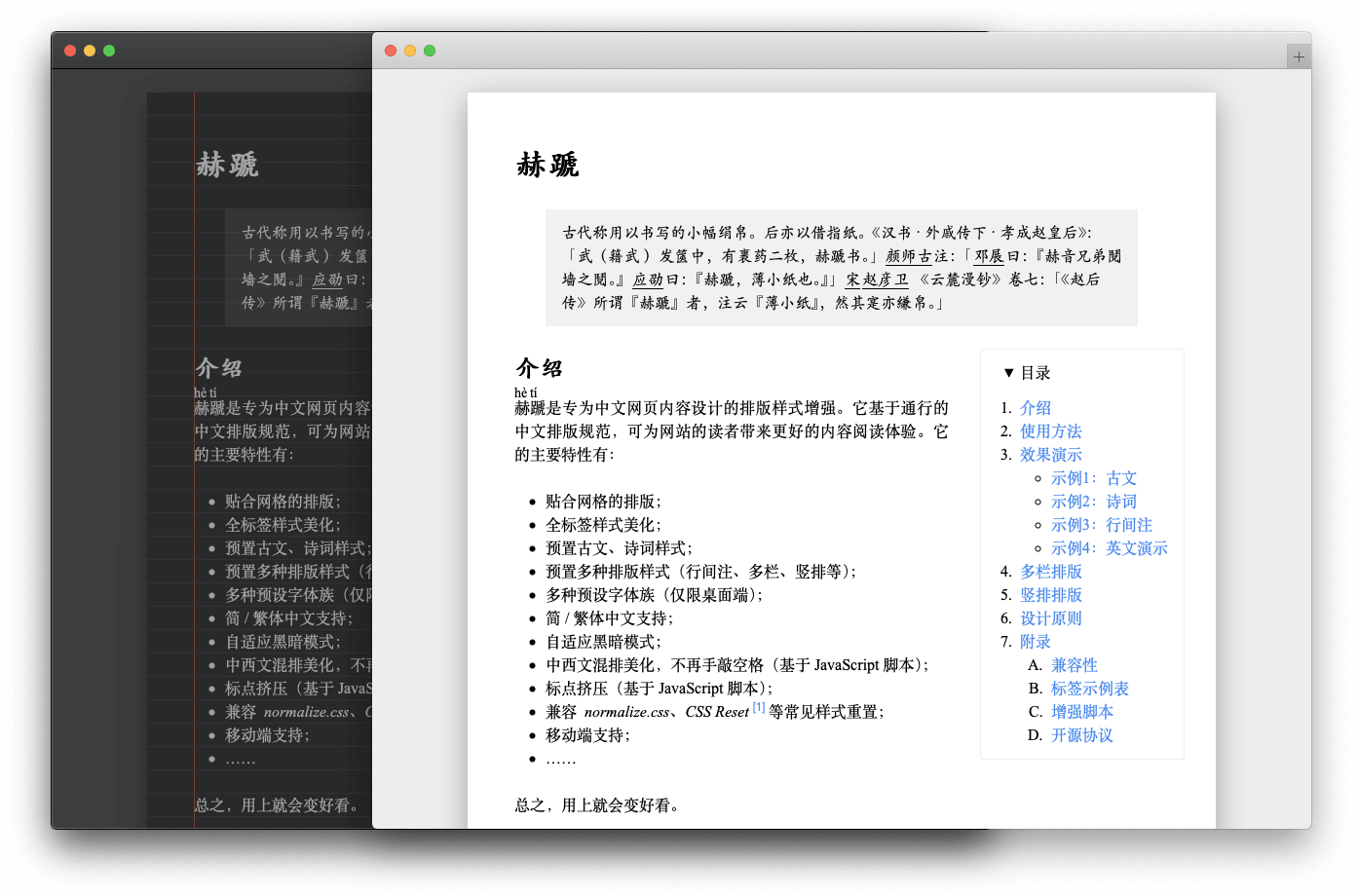
Preview

69%
HealthFair
ReviewCaution
About
Apply traditional Chinese typography rules to Obsidian to improve readability of Chinese notes. Render punctuation, spacing, and line-breaking according to common Chinese typesetting conventions for a cleaner reading experience.
LanguagesAppearanceFormatting
Details
Current version
1.0.0
Last updated
2 years ago
Created
2 years ago
Updates
1 release
Downloads
3k
Compatible with
Obsidian 0.15.0+
Platforms
Desktop, Mobile
License
MIT
Report bugRequest featureReport plugin
Author
moeyuamoeyua
github.com/moeyua
GitHubmoeyua
  1. Community
  2. Plugins
  3. Languages
  4. heti

Related plugins

Easy Typing

Auto format when typing.

Heading Level Indent

Indenting content under headers based on their level.

Better Bullets

Improves readability of bulleted notes.

Multi-Column Markdown

Create Markdown documents with multiple columns of content viewable in reading mode.

Minimal Theme Settings

Control the colors and fonts in Minimal Theme.

Hider

Hide interface elements such as tooltips, status bar, titlebar, and more.

Style Settings

Adjust theme, plugin, and snippet CSS variables.

Linter

Format and style your notes. Linter can be used to format YAML tags, aliases, arrays, and metadata; footnotes; headings; spacing; math blocks; regular Markdown contents like list, italics, and bold styles; and more with the use of custom rule options.

Simplified Chinese Word Splitting

Adds Simplified Chinese word splitting support for the editor and Vim mode.

Link Favicons

See the favicon for a linked website.