Handwriting and Image to LaTeX
 ChongCyrus1k downloads
Draw math formulas by hand or import from album, then convert them to LaTeX using AI APIs (SimpleTex / Custom).
- Overview
- Scorecard
- Updates4
Handwriting and Image to LaTeX is an Obsidian plugin that lets you draw mathematical formulas directly on a canvas, or import images from your gallery, and convert them into LaTeX code using optical character recognition (OCR). It supports multiple API backends, with SimpleTex as the recommended (and free) option.
✨ Features
- ✍️ Handwriting canvas – draw with your finger or mouse, with pen/eraser/pan modes.
- 📷 Image import – load images from your device’s photo gallery.
- 🧠 Formula recognition – powered by:
- SimpleTex (recommended, free UAT token)
- Custom APIs (JSON or multipart/form-data)
- (Experimental) Mathpix, OpenAI GPT-4o Vision
- 🎯 Crop window – select exactly the region you want to recognize.
- 🌀 Infinite canvas (rewritten) – viewport-based infinite canvas in the style of Tldraw/Excalidraw; strokes live in world coordinates and only visible content is rendered, so large drawings stay fast.
- 🔲 Selection recognition – rectangle, lasso, or tap-to-add polygon selection. Strokes are treated as whole objects: any stroke intersecting a selection is included in full, and each selected group is recognized independently into its own result slot. Selected strokes get a subtle accent halo. Recognition history stores canvas snapshots, so back/forward restores both result and drawing.
- ✂️ Smart crop – automatic tight cropping before upload, plus image rotation and enhancement filters (auto enhance, grayscale, sharpen, binarize) in the crop window.
- 📐 Math mode – insert as inline (
$...$), display ($$...$$), or raw LaTeX. - 📱 Mobile friendly – fully optimized for touch devices.
- 🎨 Customizable – stroke color/width, grid, default canvas size.
Sample images
Canvas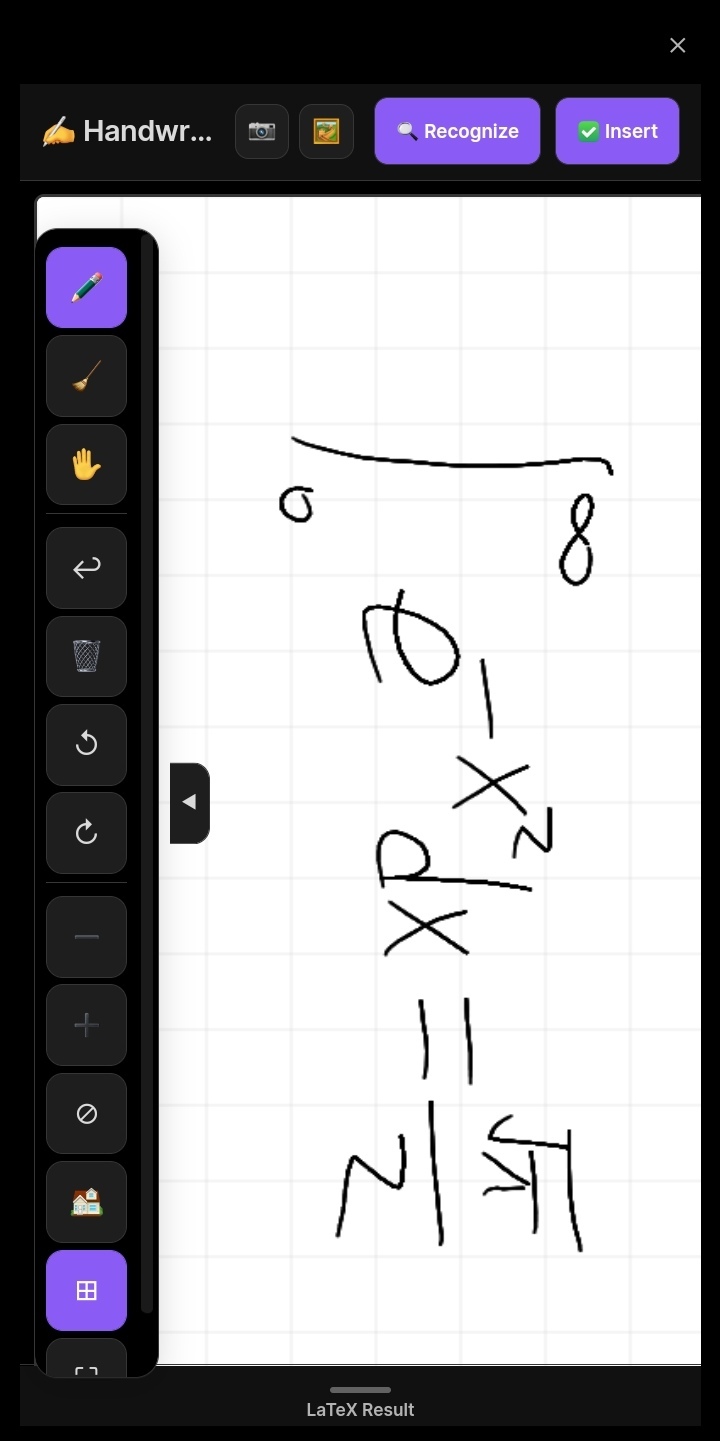 |
Handwriting Recognition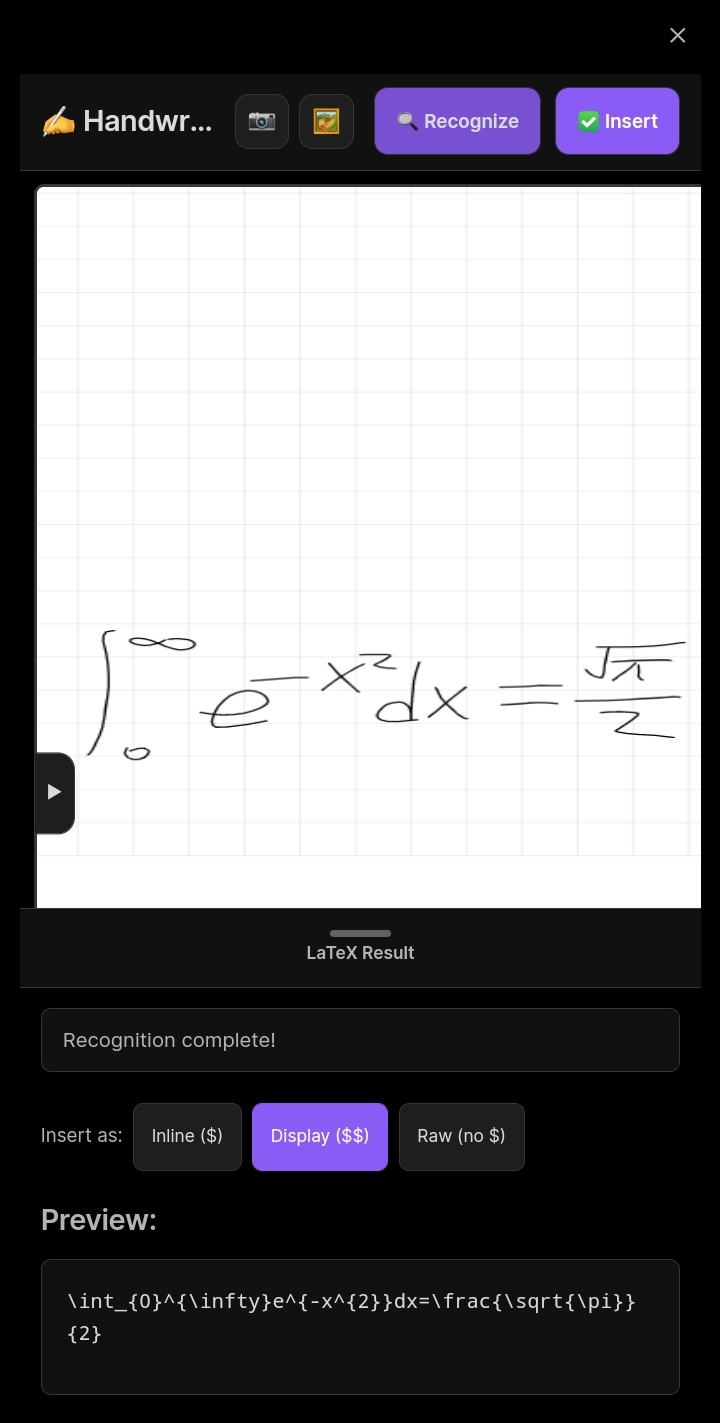 |
Image Recognition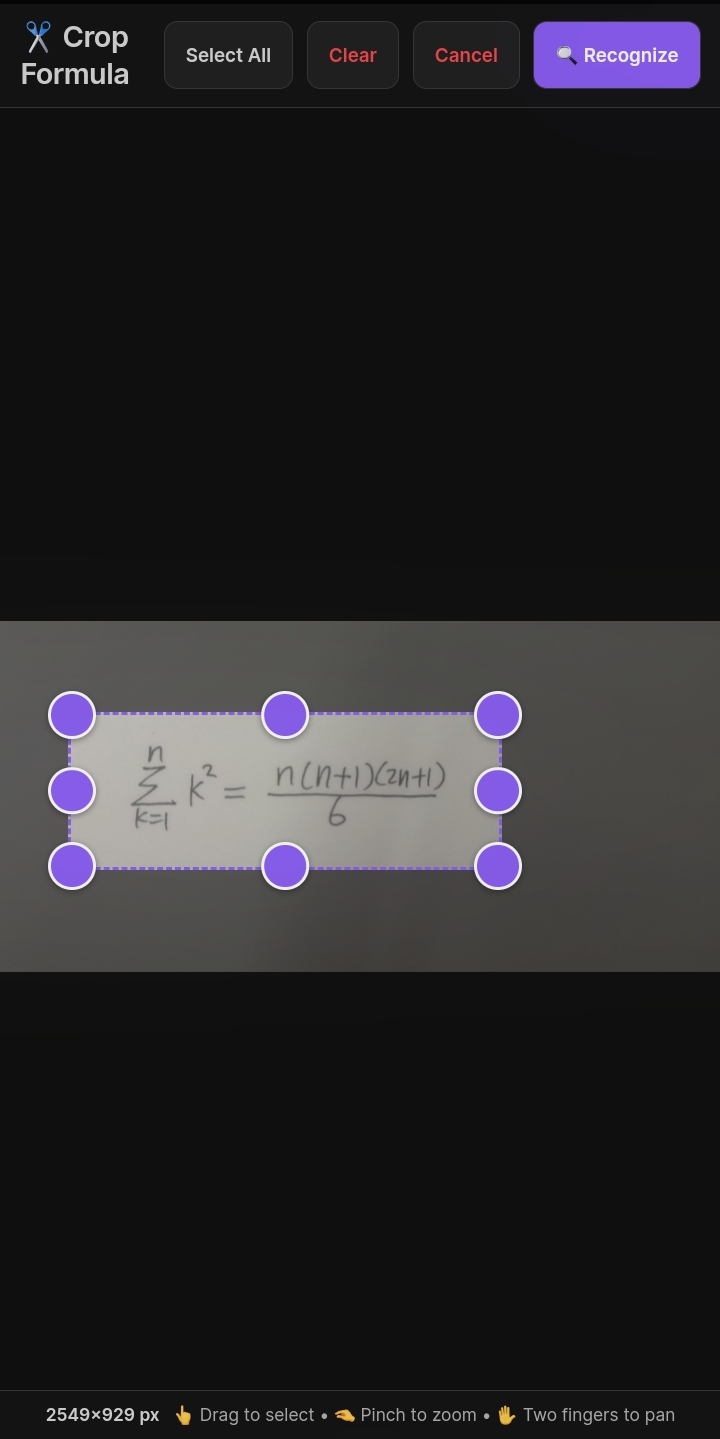 |
Inserted Result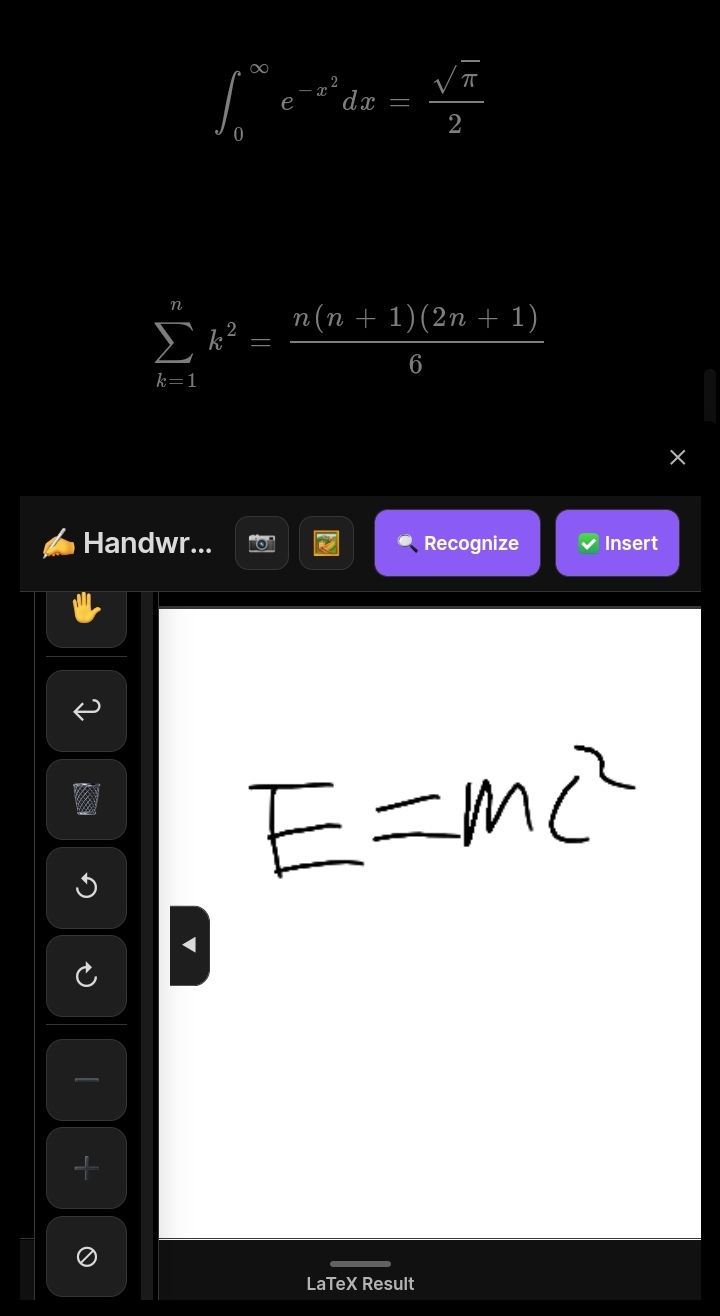 |
📦 Installation
From Obsidian Community Plugins
- Open Settings → Community Plugins.
- Disable Safe Mode.
- Click Browse and search for “Handwriting to LaTeX”.
- Install and enable the plugin.
Manual (BRAT)
- Install the BRAT plugin.
- Add this repository:
https://github.com/ChongCyrus/handwriting-latex. - Enable the plugin.
🚀 Usage
Open the handwriting modal
- Click the pencil icon in the ribbon (left sidebar).
- Or run the command: “Open handwriting canvas” from the Command Palette (
Cmd/Ctrl+P).
Drawing on the canvas
- Pen mode (✏️) – draw freely.
- Eraser mode (🧹) – tap/click strokes to remove them.
- Hand mode (✋) – pan around the canvas.
- Rect select (▭) – drag a rectangle to select strokes for recognition.
- Lasso select (◯) – draw a freehand circle to select strokes.
- Polygon select (🔷) – tap to place vertices; tap the first vertex again to close the polygon.
- Clear selections (❎) – clear all selection regions.
- Zoom – pinch on touch, or use mouse wheel.
- Undo (↩️) – remove the last stroke.
- Clear (🗑️) – erase everything.
- Rotate (↺/↻) – rotate all strokes by 90°.
- Fit view (⊘) – zoom to fit all content.
- Reset view (🏠) – return to default zoom/pan.
- Grid toggle (⊞) – show/hide background grid.
Recognizing a formula
- Draw your formula (or import an image via the 📷 or 🖼️ buttons).
- Optionally use ▭ / ◯ / 🔷 to select one or more regions; each selection is recognized independently.
- Click the “🔍 Recognize” button (top‑right or inside the crop window).
- Each recognition writes into its own result card; use the card’s “✅ Insert” button, or select a result in the preview and use the header Insert button.
- Choose your insert mode (inline/display/raw).
Importing images
- Camera (📷) – experimental; opens the device camera when Obsidian has camera permissions. Many mobile builds block this, so prefer Album.
- Album (🖼️) – opens your file picker to select an image.
- After importing, you can rotate, enhance, and crop the image to the formula area before recognition.
⚙️ Configuration
Go to Settings → Handwriting to LaTeX to configure:
| Setting | Description |
|---|---|
| API Provider | Choose SimpleTex, Mathpix, OpenAI, or Custom API. |
| API Key | Your API token/key. For SimpleTex, use your UAT (User Authorization Token). |
| API Endpoint | Required for Custom APIs (and optional for OpenAI). |
| Custom Prompt | Prompt sent to OpenAI or Custom JSON APIs. |
| Response Field | For Custom Form API: JSON field that contains the LaTeX result. |
| API Key Header | For Custom Form API: HTTP header name for your API key. |
| Image Field Name | For Custom Form API: form‑data field name for the image. |
| Math Insert Mode | Default insert style: inline, display, or raw. |
| Show Grid | Toggle background grid on the canvas. |
| Stroke Color | Pen color. |
| Stroke Width | Pen thickness. |
| Tight Crop Padding | Extra white margin (px) kept around formulas after automatic tight cropping. |
| Default Image Enhancement | Image filter applied by default in the crop window. |
| Canvas Width/Height | Default canvas size in pixels. |
| Max History Size | Maximum number of recognition results to keep (0 disables history). |
🔐 API Setup Guides
SimpleTex (Recommended)
- Register at SimpleTex.
- Go to User Center → User Authorization Token.
- Create a token (UAT) and copy it.
- Paste it into the API Key field.
Custom API (JSON)
- Your endpoint should accept a
POSTrequest with JSON body:{ "image": "data:image/png;base64,...", "prompt": "your prompt" }
HealthExcellent
ReviewCaution
About
Draw formulas or import images and convert them to LaTeX using OCR. Crop precisely, use an infinite touch-friendly canvas with zoom/pan/rotate, and insert results as inline, display, or raw LaTeX; choose from multiple backends including free SimpleTex, Mathpix, GPT-4o Vision or custom APIs.Details
Current version
1.3.0
Last updated
Last month
Created
3 months ago
Updates
4 releases
Downloads
1k
Compatible with
Obsidian 0.15.0+
Platforms
Desktop, Mobile
License
MIT