MathLive
 danzilberdan31k downloads
Faster and more intuitive MathJax editing using MathLive.
- Overview
- Scorecard
- Updates12
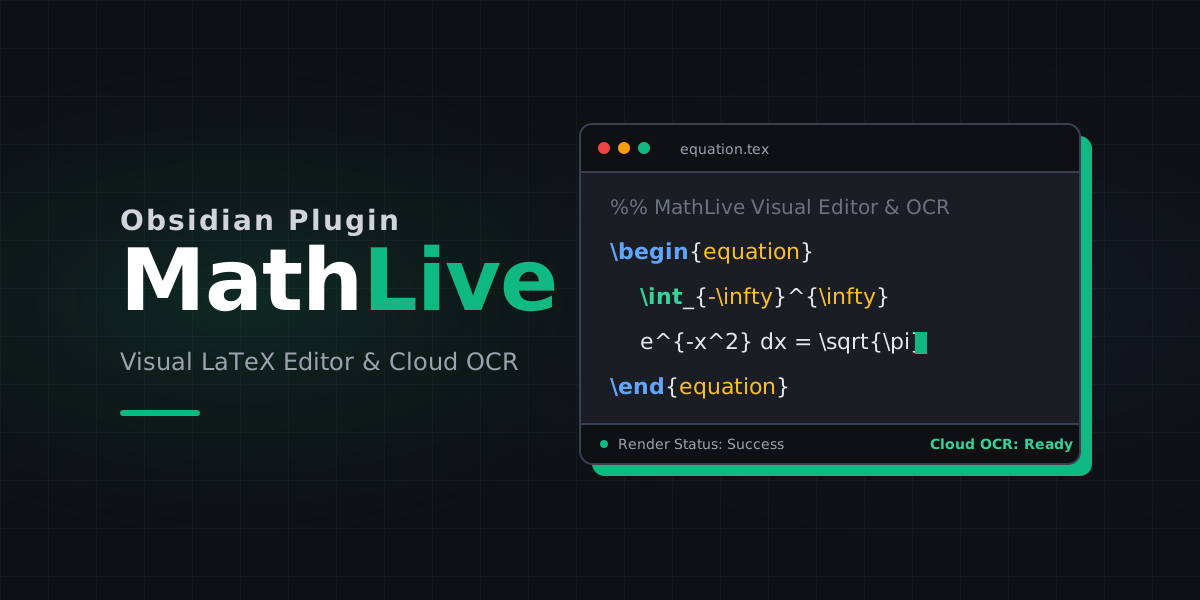
MathLive helps you write math in Obsidian faster. Instead of manually typing every LaTeX command, you can open a visual math editor, build the expression you want, and insert it directly into your note.
It can also turn a copied formula image into LaTeX, either through a hosted OCR service or your own local OCR server.
Why Use It
- Write inline math and display math without leaving your note.
- Edit existing formulas in a visual math field instead of raw LaTeX only.
- Convert pasted formula images into LaTeX when you do not want to retype them.
- Stay inside Obsidian for everyday note-taking, class notes, and problem solving.
What You Can Do
Visual math editing
Use MathLive when you want to:
- insert new inline math like
$x^2 + y^2$ - insert display math blocks like
$$\int_0^1 x^2 dx$$ - tweak an existing expression in a friendlier editor
Formula OCR
If you copy an image of a formula to your clipboard, MathLive can try to convert it into LaTeX and add it to the editor for you.
This is useful for:
- screenshots from PDFs or slides
- handwritten or typeset formulas you want to reuse
- getting a draft expression quickly before cleaning it up
Installation
- Open Obsidian.
- Go to Settings -> Community plugins.
- Click Browse and search for
MathLive. - Click Install.
- Click Enable.
Getting Started
Insert or edit math
- Open any note.
- Open the command palette with
Ctrl/Cmd + P. - Run
Add inline mathorAdd full-line math. - Type in the MathLive editor and click
Insert.
If you already selected text first, MathLive uses that selection as the starting content, which makes editing existing formulas quicker.
Set a hotkey
If you use math often, assign a hotkey to the MathLive commands in Settings -> Hotkeys. That makes the plugin much faster to use during note-taking.
OCR Setup
MathLive supports two OCR modes.
Cloud OCR
Best for most users. No local setup required.
- Create an API key at mathlive.danz.blog.
- Open Settings -> MathLive.
- Paste the key into
API key. - Make sure
Self hostedis turned off.
Self-hosted OCR
Best if you want to run OCR on your own machine.
- Set up a compatible OCR server such as LaTeX-OCR so it is available at
http://localhost:8502. - Open Settings -> MathLive.
- Turn on
Self hosted. - Enter any non-empty value in
API keyif your local server does not require one. The scan button is only enabled when that field has a value.
Self-hosting is more technical and usually only makes sense if you are already comfortable running local services.
How To Scan A Formula Image
- Copy a formula image to your clipboard.
- Open MathLive with
Add inline mathorAdd full-line math. - Click
Scan MathJax from Clipboard. - Wait for the recognized LaTeX to appear in the editor.
- Clean up anything that needs correction, then click
Insert.
Notes
MathLiveis desktop-only.- OCR results are a starting point, not a guarantee. You may still want to fix symbols or spacing.
- Cloud OCR is usually the simplest option if you just want the feature to work.
Support
Issues and feature requests: github.com/danzilberdan/obsidian-mathlive