
- Overview
- Scorecard
- Updates14
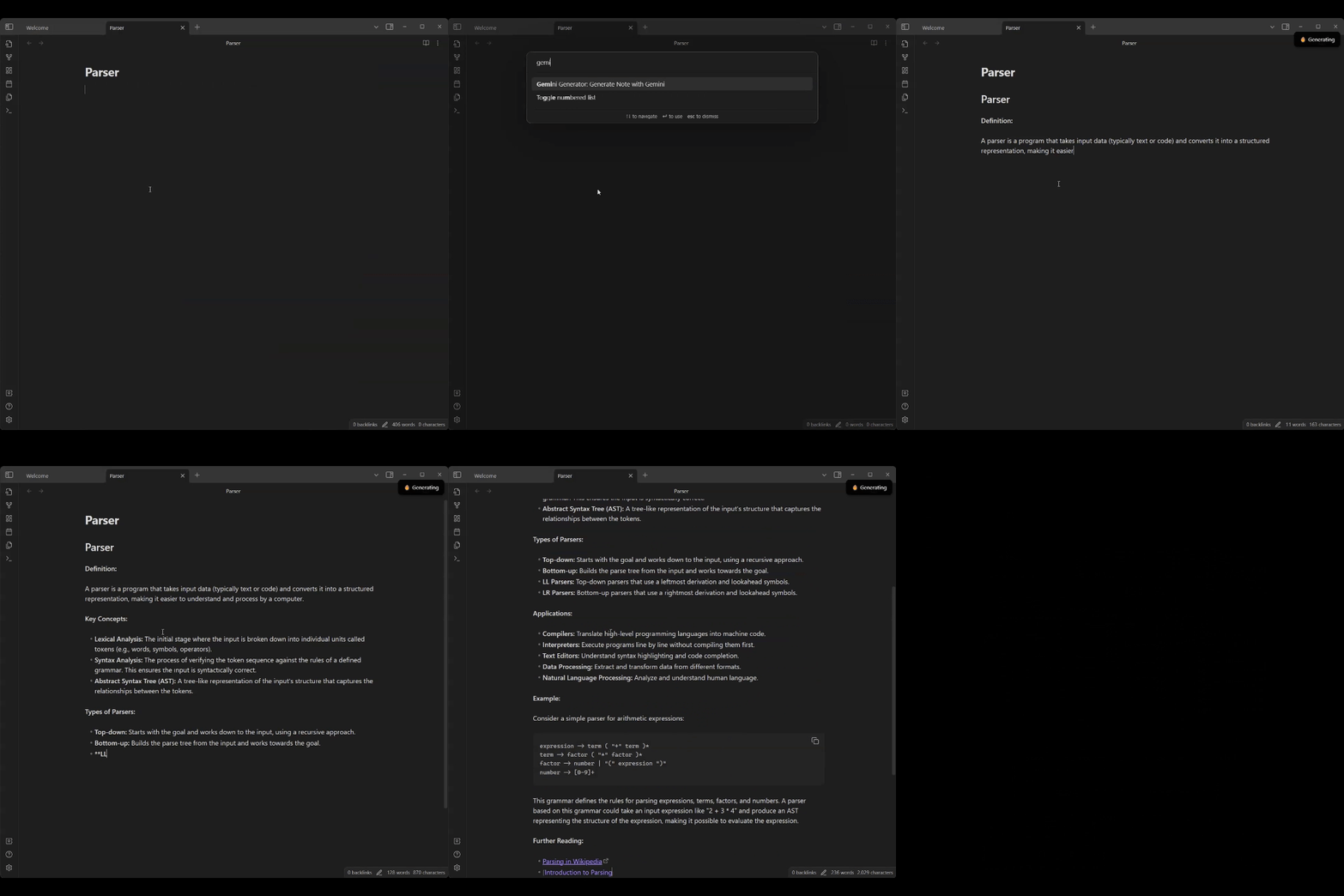
Generate notes with the help of Google Gemini.
(Planned)Features
Currently this plugin offers only one command, to generate the note based on the notes title.
However, the following features are planned:
- Use a custom prompt template
- Generate notes with a custom prompt
- Automatic formatting of the response
Setup
After installing the plugin, you need an Api-Key. To get one, you need a Google Account. Then create an API-key at the Google AI Studio. Depending on your region you might need to add a payment method to you Google cloud account.
With that done, head to the settings tab for Gemini Generator and paste your Api Key.
Now you can use the Generate Note command to let Gemini generate the note.
Privacy
This plugin uses the Gemini-Api from google to generate the notes. Thus, for every note that one generates, the title of the note is sent as a http request against the API. If this is a concern for you, this plugin may not be the best choice for you.