Search...Search plugins and themes...
⌘K
Sign in
  • Get started
  • Download
  • Pricing
  • Enterprise
  • Account
  • Obsidian
  • Overview
  • Sync
  • Publish
  • Canvas
  • Mobile
  • Web Clipper
  • CLI
  • Learn
  • Help
  • Developers
  • Changelog
  • About
  • Roadmap
  • Blog
  • Resources
  • System status
  • License overview
  • Terms of service
  • Privacy policy
  • Security
  • Community
  • Plugins
  • Themes
  • Discord
  • Forum / 中文论坛
  • Merch store
  • Brand guidelines
Follow us
DiscordTwitterBlueskyThreadsMastodonYouTubeGitHub
© 2026 Obsidian

Finkey

FloRenziFloRenzi699 downloads

Generates interactive Sankey diagrams

Add to Obsidian
  • Overview
  • Scorecard
  • Updates2

Create beautiful and interactive sankey diagrams right in your notes.
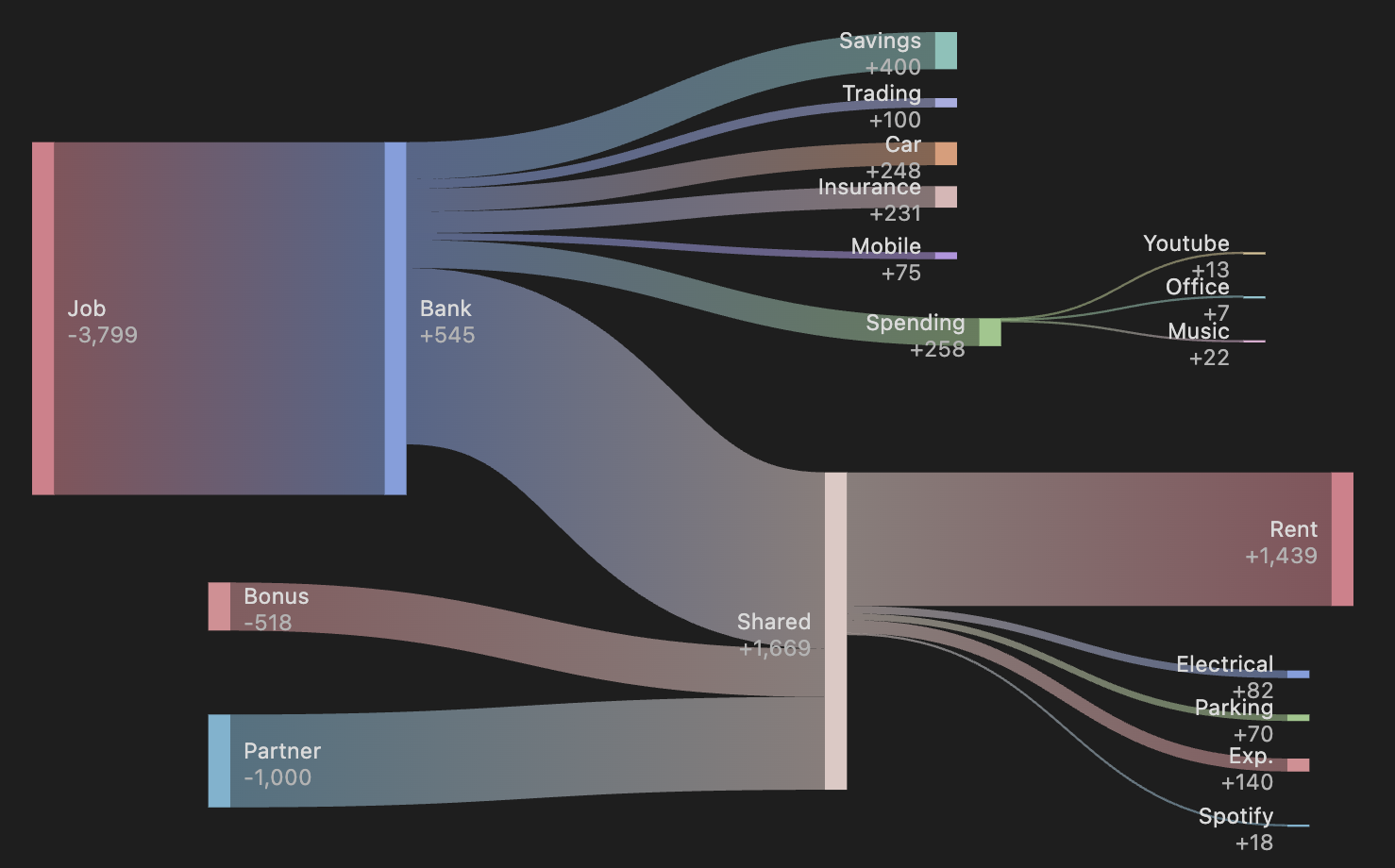
Finkey example

Tired of sankey generators putting nodes out of order? Drag and drop them back in position or disable the automatic alignment altogether.
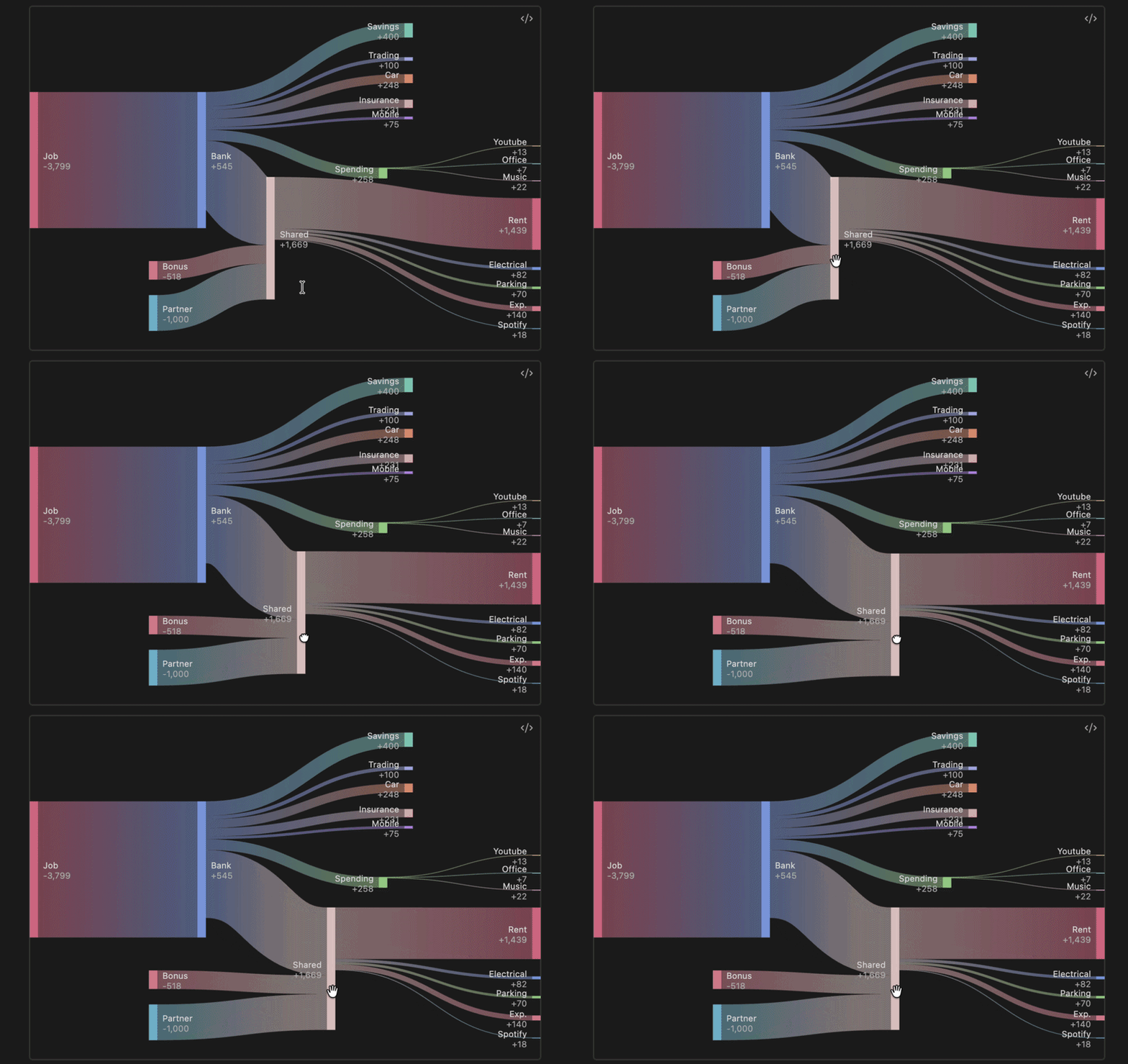
Drag example

See the flow on hover and instantly understand how much is left in each node.

Usage

Start a codeblock with ```finkey (lowercase)

If the relaxation algorithm is disabled via plugin settings, Finkey will respect the order the nodes appear in the codeblock.

```finkey

Node A -> Node B : 50

// this is a comment

Node A -> Node C : 100
Node C -> Node 1 : 20
Node C -> Node 2 : 30

// @positions: Here will be some positional logic generated by Finkey. Can be deleted to reset the layout.

Palette by ❤️ Catppuccin

HealthExcellent
ReviewSatisfactory
About
Create beautiful, interactive Sankey diagrams directly in your notes with a finkey code block. Drag and drop nodes or disable automatic alignment to preserve your order, and hover to view flows and remaining values per node.
ChartsVisualizationFinance
Details
Current version
1.1.0
Last updated
3 months ago
Created
4 months ago
Updates
2 releases
Downloads
699
Compatible with
Obsidian 1.12.0+
Platforms
Desktop, Mobile
License
MIT
Report bugRequest featureReport plugin
Author
FloRenziFloRenzimrmupfel
GitHubmrmupfel
  1. Community
  2. Plugins
  3. Charts
  4. Finkey

Related plugins

Journalit

Trading journal with analytics, prop-firm tracking, broker imports and sync, trade reviews, and custom trading workflows.

Charts

Easily create interactive charts in your notes.

Mermaid Zoom

Add zoom functionality to Mermaid diagrams. Use mouse wheel or touch gestures to zoom in and out.

Life Tracker

Capture and visualize the data that matters in your life.

Charts View

Visualize data from your notes with plots and graphs.

Mermaid Base Views

Create mermaid diagrams dynamically from your notes.

Excalidraw

Visual PKM powerhouse. Create and edit Excalidraw drawings.

Advanced Canvas

Supercharge your canvas experience. Create presentations, flowcharts and more.

ExcaliBrain

An interactive, structured mind-map of your Obsidian vault.

Breadcrumbs

Visualise the hierarchy of your vault using a breadcrumb trail or matrix view.