
- Overview
- Scorecard
- Updates4
Obsidian Exercises was developed as an easy way to create exercises within Obsidian. Whether you are preparing for exams, learning a language, refreshing your memory, or any other purpose, you can now create them alongside your notes.
This plugin uses a block component as a base. Within it, you can define normal text and the exercise element below. Example:
```exercise
$match{Ich=>I, Wie=>We, Er=>He, Es=>It, Sie=>She}
```
Select
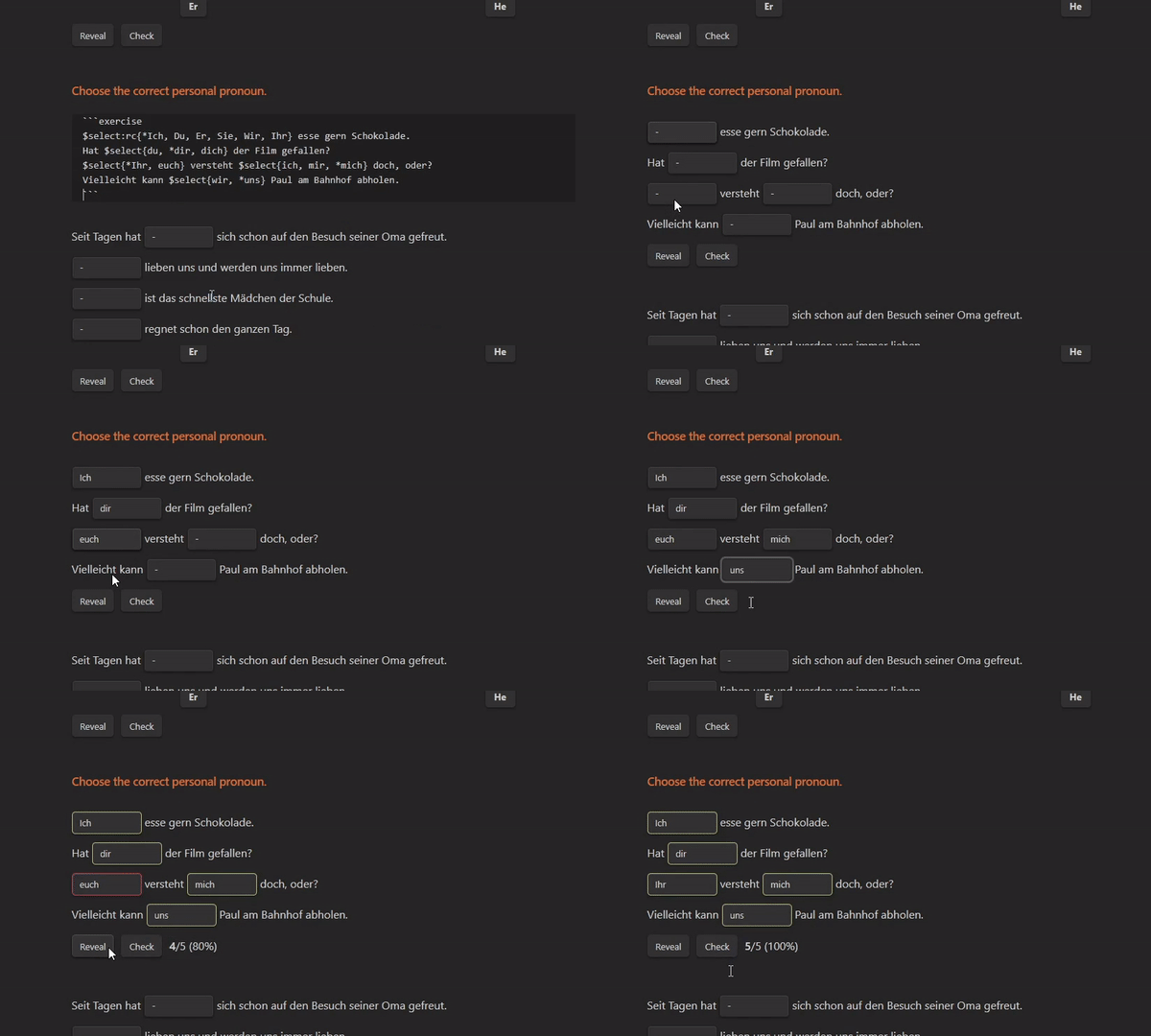
Note: The Options Menu is not showing in the image above.
$select{"option1", "option2" [, …]}
Select an option from a drop list. Options are separated by commas, but consider always using quotations. For multi word values (that contain spaces) they are necessary. Options are randomized before being displayed.
To define a correct option you can simply prepend the option with an asterisk (for example: *"option").
Example — $select{"option1", *"option2", "option3", "option4"}
In the example above, there are 4 options and option 2 is the correct one.
You can define multiple correct options and they will all be evaluated. When revealing options, the first in the list will be the one shown.
Input
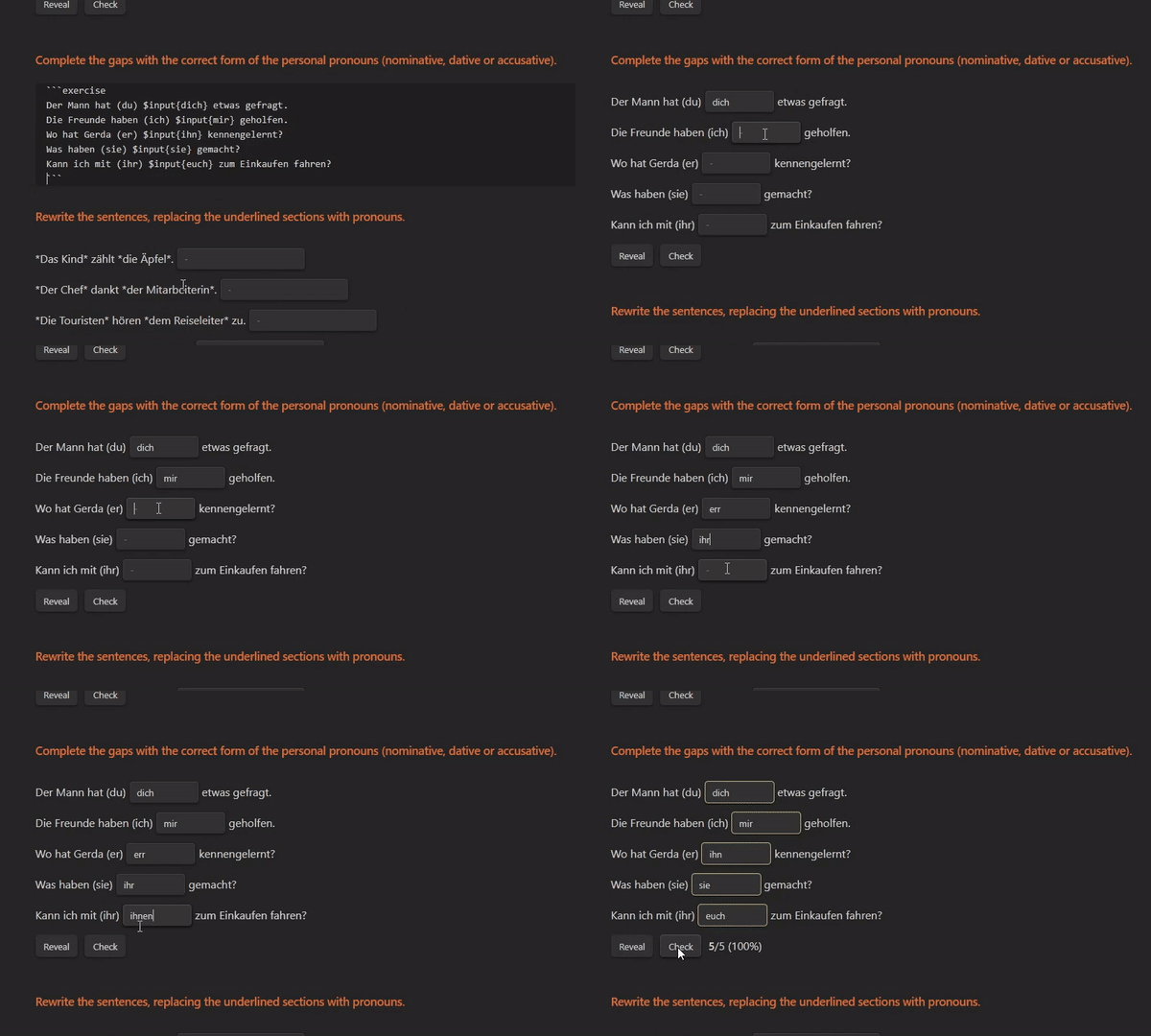
$input{"option1", "option2" [, …]}
Input Text into a textbox. The options are evaluated as they are written. You can write one or more options, they will all be evaluated, but only the first is shown on reveal.
Example — $input("Correct Text.")
In the example above the correct input is "Correct Text.".
Line
$line{"option1", "option2" [, …]}
Line is a wider version of input.
Match
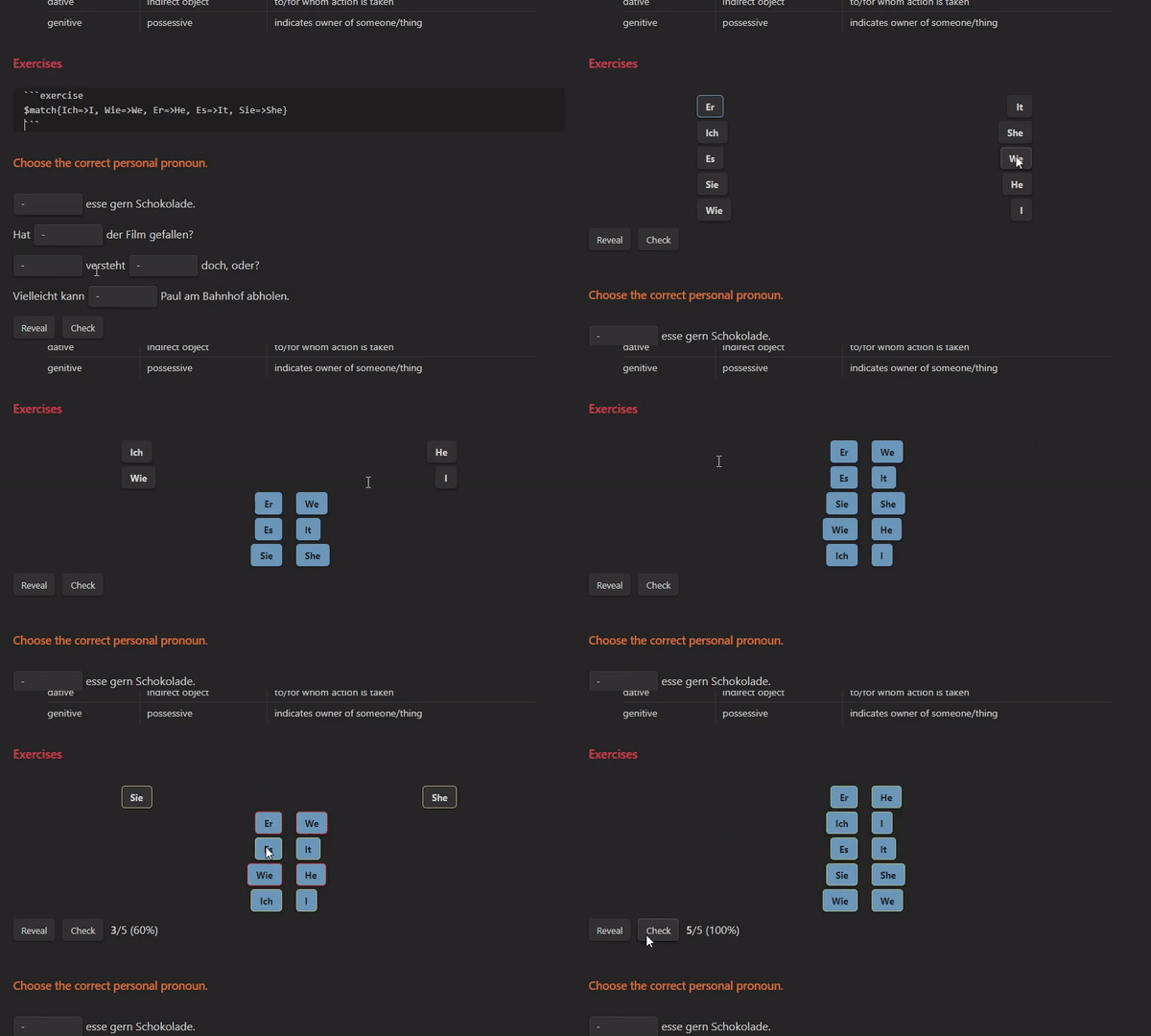
$match{"option1"=>"value1", "option2"=>"value2" [, …]}
Match values from two columns. The matches are defined with "=>" and separated by commas. These values will be randomized before being displayed.
Choice
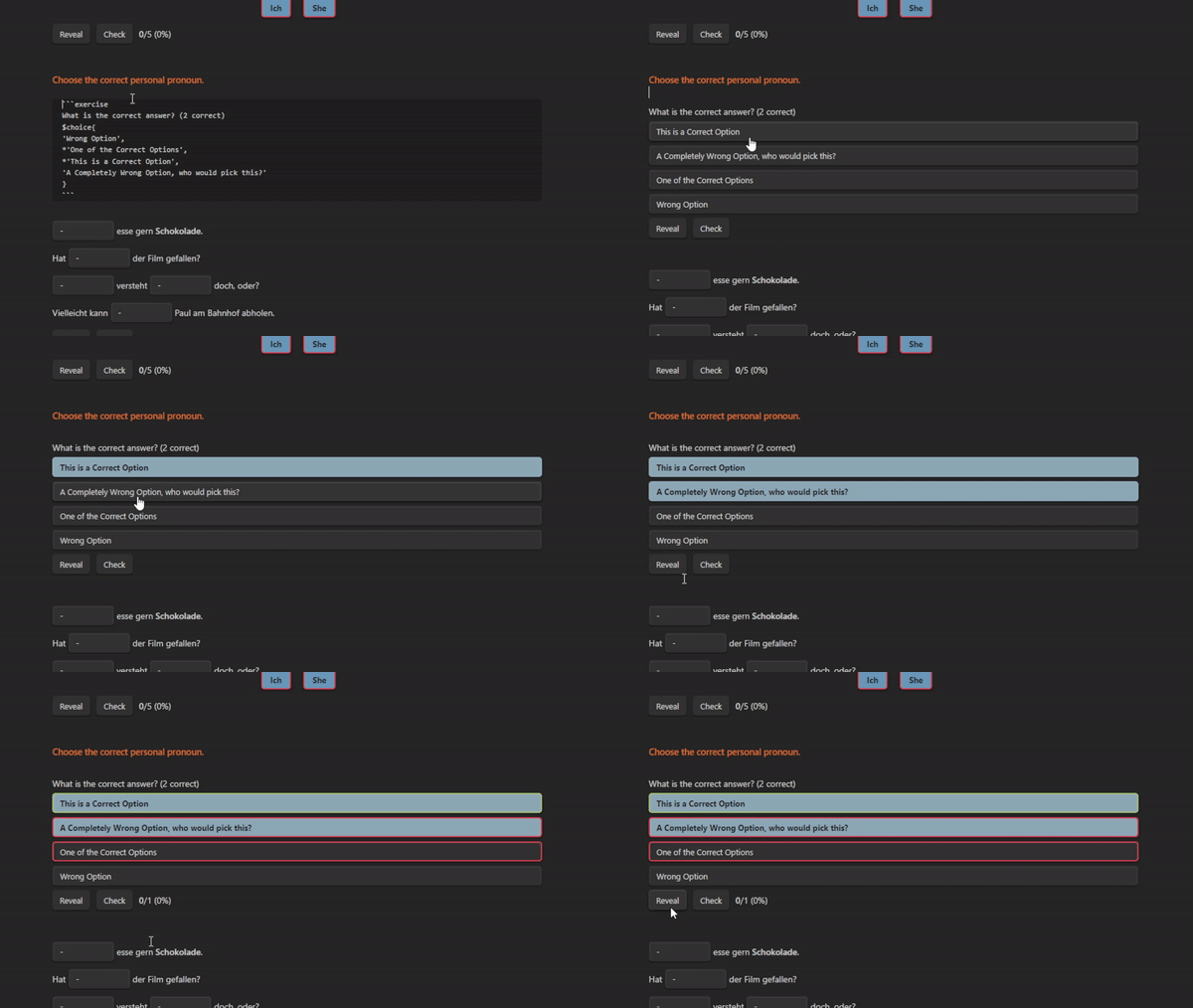
$choice{"option1", *"option2" [, …]}
Choose one or more options from the multiple choice box. Options are separated by commas, but consider always using quotations. They are required for multi-word values (containing spaces). Options are randomized before being displayed.
To define a correct option you can simply prepend the option with an asterisk (for example: *"option").
Example — $choice{"option1", *"option2", "option3", *"option4"}
In the example above, there are 4 options, option 2 and option 4 are correct. All correct options and no incorrect options must be selected for the answer to be considered correct.
Thanks
@Raboro for fixing some typos