Search...Search plugins and themes...
⌘K
Sign in
  • Get started
  • Download
  • Pricing
  • Enterprise
  • Account
  • Obsidian
  • Overview
  • Sync
  • Publish
  • Canvas
  • Mobile
  • Web Clipper
  • CLI
  • Learn
  • Help
  • Developers
  • Changelog
  • About
  • Roadmap
  • Blog
  • Resources
  • System status
  • License overview
  • Terms of service
  • Privacy policy
  • Security
  • Community
  • Plugins
  • Join the community
  • Discord
  • Forum / 中文论坛
  • Merch store
  • Brand guidelines
Follow us
DiscordTwitterBlueskyThreadsMastodonYouTubeGitHub
© 2026 Obsidian

Emoji Titler

hyeonseonamhyeonseonam6k downloads

Easily insert an emoji in the title using a keyboard shortcut.

Add to Obsidian
  • Overview
  • Scorecard
  • Updates3

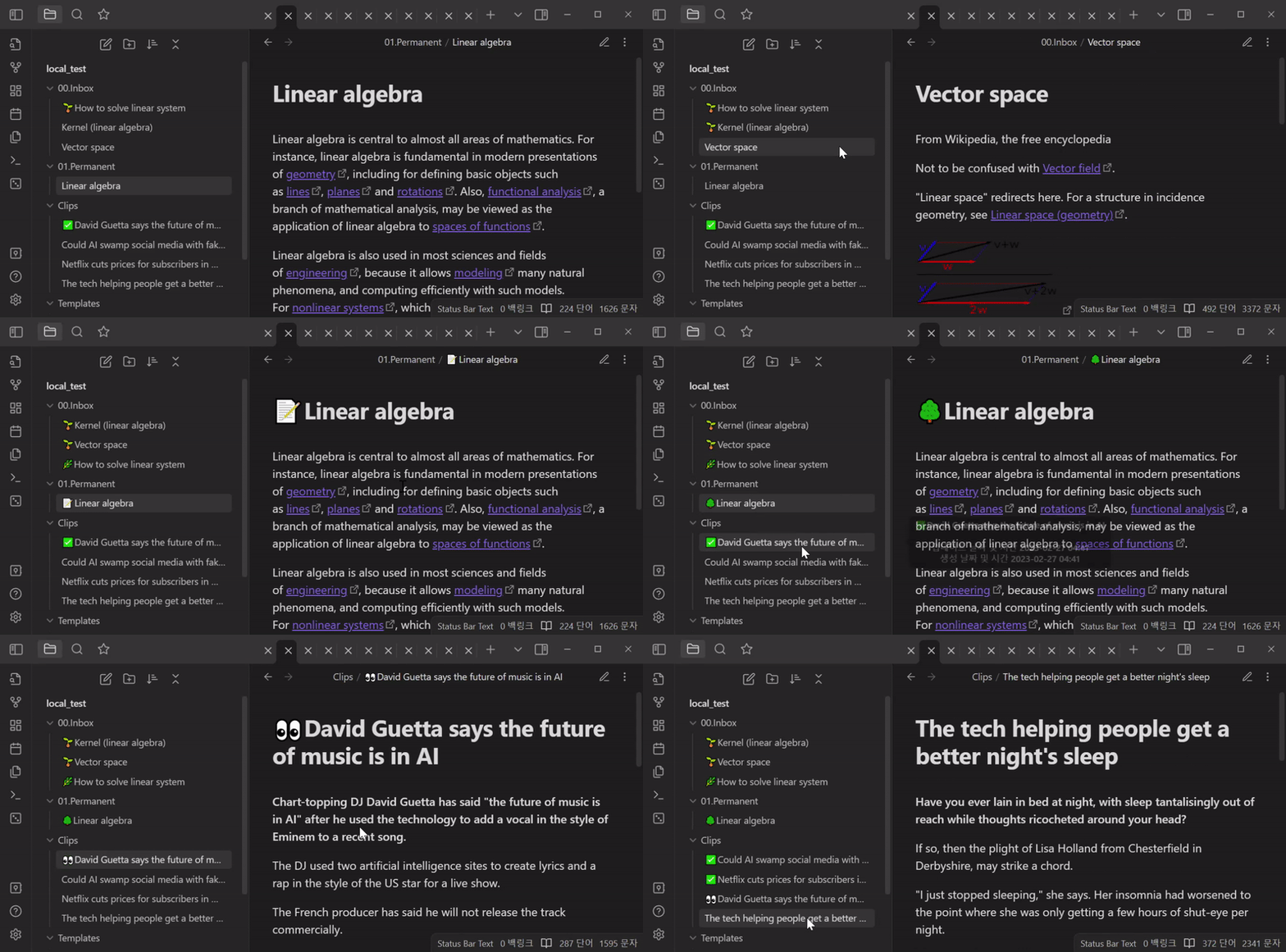
Emoji Titler is a plugin for Obsidian that allows you to quickly add an emoji to the title of the active note using keyboard shortcuts. It can help you visually distinguish notes, for example, by indicating note's depth, or marking them as read among other things.
Emoji Titler Demo Image

Usage

Setting Shortcuts

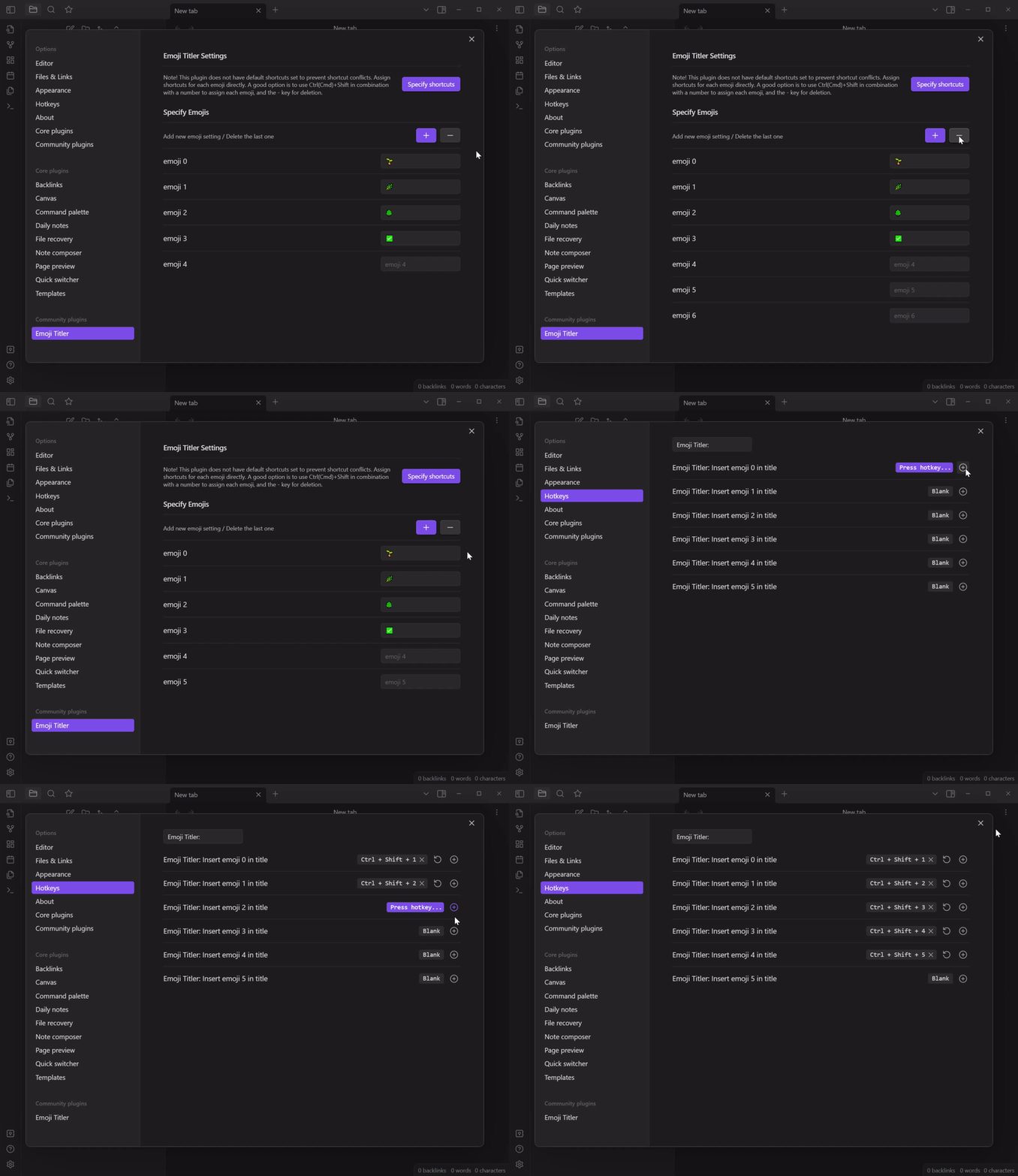
  1. First, increase (+ button) or decrease (- button) the number of emojis you want to use, and set the emojis you want to use.

  2. Activate a note, and press the assigned shortcut to insert an emoji at the beginning of the title.

  3. If you insert a different emoji in a title that already has an emoji, the existing one will be replaced. It is also possible to delete using the same shortcut key.

Installation

The easiest way to install Emoji Titler is to search for Emoji Titler in the Community Plugins tab of the Obsidian settings.

Alternatively, you can manually install the plugin by downloading the latest release from the GitHub releases page and extracting the ZIP file to your Obsidian plugins folder.

Support

If you encounter any issues while using this plugin or have any suggestions for improvement, please feel free to submit an issue on the GitHub repository. Pull requests are also welcome.

License

MIT License

65%
HealthFair
ReviewSatisfactory
About
Add an emoji to the active note's title with a keyboard shortcut to tag and visually distinguish notes. Set multiple emojis and use the shortcut to insert, replace, or remove emojis at the start of titles for quick organization.
EmojiFilesHotkeys
Details
Current version
1.0.4
Last updated
3 years ago
Created
3 years ago
Updates
3 releases
Downloads
6k
Compatible with
Obsidian 1.0.0+
License
MIT
Report bugRequest featureReport plugin
Author
hyeonseonamhyeonseonam
github.com/HyeonseoNam/obsidian-emoji-titler
GitHubhyeonseonam
  1. Community
  2. Plugins
  3. Emoji
  4. Emoji Titler

Related plugins

Emoji Toolbar

Quickly search for and insert emojis into your editor.

Text Transporter

Advanced text tools for working with text in your vault.

Notebook Navigator

Alternative file browser with folders, tags, properties, shortcuts, previews, keyboard navigation, drag and drop, and pinned notes.

Recent Files

Display a list of recently opened files.

Omnisearch

Intelligent search for your notes, PDFs, and OCR for images.

Iconic

Customize your icons and their colors directly from the UI, including tabs, files & folders, bookmarks, tags, properties, and ribbon commands.

Advanced URI

Control everything with URI.

Remember cursor position

Remember cursor and scroll position for each note.

Meld Encrypt

Hide secrets in your notes.

Thino

Quickly capture memos and display them in the sidebar with a heatmap. (Closed source)