Search...Search plugins and themes...
⌘K
Sign in
  • Get started
  • Download
  • Pricing
  • Enterprise
  • Account
  • Obsidian
  • Overview
  • Sync
  • Publish
  • Canvas
  • Mobile
  • Web Clipper
  • CLI
  • Learn
  • Help
  • Developers
  • Changelog
  • About
  • Roadmap
  • Blog
  • Resources
  • System status
  • License overview
  • Terms of service
  • Privacy policy
  • Security
  • Community
  • Plugins
  • Themes
  • Discord
  • Forum / 中文论坛
  • Merch store
  • Brand guidelines
Follow us
DiscordTwitterBlueskyThreadsMastodonYouTubeGitHub
© 2026 Obsidian

Eleven Labs

veritas1veritas15k downloads

Turn your notes into text-to-speech audio files with Eleven Labs.

Add to Obsidian
  • Overview
  • Scorecard
  • Updates3

This is a plugin for Obsidian (https://obsidian.md).

This project allows you to create text-to-speech audio files using the Eleven Labs api, straight from your Obsidian notes.

This requires an Eleven Labs (https://elevenlabs.io) account, and api key. You can retrieve your api key from "Profile Settings", when signed into the Eleven Labs web dashboard.

How to use

Once the plugin is installed, head to the plugin settings page in Obsidian and paste in your api key.
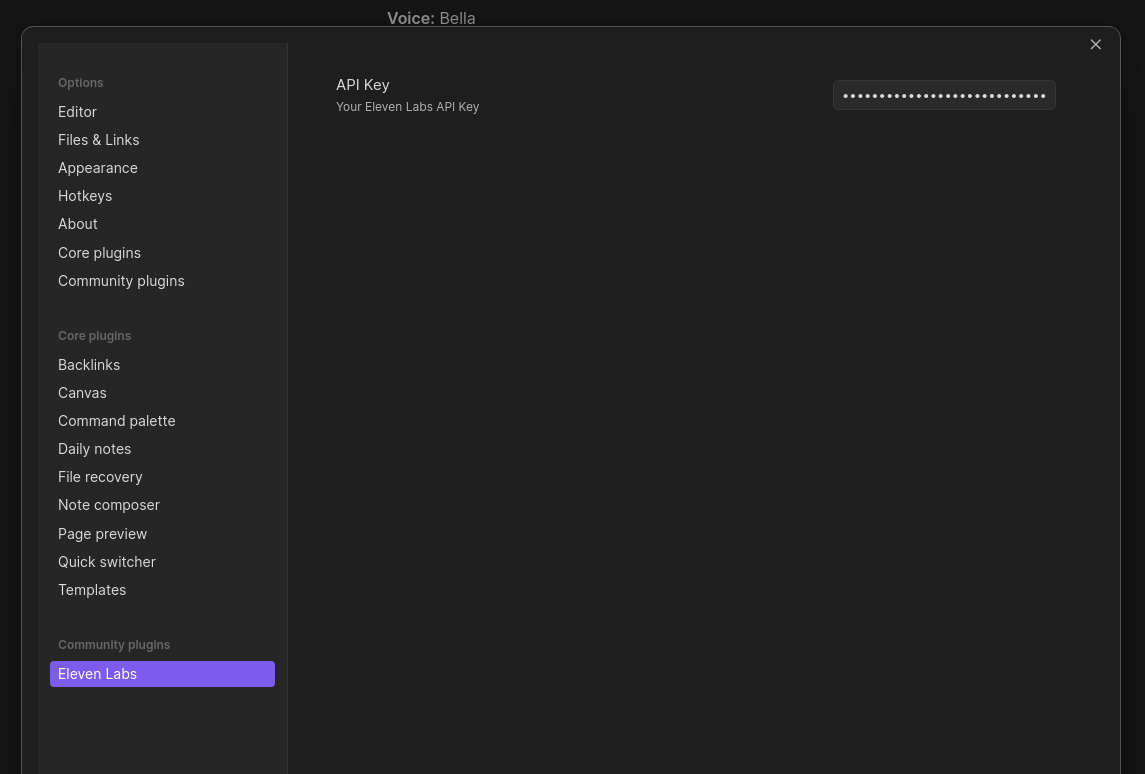
Settings Api Key

In your notes, when in edit mode, simply highlight the text you want to use, right click and select "Eleven Labs" from the context menu.
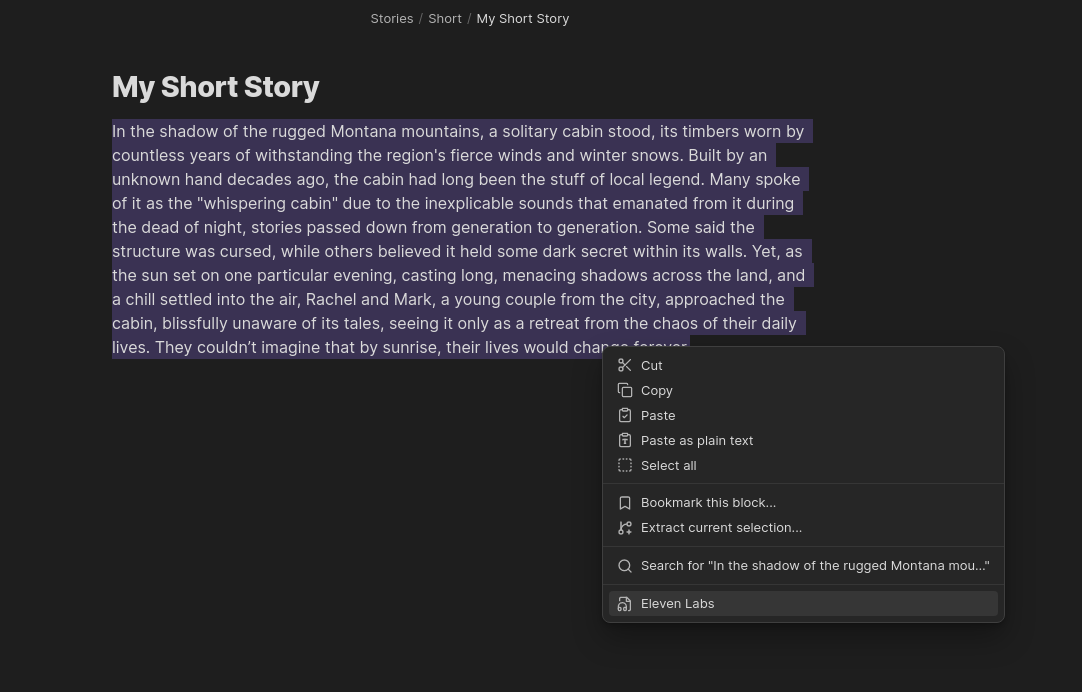
Highlight text

If you prefer, you can trigger the modal using the Command Palette (CTRL + p).
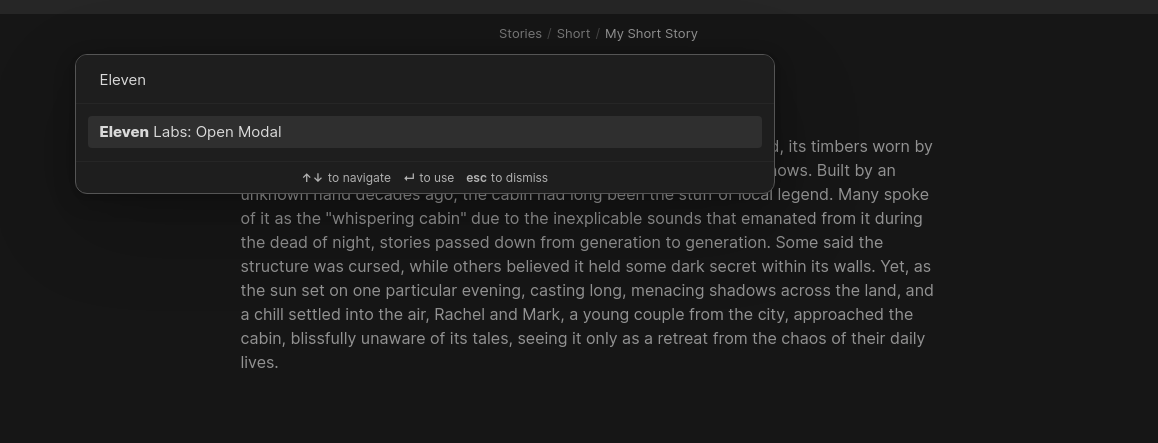
Commmand Palette

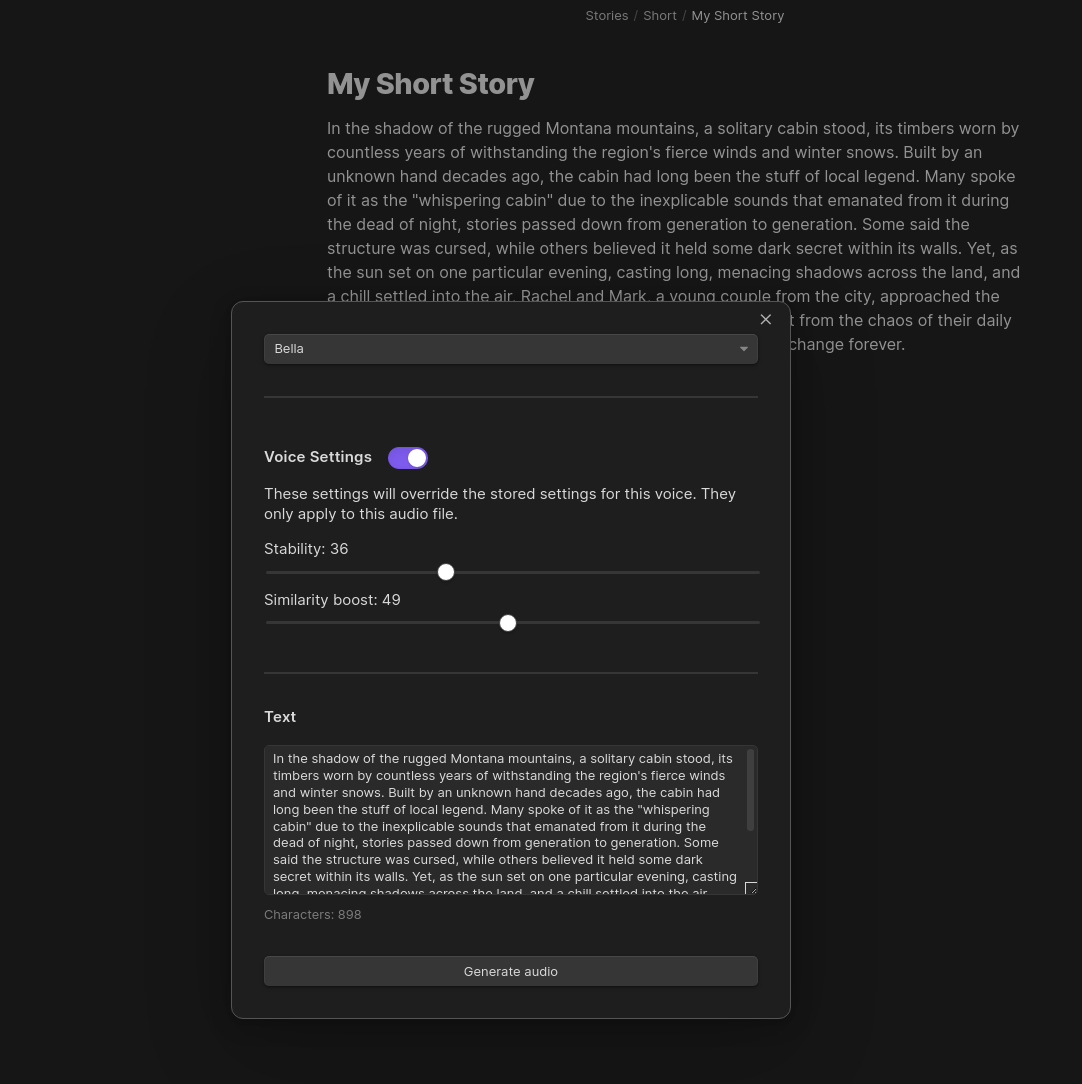
You'll then be presented with a modal, where you can select a voice to use from your Eleven Labs account:
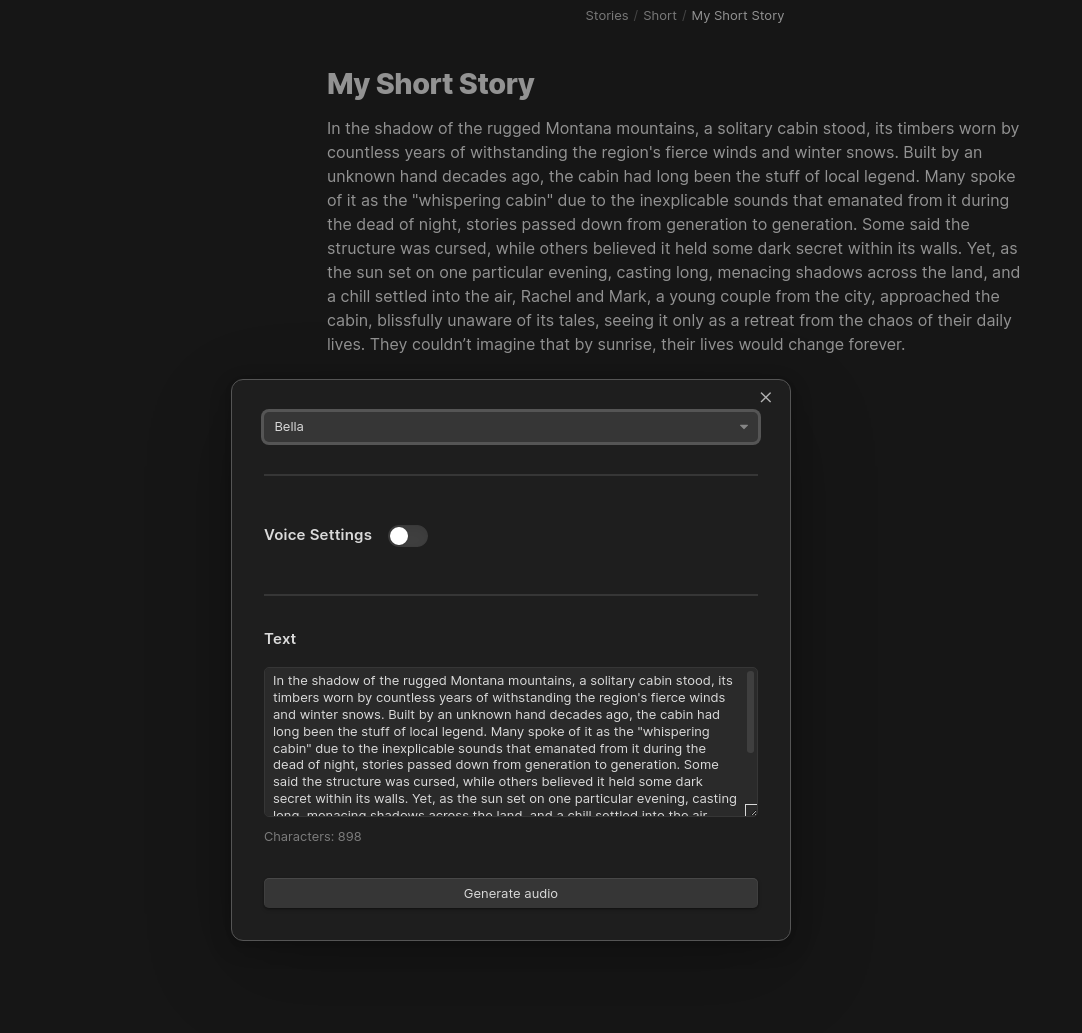
Modal

Override the voice settings:

Voice settings

Select which model to use, allowing multilingual output:
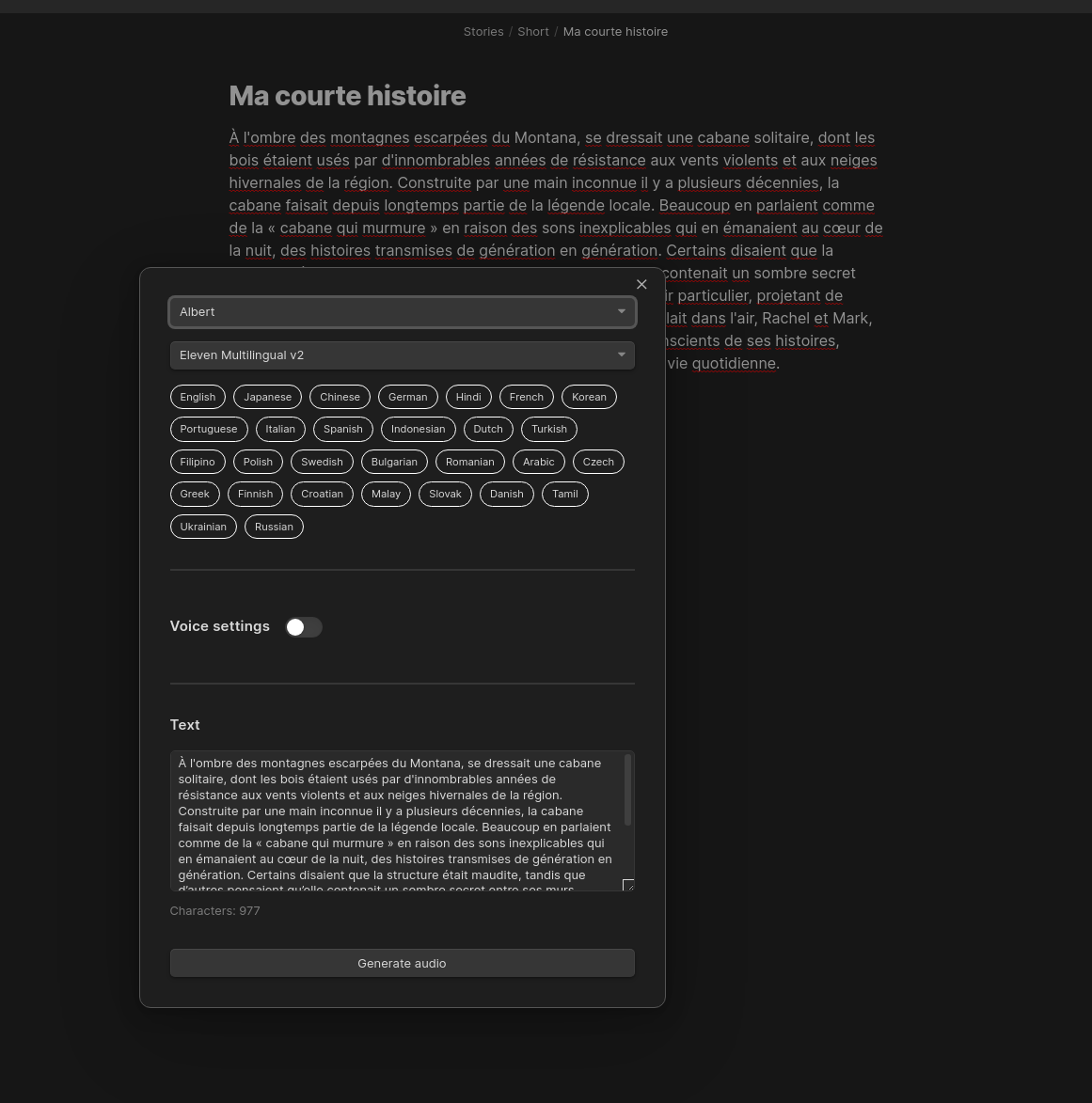
Model Select

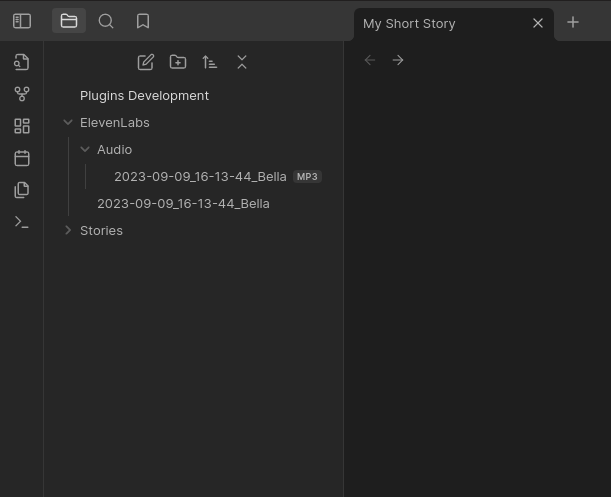
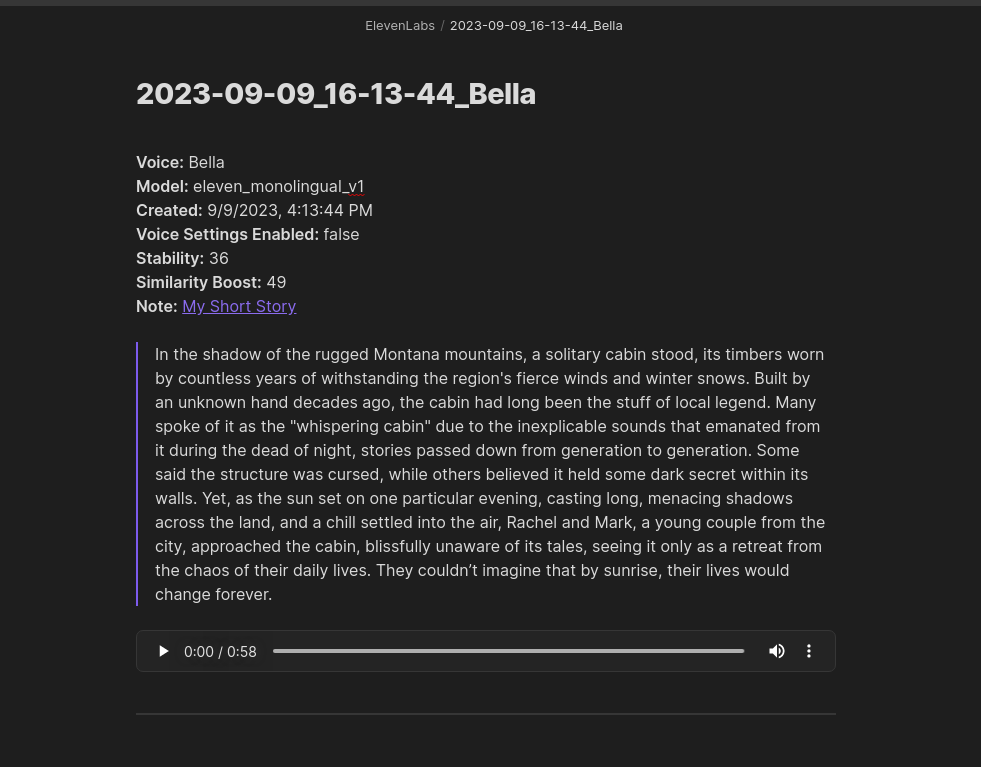
Now you can generate your audio, by pressing the "Generate audio" button. This will happen in the background and can take a few minutes depending on the number of characters being processed. You will get a notification once the audio has been generated and downloaded to your vault.
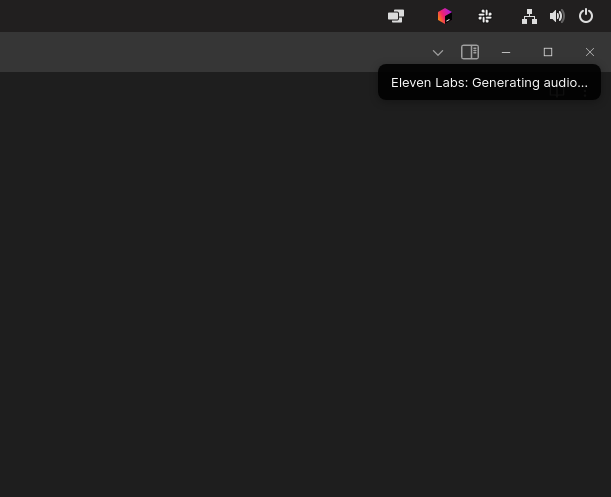
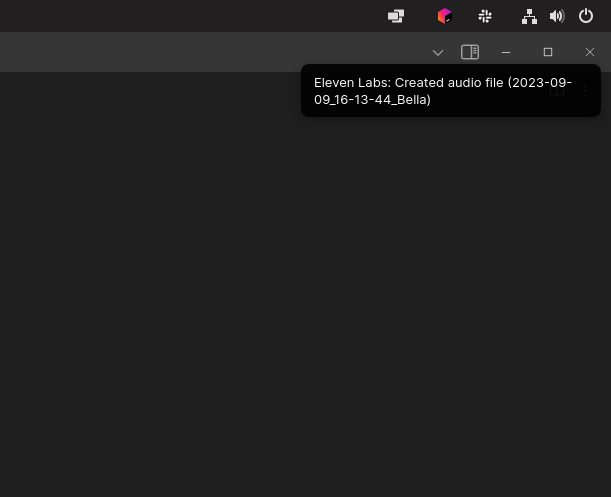
Generating notice Audio file complete notice File tree Generated note

67%
HealthFair
ReviewCaution
About
Create text-to-speech audio from highlighted note text using Eleven Labs voices and models. Choose a voice and model, generate audio in the background, and save audio files directly into your vault. Receive a notification when generation completes.
AIAttachmentsIntegrations
Details
Current version
1.1.0
Last updated
2 years ago
Created
3 years ago
Updates
3 releases
Downloads
5k
Compatible with
Obsidian 0.15.0+
Platforms
Desktop, Mobile
License
MIT
Report bugRequest featureReport plugin
Sponsor
Buy Me a Coffee
Author
veritas1veritas1
github.com/veritas1
GitHubveritas1
  1. Community
  2. Plugins
  3. AI
  4. Eleven Labs

Related plugins

Agent Client

Chat with Claude Code, Codex, Gemini CLI, and more via the Agent Client Protocol — right from your vault.

Smart Composer

AI chat with note context, smart writing assistance, and one-click edits for your vault.

Local GPT

Local Ollama and OpenAI-like GPT's assistance for maximum privacy and offline access.

Image auto upload

Upload images from your clipboard by PicGo.

Whisper

Speech-to-text using OpenAI Whisper.

Nexus AI Chat Importer

Import AI chat conversations from ChatGPT, Claude, and Le Chat exports into Obsidian as clean, readable Markdown files.

Snipd Official

Sync Snipd podcast highlights to your vault with transcript, notes, AI summaries and metadata.

BMO Chatbot

Generate and brainstorm ideas while creating your notes using Large Language Models (LLMs) such as OpenAI's "gpt-3.5-turbo" and "gpt-4".

Local REST API & MCP Server

Unlock your automation needs by interacting with your notes over a secure REST API.

Copilot

Your AI Copilot: Chat with Your Second Brain, Learn Faster, Work Smarter.