

Sync your vault across devices via drive9 with semantic search and AI-agent access.
- Overview
- Scorecard
- Updates3
Sync your Obsidian vault across devices through drive9 — keep every note in sync, search by meaning, and make your knowledge accessible to AI agents.
Why drive9?
- Sync across devices — edit on desktop, pick up on mobile. Real-time SSE on desktop, battery-friendly polling on iOS/Android.
- Shared workspace — multiple people (or AI agents) can read and write the same vault through the drive9 server.
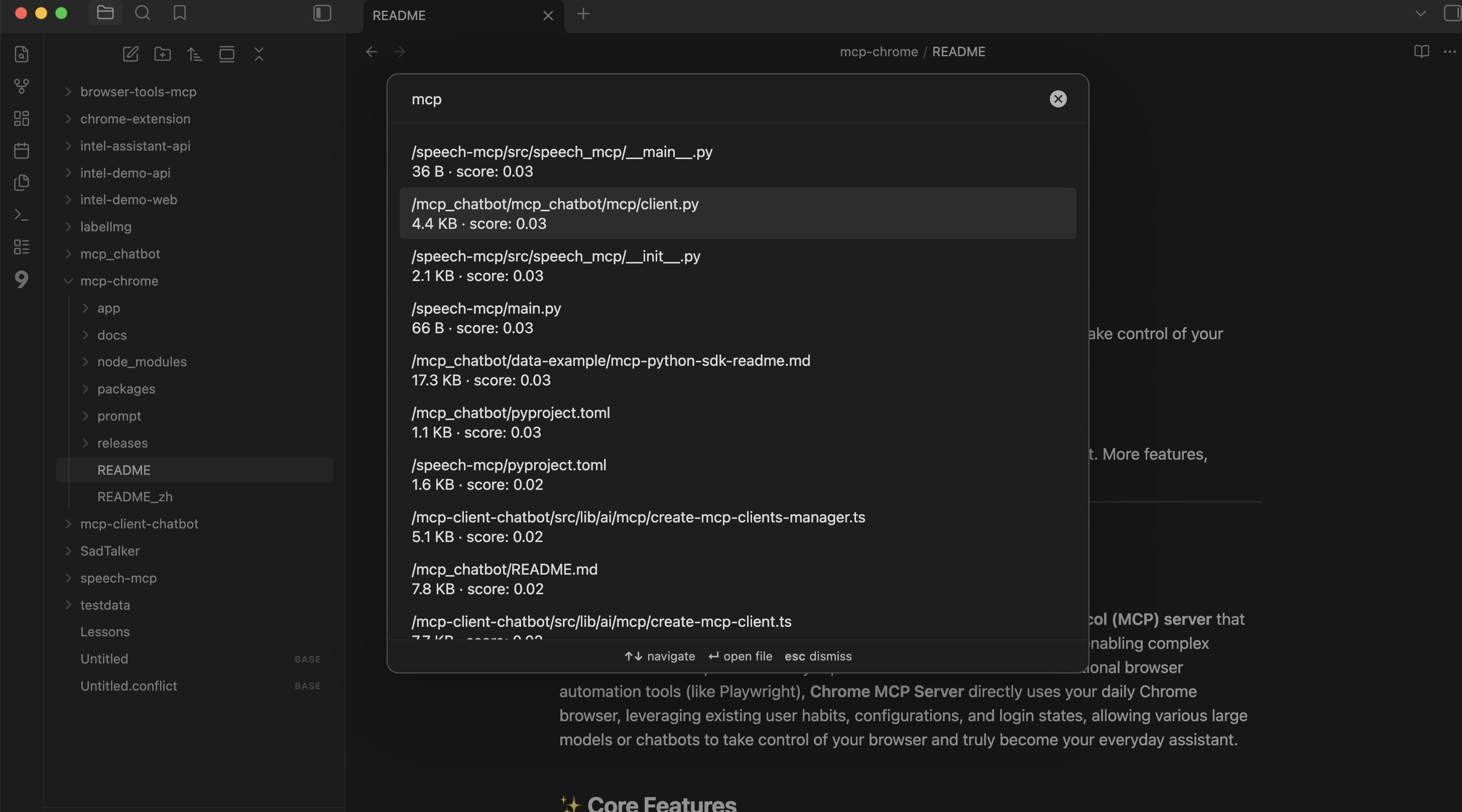
- Search by meaning — hybrid search combines full-text, vector, and keyword matching so you find notes by what they mean, not just exact words.
- AI-ready — your vault is always accessible to AI agents and tools via the drive9 API, enabling workflows like automated summarization, Q&A, and knowledge retrieval.
Screenshots
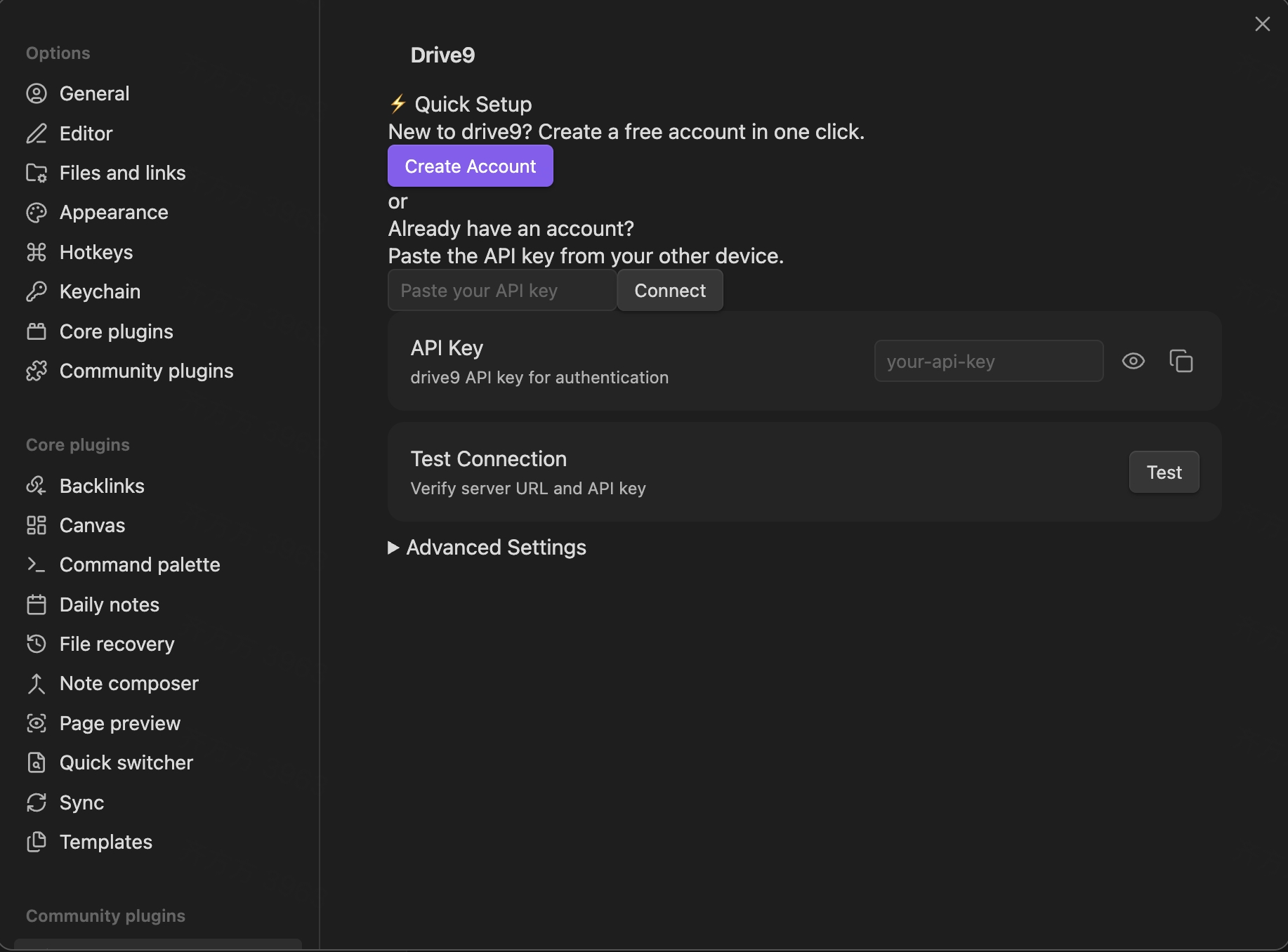
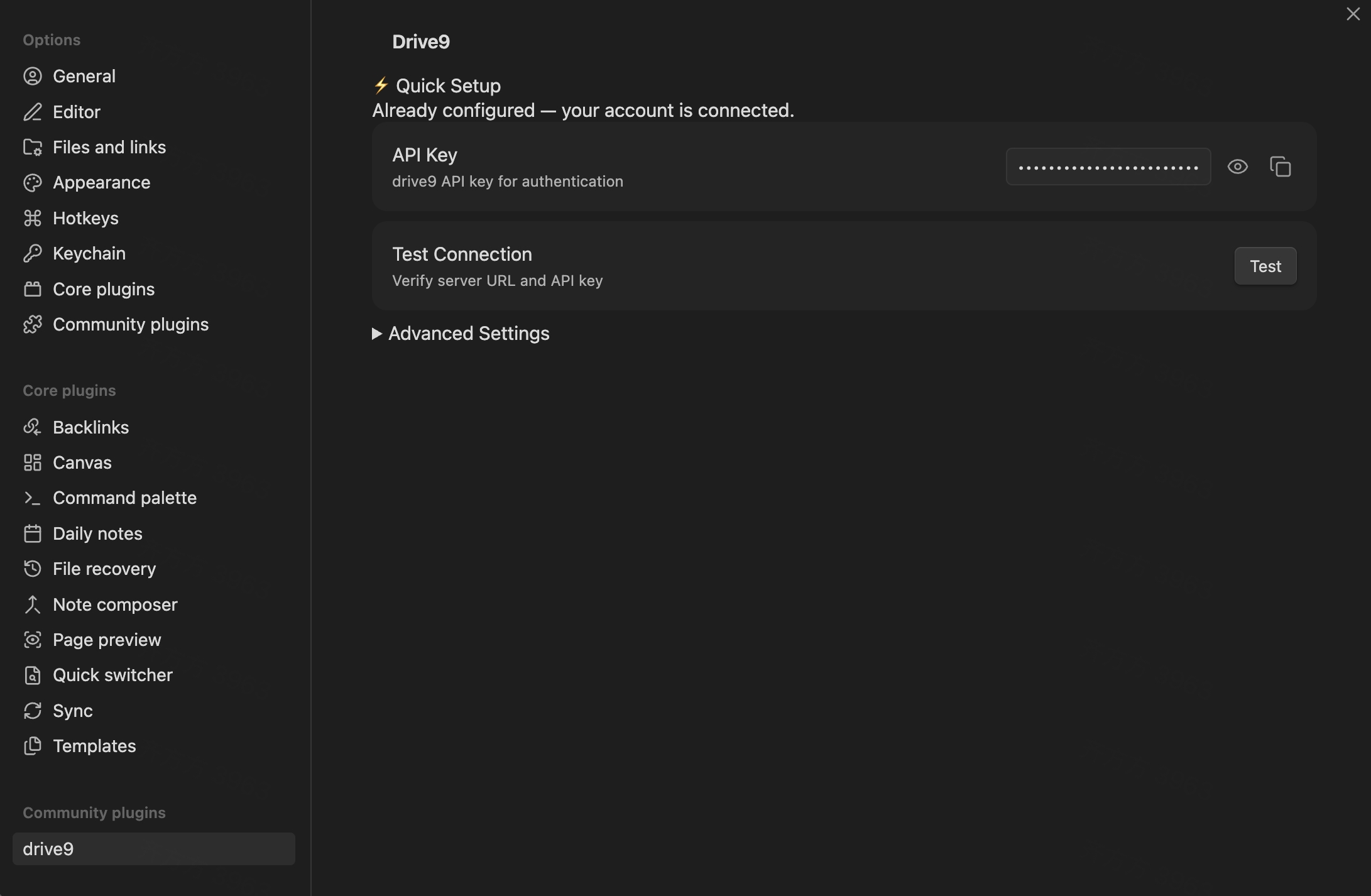
| Setup | Connected |
|---|---|
 |
 |
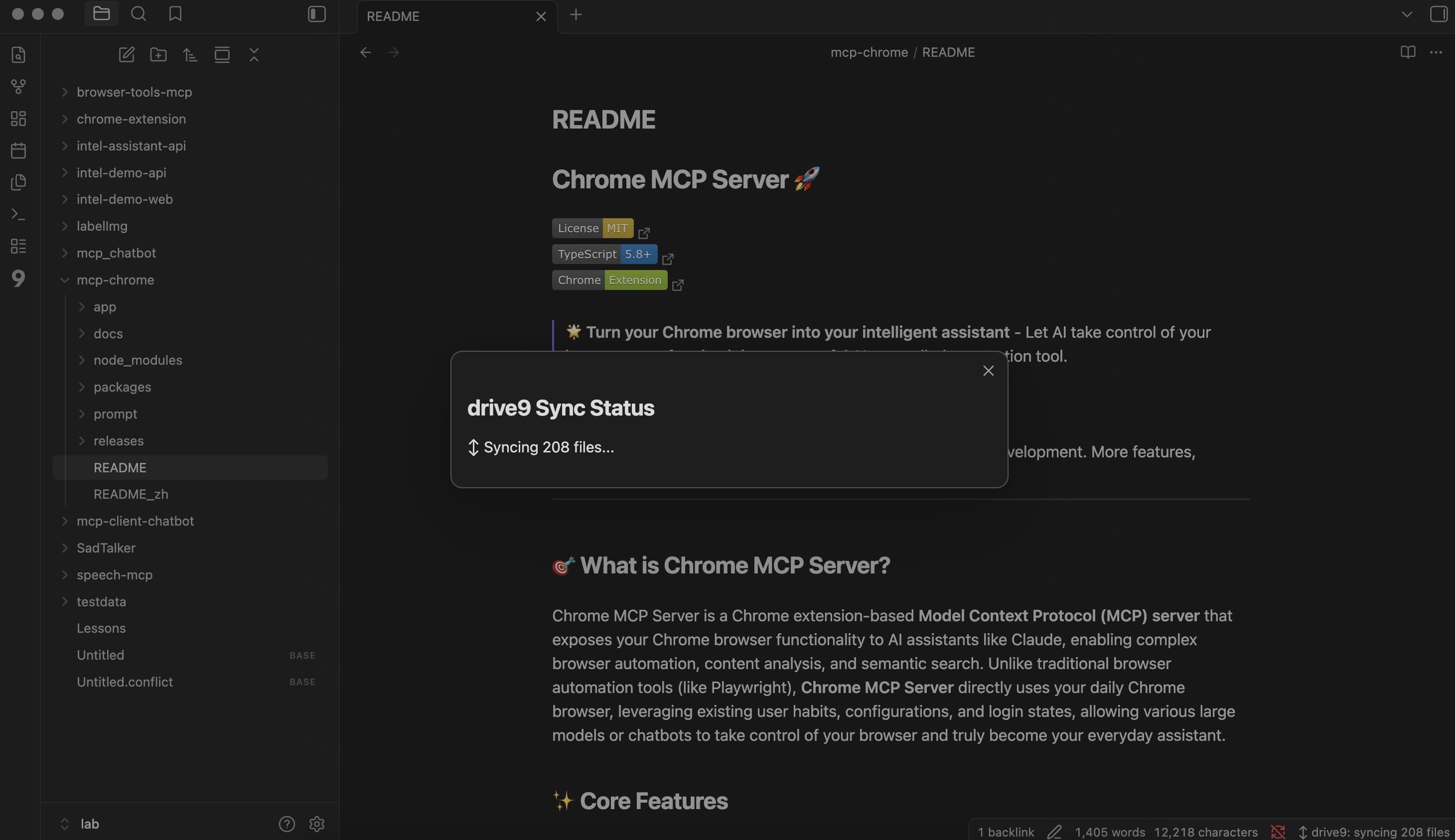
| Semantic search | Sync status |
|---|---|
 |
 |
Features
- Bidirectional sync — local changes push to drive9; remote changes pull automatically.
- Conflict resolution — 3-way merge with shadow store; binary files get
.conflictcopies. - Semantic search — command palette "Search" opens a modal powered by drive9's hybrid search.
- Large file support — files over 50 KB use multipart upload with progress indication.
- Mobile compatible — works on iOS and Android.
- i18n — English and Simplified Chinese built in.
Setup
- Install the plugin from Obsidian Community Plugins (search "drive9") or manually copy
main.js,manifest.json, andstyles.cssto your vault's.obsidian/plugins/drive9/directory. - Open Settings > drive9.
- Click Create Account to provision a new drive9 workspace, or paste an existing API Key.
- Sync starts automatically after the first-run reconciliation.
First-run behavior
On first launch, the plugin detects whether files exist locally, remotely, or both:
- Local-only vault — uploads all files to drive9.
- Remote-only files — downloads from drive9.
- Both exist — reconciles by comparing files and syncing differences.
Settings
| Setting | Default | Description |
|---|---|---|
| Server URL | https://api.drive9.ai |
drive9 server address |
| API Key | — | Authentication key (stored locally in .obsidian/) |
| Push debounce | 2000 ms | Delay before syncing after a file change |
| Ignore paths | <configDir>/**, .trash/**, *.tmp, .DS_Store |
Glob patterns excluded from sync |
| Max file size | 100 MB | Skip files larger than this |
| Mobile max file size | 20 MB | Lower limit on mobile to prevent out-of-memory |
Security
- API key is stored in
.obsidian/plugins/drive9/data.json— ensure.obsidian/is in your.gitignoreif your vault is a git repo. - The plugin warns you in settings if
.gitignoredoesn't cover.obsidian/. - Error messages are sanitized to strip Bearer tokens before display.
Commands
| Command | Description |
|---|---|
| Search | Open hybrid search modal |
| Retry failed sync | Retry sync after an error |
Network and data disclosure
This plugin connects to an external drive9 server (default: https://api.drive9.ai) to sync your vault files. Specifically:
- Network requests: the plugin sends your vault files to the configured drive9 server for storage and retrieval. All communication uses HTTPS.
- Account required: a drive9 account and API key are required. You can create a free account directly from the plugin settings.
- No telemetry: the plugin does not collect analytics or telemetry data.
- No files outside the vault: the plugin only reads and writes files within your Obsidian vault directory.
Requirements
- Obsidian 1.5.0 or later
- A running drive9 server with a valid API key
Development
npm install
npm run dev      # Watch mode
npm run build    # Production build
License
HealthExcellent
ReviewPassed
About
Sync your Obsidian vault across devices with bidirectional updates, mobile-friendly polling, conflict-aware 3-way merges, and multipart uploads for large files. Search by meaning with hybrid full-text, vector, and keyword matching, and expose your vault to AI agents via drive9's API.Details
Current version
0.1.2
Last updated
Last month
Created
2 months ago
Updates
3 releases
Downloads
30
Compatible with
Obsidian 1.5.0+
Platforms
Desktop, Mobile
License
MIT