Double Colon Conceal
 msrch7k downloads
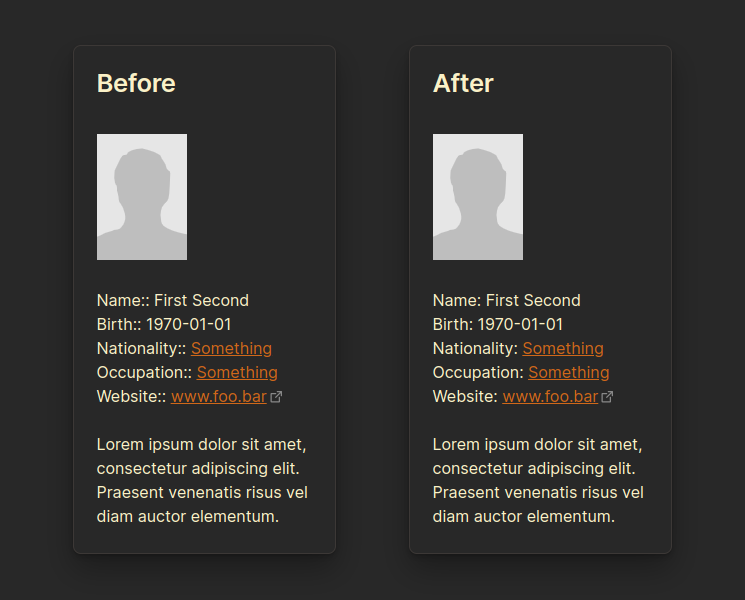
Display double colon (i.e. Dataview inline fields) as a single colon for more natural reading experience.
- Overview
- Scorecard
- Updates12
Obsidian plugin to display double colon (i.e. Dataview inline fields) as a single colon for more natural reading experience.
Reading View
Editing View
Double colon conceal for editing view is turned off by default. Turn it on in the plugin settings if you wish to use it. When active the double colons will be concealed in the live preview as well.
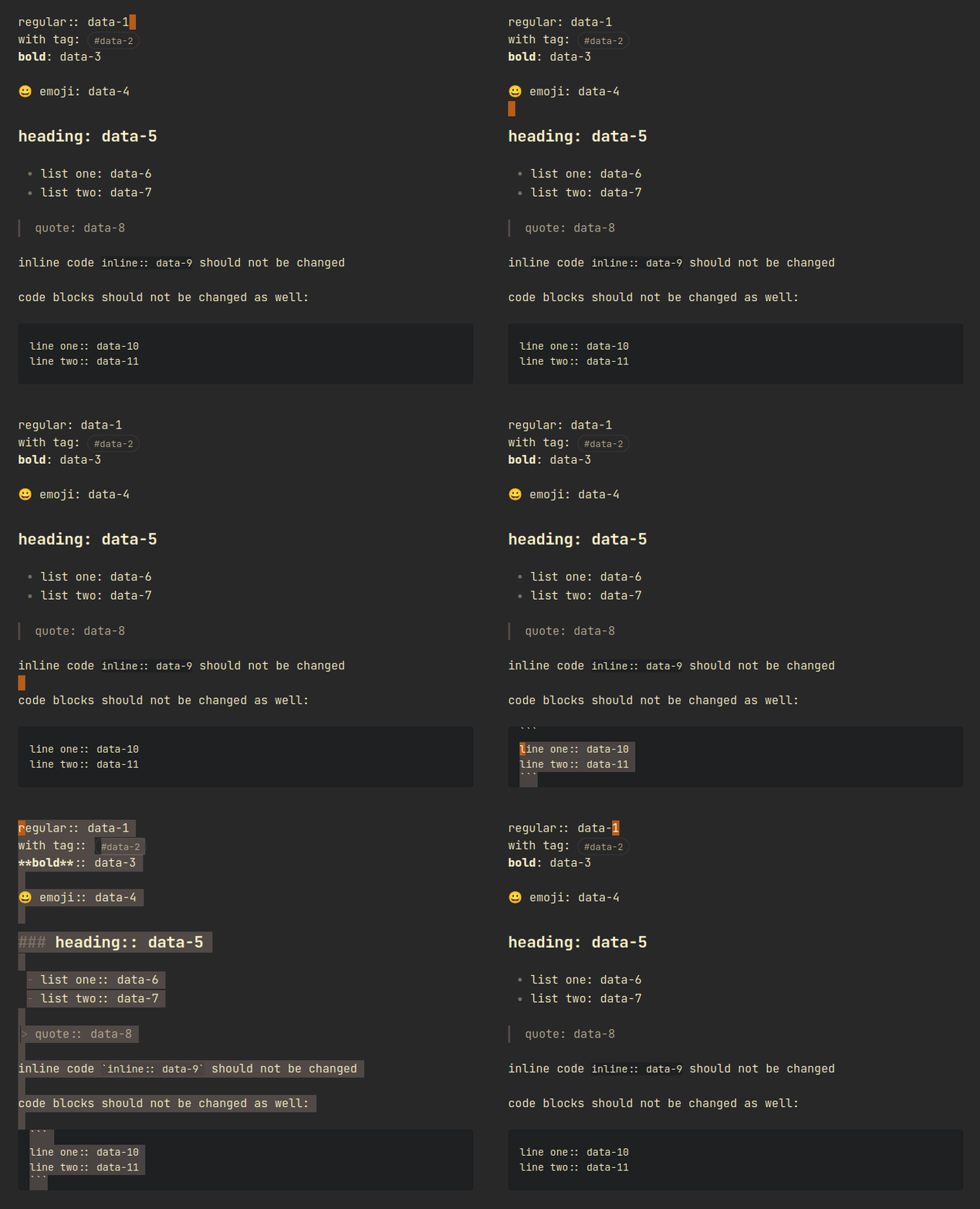
Double colon is not concealed:
- on active line (line where cursor is placed)
- within text selection
- in Source mode
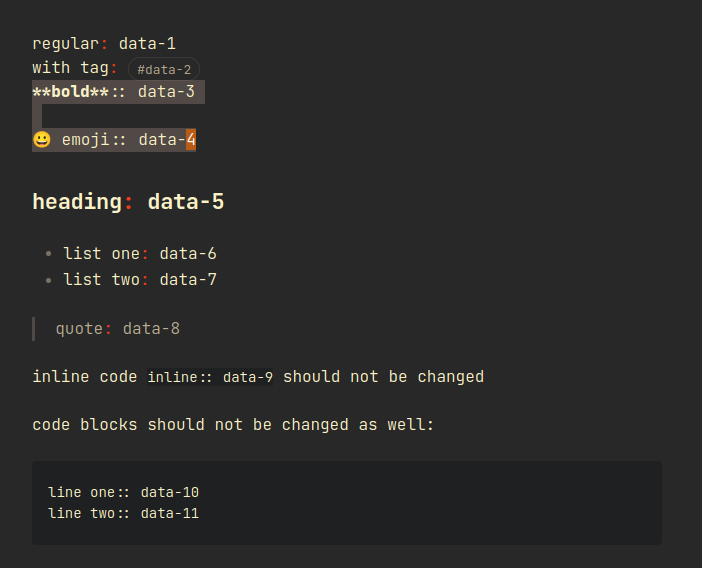
Concealed double colon (single colon) has .cm-double-colon-conceal CSS class
attached that could be used to add custom styling. Red text colour was used
bellow for demonstration.
Install
It is recommended to restart Obsidian after installing and enabling this plugin to prevent any render caching issues. Also double check that the plugin is enabled.
Community Plugins in Obsidian
Plugin is available for download now - search for "Double Colon Conceal".
Manual installation
- Download following files from the latest release:
- Go to plugins directory in your Obsidian vault -
{{vault-root}}/.obsidian/plugins - Create new directory
obsidian-double-colon-conceal - Put the
manifest.jsonandmain.jsinto the new directory{{vault-root}}/.obsidian/plugins/obsidian-double-colon-conceal - Open Obsidian app and enable the "Double Colon Conceal" plugin in the "Community plugins" in the "Settings"