Codex Workspace
 HSU HAO CHUN205 downloads
Chat with your existing Codex CLI to organize, edit, and explore notes from a side panel.
- Overview
- Scorecard
- Updates5
Codex Workspace
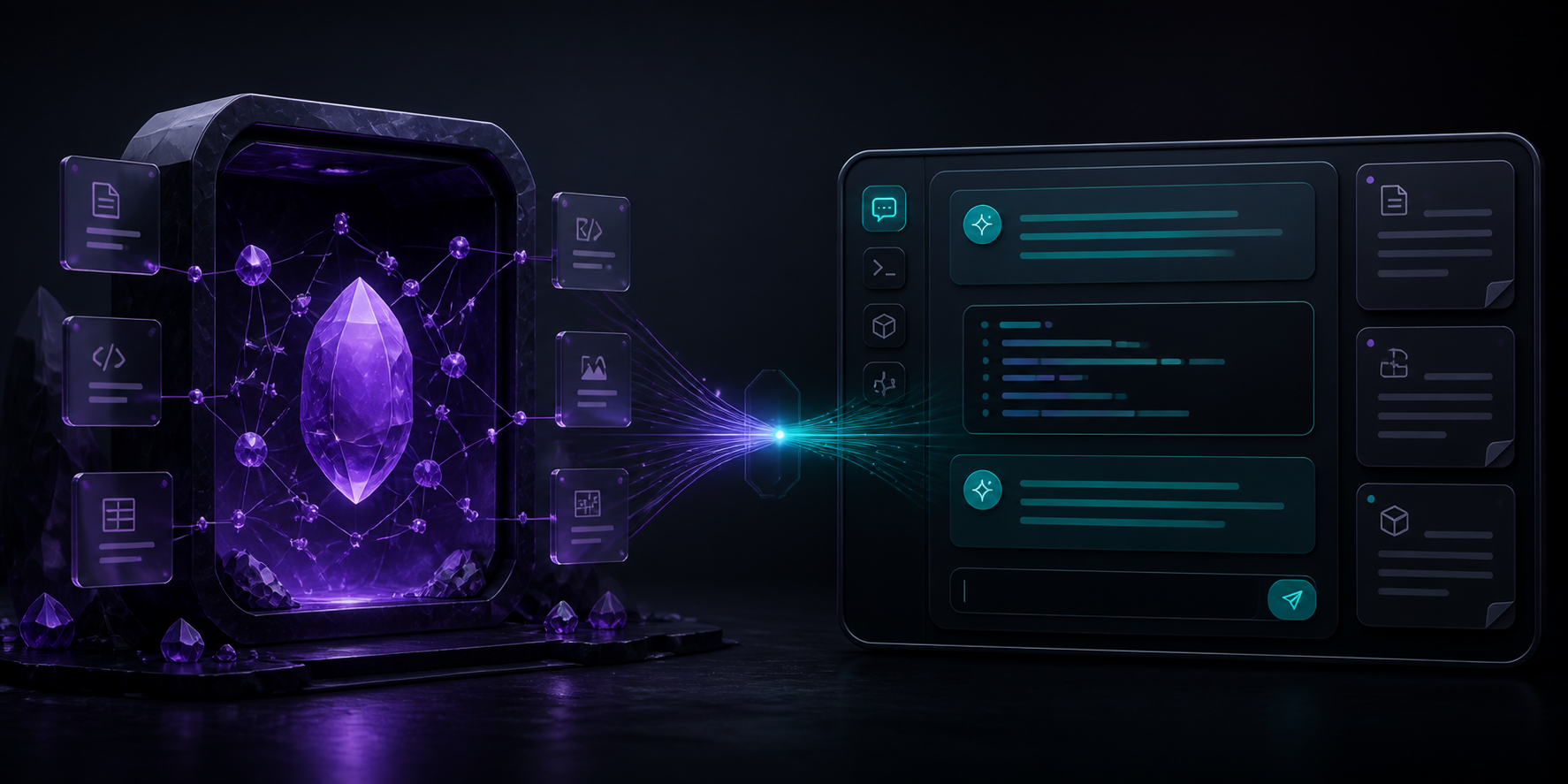
Bring your existing Codex CLI session into Obsidian — no API key, no embedded website.
English · 繁體中文 · 简体中文 · 日本語 · 한국어
[!IMPORTANT] Codex Workspace is an independent community project. It is not affiliated with, endorsed by, or an official product of Obsidian or OpenAI.
Your vault, now conversational
Click the Codex icon in Obsidian's left ribbon and a persistent conversation opens in the right sidebar. Codex runs through the CLI you already installed and signed into, with the current vault as its workspace.
Ask it to:
- organize meeting notes and create an index;
- connect related ideas across Markdown files;
- summarize a research folder and identify open questions;
- refactor frontmatter, links, and naming conventions;
- collaborate on a plan or investigate a difficult problem;
- use the skills, plugins, and MCP integrations already available to your Codex setup.
Highlights
| Capability | What it means |
|---|---|
| Existing Codex login | Uses your local Codex CLI / ChatGPT sign-in. No API key is requested or stored. |
| Native side panel | Opens from the left ribbon into an Obsidian right-side ItemView. |
| Multi-turn sessions | Continues the same Codex session with codex exec resume. |
| Vault-aware work | Runs with the current local vault as the working directory. |
| Permission control | Choose read-only analysis or workspace-write access. |
| Local history | Stores the visible panel history and Codex session ID in plugin data. |
Requirements
- Obsidian desktop 1.7.2 or newer.
- Codex CLI installed and signed in with
codex. - macOS or Linux for the current release. Windows support has not yet been verified.
Install
Public beta release
- Download
manifest.json,main.js, andstyles.cssfrom the latest release. - Create
<your-vault>/.obsidian/plugins/codex-workspace/. - Copy the three files into that folder.
- Restart Obsidian.
- Open Settings → Community plugins and enable Codex Workspace.
You can also install the repository as a beta with BRAT.
Build from source
npm install
npm run build
Then copy manifest.json, main.js, and styles.css into your vault's .obsidian/plugins/codex-workspace/ directory.
Use
- Select the bot icon in Obsidian's left ribbon.
- Enter a request in the right-side Codex panel.
- Press Enter to send or Shift + Enter for a new line.
- Use Stop to terminate the active turn or the new-chat icon to reset the conversation.
The command palette also provides:
- Codex Workspace: Open Codex chat
- Codex Workspace: Start new Codex chat
Permissions and privacy
Codex Workspace deliberately keeps the integration small and inspectable.
- Account required: full functionality requires a local Codex CLI installation signed in through a supported Codex / ChatGPT login method.
- Network use: the plugin launches Codex CLI, which communicates with OpenAI services according to your Codex account and configuration. The plugin does not make its own OpenAI API requests.
- Outside-vault access: the plugin launches the configured Codex executable outside the vault. Codex CLI uses its own authentication and configuration directory. The plugin does not read or copy those credentials.
- Vault access: the default sandbox is
workspace-write, limited to the current vault. Change it toread-onlyin plugin settings when you only want analysis. - Approvals:
--approve-for-meis enabled by default so non-interactive CLI turns can use Codex's automatic review. The plugin never enables--dangerously-bypass-approvals-and-sandbox. - Local data: visible messages and the Codex session ID are stored in Obsidian's local plugin data. No client-side telemetry or advertising is included.
Before giving Codex an important editing task, keep your vault under Git or make a backup.
See SECURITY.md for the threat model and reporting process.
Current scope
Version 0.3.0 is an early public beta:
- one Codex turn runs at a time;
- safe progress events are streamed into the panel without raw command payloads;
- named conversations can be switched, searched, archived, exported, and deleted locally;
- only local filesystem vaults are supported;
- the release is desktop-only;
- full GUI end-to-end verification is still in progress.
Roadmap
See the next-phase execution plan for milestones and acceptance criteria.
- Stream privacy-preserving Codex progress and tool events into the panel.
- Add multiple named conversations and history management.
- Add explicit active-note and text-selection context controls with local preview.
- Show file changes with review and accept/reject actions.
- Complete Windows and independent-vault GUI test matrices.
- Submit to the official Obsidian Community directory; automated review passes and manual review is open.
Develop
npm install
npm run dev
Quality checks:
npm run build
npm test
npm audit --omit=dev
Contributions are welcome. Read CONTRIBUTING.md before opening a pull request.
Official references
- Obsidian plugin documentation
- Obsidian Community directory submission guide
- Codex CLI documentation
- Codex non-interactive mode
License
MIT © 2026 yamantaka520