Code Block
 paddan15k downloads
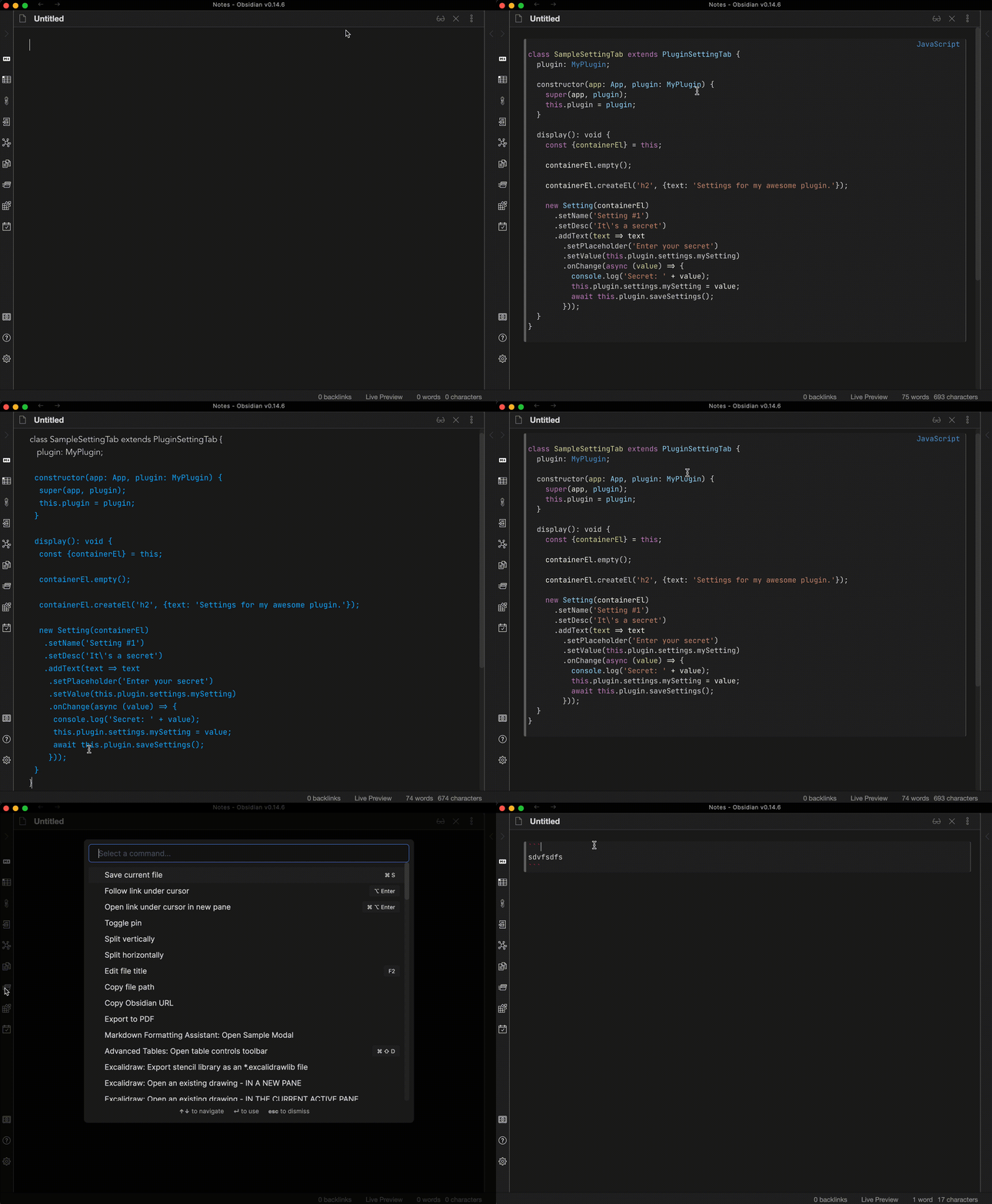
Convert text into code blocks with automatic language detection.
- Overview
- Scorecard
- Updates6
This plugin converts selected text or pasted text into a code block with automatic programming language detection. Select the languages to consider in the plugin settings.
Detection runs locally using highlight.js (all languages it ships with) plus the third-party Cypher grammar.
Distinctive syntax such as shebangs, JSON objects and arrays, graph patterns,
and certain language declarations takes priority over automatic scoring.
C is recognized from common C headers when no C++ markers are present; fragments valid in both languages
cannot always be distinguished. HTML uses the xml language, and TOML shares the ini grammar.
Empty input, likely plain prose, low-scoring results, and unresolved ties produce an unlabelled code block. Disabled languages are never selected, including by the syntax rules. If a snippet still gets the wrong language, edit the language after the opening code fence or narrow the enabled languages in settings. Detection is heuristic: a short fragment may be valid in several languages.
Development
npm install
npm run dev    # watch build
npm run build  # typecheck + production build
npm run lint
npm test
The detection tests include a representative snippet for every supported language, with both the full language selection and that language alone, plus short snippets, prose, shebangs, aliases, and disabled-language cases. These are regression examples, not an accuracy benchmark for arbitrary code.
data.json is Obsidian's local settings file for the plugin and is git-ignored. It appears in the
project root after you enable the plugin in a vault for the first time.